the creator of this plugin in the past many may many years ago worked for eventon- he went on to do different things however he did create some of his own addons
https://codecanyon.net/item/eventon-report/29769827 I believe in the past he has done custom work but I don’t know if he still does it
no sorry our shortcodes don’t take PHP functions
As for the reminders cron job not saving on initial event post save. Thank you for catching this. Please make sure you double save until it is properly showing correct save results. We will dig into this and see if we can get this to work on first save 🙂 Sometimes the database saved need to be reloaded with new values to show up.. gets a bit tricky 🙂
Hello Chris,
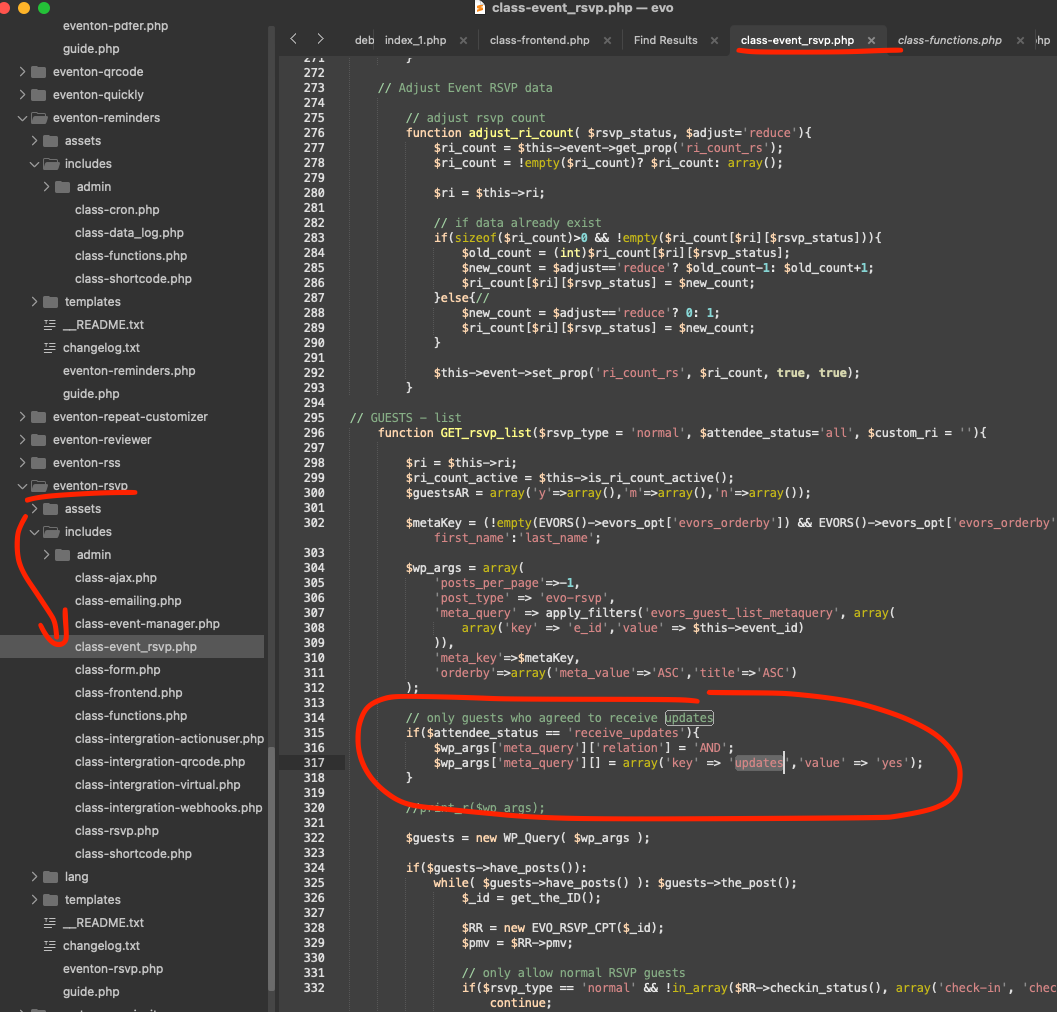
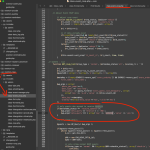
Ok so wanted to clarify about the above item. The receive updates about events check box in the rsvp form, is indeed used to get the attendees email list for reminder cron messages. It fetched all attendees who said yes to get those updates. If like you said, all your attendees have NO, that is why they are not getting the reminder emails. Here is where the code is checking for that receive updates values check.
Thanks Artem
That has fixed everything on the frontend, however all eventon icons in the plugin settings etc are not working – is it possible for these to work also?
Hello,
Please send us wp-admin access to your site as a private message for us to further assist your situation.
Also follow the instructions in this documentation to activate debug in your site to see any PHP errors recorded that can provide insight on to whats going on. Please reply with a link to debug.log file. If you are not able to do this please send us FTP access to your site so we can do this for you.
Hello,
Could you tell us more about how do you refund orders?
Let’s take this order as an example:
https://www.tinwoodestate.com/wp-admin/post.php?post=130852&action=edit
After the order is Completed, how do you refund it? Could you describe it step by step?
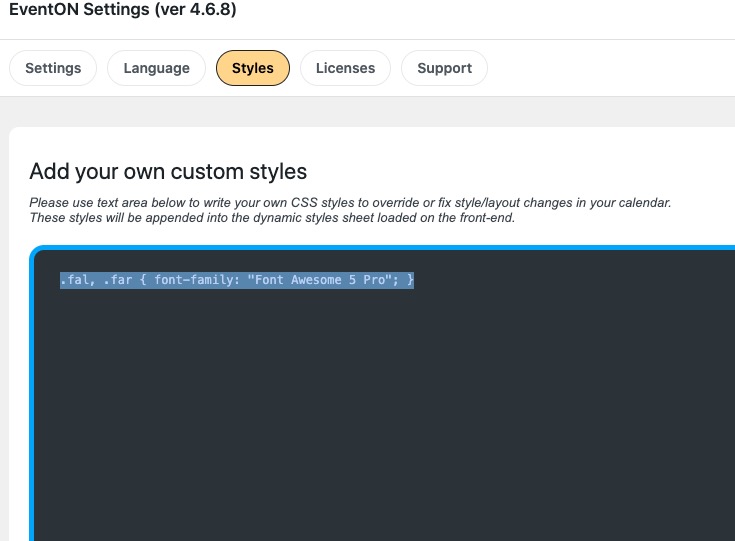
I added the custom style to EventON > Styles: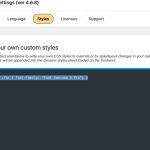
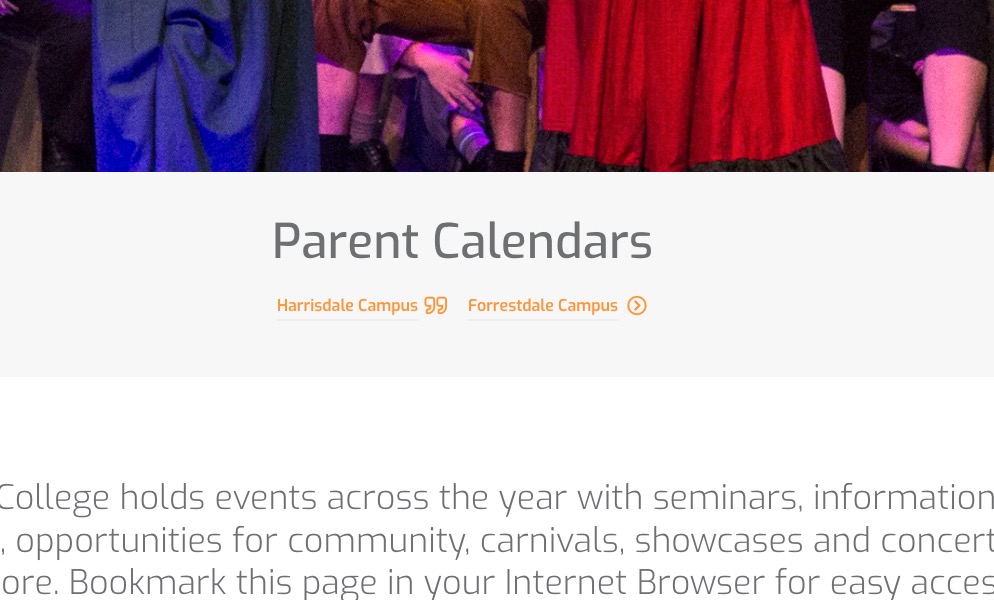
So icons are visible now:
Could you check and let me know?
Can we or could you please try the instructions mentioned in this documentation to make sure your issue is indeed coming from eventon.
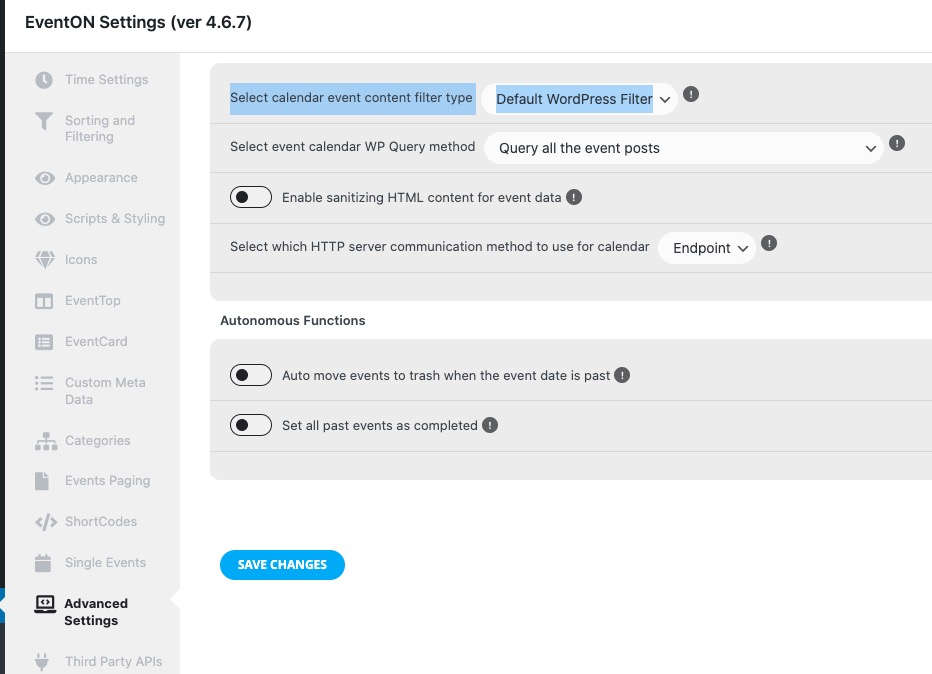
I think that something affects EventON and doesn’t let it show Event Details correctly, because when I select
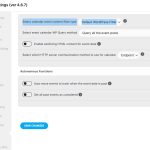
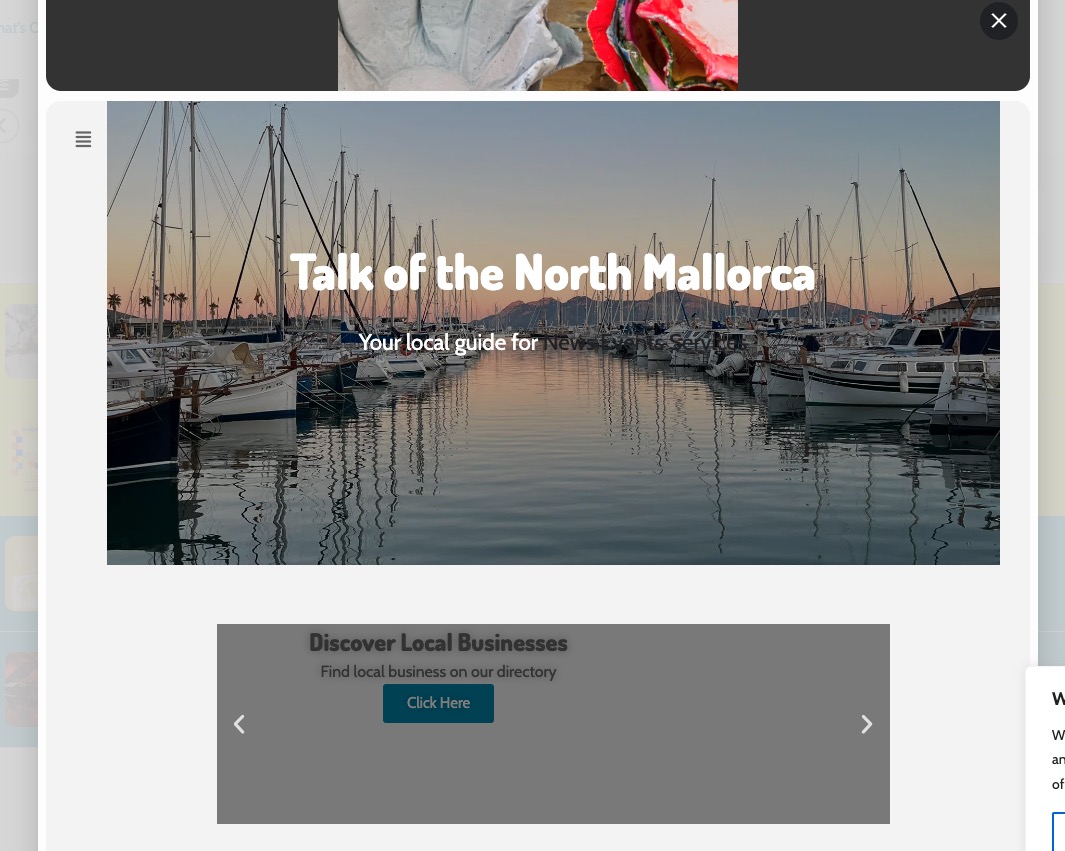
It shows the whole website in Details: