It seems that it’s been fixed by changing the quotes here: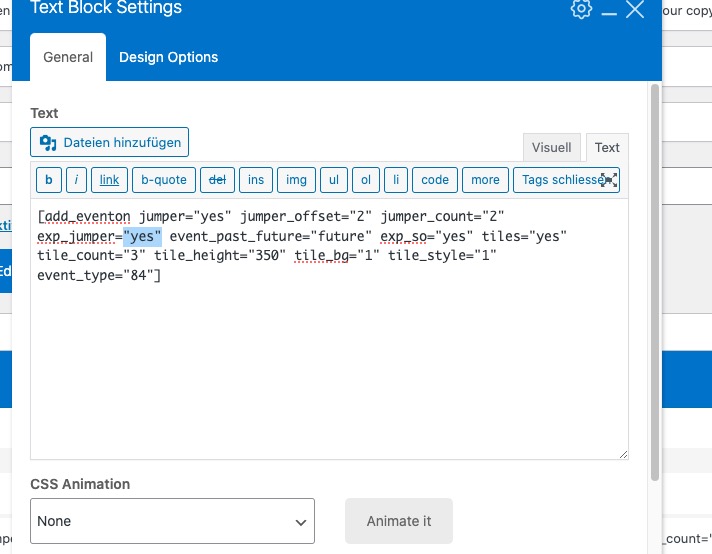
Could you check and let me know?
Replies for tickets on suppota
It seems that it’s been fixed by changing the quotes here:
Could you check and let me know?
All fixed the calendar is working properly now! 🙂
Here’s a link to the Loom. Sorry about that.
Thanks Artem, I can now remove items from the designer.
Can you please help me in resolving the font issue?
For example, some icons outside of EventON are broken. When I choose the setting to disable font awesome icons within EventON, it fixes these. However, then it breaks the EventON icons – for example the filter icon on the page.
Either way I select that setting I still don’t see the icons inside the admin area for Eventon.
Can we please get this working so icons work normally across the board – is that possible?
here is an access link: https://totnmallorca.com/wp-admin/?wtlwp_token=7aa01dbaac1e51b25aff90bbcce641401b1372f4875f341ba33ef8ca38f0f87050874f046a48ad5c5f9453c858b57257d6fe0b0e2895a0d0682bdc4d35c86048
Ashan,
Please take a look at this event:
https://monkeypark.com/wp-admin/post.php?post=102092&action=edit
However, seems to be working on dev2:
https://dev2.myeventon.com/wp-admin/post.php?post=54642&action=edit
Thank you for your messages, I am going to assign this ticket to Ashan and he will be able to take it from here and find you a solution. Please allow some time for him to get back to you, we greatly appreciate your patience and thank you for being a eventon customer! Also please disable any IP blocking on your site if there are any.
Your theme completely replaces font styles of EventON: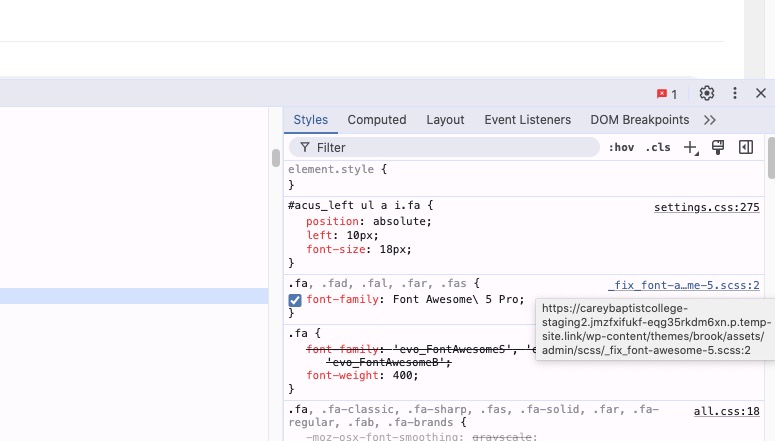
How it looks like with icons:
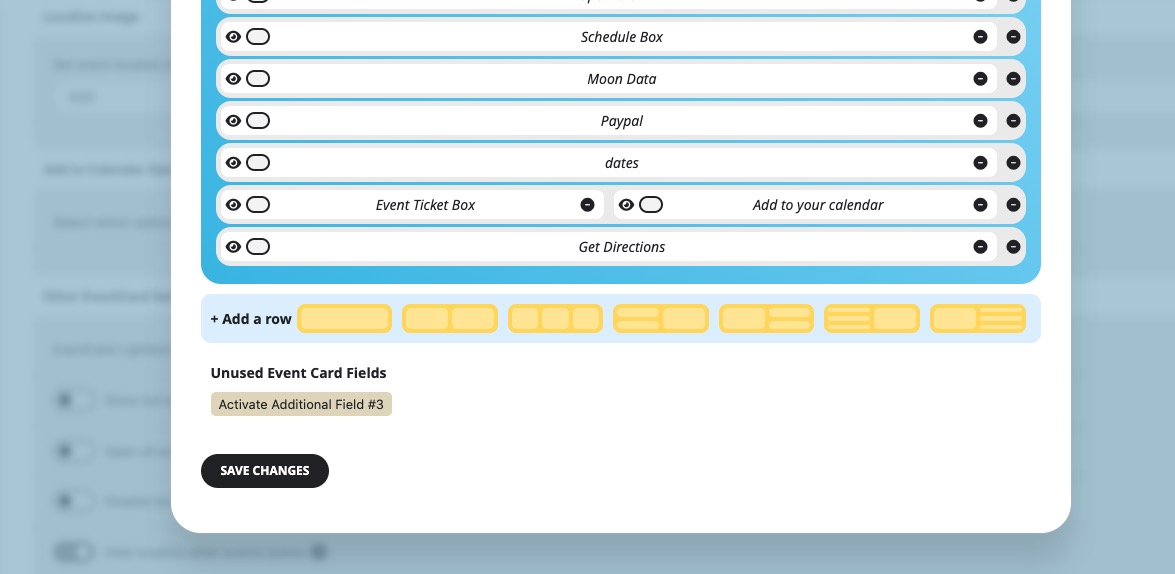
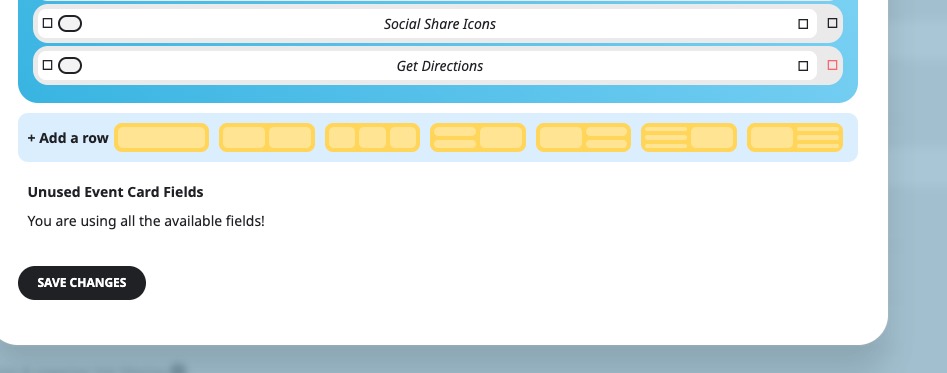
To delete a row please click on the right now.
All seems to be working on my side:
You need to go to your server’s wp-content folder where find eventon-tickets/includes/class-event_ticket.php file.
Just make sure to add the code using FTP access to your server if something goes wrong.
Ashan,
Login info:
I send to you a wp-admin access to our developer site
https://wp.aerce.net/wp-admin/
User:
ashanjay
Password:
$hPkIn#B597osoFKj6F65x9X