Hello,
Please add this CSS code to EventON > Styles (If you don’t see any change, EventON > Scripts & Styling > turn off Write dynamic styles to header > save settings > turn on Write dynamic styles to header).
You can also add this code to wp-admin > Appearance > Customize > Additional CSS.
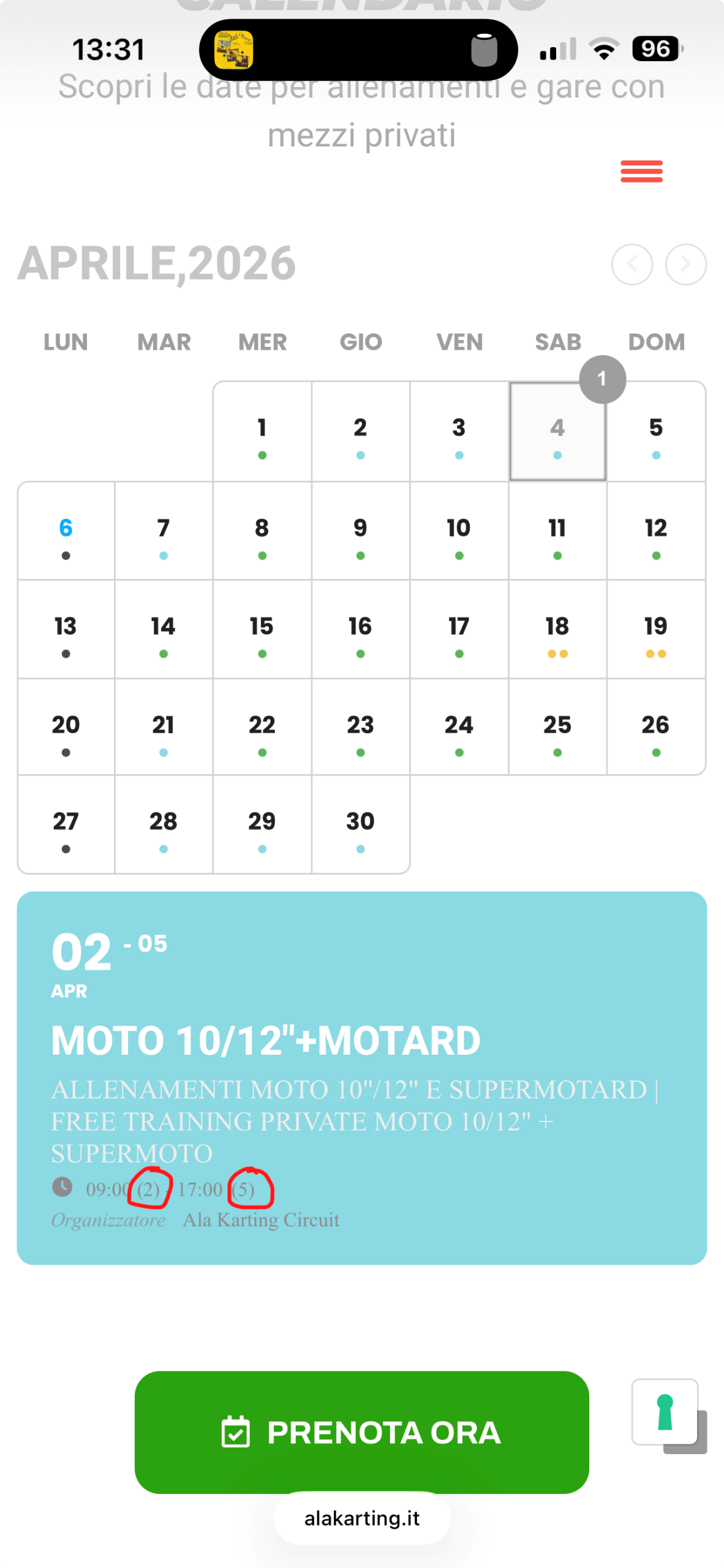
em.evo_endday.evomarl5 { display: none !important; }
The code will hide the last number.
Thank you for your messages!
I am going to escalate this ticket to development to help in here. Please allow us some time to address this, and we truly appreciate your patience. Thank you for being a valued EventON customer!
Hello,
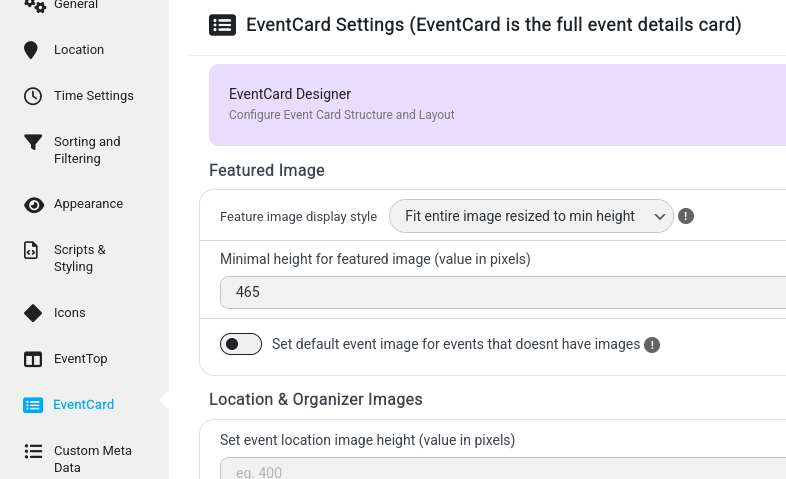
Please try going to EventON > Advanced > disable Cache calendar events list data.
Try the change and see if the issue will be gone.
Hello,
Please send us wp-admin access to your site from ”Access Info” box on right side menu, to further assist your situation.
Do you have some kind of cache functionality on the server?
Please also go to EventON > Advanced > try disabling Cache calendar events list data.
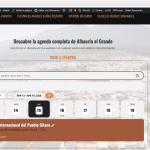
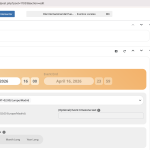
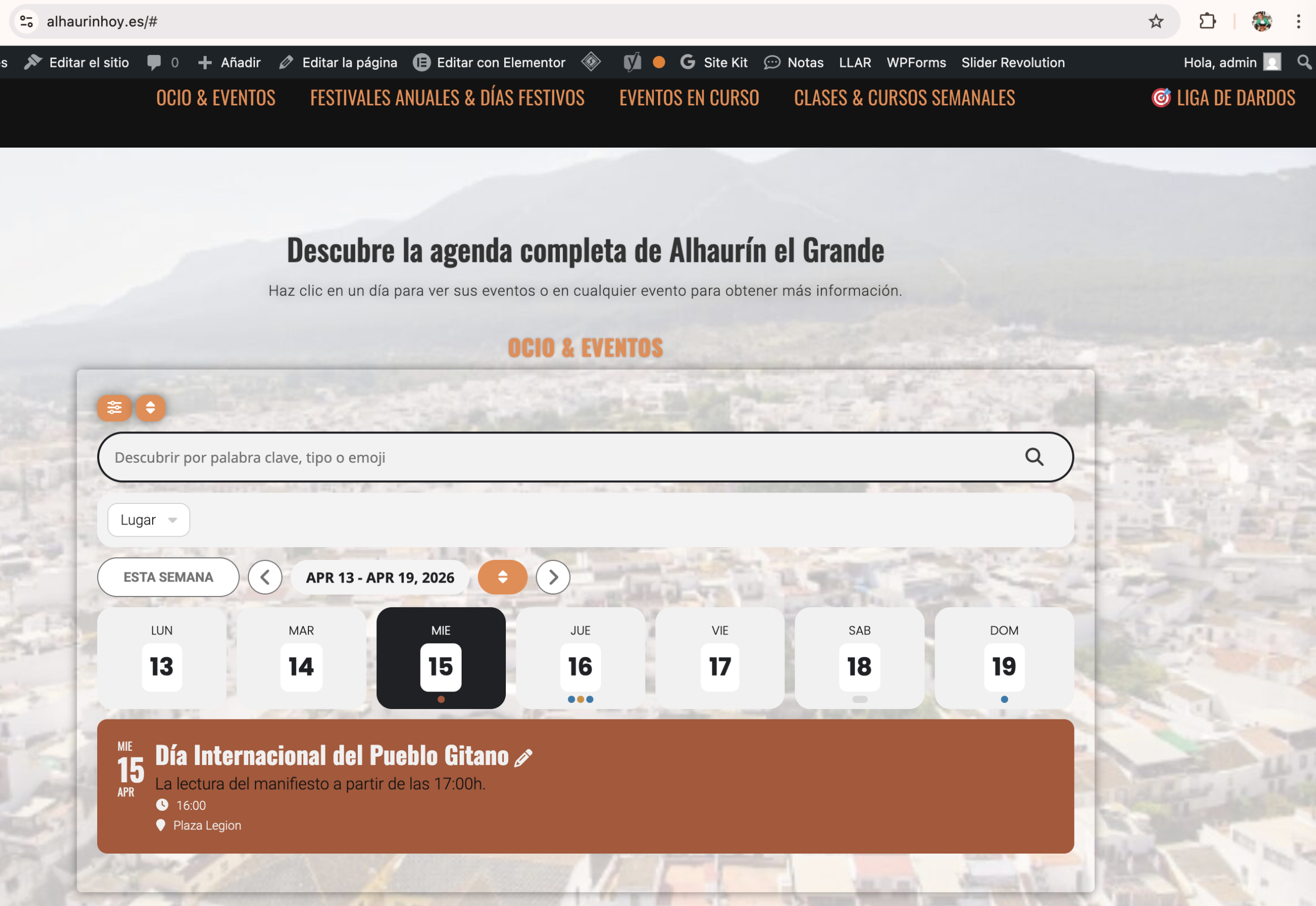
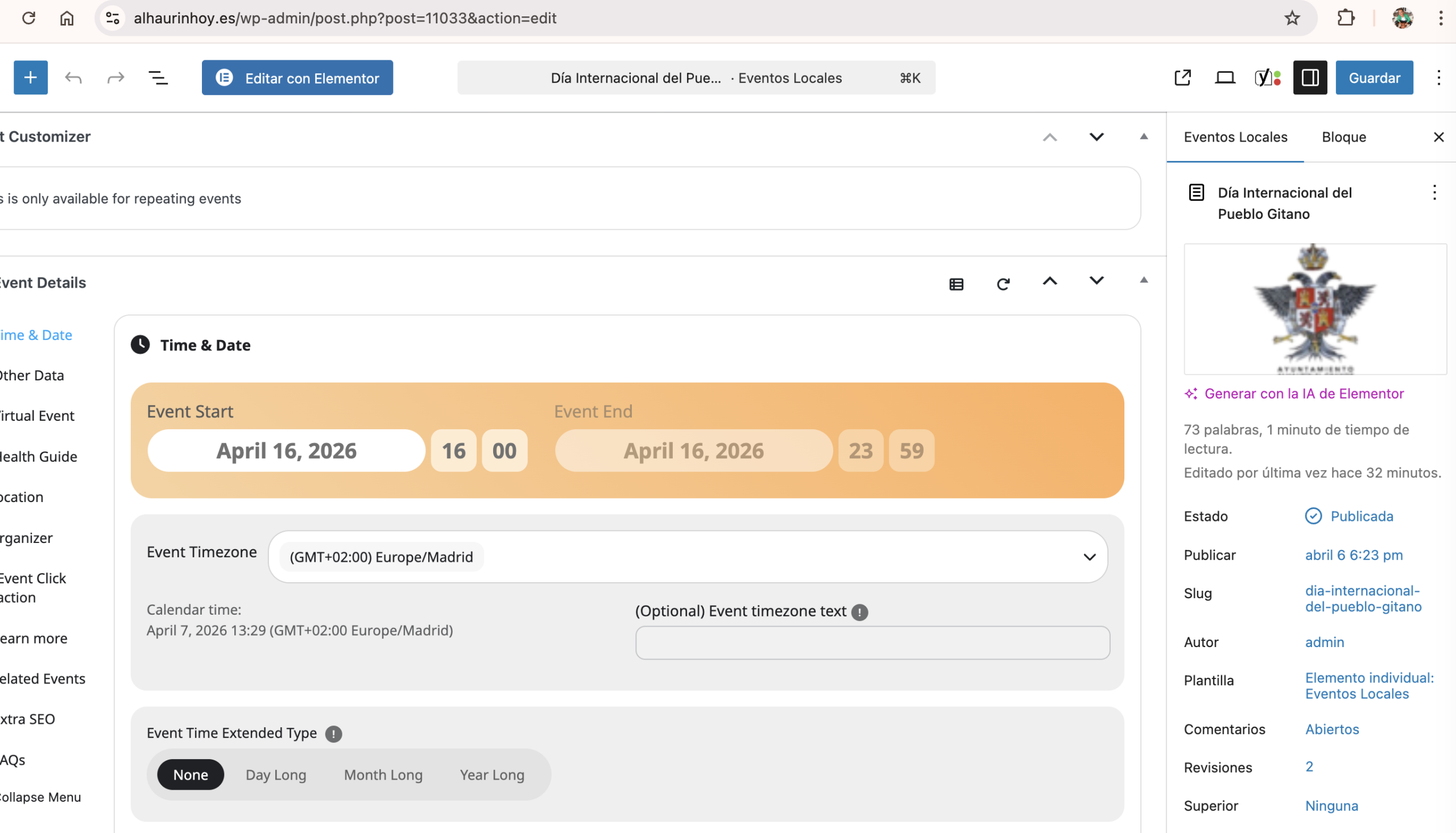
Date has been modified but in the calendar ist in the old place.
When you open the edit form front end new date is there already but front end has the old date.
If the seat map is not showing up on the Front-End main page (www.harmonie-eilereng.com) it is impossible for guests to book a seat. Meaning it doesn’t work and we need your urgent help as we cannot start the ticket selling.
Thanks Artem,
I can do this… please point out the onject I need to pull for the start time.
John
Sorry about the delay, please update to the latest version 1.0.2 and that will fix those translations.
Nothing important related to EventON in debug.log, I am afraid.
I did try re-creating the issue, but everything was working correctly (as logged-in and in Incognito mode).
Are you sure that you just need to wait for the layout to load correctly?