Hello,
I need to be 100% sure before I spend more time formatting my data.
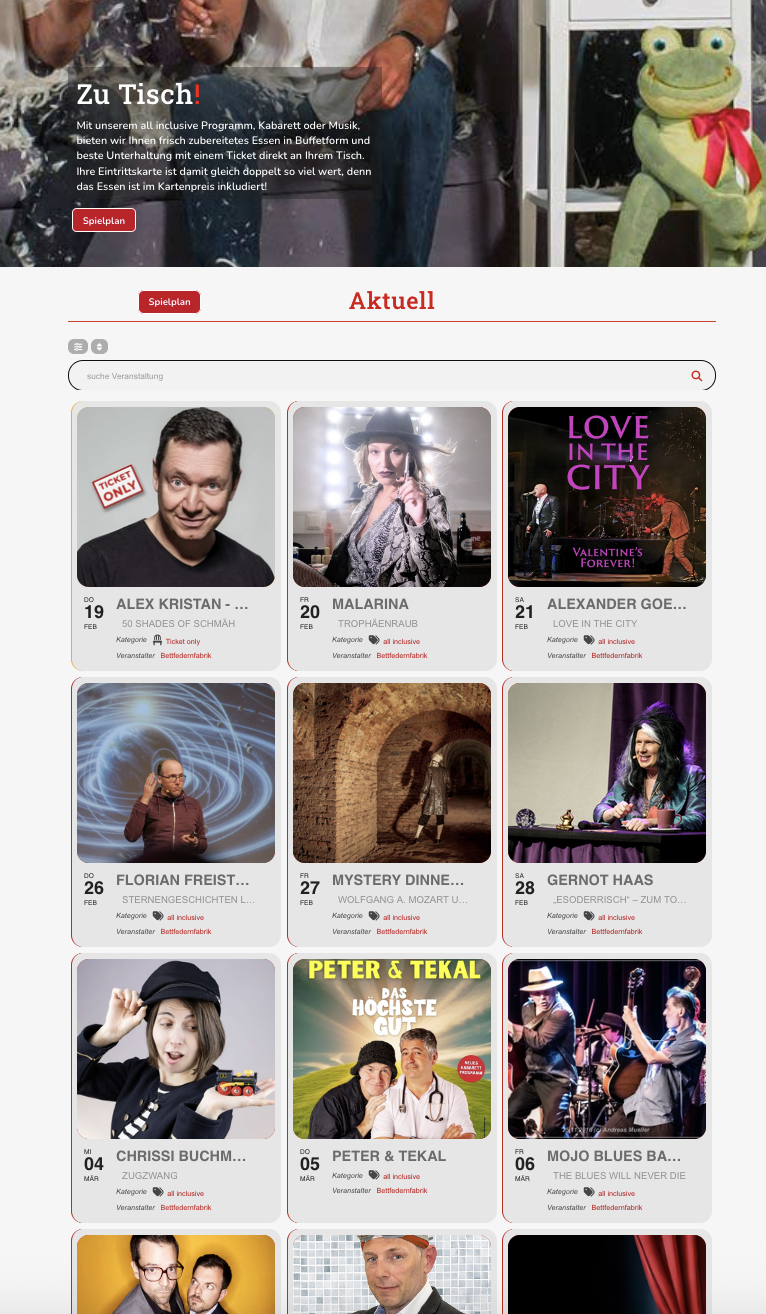
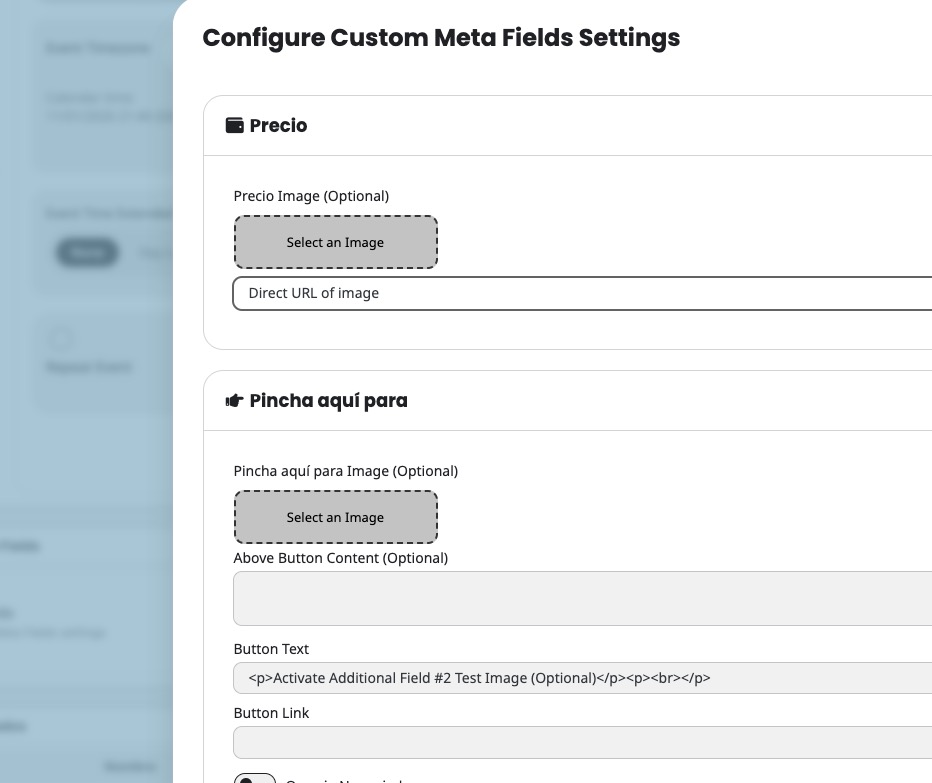
Regarding the CSV importer: Does it support importing data into Custom Meta Fields and Event Categories (Event Types) just by using specific headers?
If the answer is YES, please provide the complete list of all supported CSV headers (including those for custom fields, organizers, and categories). A sample CSV file containing every possible column would be ideal.
If the answer is NO (meaning it only supports the basic fields shown in your screenshot), please let me know so I can stop trying to import that data via CSV.
I look forward to your confirmation.
thanks again
Hello,
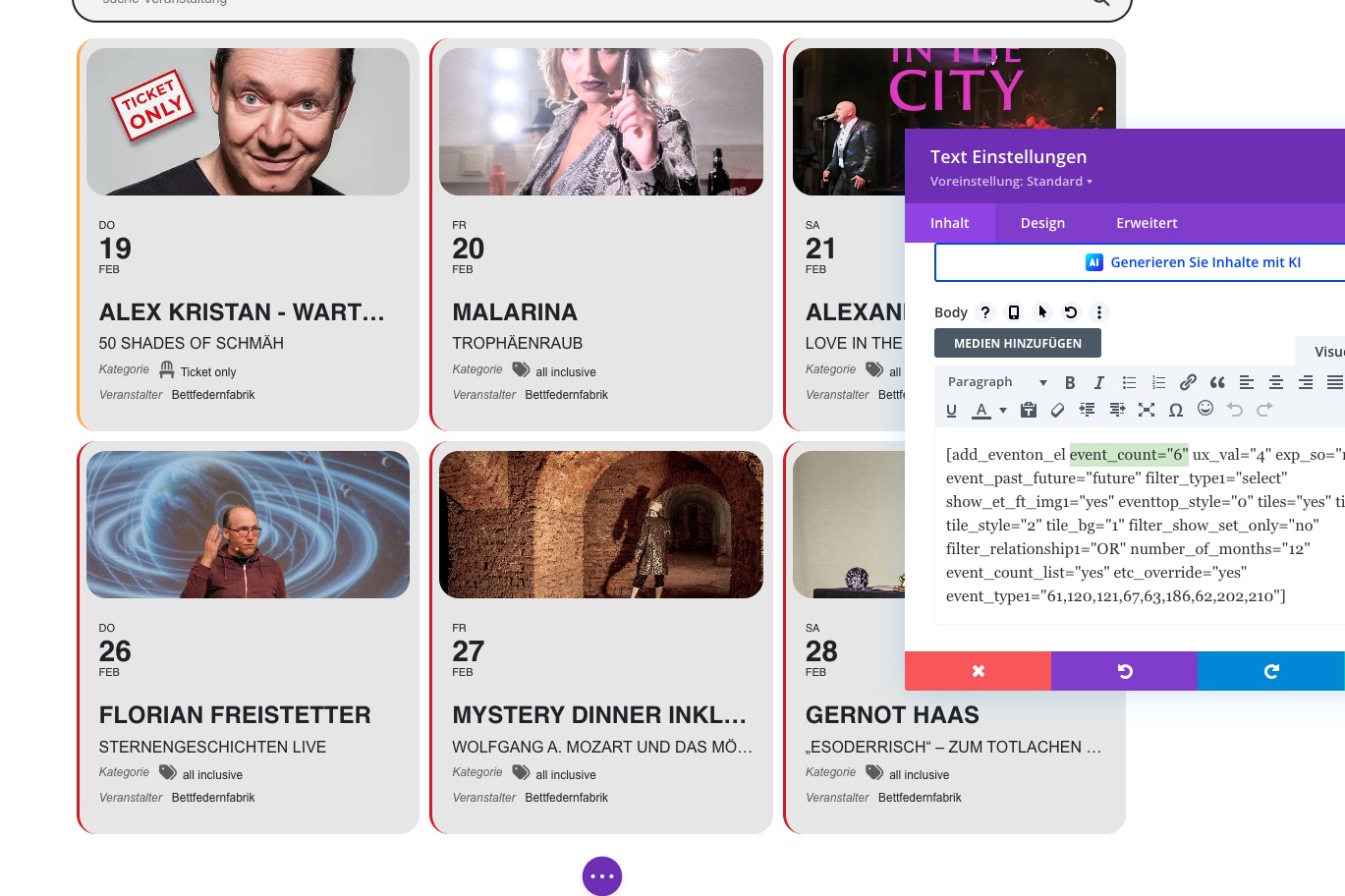
on the staging site this is the short code:
[add_eventon_el event_count=“6“ ux_val=”4” exp_so=”no” event_past_future=”future” filter_type=”select” show_et_ft_img1=”yes” eventtop_style=”0” tiles=”yes” tile_count=”3” tile_style=”2” tile_bg=”1” filter_show_set_only=”no” filter_relationship=”OR” number_of_months=”12” event_count_list=”yes” etc_override=”yes” event_type=”61,120,121,67,63,186,62,202,210”]
And ALL Events are actually showing, but it should only display 6.
Please see my screenshot.
I checked in chrome, edge, and firefox.
Thanks!
Hello,
Please try adding to the shortcode to order events differently:
event_order=”DESC”
Unfortunately, () cannot be removed as it’s part of the date.
Hello,
Could you upload your .csv file (the one you are trying to import) somewhere and send us a link?
I’ve tried to upload this file from our test site (the first event named ”RSVP1”) and it was imported correctly:
https://dev2.myeventon.com/surl/4vjSB6VvZ3SN
Imported event:
https://www.planconpeques.com/wp-admin/post.php?post=36083&action=edit&classic-editor
(the event is excluded from your calendars)
Hello,
We are sorry for the delay.
I just checked your website and it shows 6 events with 6 added to the shortcode:
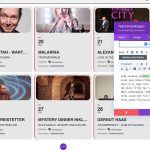
It was like this before:
https://helpdeskx.s3.amazonaws.com/wp-content/uploads/2025/12/23042658/Screenshot-2025-12-23-at-12.26.02.jpg
Could you check and let me know?
Hello,
We are sorry for the delay.
I just checked your website and it shows 6 events with 6 added to the shortcode:
It was like this before:
https://helpdeskx.s3.amazonaws.com/wp-content/uploads/2025/12/23042658/Screenshot-2025-12-23-at-12.26.02.jpg
Could you check and let me know?
Hello,
Could you send us Order ID of the purchase?
You can create a new event for each repeat and then enable Bookings in each. Please let me know.
Hello,
Could you translate the message or post it here as a text?
Please also let us know how do you update it. Try following this instruction:
To update eventon to latest version: If you are unable to do autoupdate, you can go to codecanyon your account > download and get the latest eventon version as zip file. Then you can go to your website > make sure ”Delete eventon settings & data when EventON is uninstalled” is Deslected from eventon settings, delete old eventon, install new one and activate. This link will further explain the process it. Also you can follow us on twitter to get real-time announcements on updates!
Please follow the instructions in this documentation to activate debug in your site to see any PHP errors recorded that can provide insight on to whats going on. Please reply with a link to debug.log file. If you are not able to do this please send us FTP access to your site so we can do this for you.
Usually this happens because of Memory Limit:
https://docs.myeventon.com/documentations/increasing-wordpress-memory-limit/
Please send us wp-admin access to your site from ”Access Info” box on right side menu, to further assist your situation.