Thanks for this. It has trigger an idea. As mentioned in a previous message the API was being used for a Google Maps Block, which is a Kadence-WP block. This was originally set up to use the API bundled with Kadence. However on creating a new API for use with Eventon, I also used this for the Maps Plugin.
I have reverted to the bundled API for the Maps Block, tinkered a little with the Event on settings for location, and all is working.
Thank you.
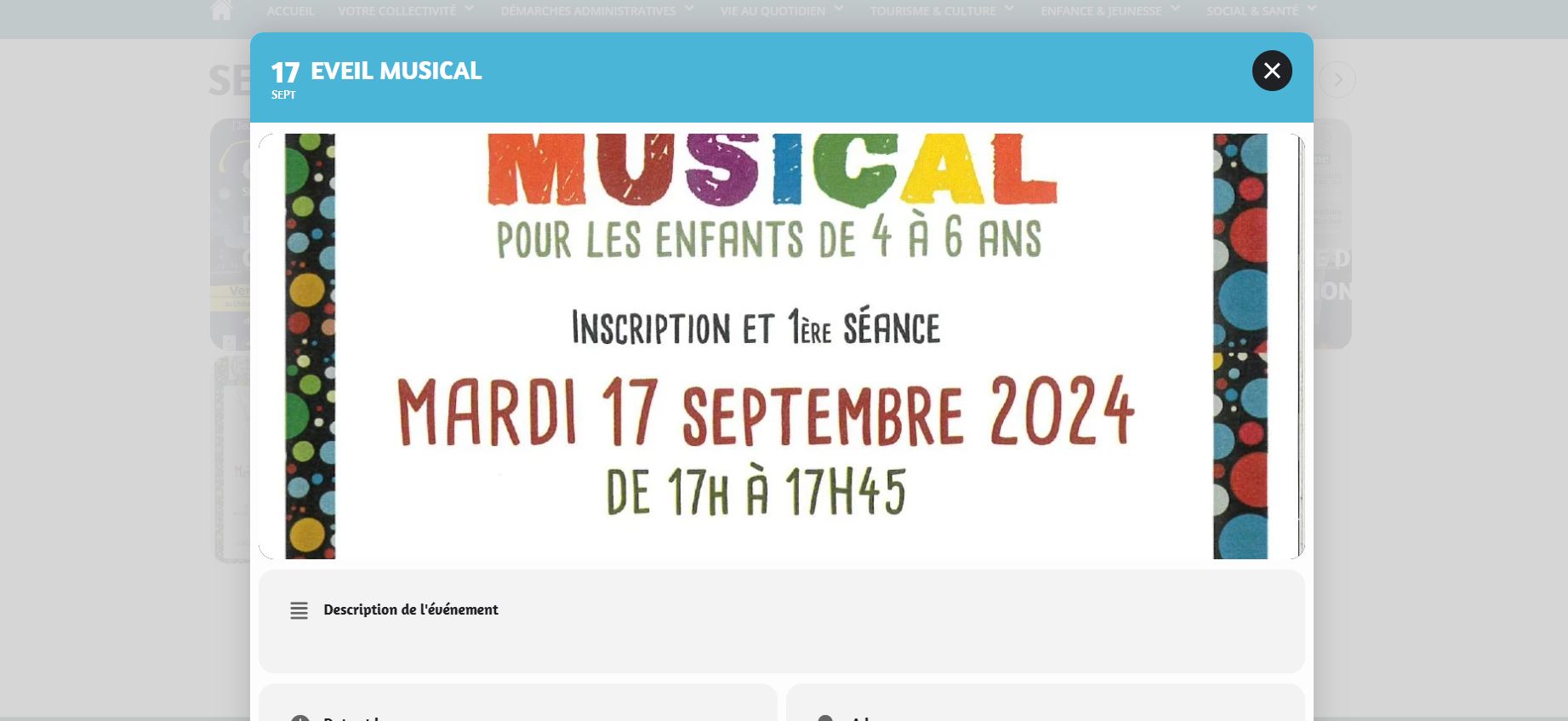
Bonjour,
Le bug semble avoir disparu. Merci
also when attempting to generate the lon and lat coordinates I get the following error
API keys with referer restrictions cannot be used with this API.
but see video below on how to get it to work- but we would need to run more tests as it might work that way- but we have no idea where the other map is and how that is effected
let us know where else the API code is being used
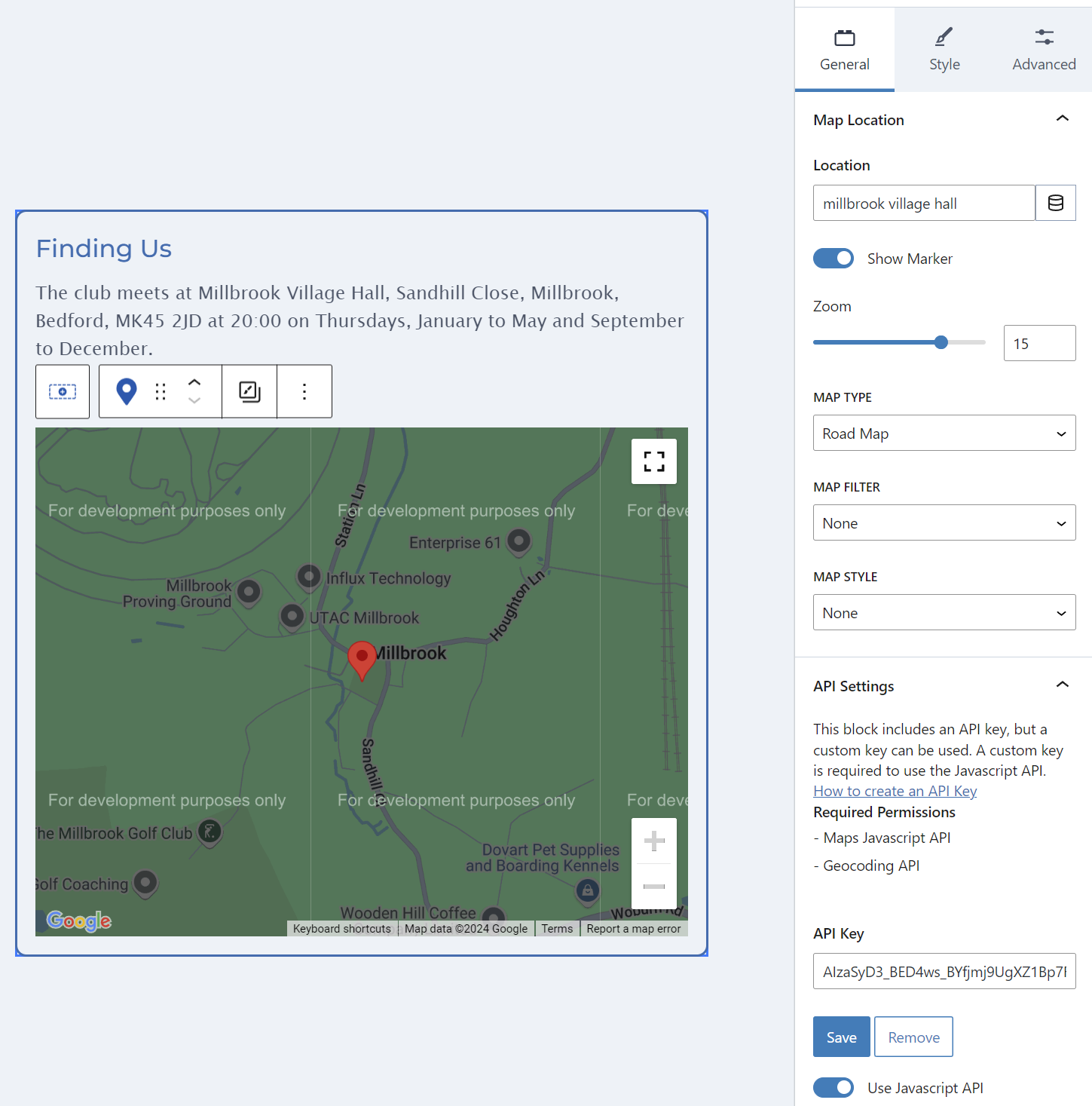
It is used in the Maps block withing Kadence Blocks. It is in use on the contact-us page. See attached screen grab.
in myeventon>>>>settings>>>>google maps
you have set the : Google maps javascript file only (If the API js file is already loaded with another gmaps program)
what pugin/theme is using itand how do I navigate to that area on your site to see the api input field- I need to run some tests
We are glad your issue is resolved, if you have any further questions or concerns please create a new ticket.
If you have a moment, we would greatly appreciate if you could kindly leave us a review at Codecanyon. By going to your account > Downloads. We are very grateful for your kind review!
Perfect! Many thanks for the quick solution.
Hello,
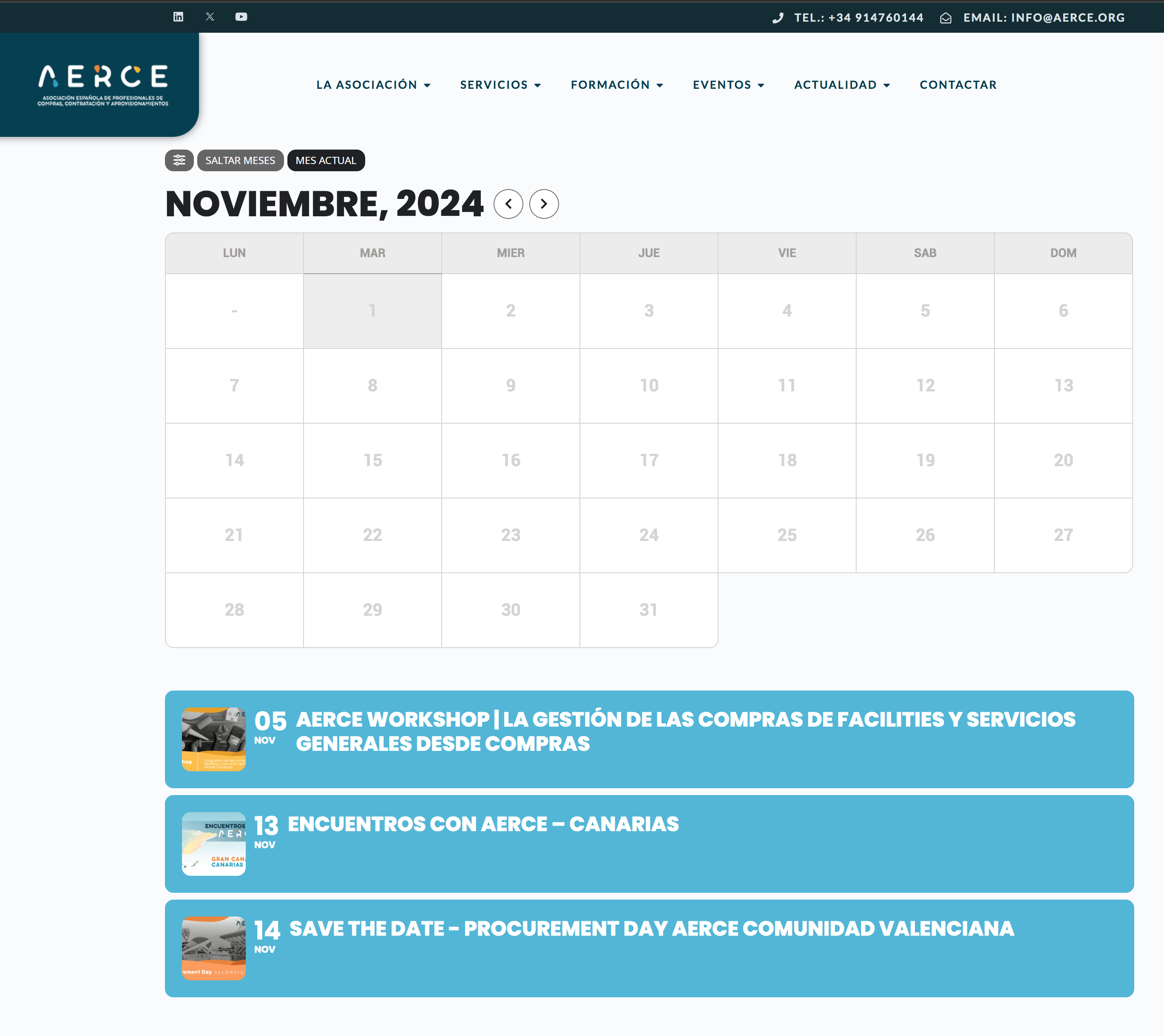
adding this css its ok and now dont disappear the calendar, but the problem now it disappear the name of the events on its day cell when you navigate to the third month next, and the same happen when navigate to any month with the jump months buttons.
Thank you
best regards
the css code under wordpress css additional worked with the !important tag. Thank you.