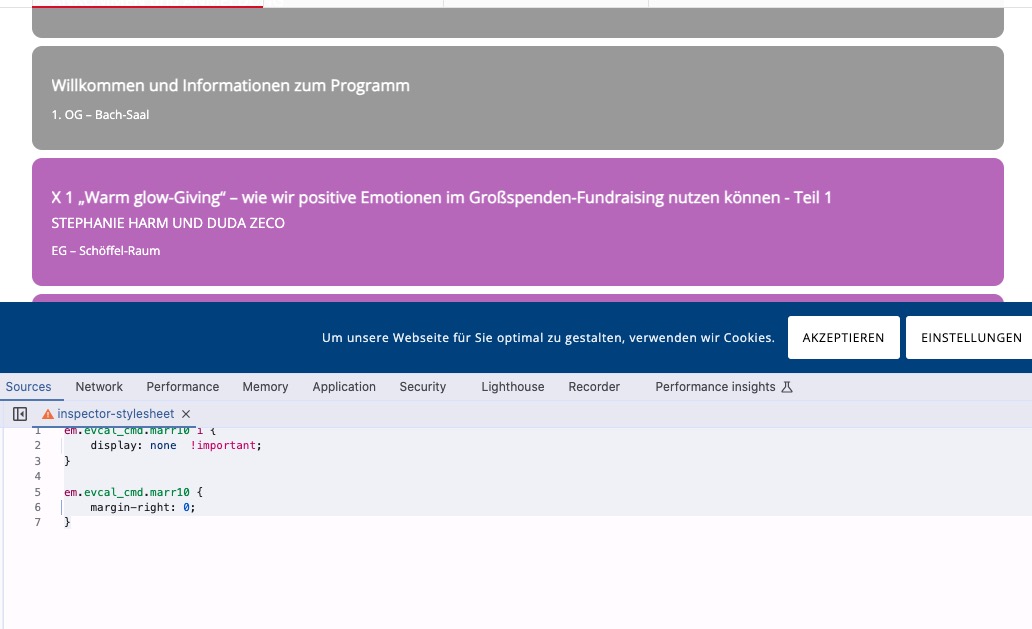
Please add this CSS code to EventON > Styles (If you don’t see any change, EventON > Scripts & Styling > turn off Write dynamic styles to header > save settings > turn on Write dynamic styles to header):
em.evcal_cmd.marr10 i { display: none !important; } em.evcal_cmd.marr10 { margin-right: 0; }
Should look like this:
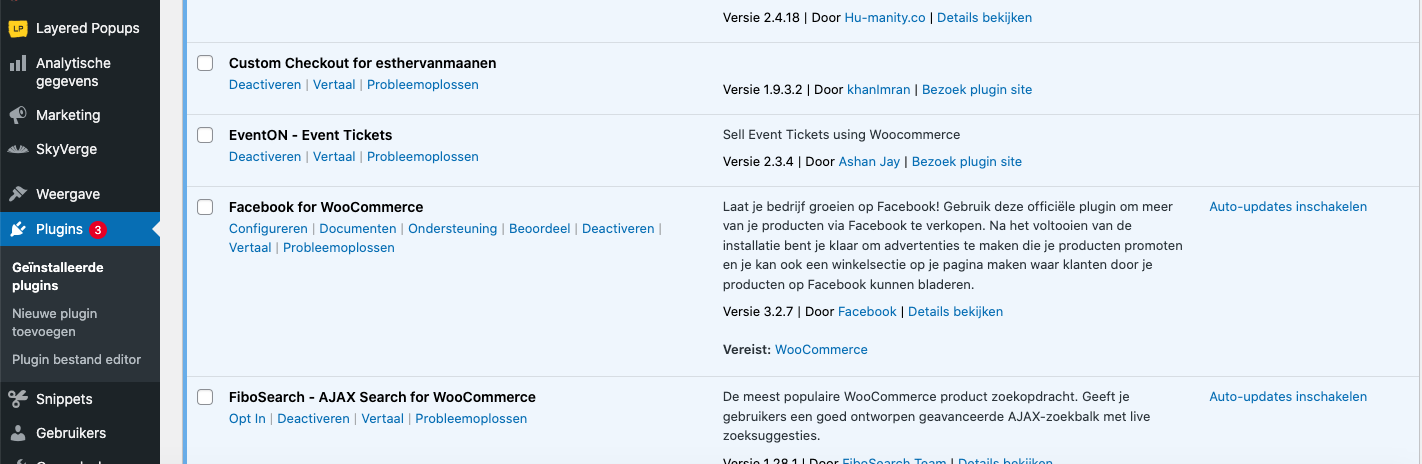
EventON plugin itself isn’t installed on the server. Please install it by downloading it from CodeCanyon > Account.
I would really need to limit the number of events shown on the homepage to a max of 15 with a “load more” button below.
Any shortcode I can use to make it work?

LOok at the image I already sent..
How can I make myself clear.. The plugin totally dissapeared after you installed the newest version of Eventon Tickets. I tried to upload it through the FTP and also trough the backend of the website.
In wordpress the plugin is not visible anywhere and can’t finf it.
SO PLEASE CAN YOU HELP ME WITH THAT ?
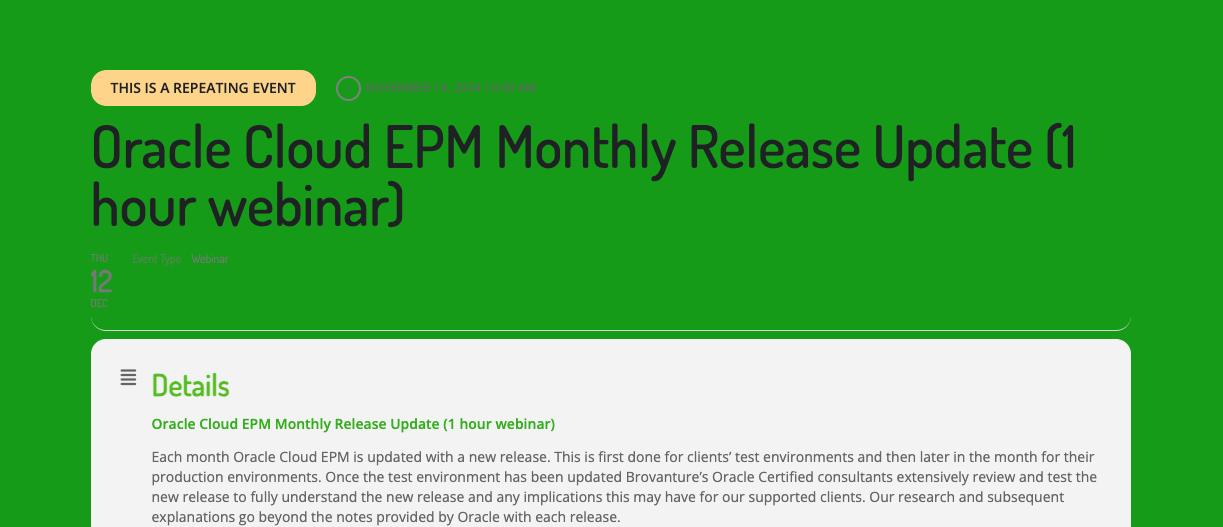
3. On events that are repeating (have alternate dates) — when you click to see the other dates the styling of the page is not good. The alternative date is is show in grey which cannot be seen easily. This is also the case for the actual date of the event being viewed. The font-size seems to be smaller than normal as well. See screenshot.
4. When you fill in the RSVP box the pop up remains after Submit plus the confirmation email is not sent.
Question — are these issues because of the gap between updates? Should I have done a ‘stepped’ update? Or will I run into this issue when updating again?
Thank you so much for your help!!
Slade
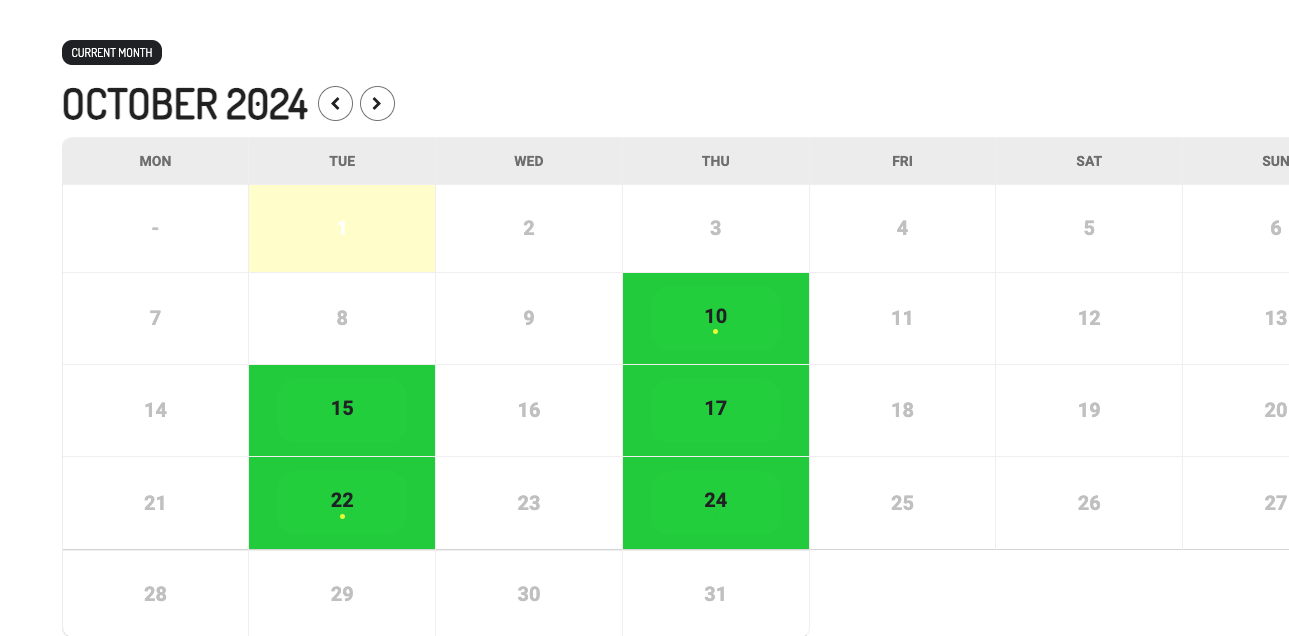
Sending these separate so I can accompany an image example —
2. Why do some events have white dots and others do not? See screenshot
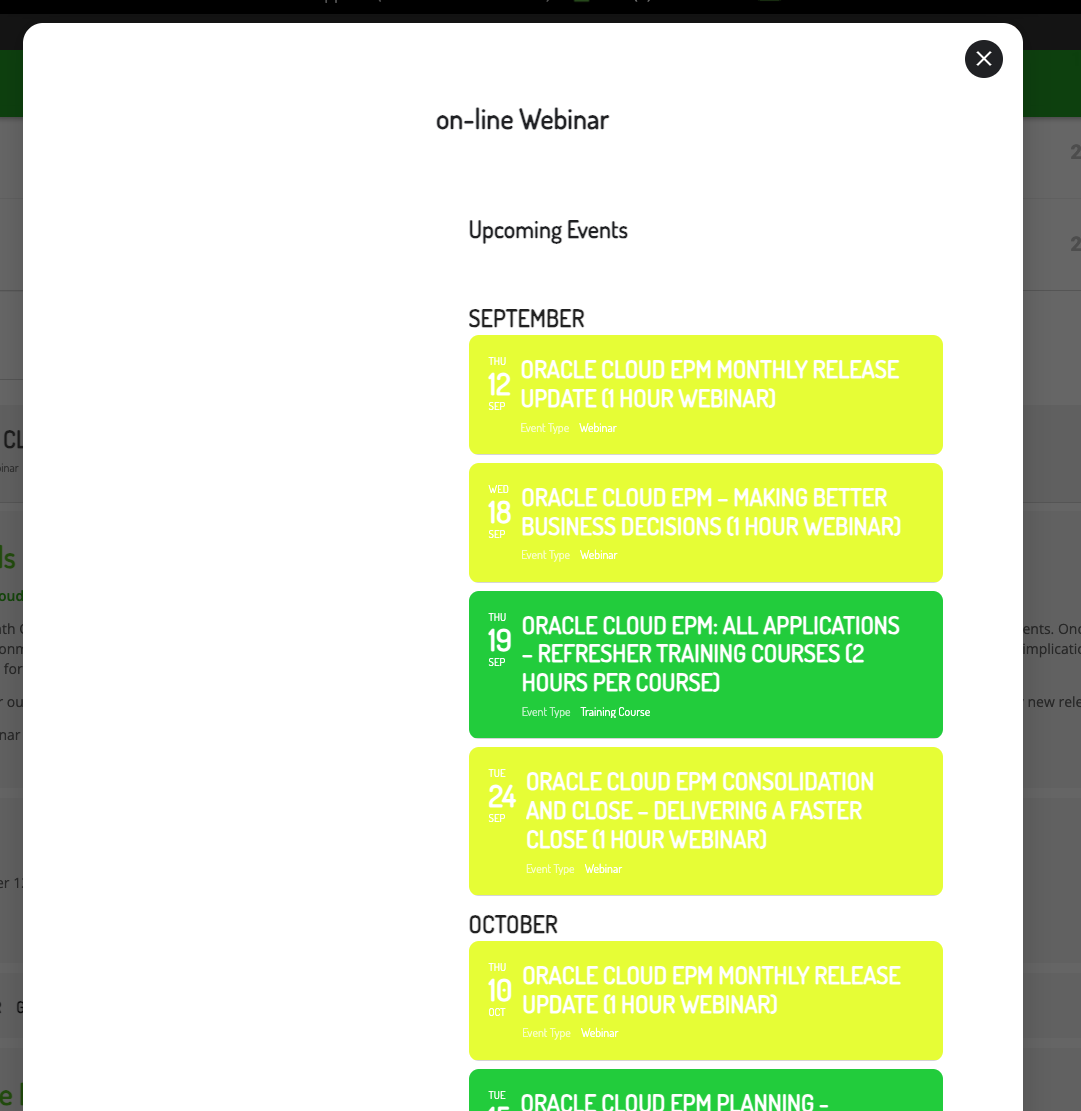
Hi Artem! Sorry this has been a slow process. The client isn’t very quick at responding.
They found additional items that I have spent quite a bit of time trying to figure out but with no luck.
1. When you click on an event and then the “other events” button inside the Location cell — the resulting popup is very difficult to see. I cannot see where to style this like the original. See screenshot.
Hi Joe,
You are welcome! If you have any further questions or concerns please feel free to create a new ticket.