Hi Ashan,
Elementor support tells me this:

"Thank you for your response.

While we appreciate your feedback, it's important to clarify that our support scope primarily covers assistance with our platform's native features and functionalities.

Custom code or third-party plugin integrations fall outside the scope of our direct support.

We do acknowledge that certain websites built with Elementor may exhibit different behaviors due to various factors, including customizations or plugins used. However, our ability to provide assistance with such elements is limited.

We recommend reaching out to the developers of the specific custom code or plugins you're utilizing for further assistance.

Again, we apologize for any inconvenience this may cause, and we appreciate your understanding."
What do we do now? Do you have any ideas?
Regards
Lorena
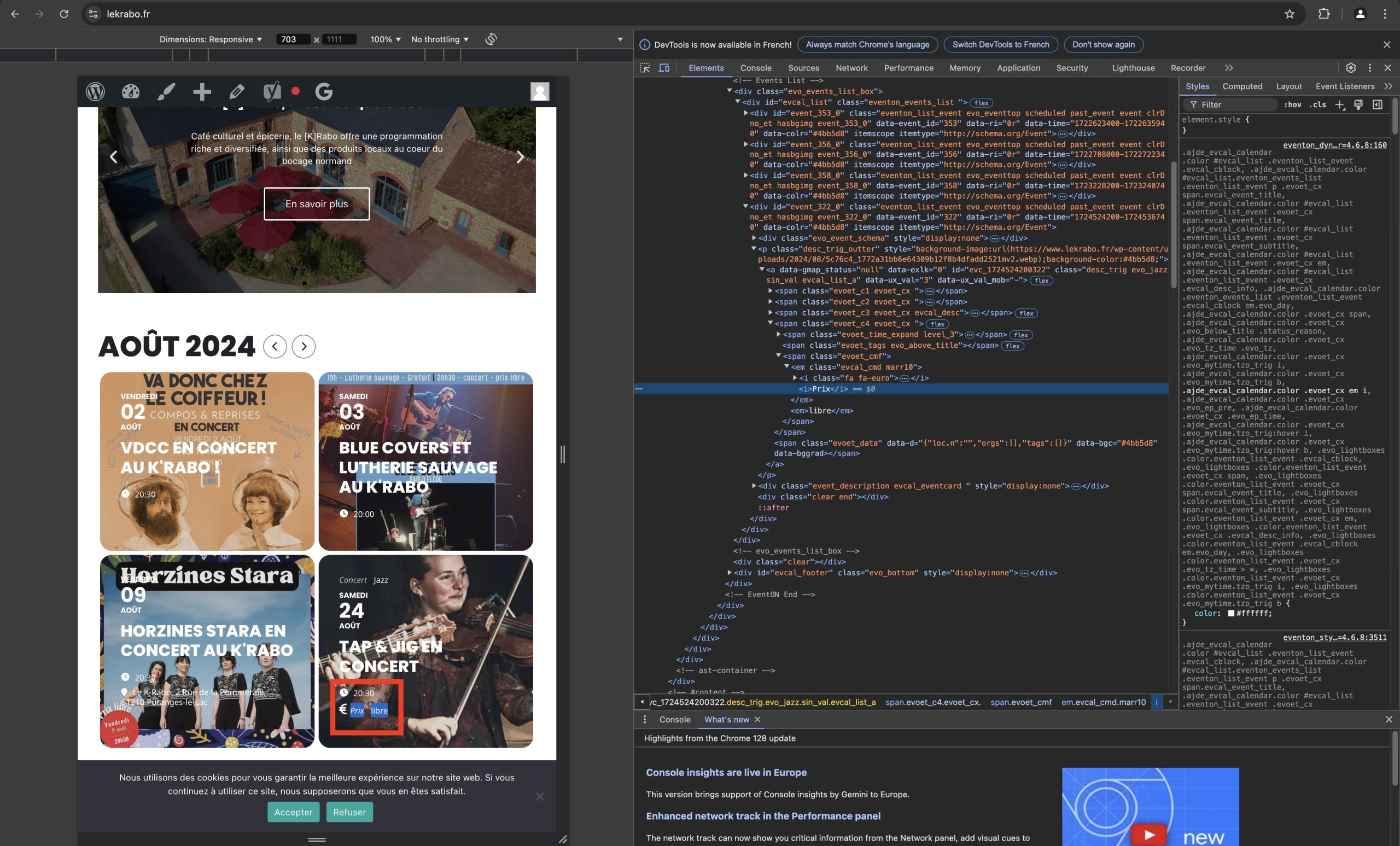
thank you, happy to code myself, just would welcome to know which template in the plugin you use, thank you
Hi Ashan,
I have already contacted Elementor support. When they answer me I'll let you know.
Regards
Lorena
without a ton of customization to the code (which we don’t offer) the only way is to create a custom field and manually add the dates to that new field
see video below:
sorted just needed to resave the settings>>>event card
please go to eventON settings > styles and add these styles. and clear cache. should resolve the issue with layout and we will include these styles in eventON lite version 2.2.21
.ajde_evcal_calendar.boxy.list_cal .eventon_events_list,
.ajde_evcal_calendar.boxy.list_cal .eventon_events_list.sep_months .sep_month_events{
flex-direction: column;
}
.ajde_evcal_calendar.boxy.boxstyle1.list_cal .eventon_list_event{
min-height: auto;
}
.ajde_evcal_calendar.boxy.boxstyle1.list_cal .eventon_list_event.no_events{
background-color: #ededed;
}
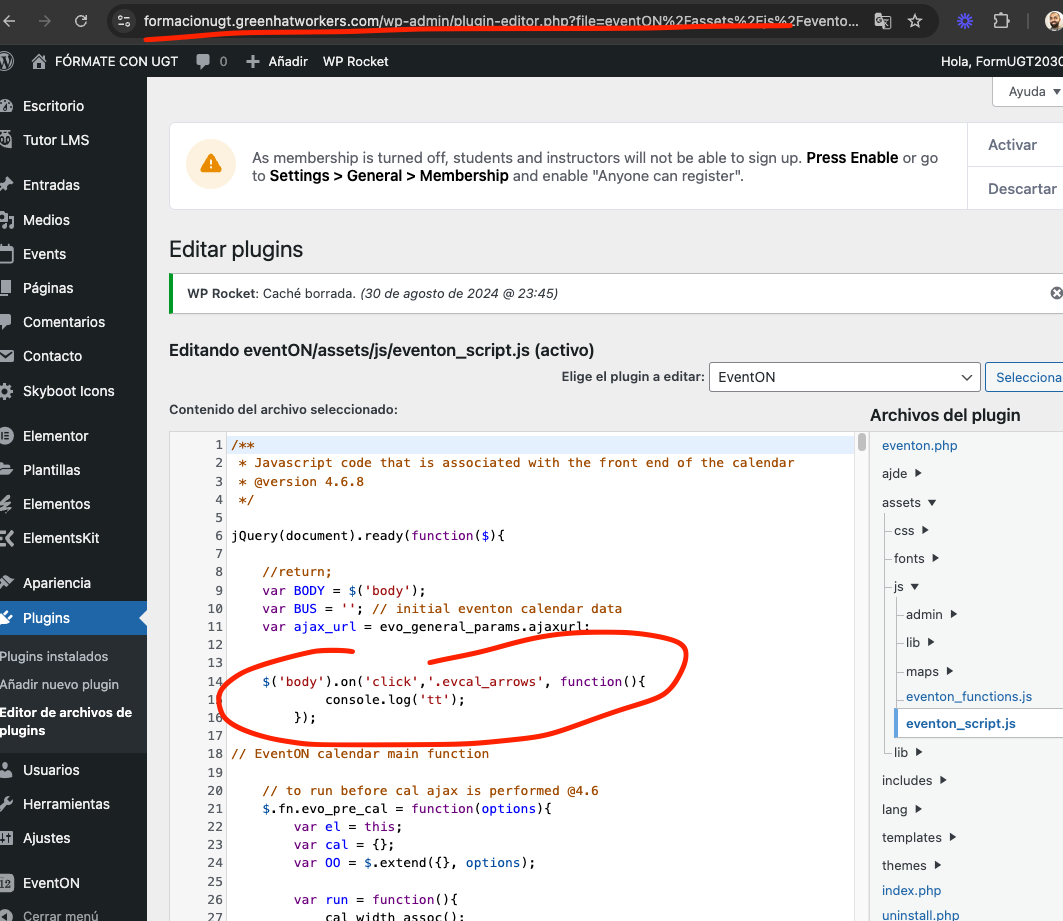
As you can see I added some code in your eventon script to print out some text when month arrows are clicked. But it is not triggered.
I am not sure why it is not triggering the basic javascript codes when the calendar is inside elementor.
Is it possible to contact elementor and show this example and see what they think could be causing this?
page where I added the code: https://formacionugt.greenhatworkers.com/wp-admin/plugin-editor.php?file=eventON%2Fassets%2Fjs%2Feventon_script.js&plugin=eventON%2Feventon.php
Sorry for the delay. Lets see what all is going on.
This page: https://formacionugt.greenhatworkers.com/test-2/– calendar works. month nav works.
BTW the popup that comes up on homepage keeps coming up again and again even after I click close once.
Let me look at home page and see why its not working.