Hello Anthony, If the order is going into completed without any codes, that must mean the payment actually went through and order status changed to complete as if is designed to. Couple of things to check is.
1. has the payment gone through and you have received money in bank?
2. Are you wanting all the orders to go into pending and to manually complete them with monitoring?
Hello, any updates on this problem?
I see after disabling plugins…that the culprit is WooCommerce Payments. Isn’t this a serious issue? Because i have to disable this plugin, i’d have to manually refund the customer…as i can’t enable how they paid (via WooCommerce Payments). Any ideas?
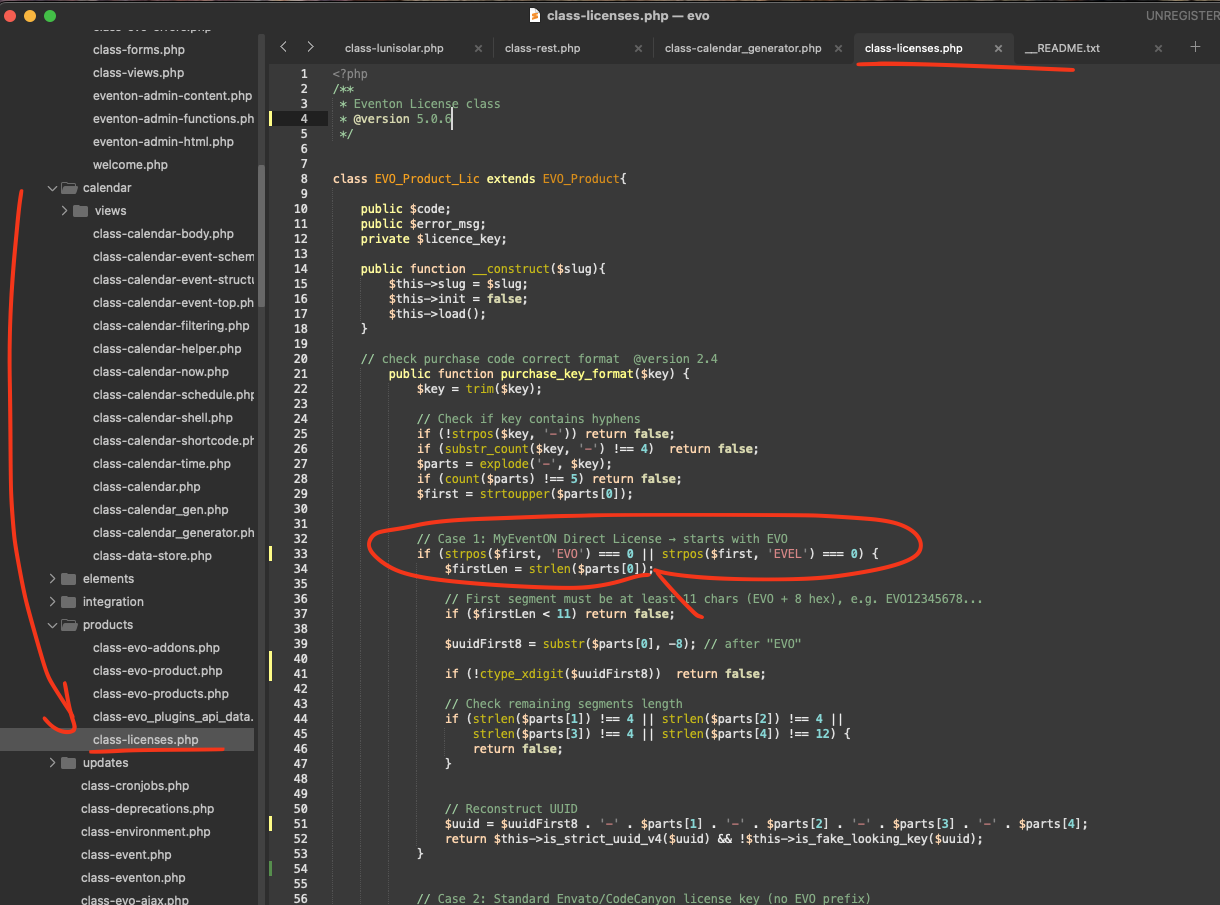
thanks for your help. I have problem to copy your source code correctly out of the browser. Can you plain text the code? thanks.
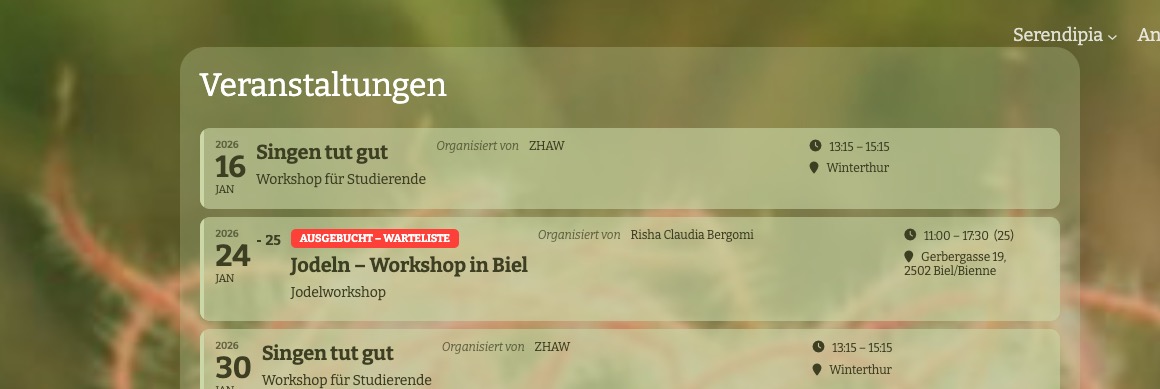
Before the Update it looked like this:

The tag was above the date and left aligned.
Thank you for your messages!
I am going to escalate this ticket to development to help in here. Please allow us some time to address this, and we truly appreciate your patience. Thank you for being a valued EventON customer!
Additionally, if your site has any IP blocking or security restrictions in place, kindly disable them temporarily to facilitate our support process.
Ashan,
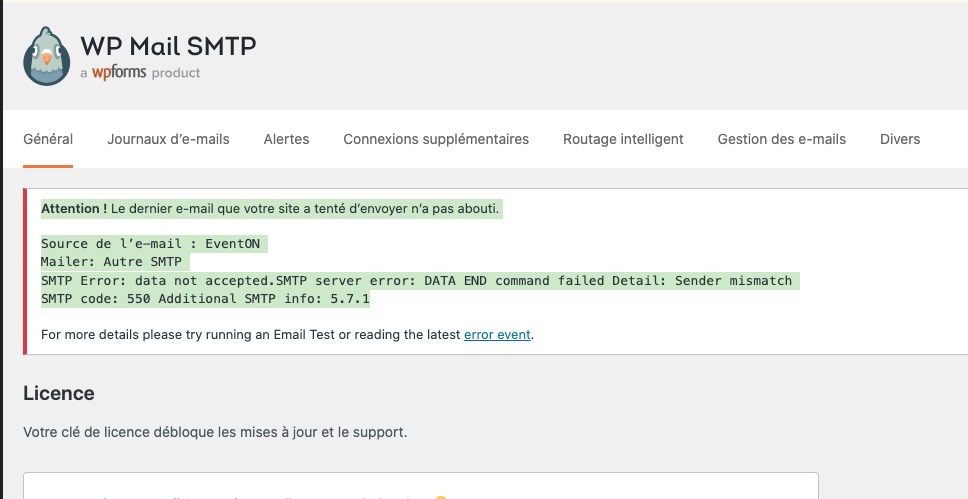
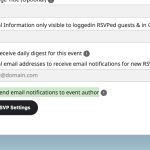
When I RSVP to an event, it tries to send a notification to event’s author but cannot and throws this error in SMTP plugin:
Warning! The last email your site attempted to send failed. Email Source: EventON Mailer: Other SMTP SMTP Error: Data not accepted. SMTP server error: DATA END command failed. Detail: Sender mismatch SMTP code: 550 Additional SMTP info: 5.7.1
How the error looks like in SMTP:
It works completely fine on dev2.
Is this
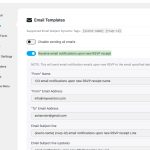
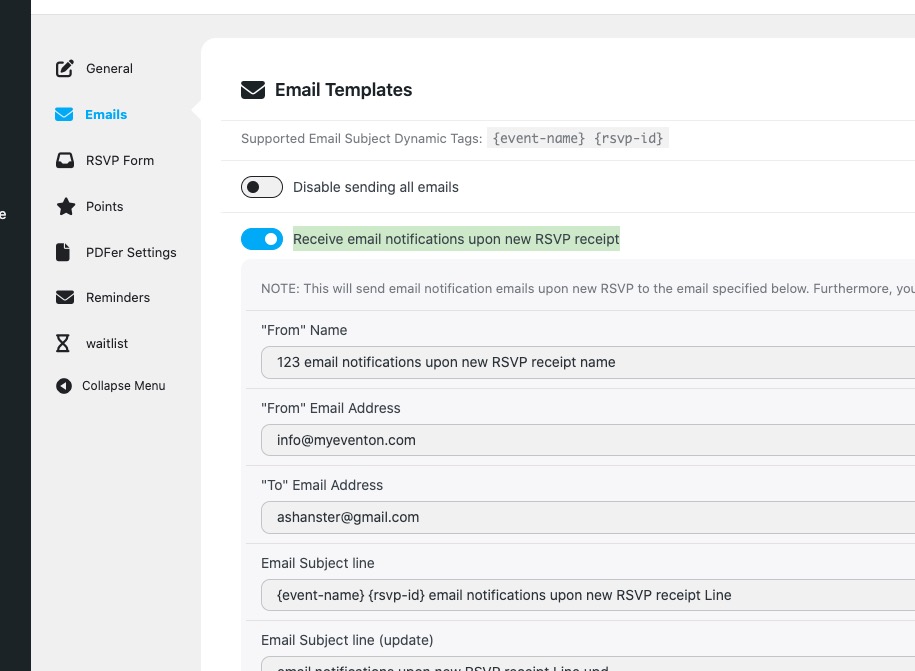
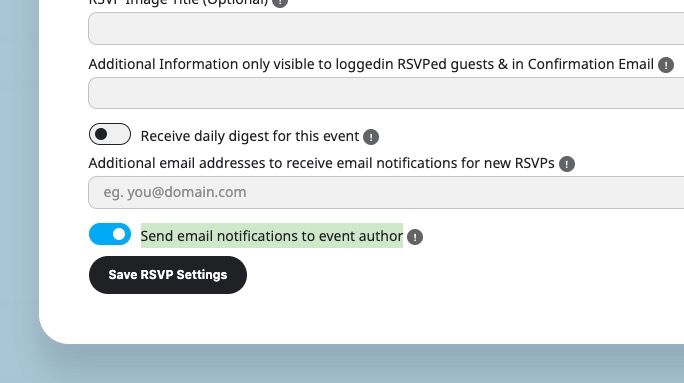
related to this option:
Hello,
1. Please go to EventON > Time Settings > enable Hide GMT value from frontend.
2. Please go to EventON > EventCard > enable Hide location other events button.
3. One button should be slightly less noticeable than the other. I can give you the code to make them the same. Please let me know how would you like them to look like (like the call one or the other button).
Hello,
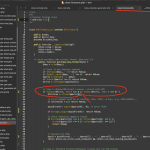
Please try implementing this code change in your website.
code:
7qebjf3jerpa
Also make sure to update EventON to the latest version.
To update eventon to latest version: If you are unable to do autoupdate, you can go to codecanyon your account > download and get the latest eventon version as zip file. Then you can go to your website > make sure ”Delete eventon settings & data when EventON is uninstalled” is Deslected from eventon settings, delete old eventon, install new one and activate. This link will further explain the process it. Also you can follow us on twitter to get real-time announcements on updates!
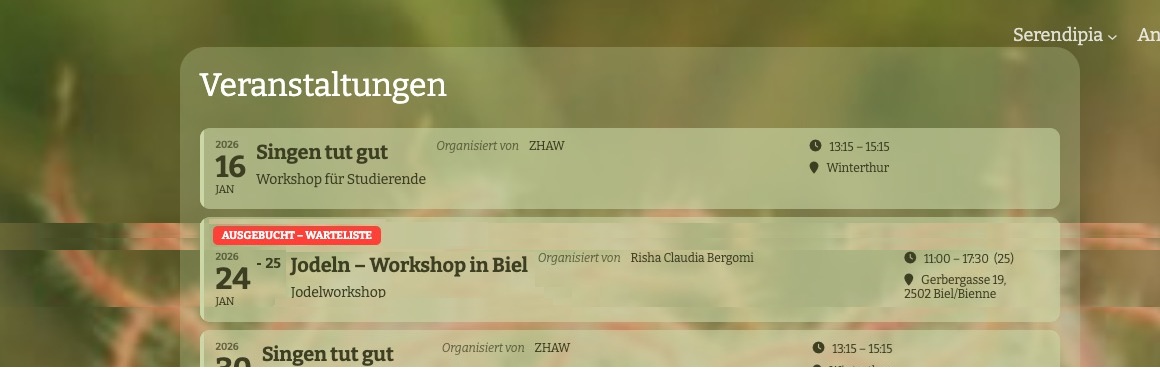
Currently it looks like this:

Could you let us know more about how would you like to arrange fields, so we can help?