Thank you!
Archives: Replies
Replies for tickets on suppota
Reply to: tickets(362028)
Yeah! Thank you Ashan for sticking with this and getting us out of the water! 🙂 I really appreciate your help…we are using EventOn for several of our clients and I always get AMAZING customer service from your team!
Reply to: tickets(362494)
my problem is these event pages that are indexed on google, I don’t want them to be indexed, I’ve blocked them on the robot.txt but some are still indexed.
Once the event has passed, is it possible to automatically delete the pages so that google de-indexes them?
Reply to: tickets(359218)
Ok.
You already have the 2A plugin deactivated.
https://prlugtaragon.org/
Reply to: tickets(362848)
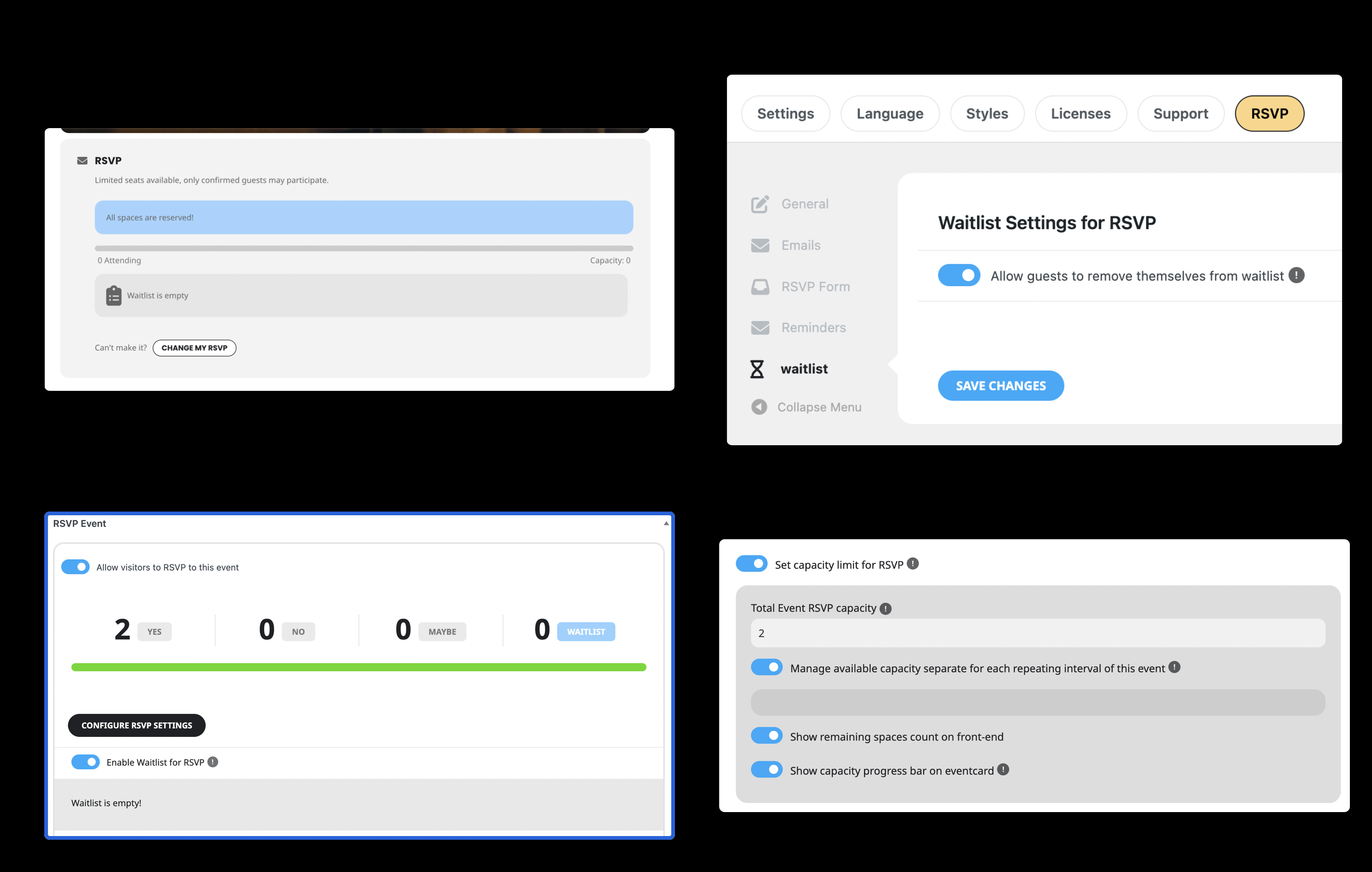
Here’s an update on the reminder. It has been over 70 mins, but the reminders were not sent.
a) The new event was set for 2h as advised
b) Set two reminders, 1 at 90 mins and 2nd at 80mins
c) Reminder has been turned on
Also want to confirm that the manual emailing inside the RSVP event does work.
Please advise. Thank you
Reply to: tickets(362494)
With disabled plugins I can access Single Event pages, so they aren’t redirected to the main page like they don’t exist:
https://stg-ittrainingacademy-dev09.kinsta.cloud/events/access-fondamentaux-2/var/ri-6.l-L1/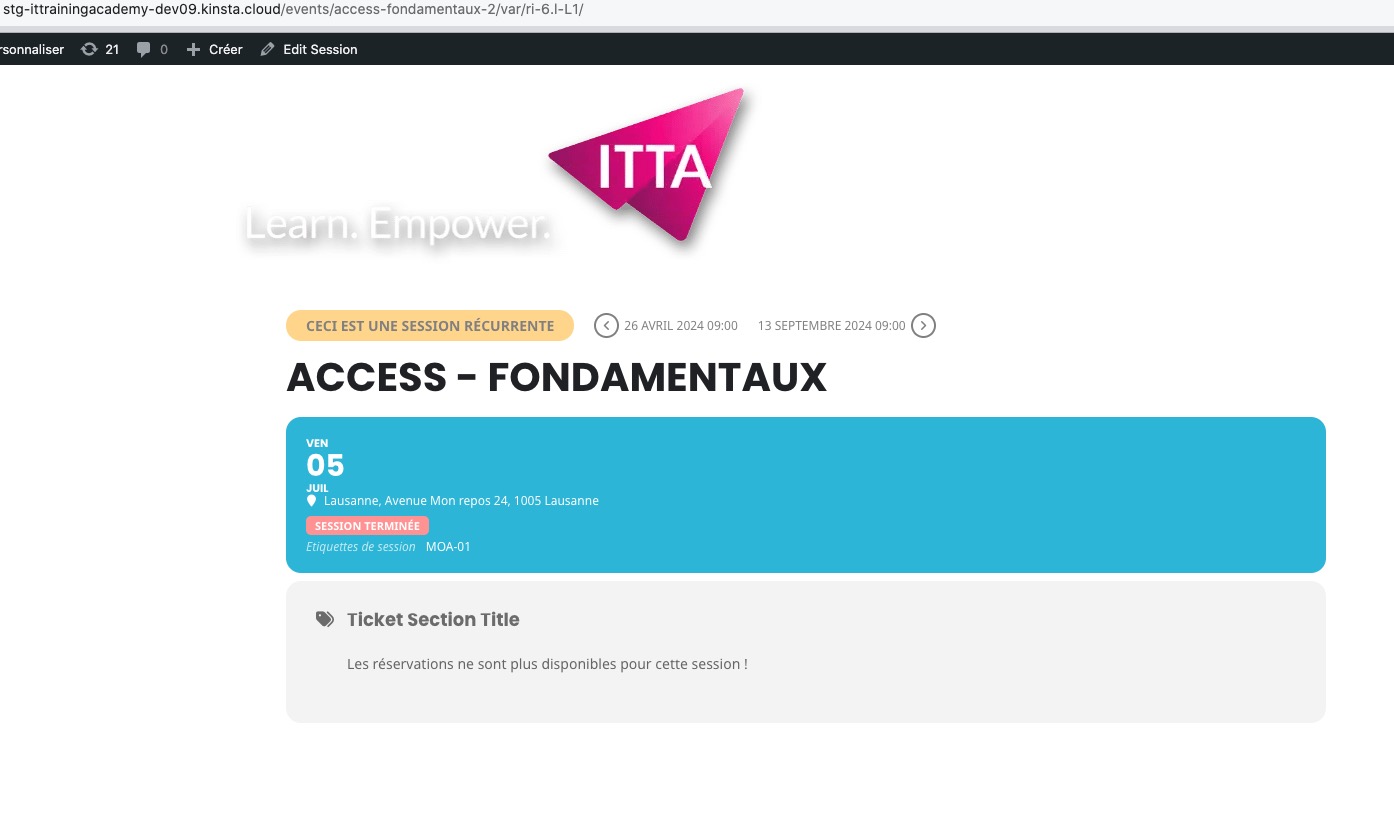
The thing is that EventON creates links to events when events are created, there is no way to avoid that because that is the default functionality of WordPress.
We can look more into why it’s not possible to access Single Event Page with plugins enabled.
Reply to: tickets(359218)
I don’t remember how I fixed the issue on your initial website, so I need to check it.
I don’t understand why it doesn’t work on the home
Because of Elementor.
Reply to: tickets(362870)
Hello,
the prices to be notified, which are in ‘Configure Ticket Settings’.
Could you send us a screenshot of this? Not sure what do you mean by “to be notified”.
‘Add a label’ in the fields.
This one as well.
You can export orders from Edit Event > Tickets > Download (CSV).
If some fields are missing you can add them by following
https://docs.myeventon.com/documentations/how-to-add-additional-fields-to-download-attendees-csv-file/
You can also download all events from EventON Settings > Download all eventON events. > CSV Format, but they don’t have any info related to events’ attendees.
Reply to: tickets(359218)
It also works with Elementor
https://formacionugt.greenhatworkers.com/test-2/
I don't understand why it doesn't work on the home

https://formacionugt.greenhatworkers.com
Reply to: tickets(362774)
Perfect! Now I can create test events.
4. & 5. Please update EventON to 4.6.8.
To update eventon to latest version: If you are unable to do autoupdate, you can go to codecanyon your account > download and get the latest eventon version as zip file. Then you can go to your website > make sure “Delete eventon settings & data when EventON is uninstalled” is Deslected from eventon settings, delete old eventon, install new one and activate. This linkwill further explain the process it. Also you can follow us ontwitterto get real-time announcements on updates!
6. Seems to be working on our test site with Spanish:
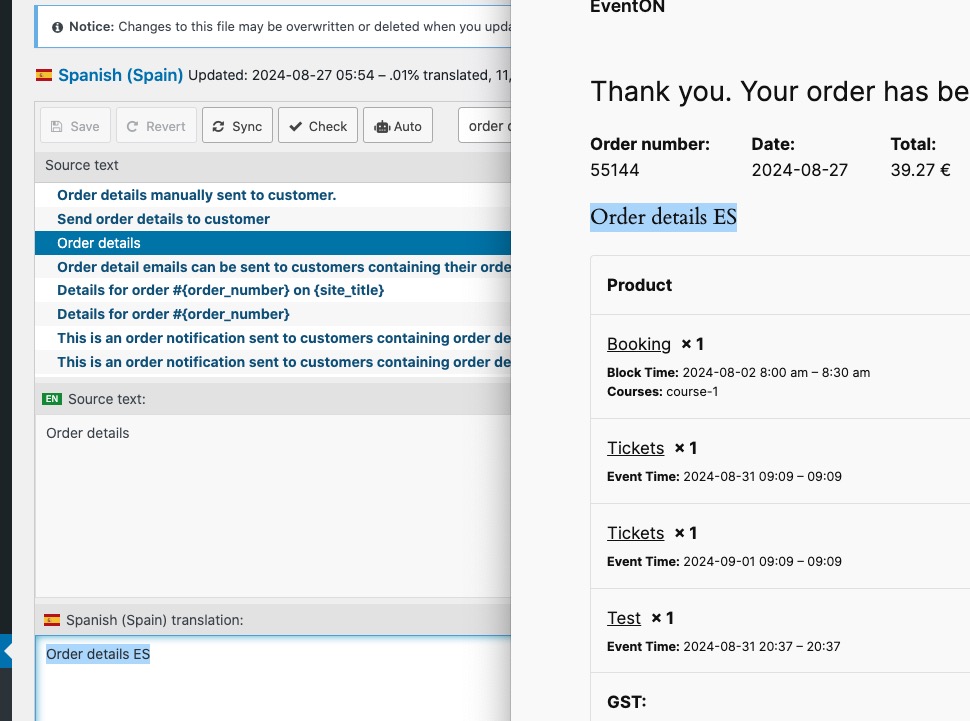
Could you please try the instructions mentioned in this documentation to make sure your issue is indeed coming from eventon.
Maybe WPML somehow causes this or any other third-party plugin that works with WooCommerce?