Good morning,
try using the same link and user with the new password:
6$L0VaTfqc0PfeBw)eH(J&uN
Replies for tickets on suppota
Good morning,
try using the same link and user with the new password:
6$L0VaTfqc0PfeBw)eH(J&uN
Hi, we have just set up a new event and will test that. Thank you.
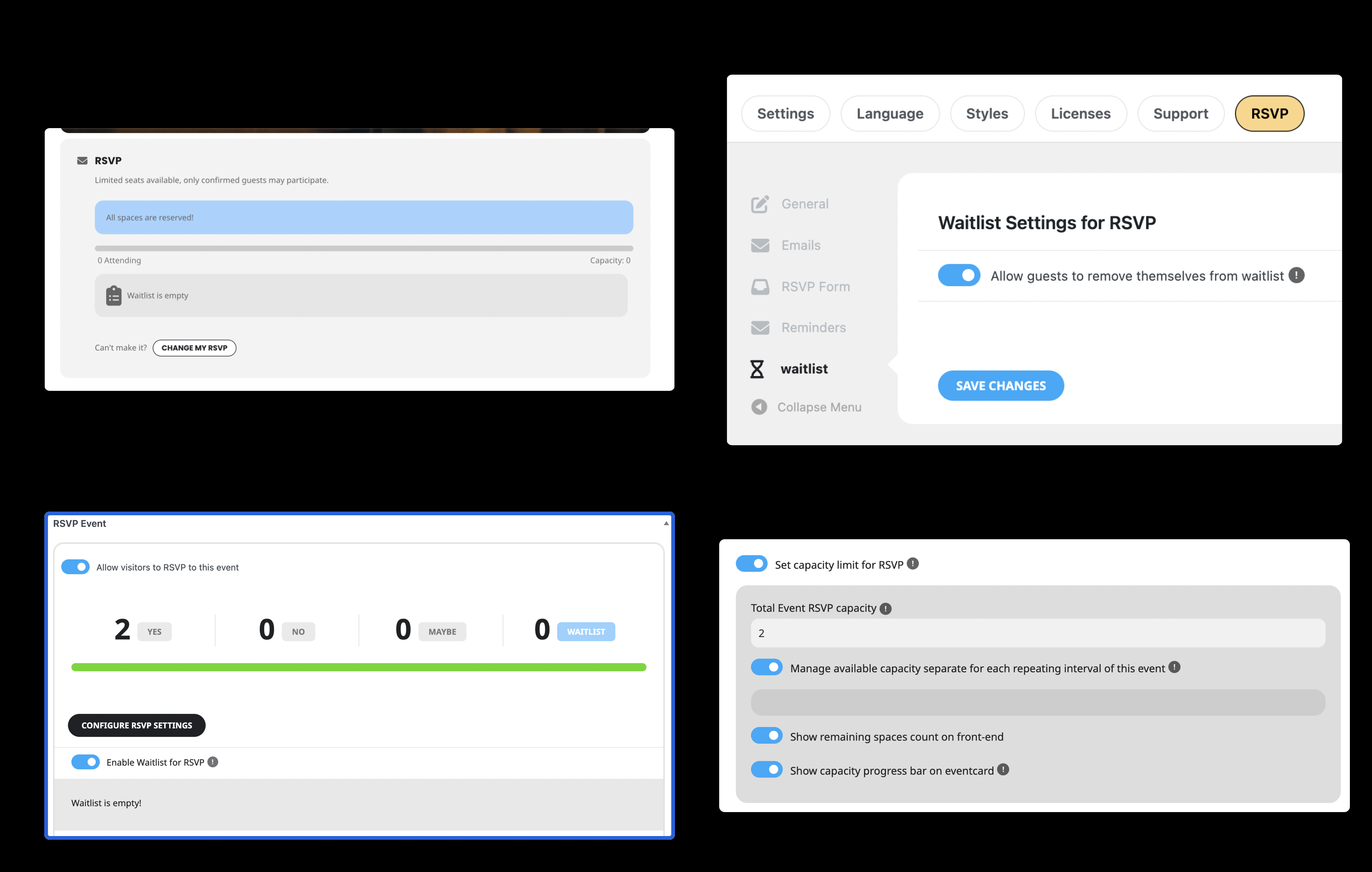
Meanwhile, we are experiencing another problem. We have purchased the Waitlist addon, but it does not work. For the test, we have set a capacity of 2 attendees and then registered two attendees. The front end displays that “all spaces are reserved”. It does not give the option to register on the waitlist.
I am attaching images of the settings and displays for you to review.

like this
Hello,
By default WordPress doesn’t have such feature and EventON simply checks if a person logged-in or not.
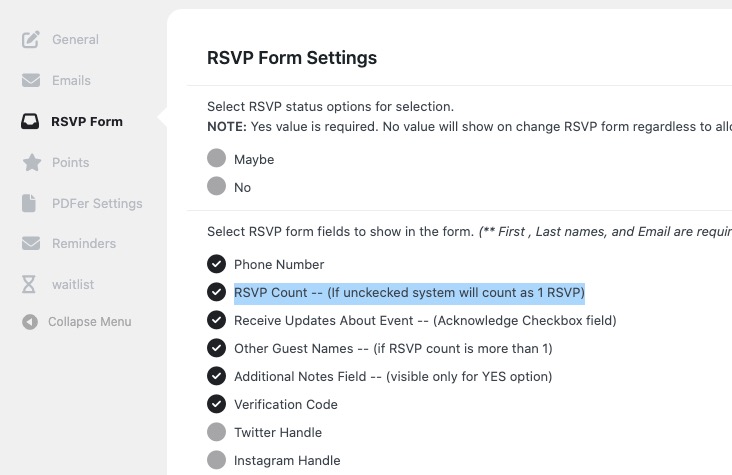
It seems that you can simply allow registration to your website and then let parents RSVP with their children with
https://www.myeventon.com/addons/rsvp-events/
Try on
https://dev.myeventon.com/wp-admin/
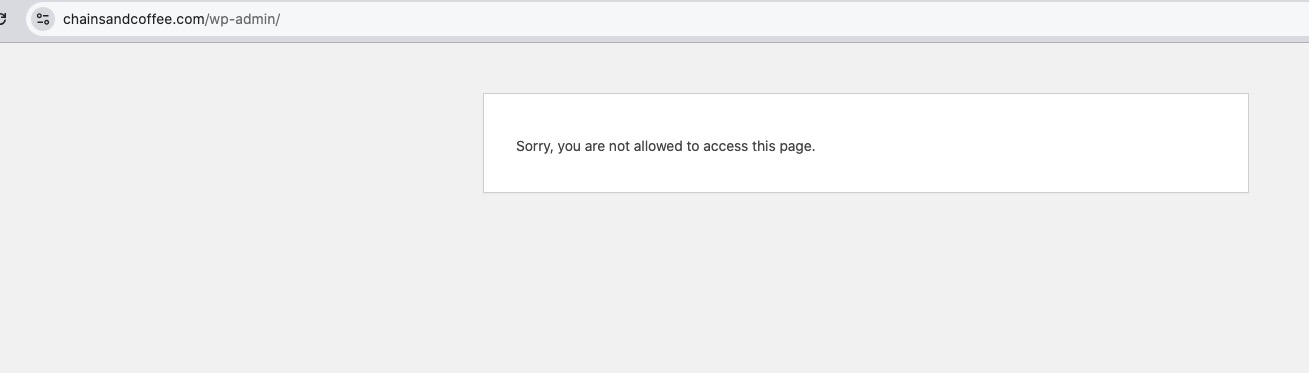
Still the same issue:
Sorry for the delay. Ashan will check this ASAP.
As a temporary solution, please try adding ux_val=”4″ to the shortcode to open events as Single Event Page.
Hi
Did you manage to look at this it has now been 5 days – I am losing money. Maybe I should restore back to an older version of the plugin?
could you give me an update please
thanks
Mo
Please use the following credential:
Site: https://chainsandcoffee.com/wp-admin
User: office@chainsandcoffee.com / artem-evon
Pass: n%AacP@Kdn))UX0DY4QRyeMI
Hi Artem,
Thanks!
I don't understand why you need to go to that website if I have the problem in https://formacionugt.greenhatworkers.com/