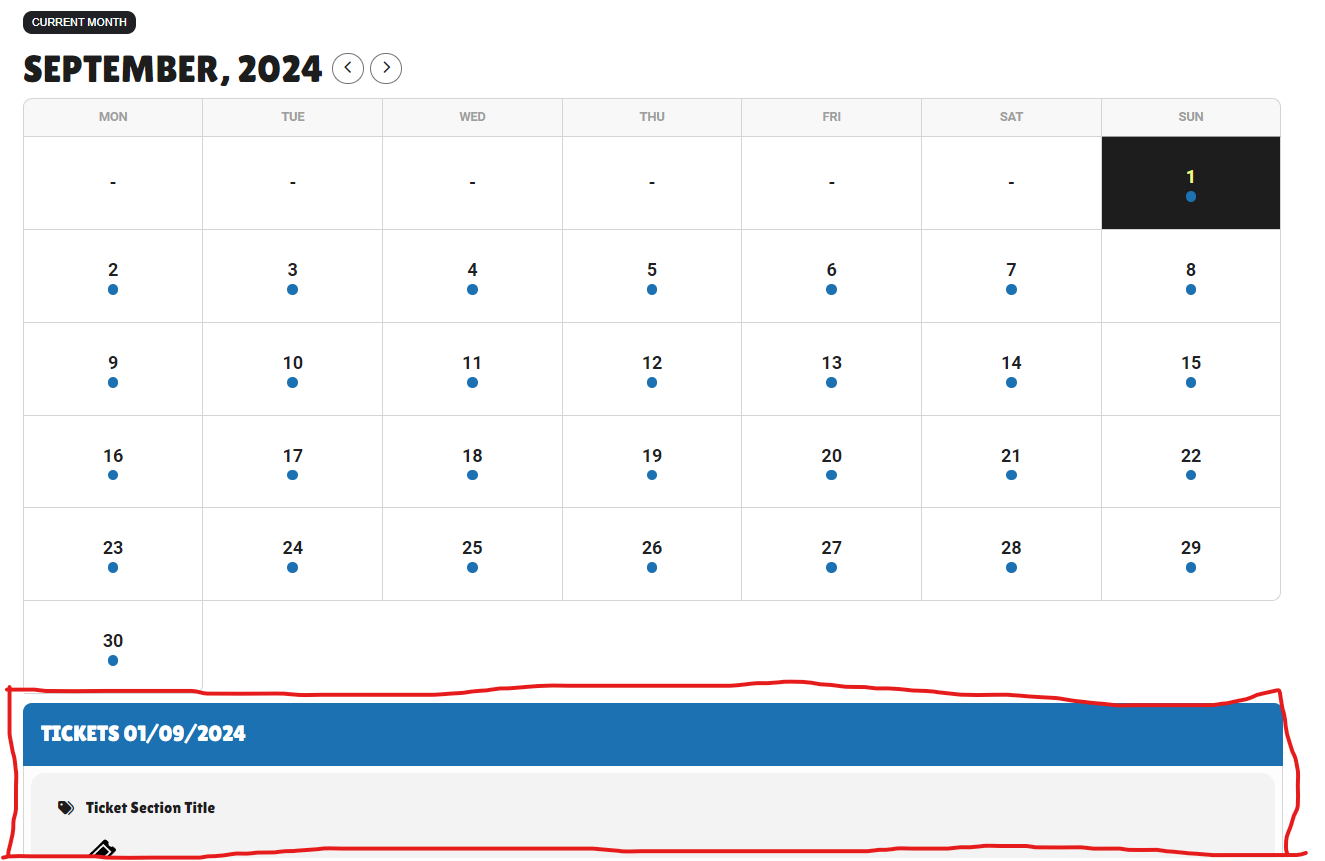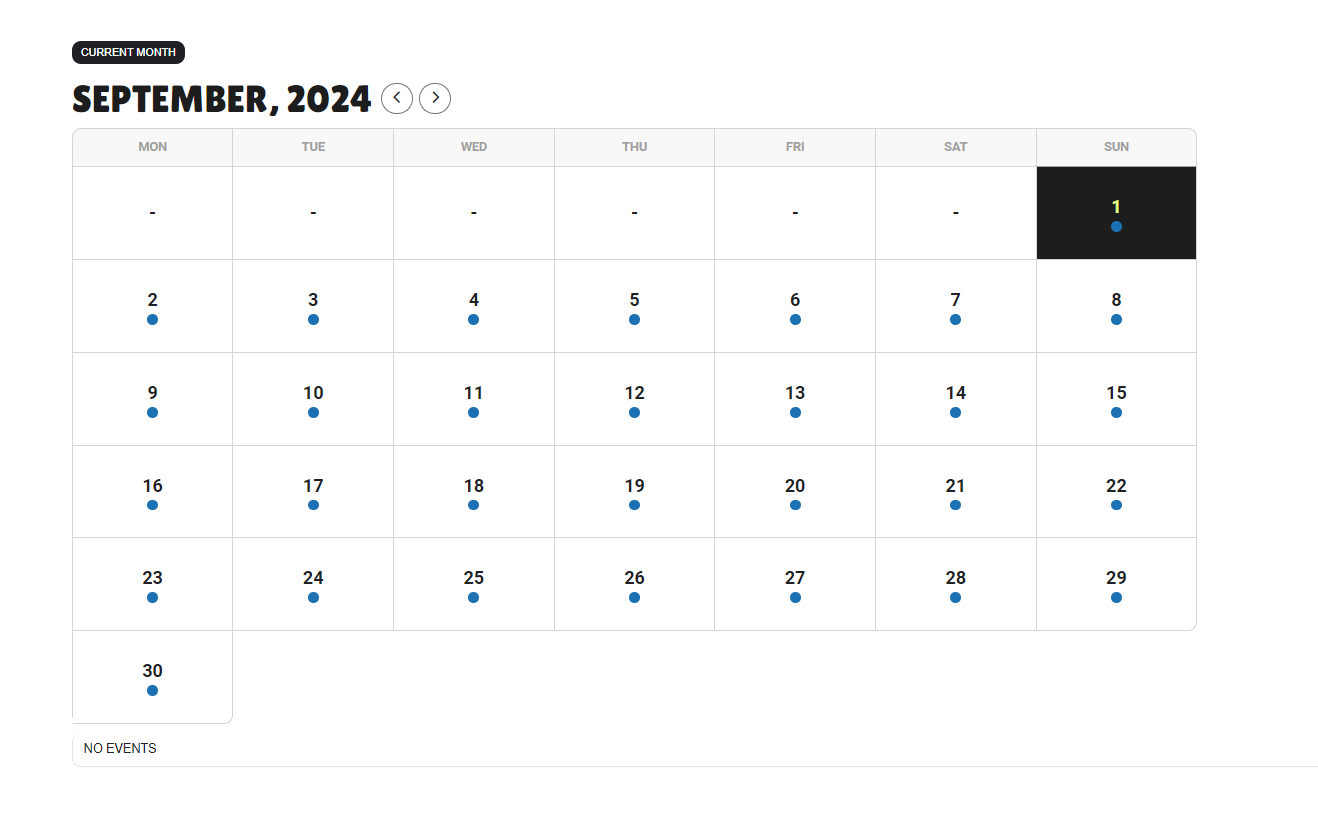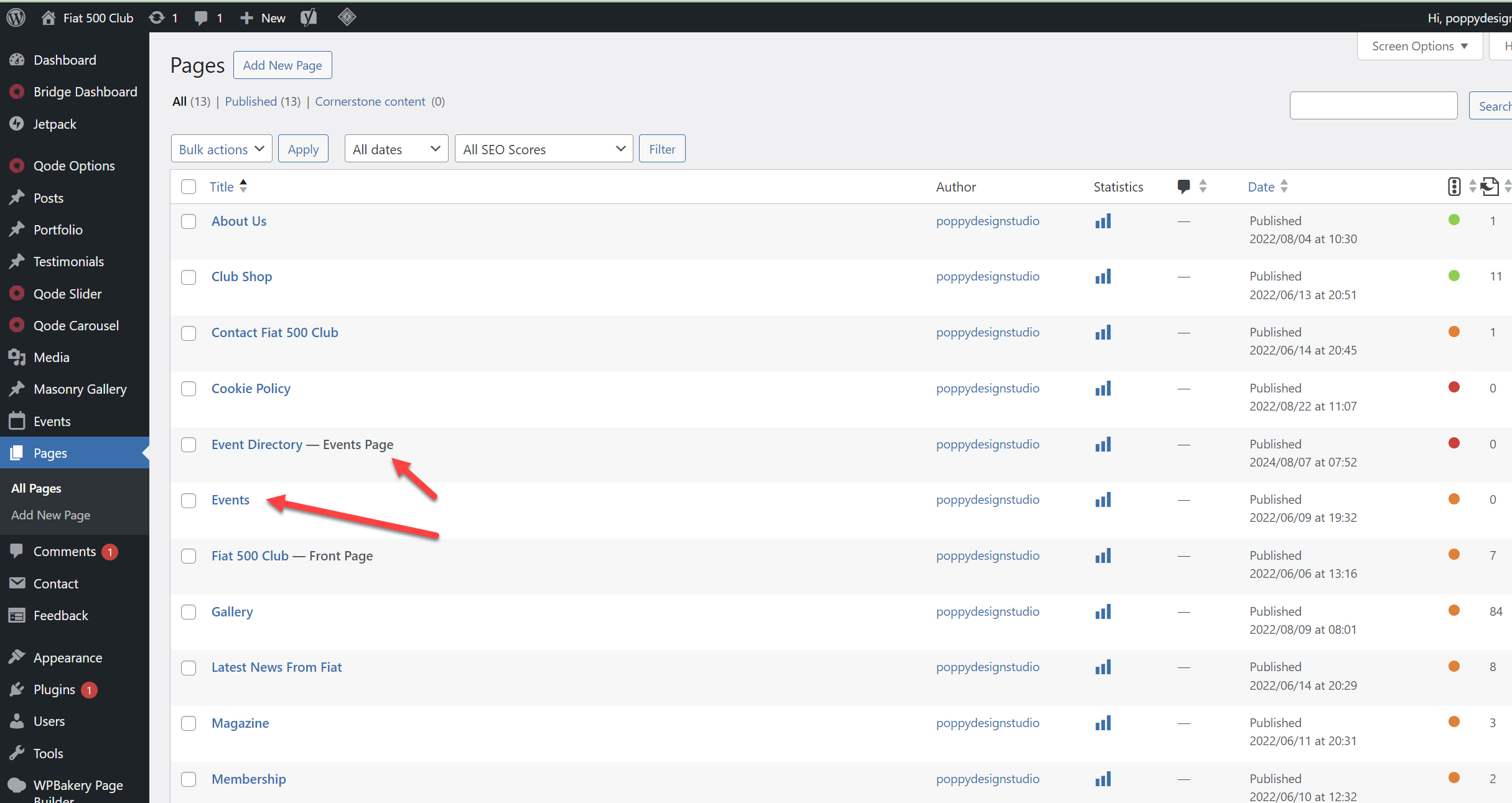
I Think there has been some confusion. I am trying to set the main events page as /events but the default page is /event-directory and is still that.
See screen shot attached. This is what i am trying to change and connect find the setting to change this.
seems to work fine for me
perhaps clear your browser cache epsically if you have just updated the plugin or addon or changed the shortcode
create a dummy event with the date today and the time in 2 hours
set your reminder to go out in 90 minutes
rsvp to it grab a coffee and wait 30 minutes to see the email
just needed to resave the myeventopn>>>settings>>>event card
check now
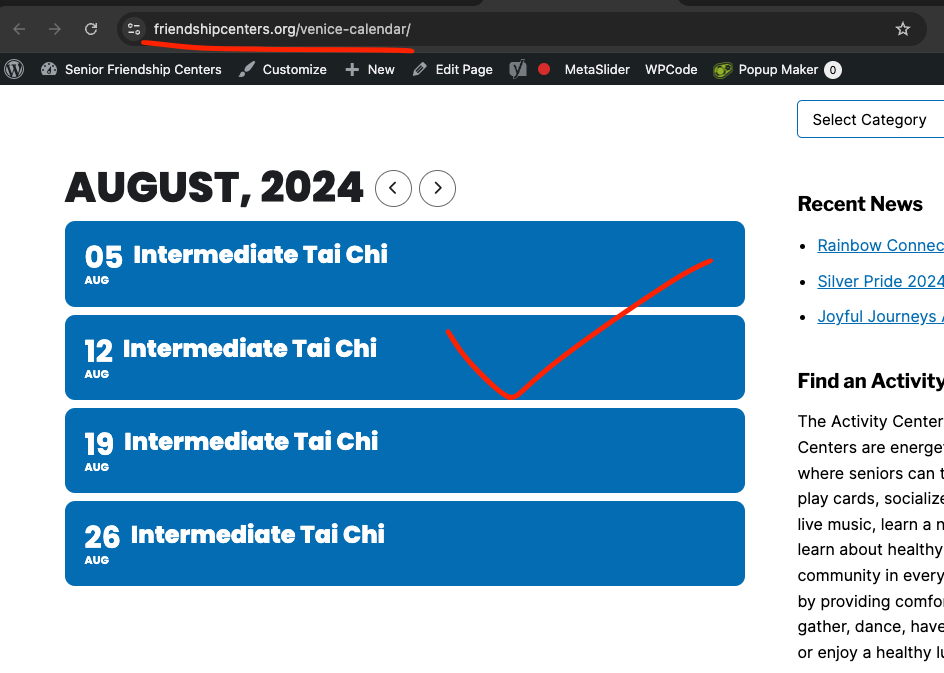
Alright got it workgin.
The issue seems to be caused because you had set “Number of repeats” to 9999, which load a huge array of repeat times data and process through it, and that might be why it broke.
However by setting it to 999 it seems to be capable of handling that.
https://friendshipcenters.org/venice-calendar/
Event causing the issue: https://friendshipcenters.org/wp-admin/post.php?post=20721&action=edit
So lets use lower repeat numbers for now, we are going to work on indefinite repeat option in the future 🙂
Hello,
1. Please go to EventON > Single > enable Disable comments section on single event template page.
Please add this CSS code to EventON > Styles (If you don’t see any change, EventON > Scripts & Styling > turn off Write dynamic styles to header > save settings > turn on Write dynamic styles to header):
.single-ajde_events { background: black; } body.single-ajde_events div#main { background: black; } body.single-ajde_events header>.container { background: black; }
2. Please follow
https://docs.myeventon.com/documentations/change-events-slug/
3. Please try disabling WP WhatsApp Chat plugin.
4. & 5. & 6. I need to create a test event, but cannot because of 3. Could you disable the third-party plugin, so we can proceed?
Unfortunately, we don’t really know how Elementor works, so not sure how to help with this.
However, could you try EventON > Advanced > select a different Select calendar event content filter type?