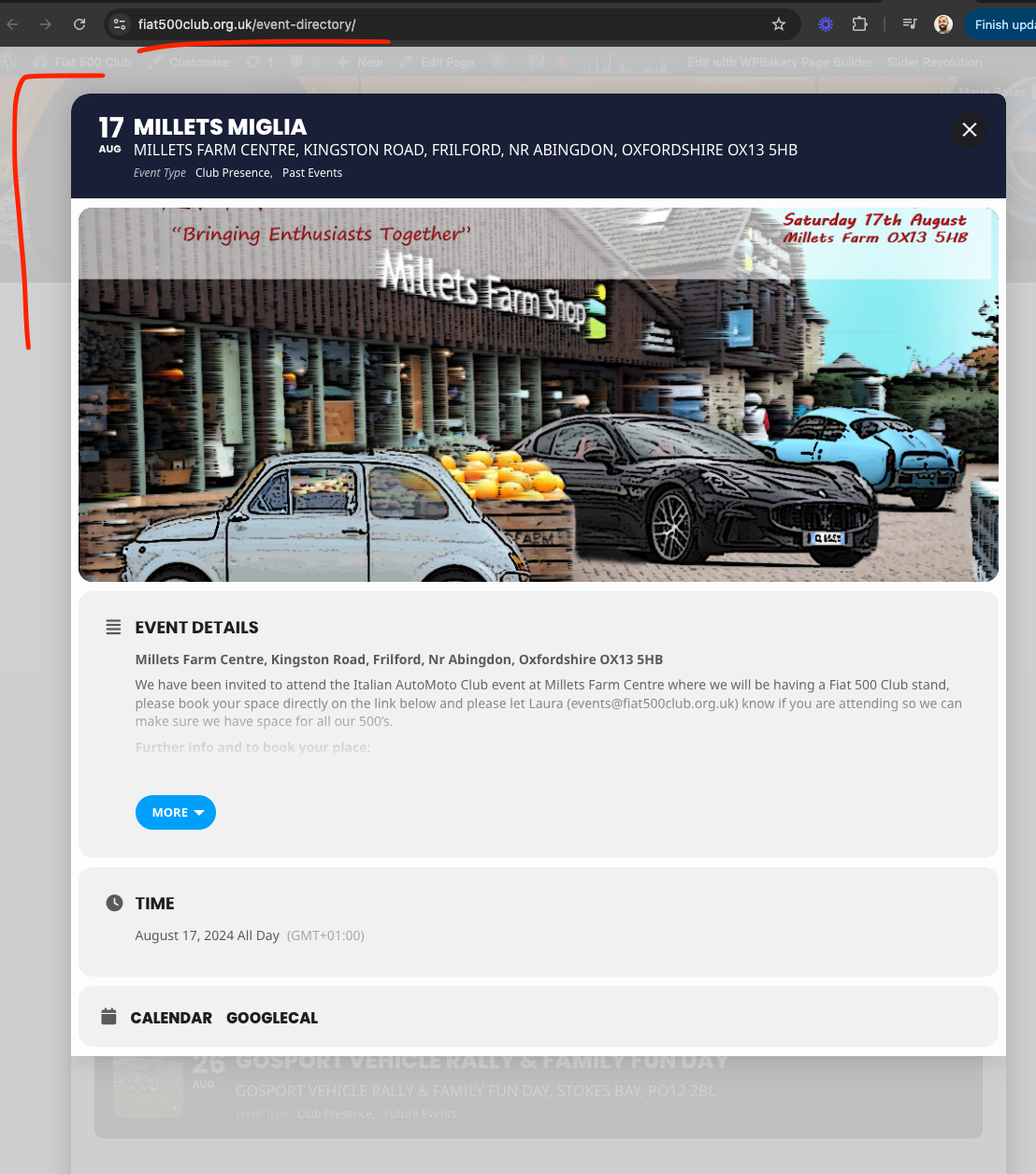
It seems that there is an issue with Elementor, so I need to check the other website.
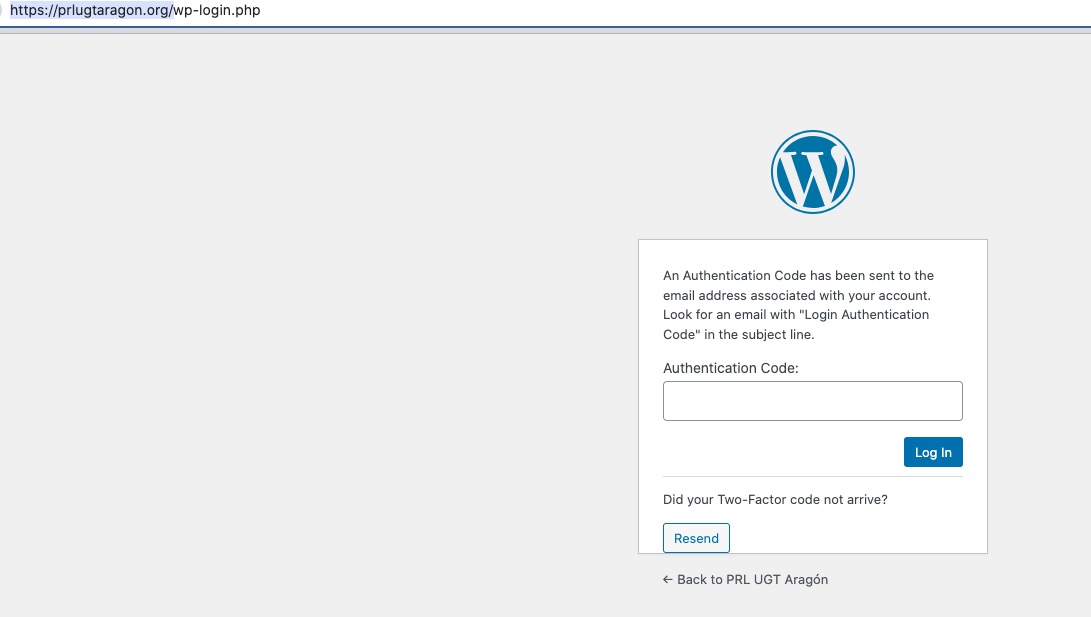
I need to access https://prlugtaragon.org/ website, but I also need this code:
Replies for tickets on suppota
It seems that there is an issue with Elementor, so I need to check the other website.
I need to access https://prlugtaragon.org/ website, but I also need this code:
Looking into this now Chris. Lets figure this out!!! It is very strange this work https://friendshipcenters.org/desoto-calendar/
but not venice. Hmm may be its under water. 🙂 lets see if I can jack it above the water 🙂
The main thing is that we don’t have any access to your data on CodeCanyon.
It is not listed under our Download tab/option
EventON isn’t listed in your Account > Download?
Hello,
Please add this CSS code to EventON > Styles (If you don’t see any change, EventON > Scripts & Styling > turn off Write dynamic styles to header > save settings > turn on Write dynamic styles to header):
.tax-event_organizer .evo_sidebar { display: none !important; }
Hello,
Please follow this guide:
To update eventon to latest version: If you are unable to do autoupdate, you can go to codecanyon your account > download and get the latest eventon version as zip file. Then you can go to your website > make sure “Delete eventon settings & data when EventON is uninstalled” is Deslected from eventon settings, delete old eventon, install new one and activate. This link will further explain the process it. Also you can follow us on twitter to get real-time announcements on updates!
I have refunded and cancelled the subscription for you.
You just have to tinker with it to get the background color match and event calendar shortcodes adjusted to your needs.
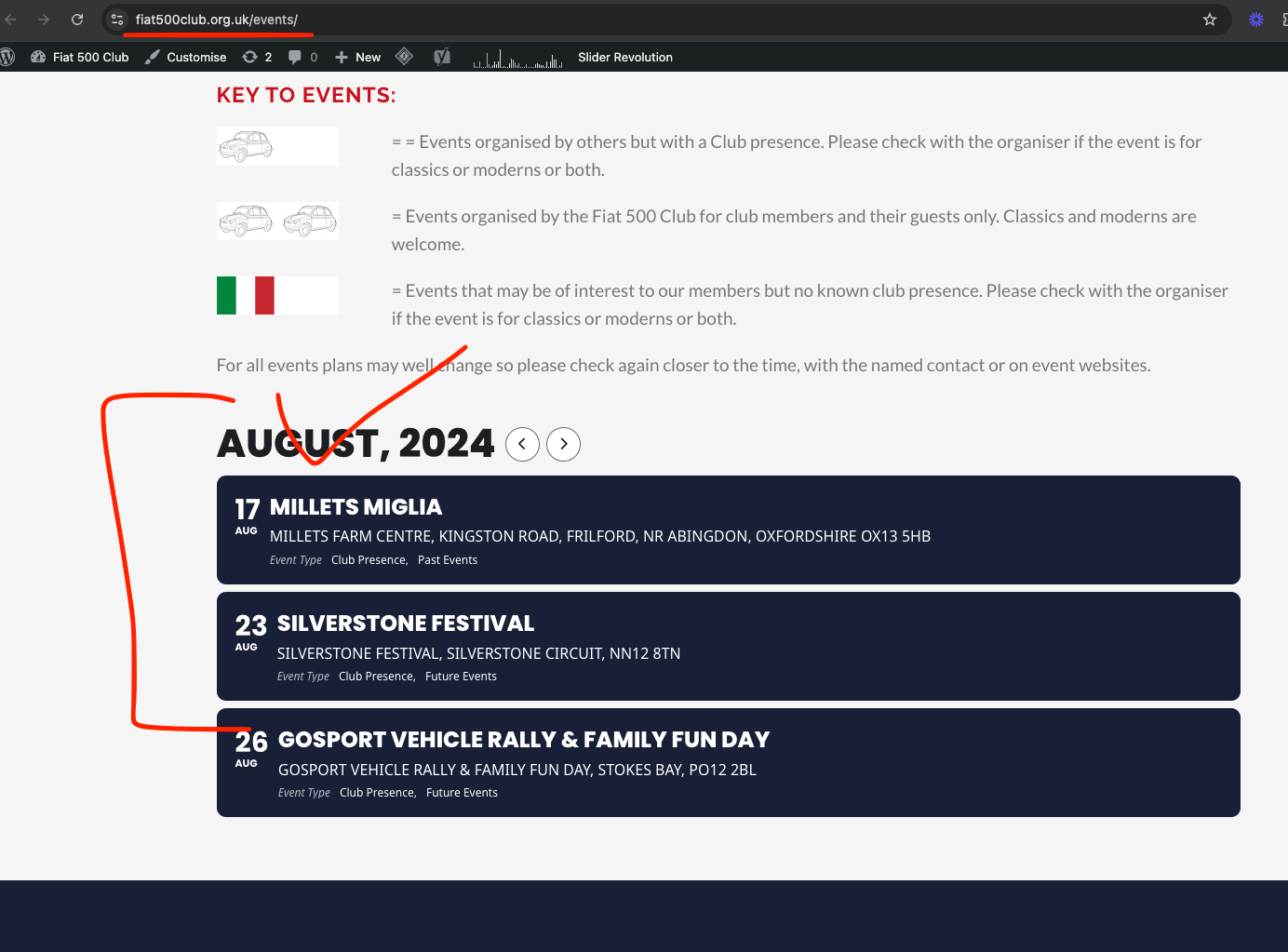
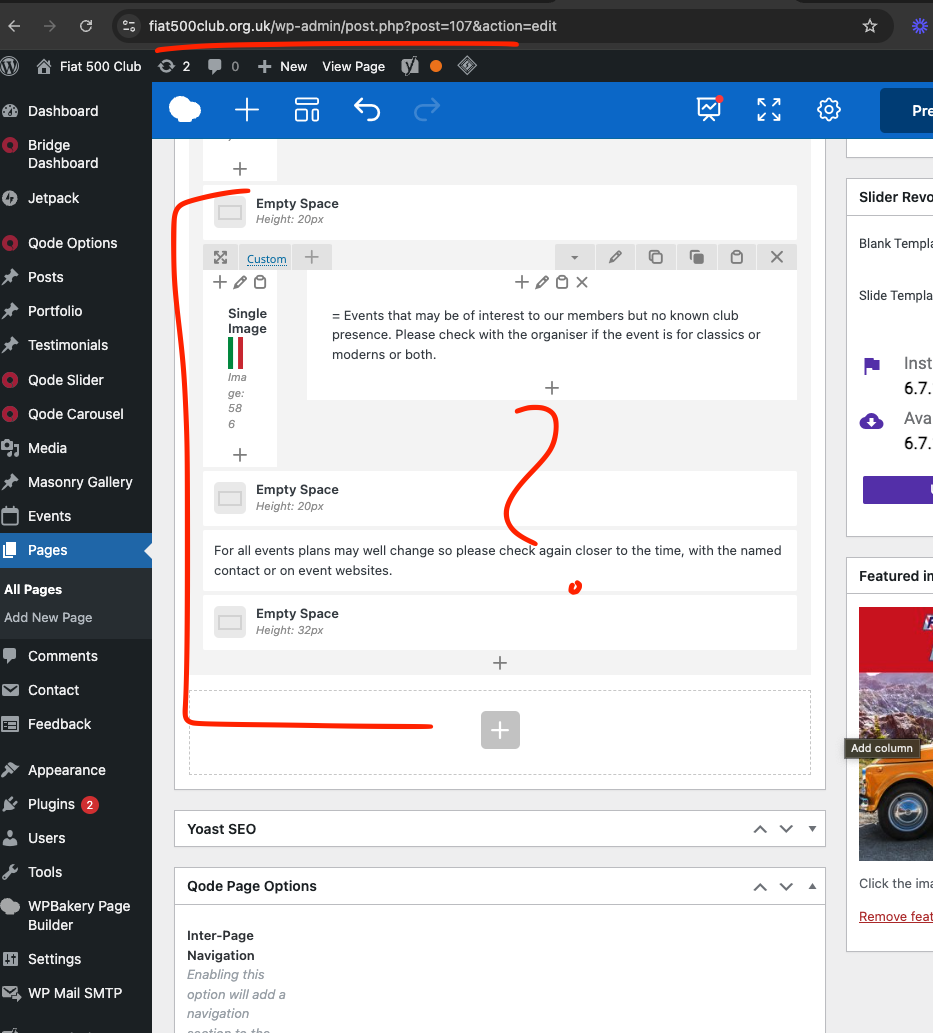
Ok in the events/ page you do not have eventON any where. YOu need to add eventON block in there for the calendar to show.
I am gonna add it now. just as it is in events-directory page. Instead I am going to use text-block and use eventON shortcode generator.
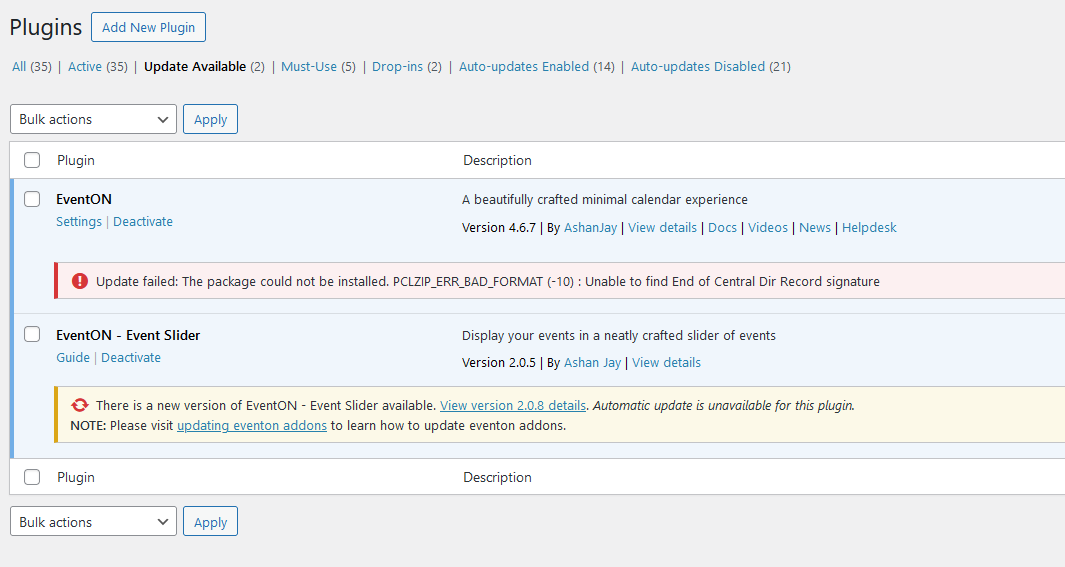
Screenshot of the error message I am receiving when trying to update EventON.
Updated your evnetON to latest version 4.6.8 and the event lightbox work fine and NO new page events.