Hello,
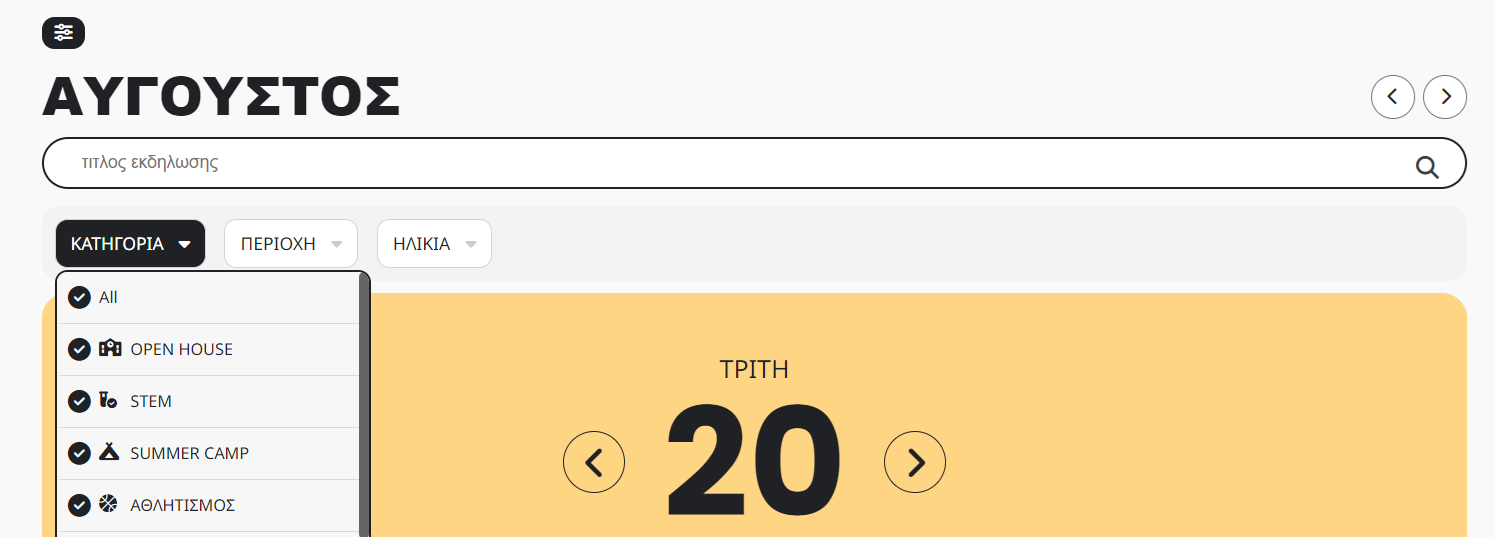
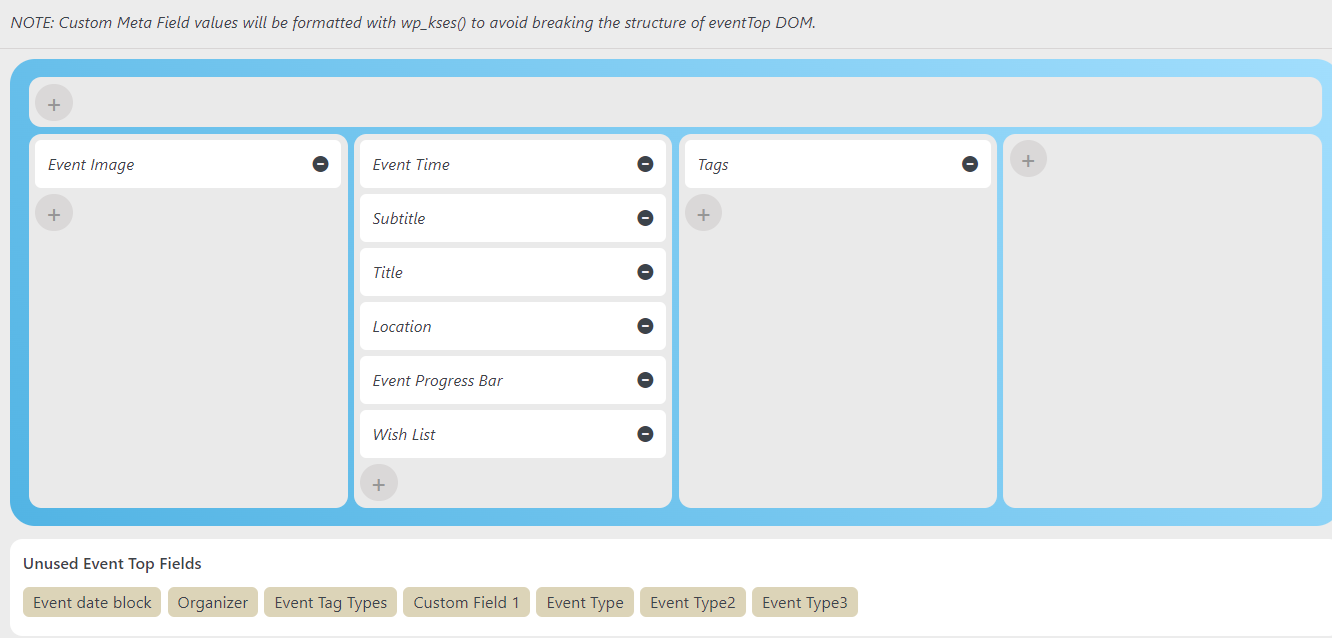
Please add “Event Type”, “Event Type2”, “Event Type3” on this screen:
https://helpdeskx.s3.amazonaws.com/wp-content/uploads/2024/08/20081857/event-top.png
Replies for tickets on suppota
Hello,
Please add “Event Type”, “Event Type2”, “Event Type3” on this screen:
https://helpdeskx.s3.amazonaws.com/wp-content/uploads/2024/08/20081857/event-top.png
Hi Marissa,
To update Eventon to the latest version: If you cannot do auto-update, you can go to codecanyon your account > download and get the latest Eventon version as a zip file. Then you can go to your website > make sure “Delete eventon settings & data when EventON is uninstalled” is deselected from eventon settings, delete old eventon, install new one, and activate. This link will further explain the process.
Let me know if this works for you.
Thank you so much! What was causing it by chance to not have to bug you in the future if occurred again?
Hi Adam,
You are welcome! if you have any further questions or concerns please feel free to create a new ticket.
Thank you!
Hi Sarah,
Please follow the instructions in this documentation to activate debug in your site to see any PHP errors recorded that can provide insight on to whats going on. Please reply with a link to debug.log file. If you are not able to do this please send us FTP access to your site so we can do this for you.
Hi Ashan & Artem.
two things:
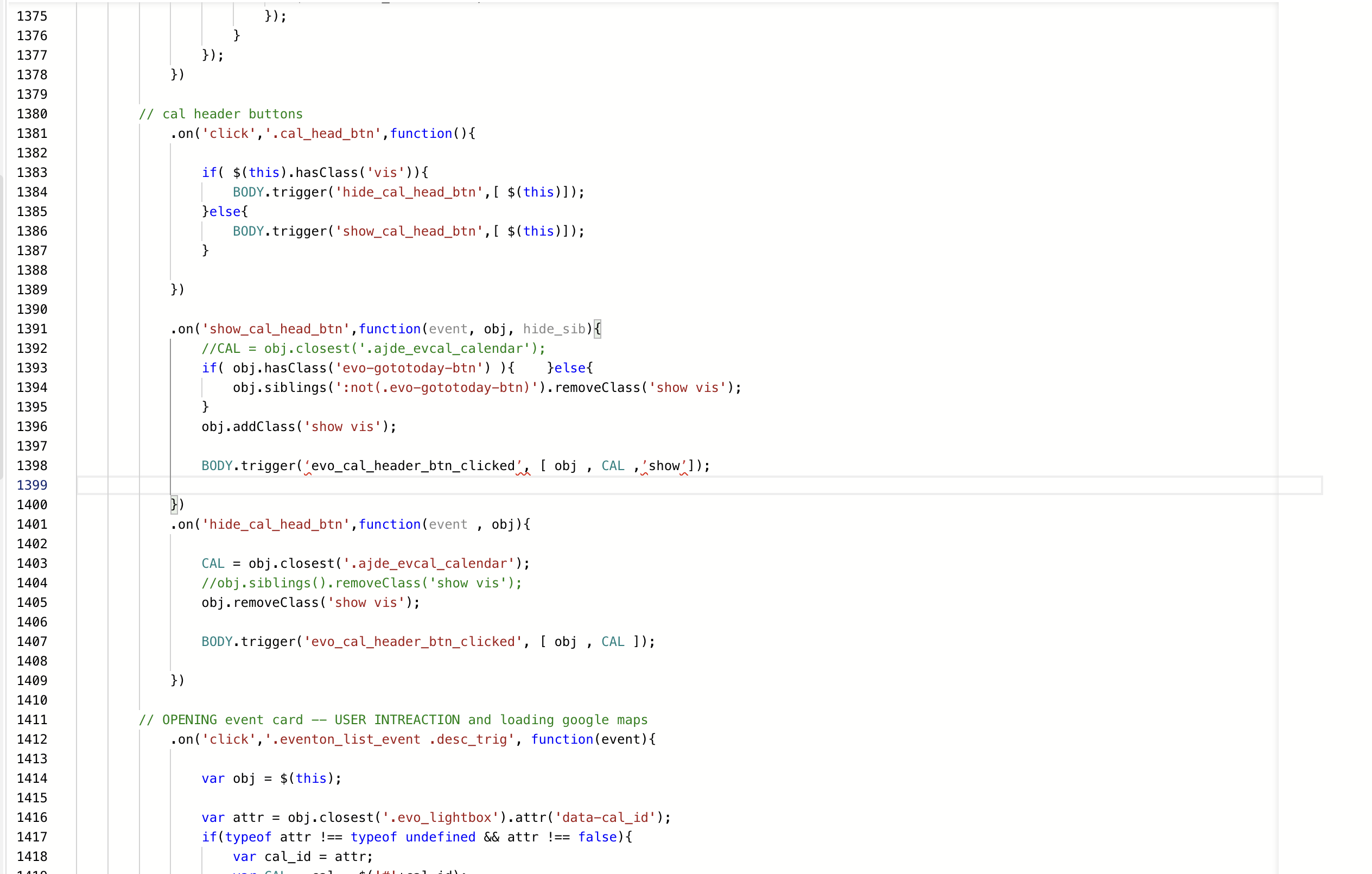
Ashan I added the BODY.trigger to the JS file (see attached) My JS file is a little different then what you showed me.
Artem. I am also missing the FontAwesome arrows on the filter toggles here: https://www.adirondackfilm.org/schedule-wip/
Thanks