Hi there.
We’ve made those changes but no debug log file is being generated.
FTP Details:
eventon@baker.builtbysuperfly.co.uk
yJp?UKK_6Jj8
FTP server: ftp.builtbysuperfly.co.uk
FTP & explicit FTPS port: 21
Replies for tickets on suppota
Hi there.
We’ve made those changes but no debug log file is being generated.
FTP Details:
eventon@baker.builtbysuperfly.co.uk
yJp?UKK_6Jj8
FTP server: ftp.builtbysuperfly.co.uk
FTP & explicit FTPS port: 21
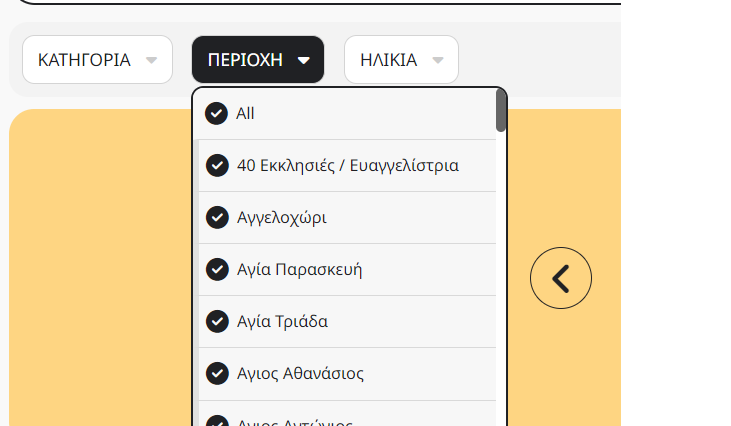
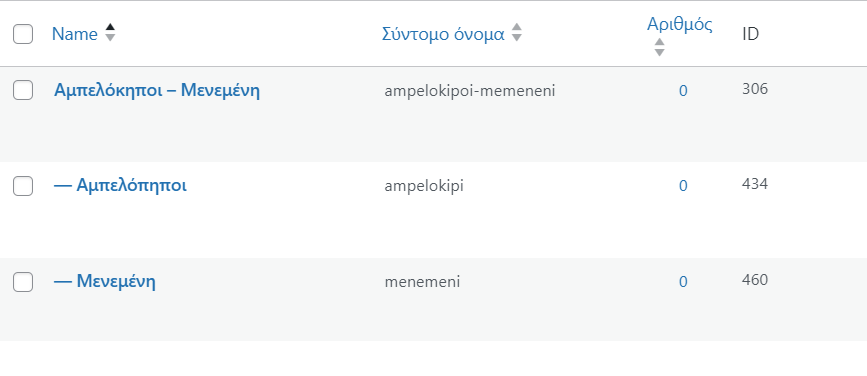
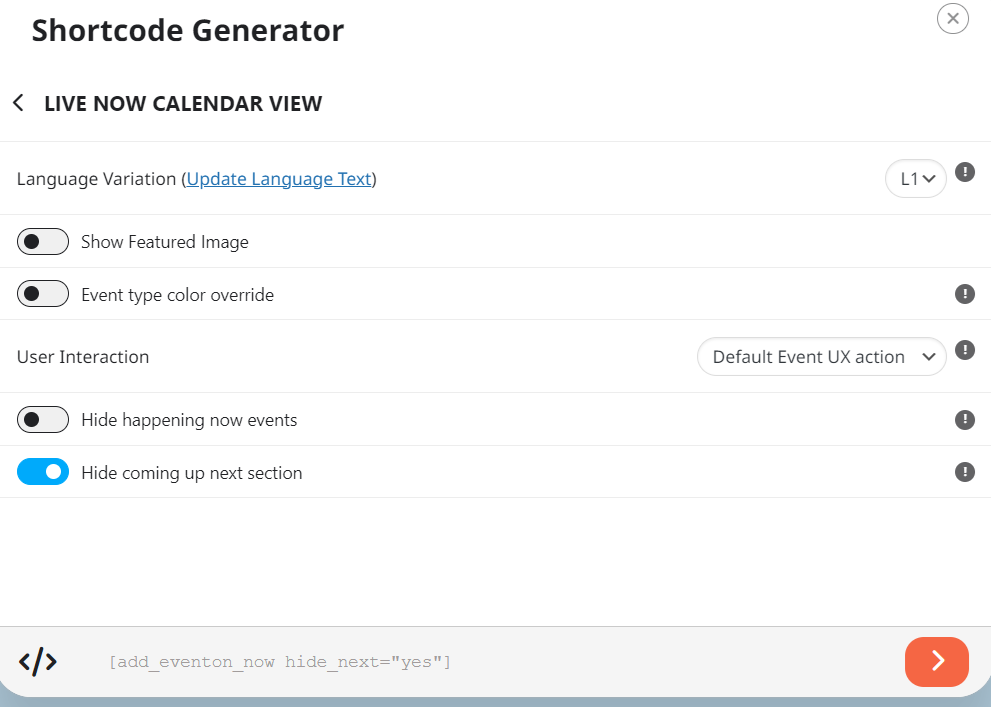

As we have downgrade the php version of 7.4
Error is still there
can you please help
Hi Vitor,
We are glad your issue is resolved, if you have any further questions or concerns please feel free to create a new ticket.
On #5 above, after that didn’t work I restored them.
Hello,
We are glad your issue is resolved, if you have any further questions or concerns please feel free to create a new ticket.
Hi Taryn,
We are glad your issue is resolved, if you have any further questions or concerns please feel free to create a new ticket.
I’ve done several things (in this order):