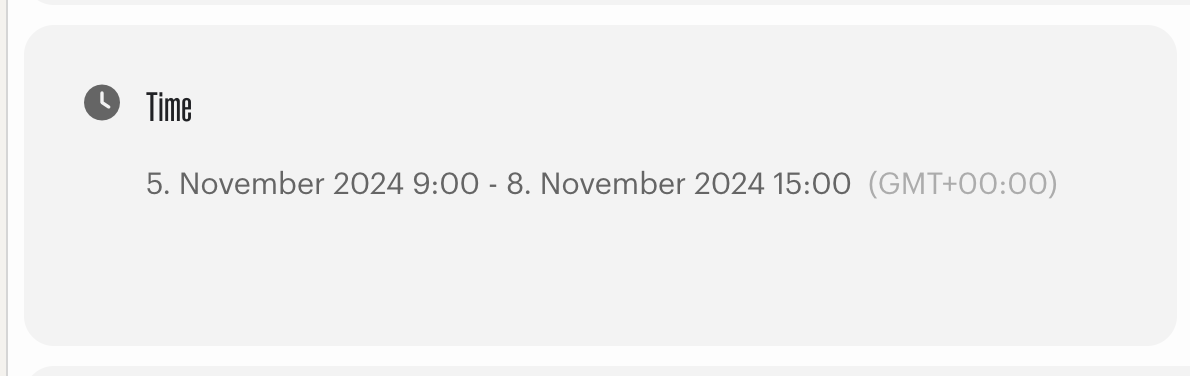
Only one time option for the whole website is available: EventON > Time Settings > Enable custom event time format on eventCard.
Archives: Replies
Replies for tickets on suppota
Reply to: tickets(358548)
Got it. Thanks!
One last thing. Is it possible to have the date displayed as this?
Danish – 20. august 2024 kl. 11.00 – 12.00.
English – August 20, 2024, 11:00 AM to 12:00 PM
Reply to: tickets(361623)
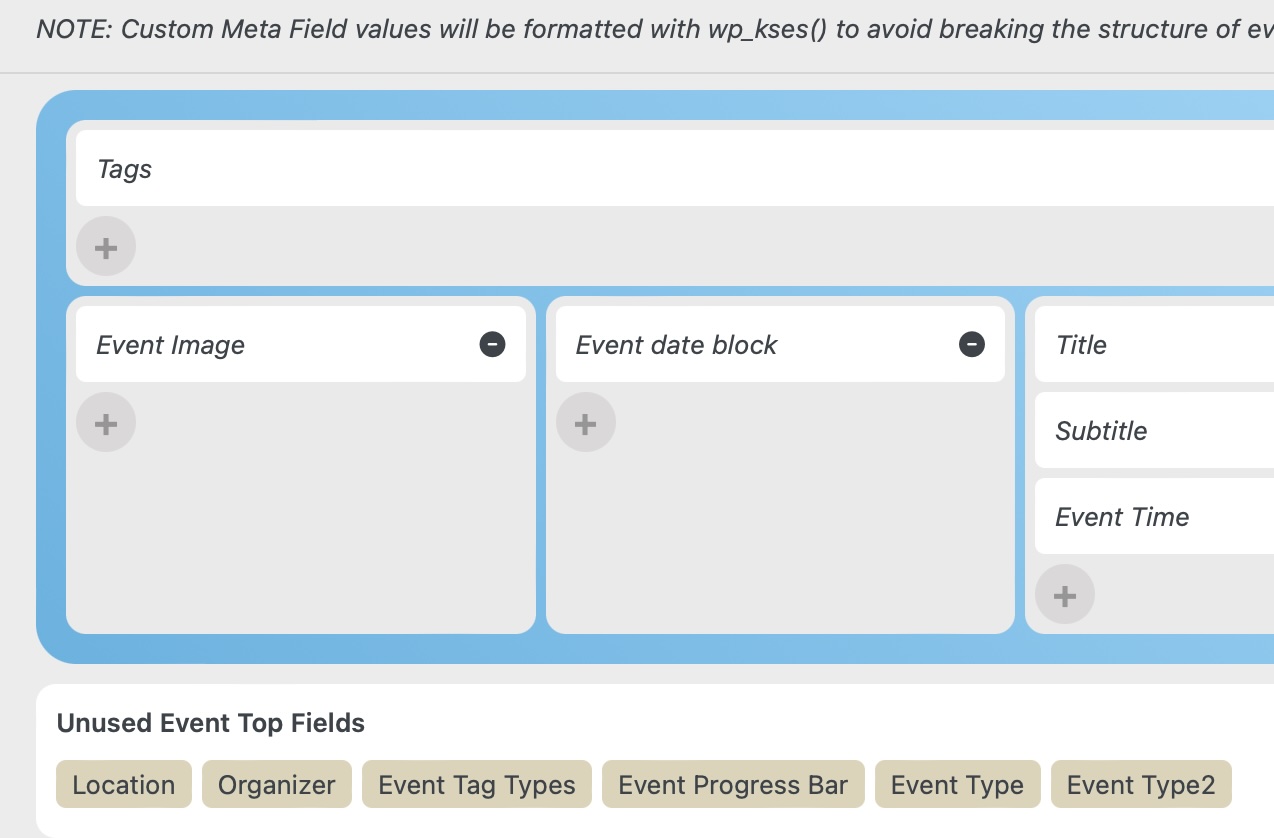
All image of proof.
All my tickets has always been solved by Ashanjay
Reply to: tickets(361623)
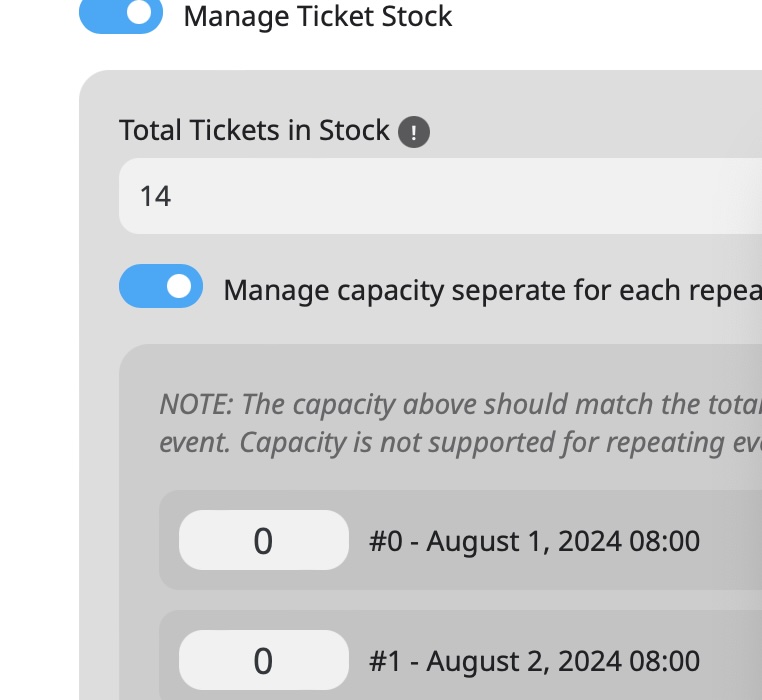
Reply to: tickets(361623)
Reply to: tickets(361623)
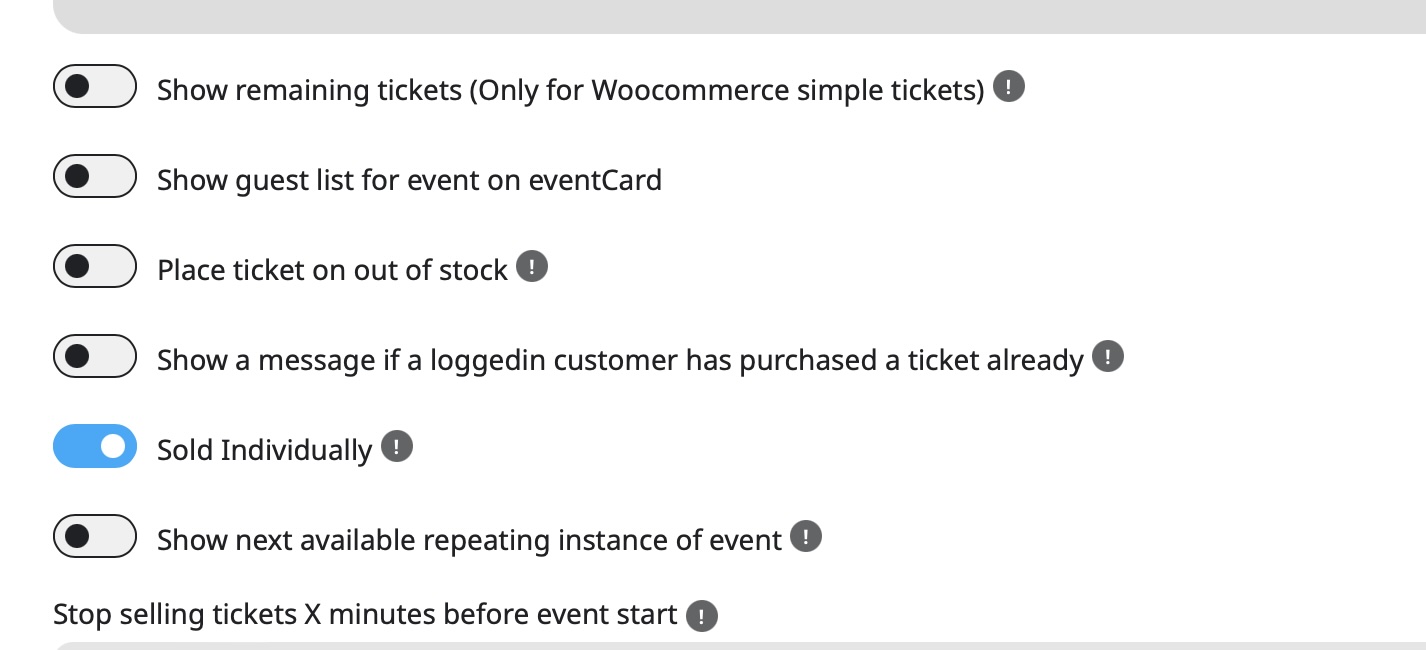
There is a 2FA from our hosting provider that can’t be disconnected for security reason for all Admin login.
https://toppstugansundbyberg.se/wp-admin/
The adress will only redirect you to the Admin login page.
Reply to: tickets(361356)
Hi, please can you show me a video tutorial to create a full day event, show it on a calendar page and add the woocommerce product on it?
Reply to: tickets(337218)
Thanks, but then how do I match the two shortcodes together? [add_eventon fixed_month=”08″ fixed_year=”2024″ jumper=”yes” jumper_offset=”2″] and [add_eventon jumper=”yes” show_et_ft_img=”yes”]
What can I do so that the Moants overview stays open when I open the website?
Reply to: tickets(361564)
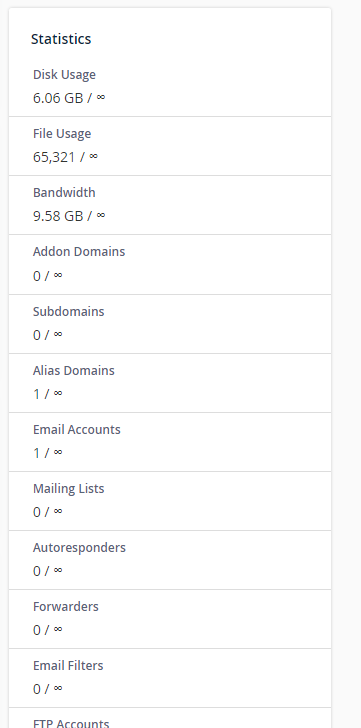
We have Unlimited memory limit of the server
define(‘WP_MEMORY_LIMIT’, ‘512M’); in config file.
Reply to: tickets(361608)
good to hear. I’ll close this ticket.