Hello,
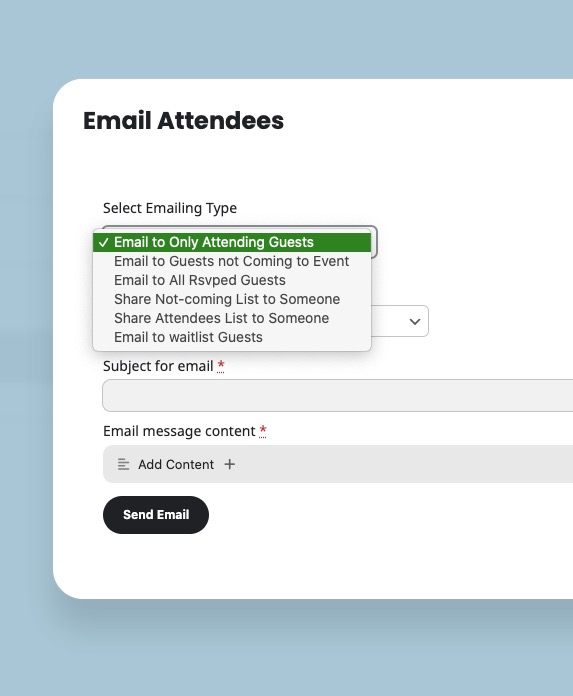
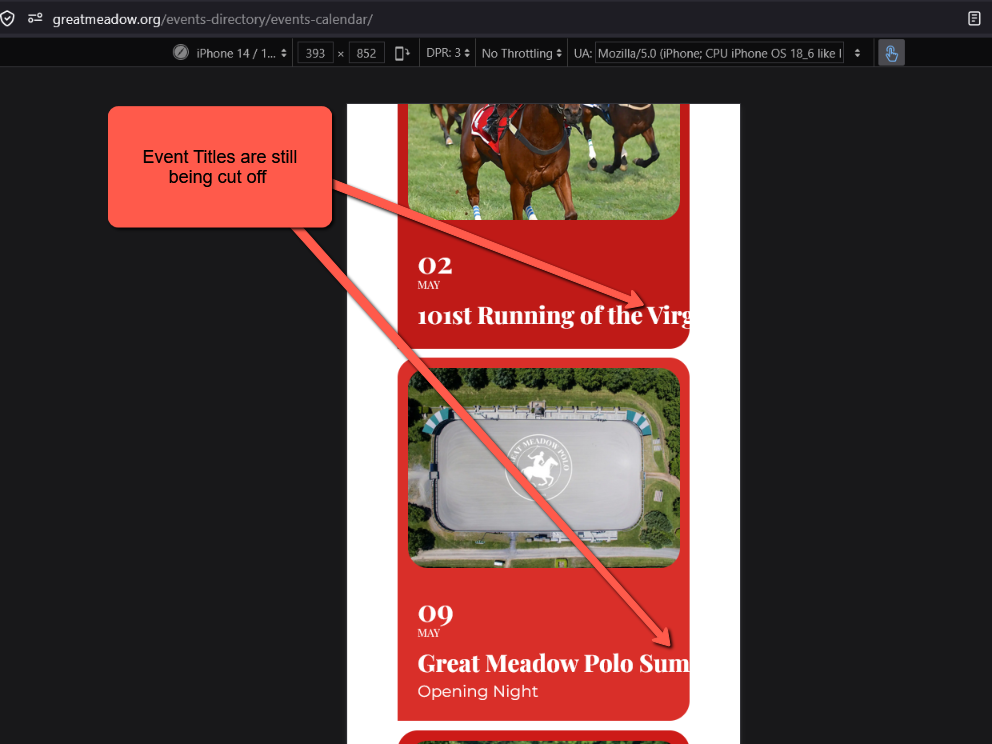
Available options to send an attendees list manually:
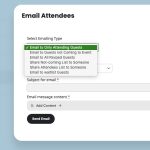
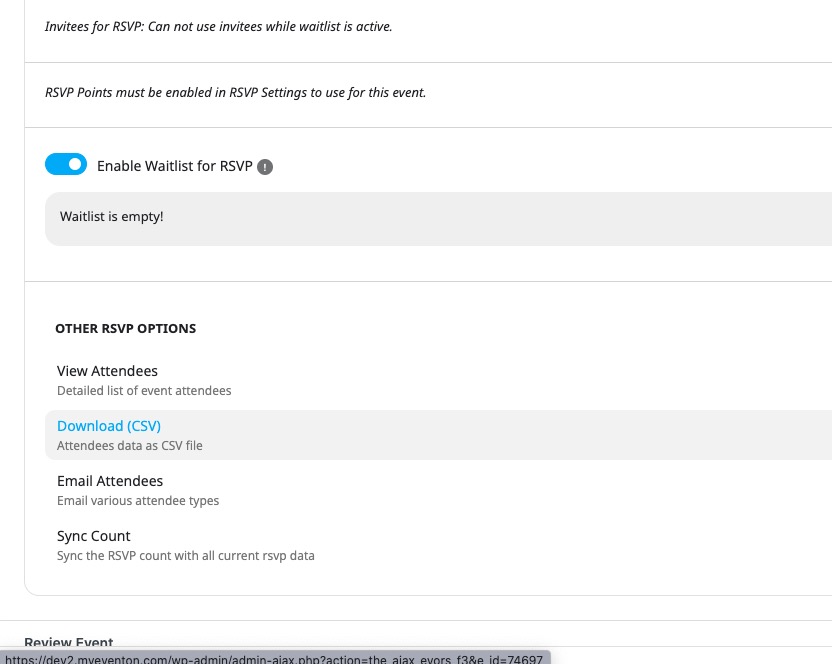
You can also download it from Edit Event > RSVP > Download (CSV)
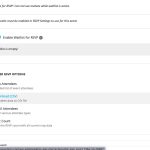
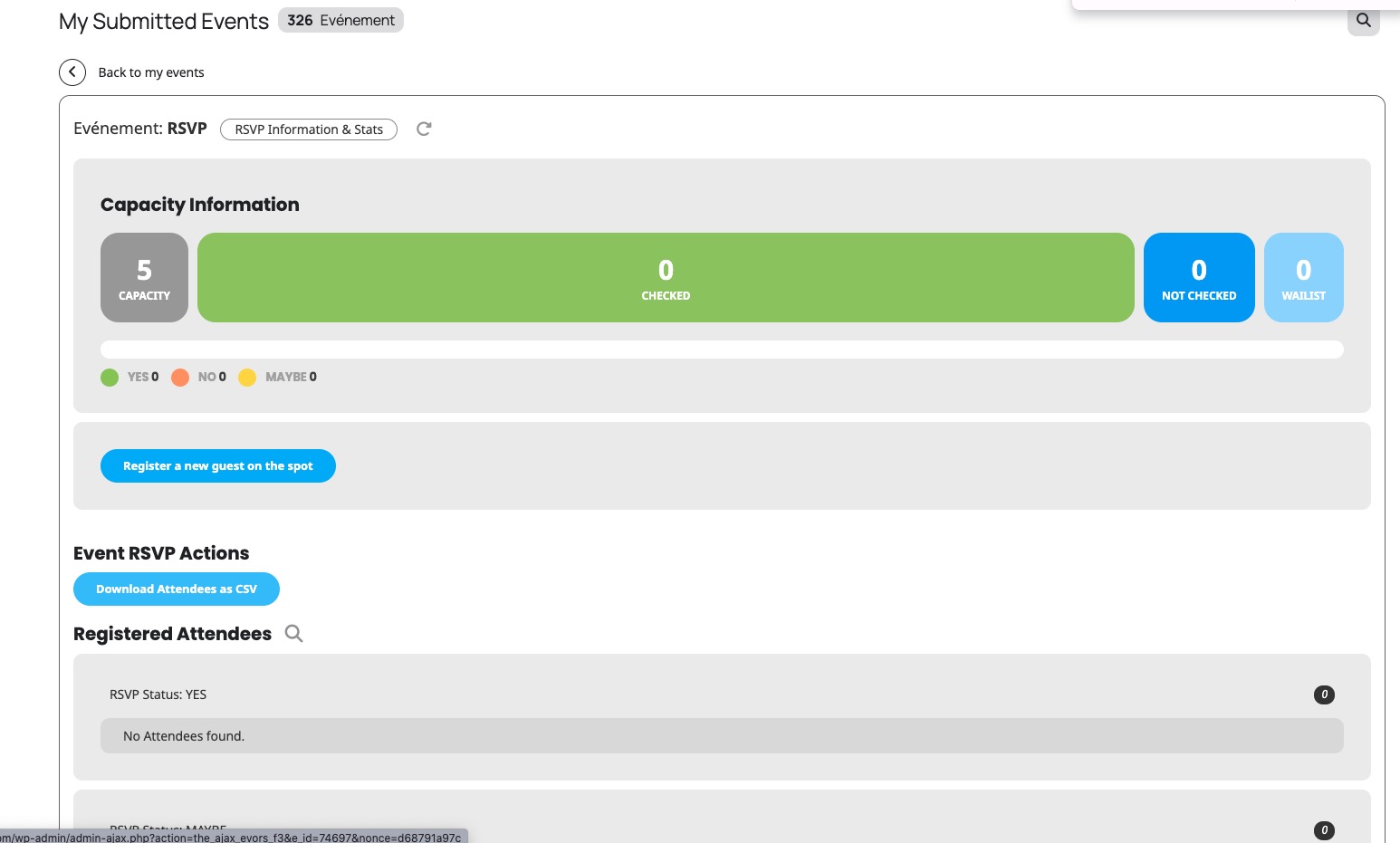
Available functionality in Action User’s Event Manager (you can download an attendees list as well):
Try on
https://dev.myeventon.com/wp-admin/
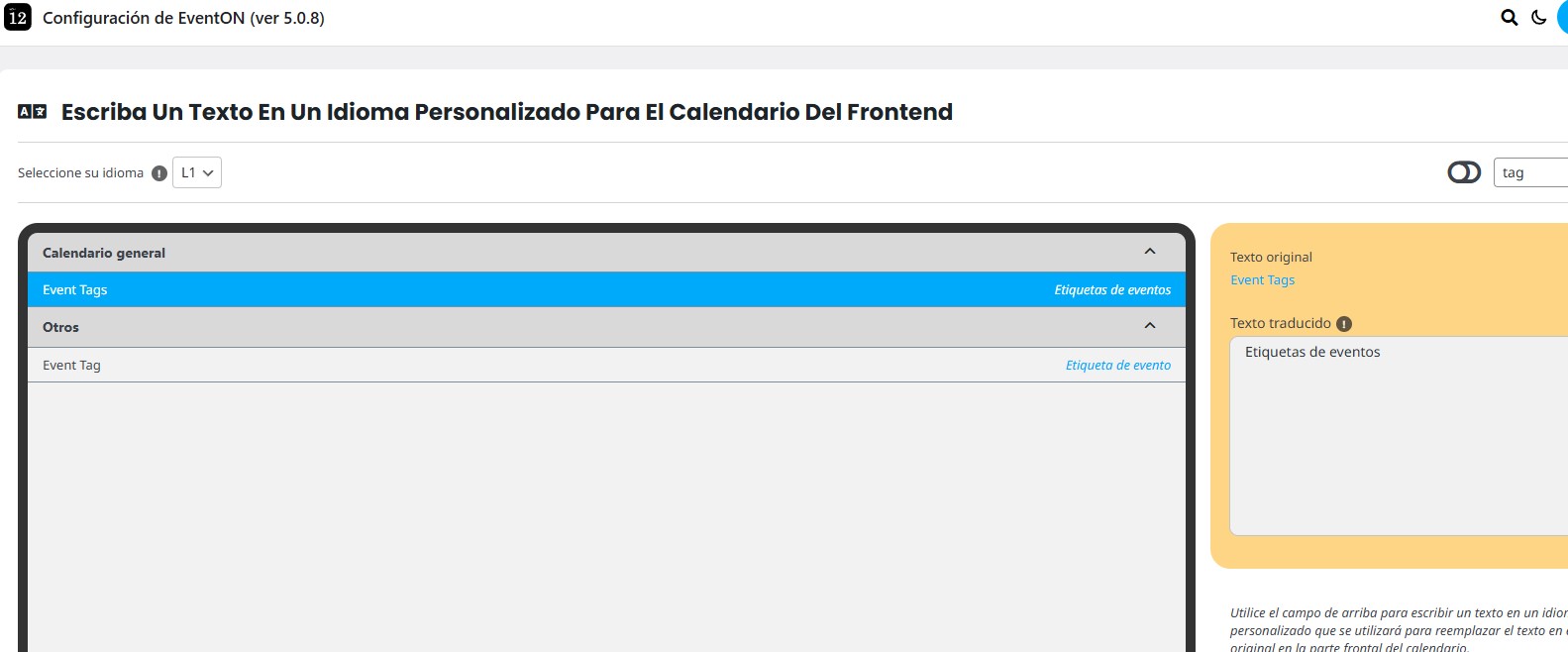
The word ”tag” isn’t showing up for me. I’ve attached an image so you can see what appears when I search for ”tag”.
If you want to show 8 events from different months as one list, you need to use Event Lists: Ext add-on with added event_count_list=”yes”:
[add_eventon_el number_of_months=”12” event_count=”8” event_count_list=”yes” hide_empty_months=”yes” tiles=”yes” tile_bg=”1” tile_style=”1”]
Try on
https://dev.myeventon.com/wp-admin/
Hello,
I activated it using your email and the license code, so could you check and let me know?
We can transfer everything to a new account:
Please take a look at the tutorial below on the info we need for you to transfer a license to another account.
https://www.myeventon.com/my-account/license-transfer/
Hi,
Let me know if the lock feature has been added
Thanks
Helen
wrong domian set up. Starting again with new team
HI,
We too are looking for a way to deal with the way EventON displays upcoming events. Instead of recommending additional addons, why can’t we just use in the shortcode something like event_count=”8” where it will display the next 8 upcoming events? Simply and straight forward. I tried using the following shortcodes as recommended by Claude & Chatgpt but they don’t work and they both blame poor documentation on your teams part:
[add_eventon_list event_count=”8” hide_month_headers=”yes” hide_empty_months=”yes” tiles=”yes” tile_bg=”1” tile_style=”1” show_upcoming=”yes”]
Hi,
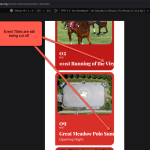
Thank you for your update! I have tried the CSS you provided however the Event Titles are still being cut off:
Hello,
You can use any email you like and just send us email/password combination to your site from ”Access Info” box on right side menu or please try thisboxformail@gmail.com
About the issue, please follow the instructions in this documentation to activate debug in your site to see any PHP errors recorded that can provide insight on to whats going on. Please reply with a link to debug.log file. If you are not able to do this please send us FTP access to your site so we can do this for you.