Hello,
Create a new event that goes from Jan 1 to Dec 31. Next enable Tickets, save the event and refresh the page.
https://docs.myeventon.com/documentations/set-event-tickets/
Now you can activate ”Enable booking blocks for this ticket”.
https://docs.myeventon.com/documentations/general-user-guide/
Save and refresh the page.
Again open Bookings and click Generate. Here you can generate blocks for the whole year.
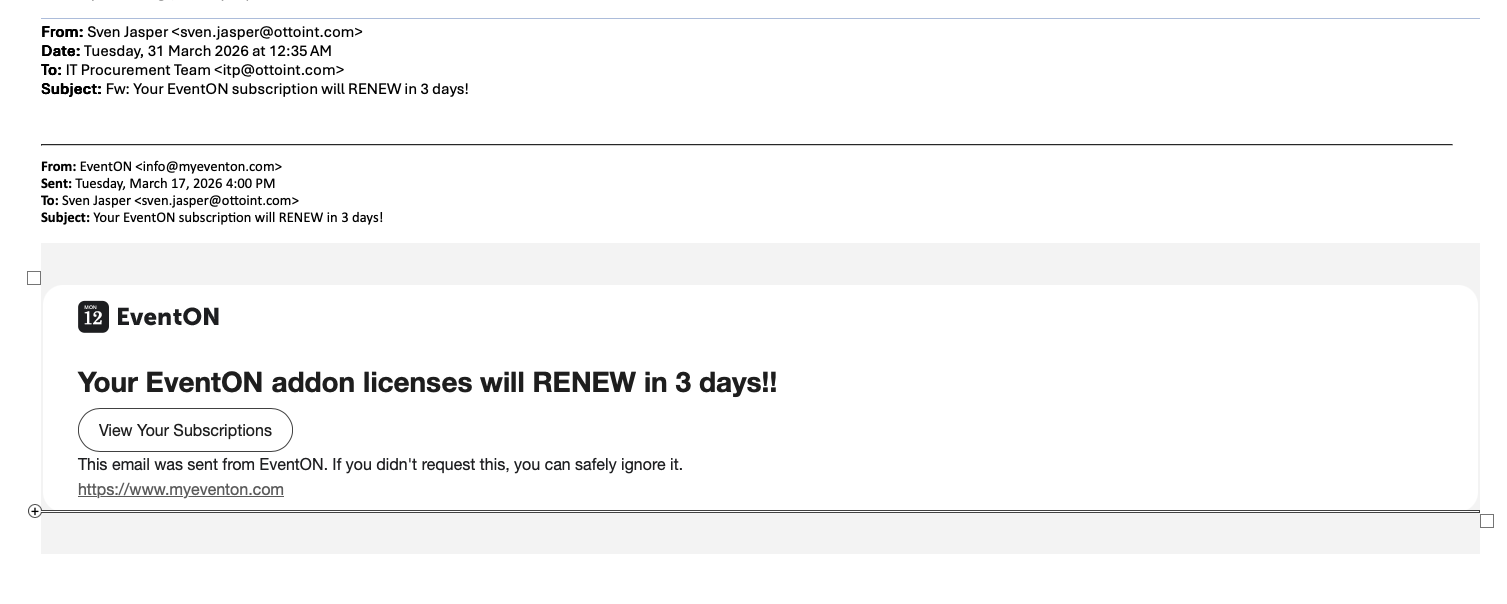
Hello, please find the screen cap of the email below, thank you.

Sorry, it’s our subscription it says is on hold
Would you mind forwarding that email to info @myeventon.com? because we do not have any account with that email on myeventon.com
Hello Jane, the subscription is set to cancel on March 26th 2027 As it was just renewed on March 22nd. Do you wish you receive a refund for the latest renewal?
Hello,
Thank you for your messages!
I am going to escalate this ticket to our account manager to help in here. Please allow us some time to address this, and we truly appreciate your patience. Thank you for being a valued EventON customer!
Could you try EventON > Scripts & Styling > turn off Write dynamic styles to header > save settings > turn on Write dynamic styles to header?
Or also try adding the code to wp-admin > Appearance > Customize > Additional CSS.
You cannot remove Draft events from the list or filter it somehow, I am afraid.
By clicking on the arrow, it should how this data:
https://helpdeskx.s3.amazonaws.com/wp-content/uploads/2026/03/30124410/Screenshot-2026-03-30-at-21.43.04.jpg
It seems there is an issue with the script that open the data. We are going to fix it ASAP.
2025 events aren’t visible, because they are assigned to a different user – Galerie Loutek.
More info:
https://docs.myeventon.com/documentations/assign-users-events/