In myeventon>>>>>settings>>>>>advanced settings can you try changing the
Select calendar event content filter type to say wordpress and also try no filter (and test the single event page each time to see what changes that makes)
the default wordpress should centre the button and you’ll have to see how those images look I have a feeling you’ll need to re-edit how responsive they are as they might show 3 across and a large under
I have added the IP address you provided to the whitelist for frontend and backend of the site.
Currently I cannot even get the orange button to center.
I have disabled the minifying option under the Speed Optimizer plugin.
Thank you for letting us know! Could you create a new ticket and select Feature Request as category so others can vote on your idea and get it moved into development faster.
Hello,
Please follow this guide:
https://docs.myeventon.com/documentations/how-to-add-additional-fields-to-download-attendees-csv-file/
You should be able to find the variable by following “How to get custom values”.
Please take a look and let us know.
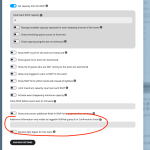
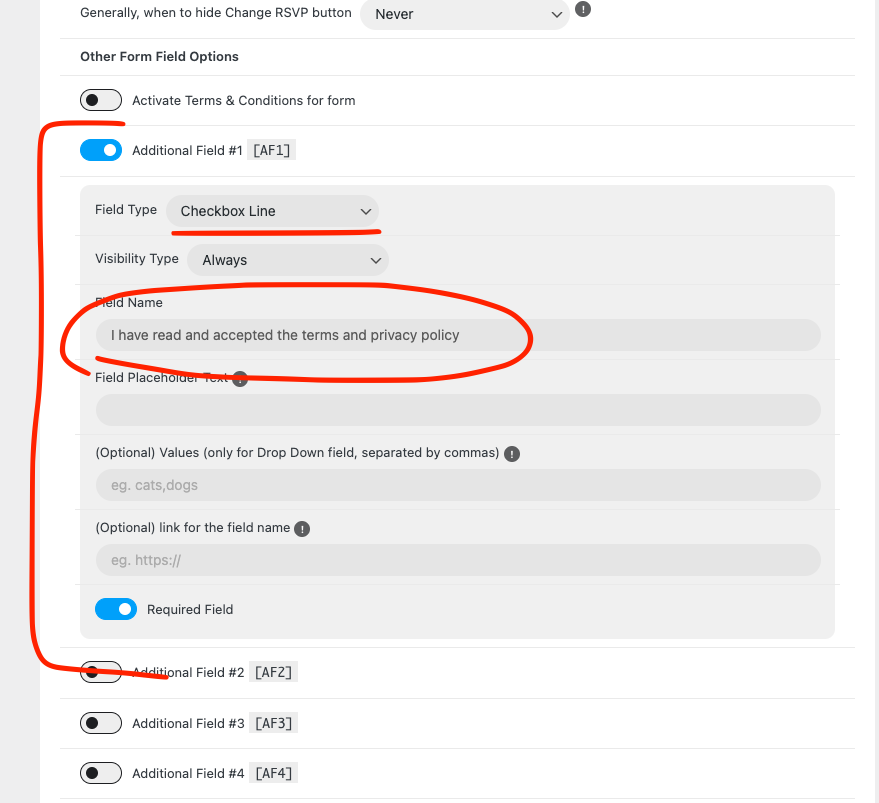
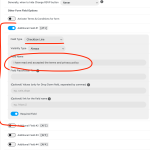
Also for the privacy policy what you can do is something like this. Using the additional fields.
Hello,
Thank you for your messages, I am going to assign this ticket to Ashan and he will be able to take it from here and find you a solution. Please allow some time for him to get back to you, we greatly appreciate your patience and thank you for being a eventon customer! Also please disable any IP blocking on your site if there are any.
Hello,
I tried to check the issue in Troubleshooting Mode:
https://nirgendwo-berlin.de/wp-admin/site-health.php?tab=troubleshoot
But it doesn’t let me to enable EventON + Tickets + Woo.
Can we try the instructions mentioned in this documentation?
Please also update Tickets to 2.3.3. To update eventon addons: You can download latest eventon addons from myeventon > my account. Then you can go to your website, deactivate old addon and install new one and activate then delete the old addon. This link will further explain the process. Also you can follow us on twitter to get real-time announcements on updates!
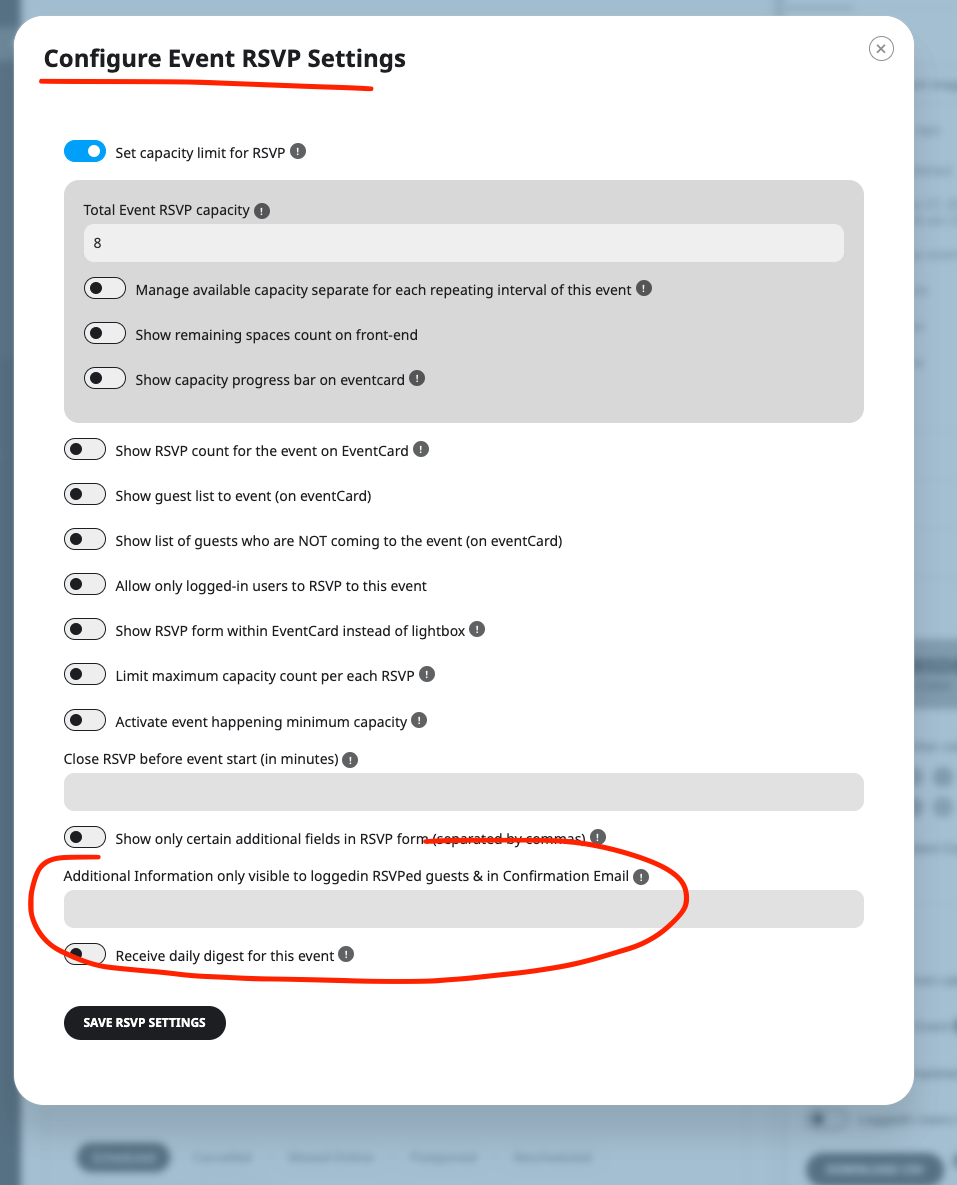
So this is the informatino that will be in the attendee confirmation email. Were you hoping the additional information from the RSVP form to be included in the confirmation email to attendee?