Hello,
https://texasoncologyfoundation.org/wp-content/debug.log
this is the link of debug.log file.
Replies for tickets on suppota
Hello,
https://texasoncologyfoundation.org/wp-content/debug.log
this is the link of debug.log file.
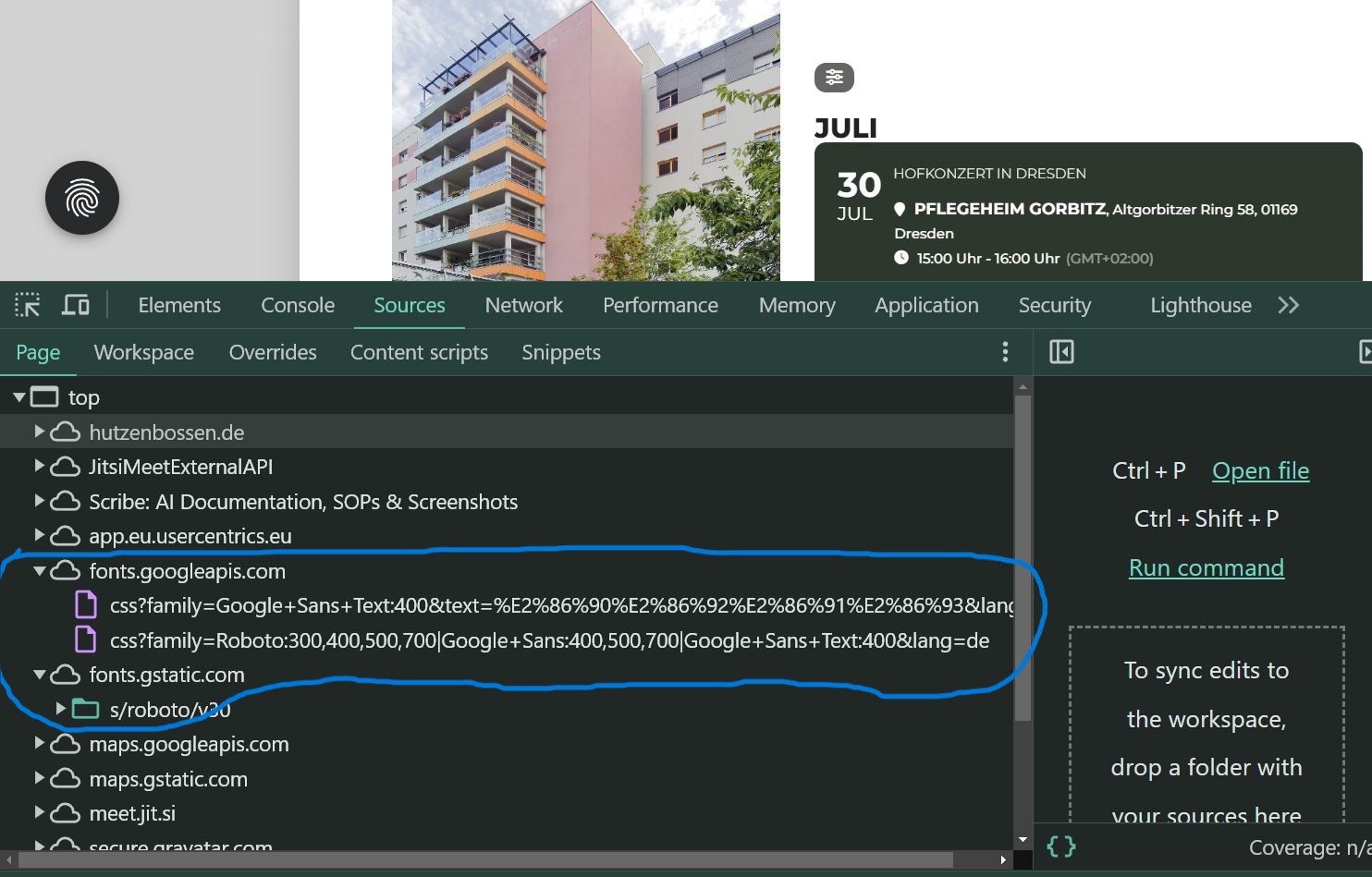
Here is another picture
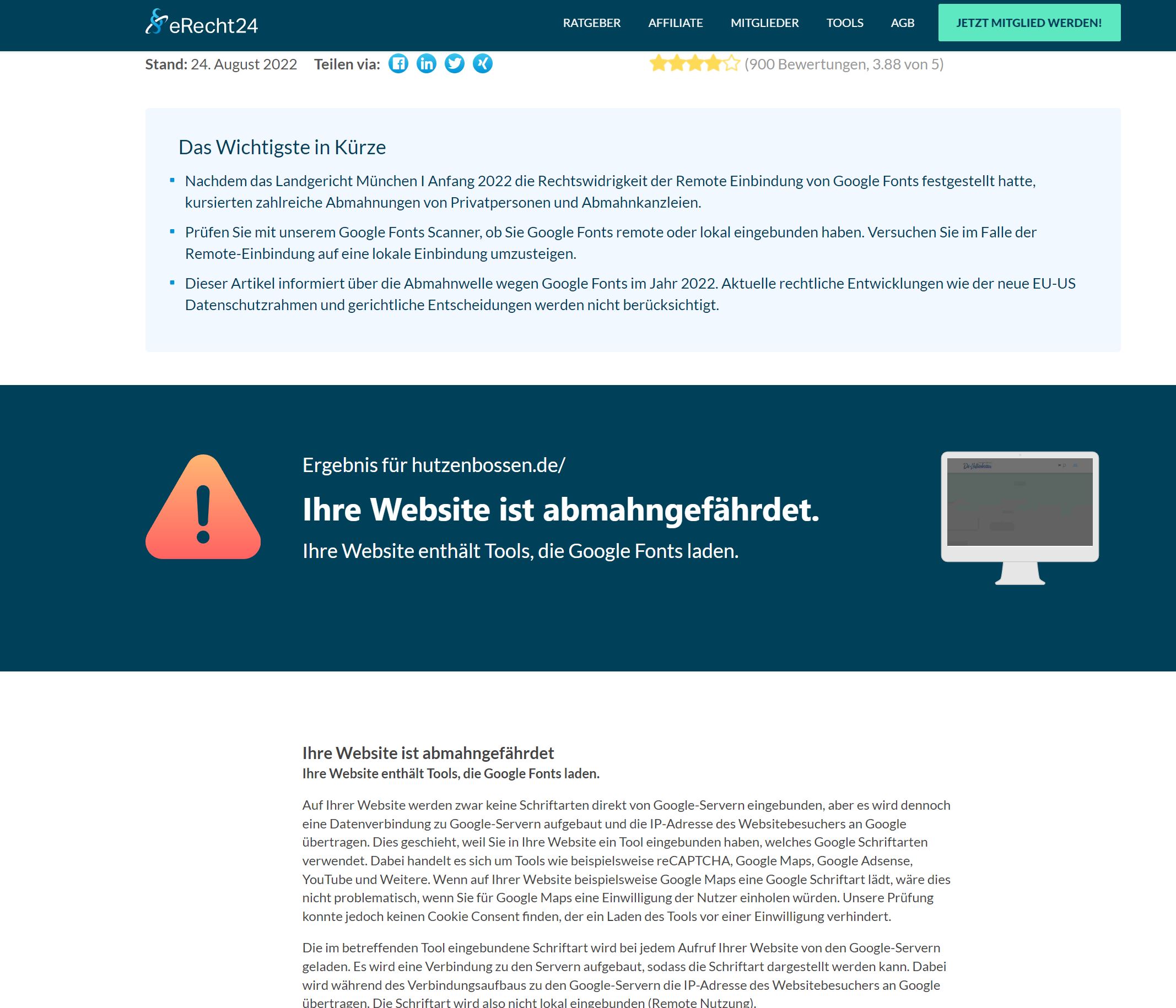
Hello here is the link to our website where it is about the warning. Attached are also the pictures.
https://www.e-recht24.de/google-fonts-scanner?s=08fccd45-3542-4e5c-8806-537dcb4aeda0
We had a Technical setting, which demanded that you need to accept a new browser with your e-mail account. I tried to deactivate this now, so you can enter.
You understood me correctly. Either of your proposed options would work. I’d like to know how to implement both methods. By “render” I meant using a shortcode to show the calendar with events from 1 location only (no filter displayed at all) OR show the filter with the my preferred value preselected, i.e. [eventon filter_event_location=”My Selected Value”]. Thank you for your help.
Hi, sorry for delay, we create a staging environment to allow all debug you need.
Login : eventon
password : qg5j@R&CToxdkpii85vPL5Oh
LOGIN URL : https://staging4.cafedomoun.re/nigao
DEBUG URL : https://staging4.cafedomoun.re/events/soiree-de-lecture-fvn-2024/
I’ll close this ticket due to duplicate- we will continue on the other ticket under the same name
Possibly however I am not 100% sure what you mean Perhaps I am confused by the term render.
so you want a calendar to “on load” show a particular location only but also have the option of changing location via the filter???
or
you want to show a calendar that ONLY shows 1 location
both are possible or I might be completly off my game in understanding if I am off- then ummm…. please provide more detail in exactly what you are trying to do
Thank you for your help. It is resolved. It’s weird because it did work fine for a while and I haven’t changed the time/date format in the meantime. Thanks again
see video below