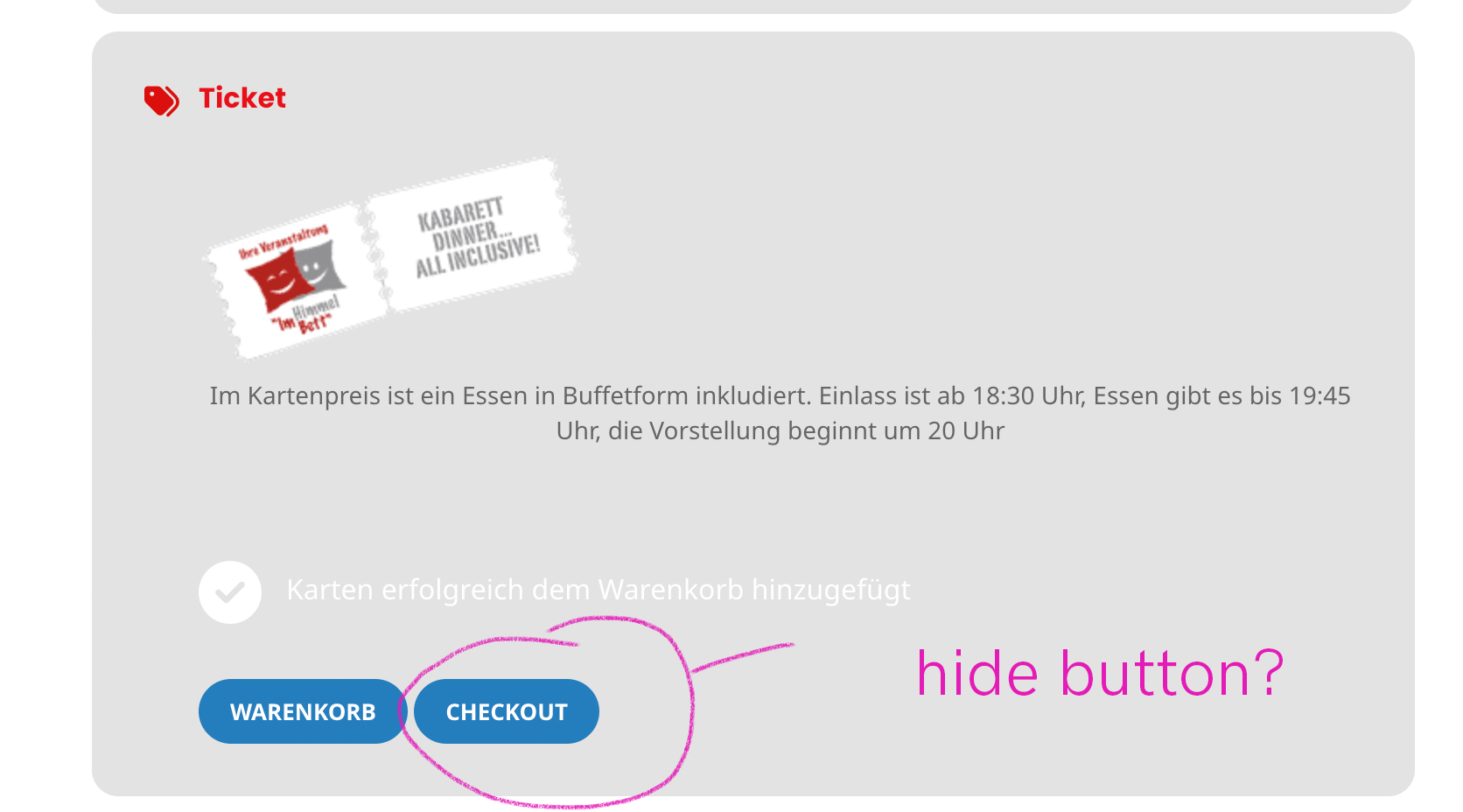
this is the button I am referring.
Replies for tickets on suppota
this is the button I am referring.
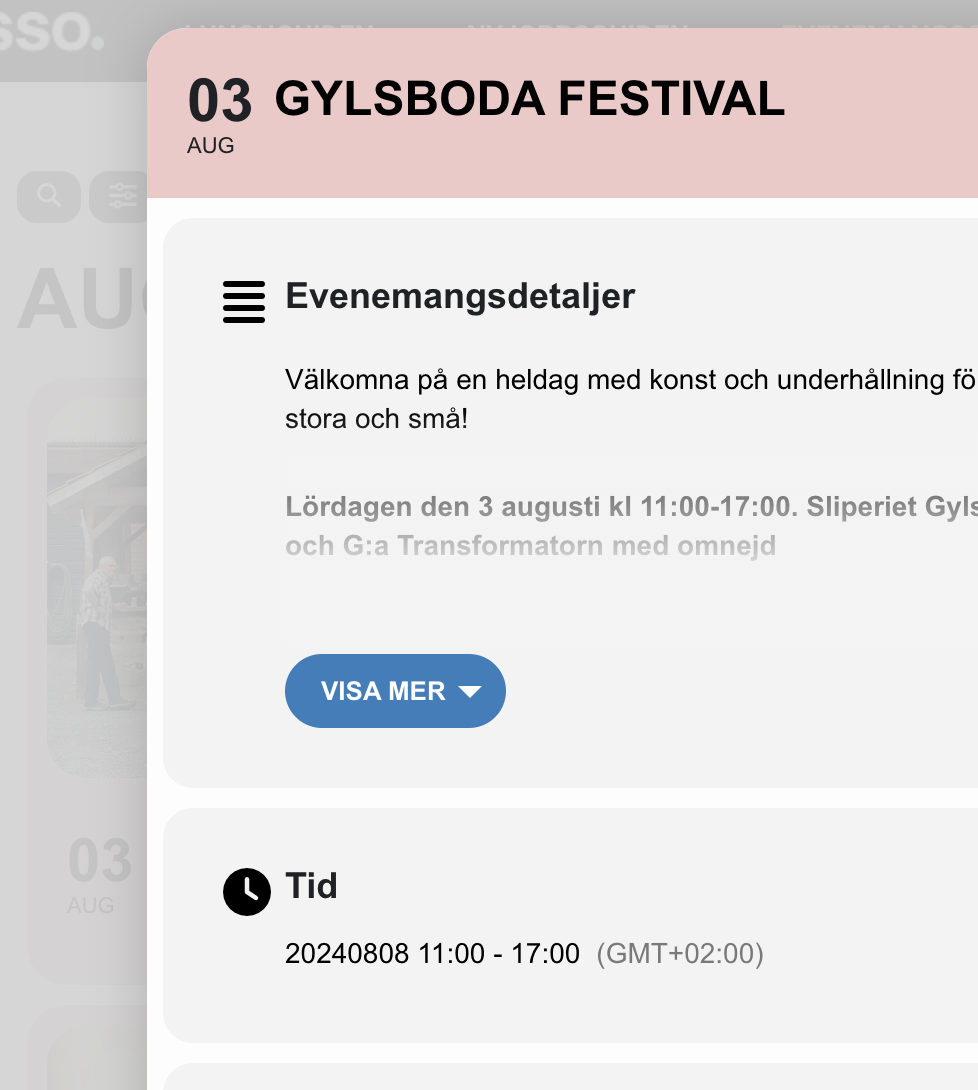
Hi. We have tried to deactivate, checked the problem, and activated all active plugins one by one again. The problem with the date still persists.
Please feel free to fix this problem and do waht you have to do. Our visitors ar being missled by the wrong date in the event lightbox.
** And each order
Ned, At the moment without any custom codes, if the ticket purchaser provided attendee names at the checkout those will be used in the ticket/attendee section.
Looking at our code, if you change the event ID for custom post type evo-tix that should update the proper attendee names. Because that CPT holds the data for attendee name.
And each other has a meta field with key ‘_tixholders’ which has the attendee names associated with event IDs, this also need to be updated if the event for an attendee is changed.
You can print out a code like
print_r( $order->get_meta(‘_tixholders’, true) ); on $order object and see how data is stored as an array with eventID as the key.
This also need to be changed.
This was developed long time ago and it is kind of in several places. It is very tedious to consolidate those with so many people using the tickets addon. So from our end, we have to make sure old code works while implementing these changes.
Anyways We will also see if we can implement the change event on attendees and run the necessary codes. — this will be a future update.
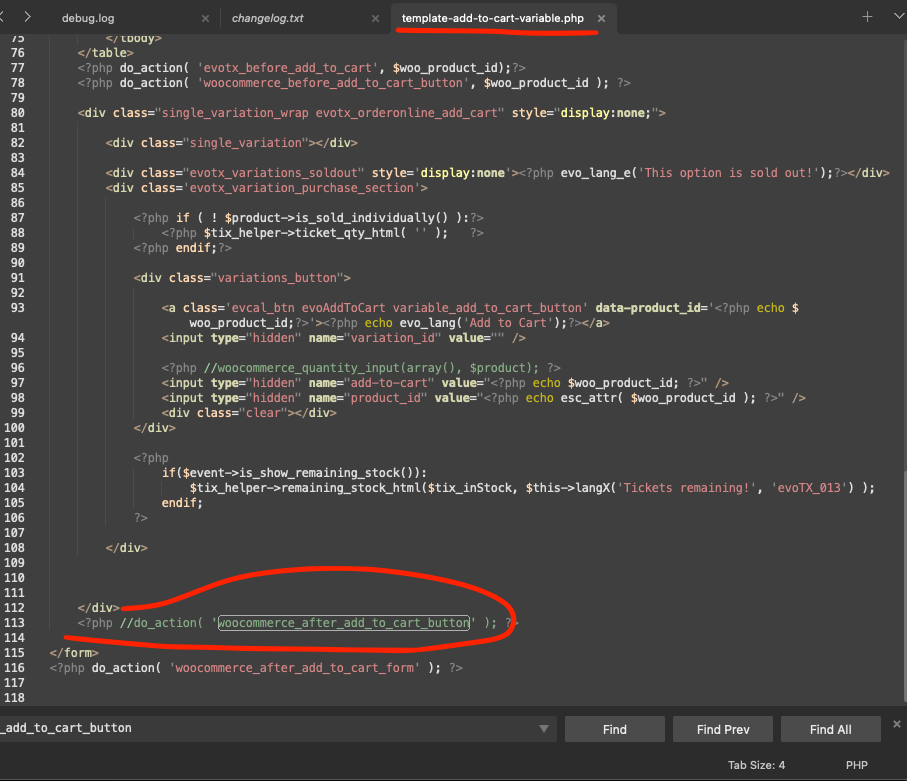
So I commented out this part of the code and was able to get it working.
It seems that your custom email template can cause this:
https://navrangfinearts.com/wp-admin/theme-editor.php?file=eventon%2Ftemplates%2Femail%2Ftickets%2Fticket_confirmation_email.php&theme=sinatra
Sorry for the delay. I did some tests and it seems there is a critical error when complete an order: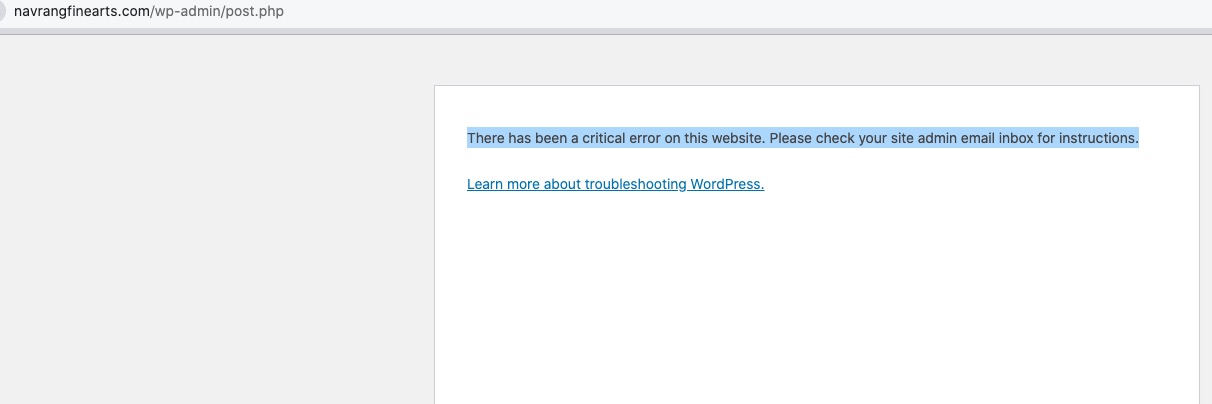 Please follow the instructions in this documentation to activate debug in your site to see any PHP errors recorded that can provide insight on to whats going on. Please reply with a link to debug.log file. If you are not able to do this please send us FTP access to your site so we can do this for you.
Hello,
Please take a look at this guide:
https://docs.myeventon.com/documentations/how-to-add-custom-event-statuses/
Your link lacks /var/ri-0.l-L2/ parameter:
https://stifinder.com/en/kalenders/stifinder-programme-june-2025/var/ri-0.l-L2/
Usually users as well as Google, for example, find events through EventON calendar. Please check
https://stifinder.com/en/calendar/
As you can see Event Details are translated there.
Hello,
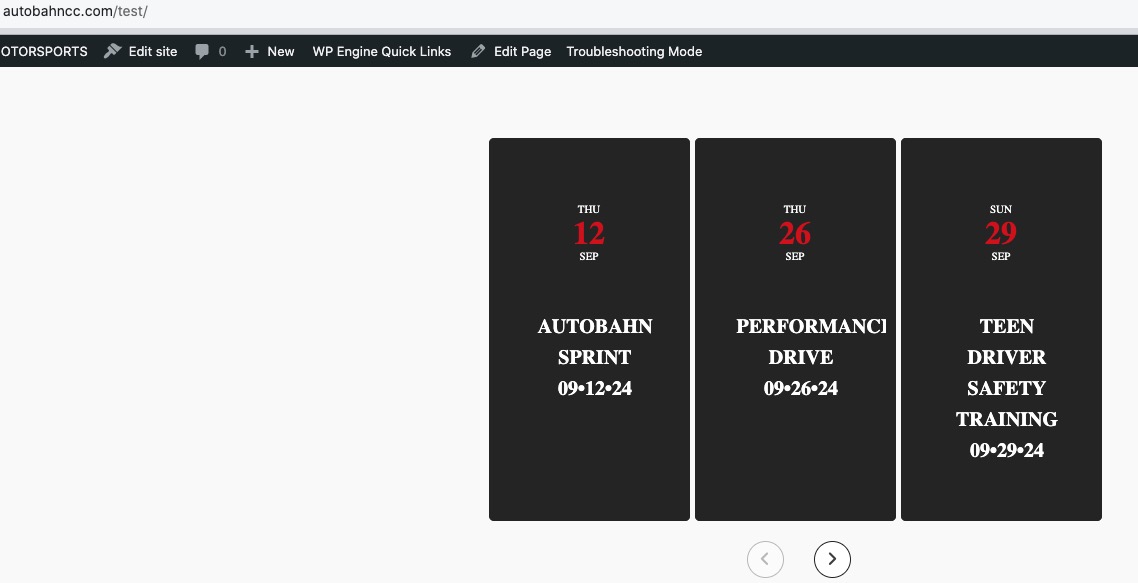
Seems to be working in Troubleshooting Mode:
https://autobahncc.com/wp-admin/site-health.php?tab=troubleshoot
https://autobahncc.com/test/
Could you please try the instructions mentioned in this documentation to make sure your issue is indeed coming from eventon.