The main issue is that this works correctly on our test site without the patch. So please wait for the next release and check if the same issue happens then you need to apply the sam patch.
Archives: Replies
Replies for tickets on suppota
Reply to: tickets(360915)
Hello,
1. Are you referring to this event?
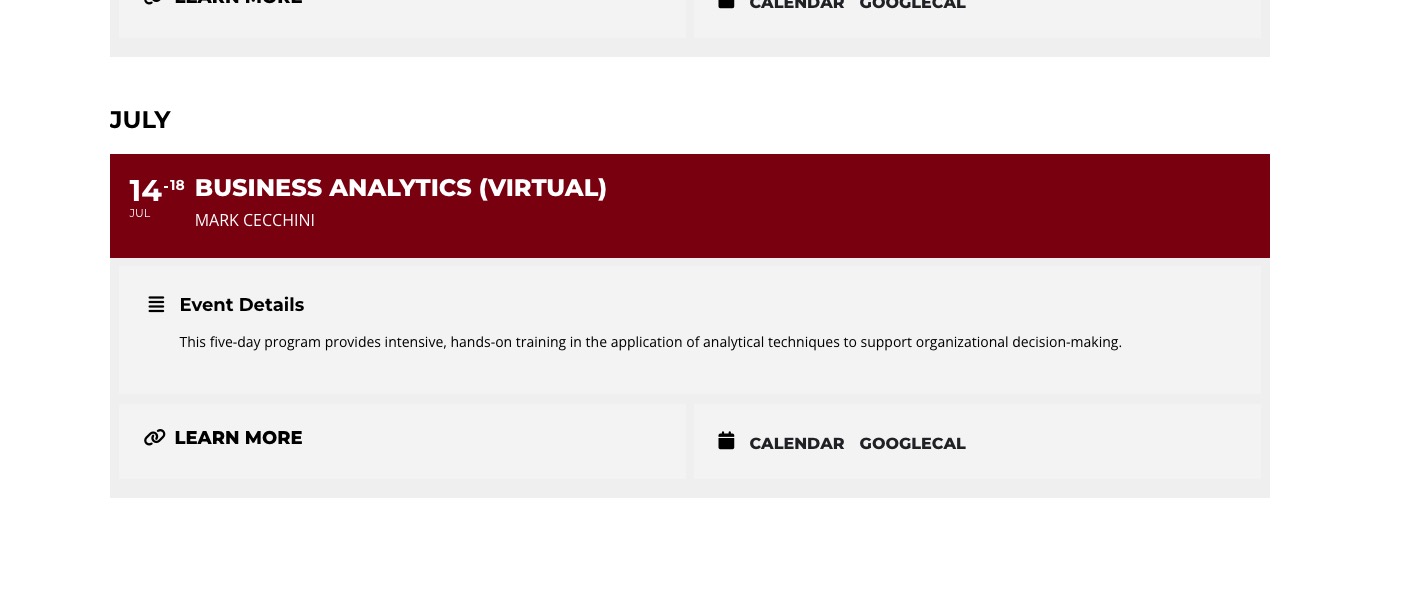
2. Please try replacing number_of_months=”12″ with number_of_months=”24″ or number_of_months=”36″ in the shortcode.
Reply to: tickets(360916)
Hello,
Please send us wp-admin access to your site as a private message for us to further assist your situation.
Reply to: tickets(360538)
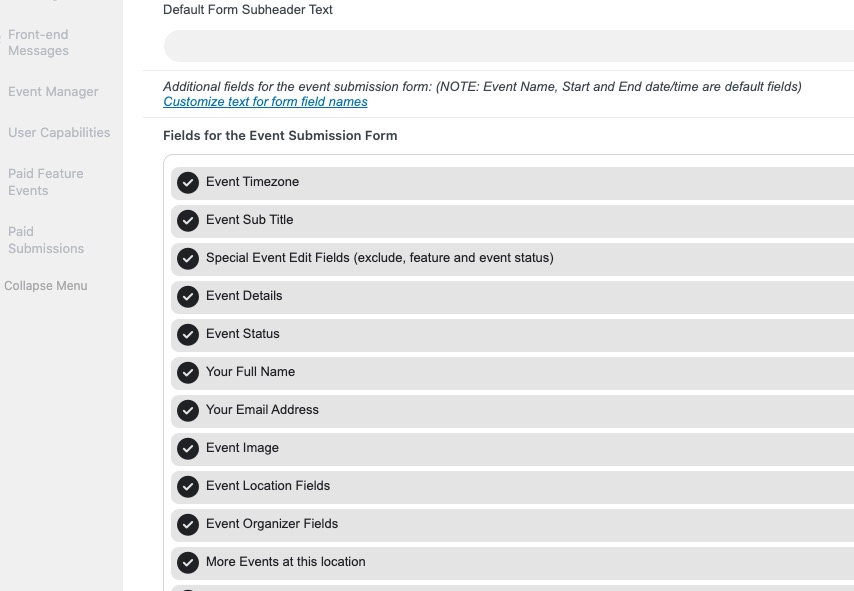
Have you tried disabling all of your third-party plugins except EventON?
This is how it supposed to look like:
Reply to: tickets(359903)
Ashan,
The same issue in this ticket:
https://helpdesk.ashanjay.com/ticket/yearly-view-not-working-after-update-to-0-13-rollback-not-working-either-error-with-yv_script-js-line-294/
The customer from the ticket has managed to fix the issue by downgrading Elementor. But it seems that the same happens to more users.
Reply to: tickets(359903)
Thank you for your messages, I am going to assign this ticket to Ashan and he will be able to take it from here and find you a solution. Please allow some time for him to get back to you, we greatly appreciate your patience and thank you for being a eventon customer! Also please disable any IP blocking on your site if there are any.
Reply to: tickets(359903)
Hi there!
Here is what we found. When clicking on an event – there is a js error in the console:
“Uncaught TypeError: Assignment to constant variable.
at HTMLSpanElement.<anonymous> (yv_script.js?ver=0.13:294:12)
at HTMLBodyElement.dispatch (jquery.min.js?ver=3.7.1:2:40035)
at v.handle (jquery.min.js?ver=3.7.1:2:38006)”
Best regards.
Reply to: tickets(360538)
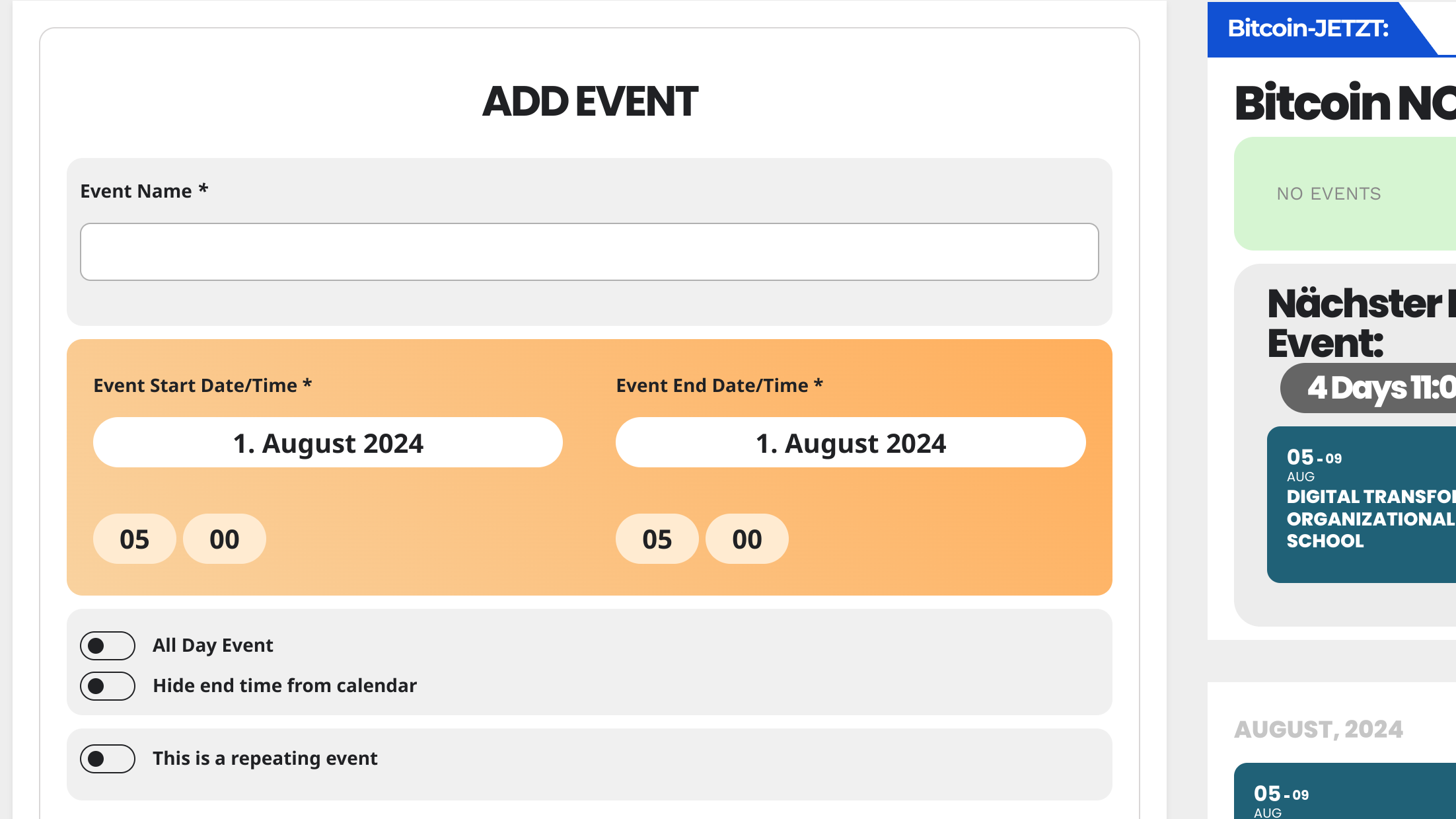
I have to check if I can give you the login details. If not, I will install the plugins on another blog. But how should it look like? I cannot move these fields anywhere.. so it is a very bug!!
–> It is not the theme, as i activated another theme and tried it.
–> It is also not AdBlock.. also checked.
i have only these fields.. all other fields are missing
Reply to: tickets(351103)
This is the Ticket I just posted. Hopefully makes sense.
I need to organise events to appear on a venue/location page by tag.
So, I want to list events that have special attributes like ‘discount price’ or ‘free entry’ onto a venue page. I think that is best done by using tags on the venue page that already exists. See attachment for the existing page.
I need to have that venue pop up’s URL and use it as an event page for the venue. Then use tags to bring up the events I require.
Is that possible?
Does that makes sense?
Reply to: tickets(360917)
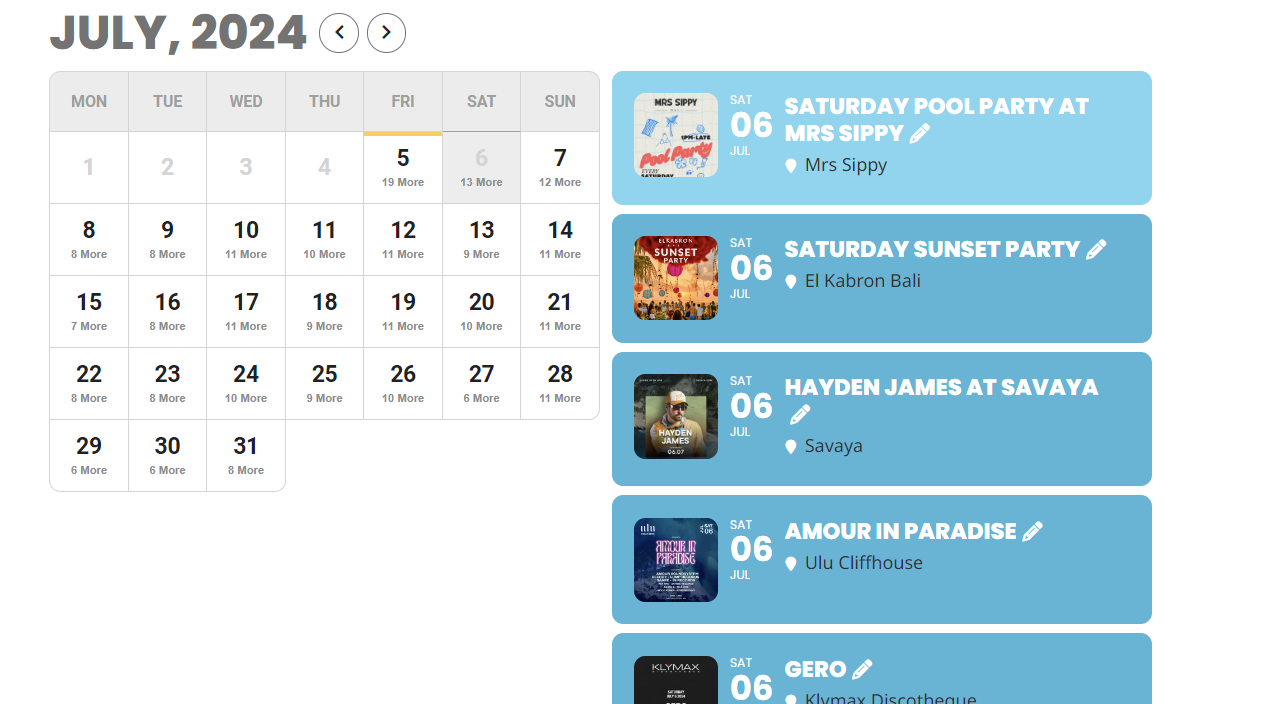
Attached is the pop up venue page that already exists