Hello,
Please follow the instructions in this documentation to activate debug in your site to see any PHP errors recorded that can provide insight on to whats going on. Please reply with a link to debug.log file. If you are not able to do this please send us FTP access to your site so we can do this for you.
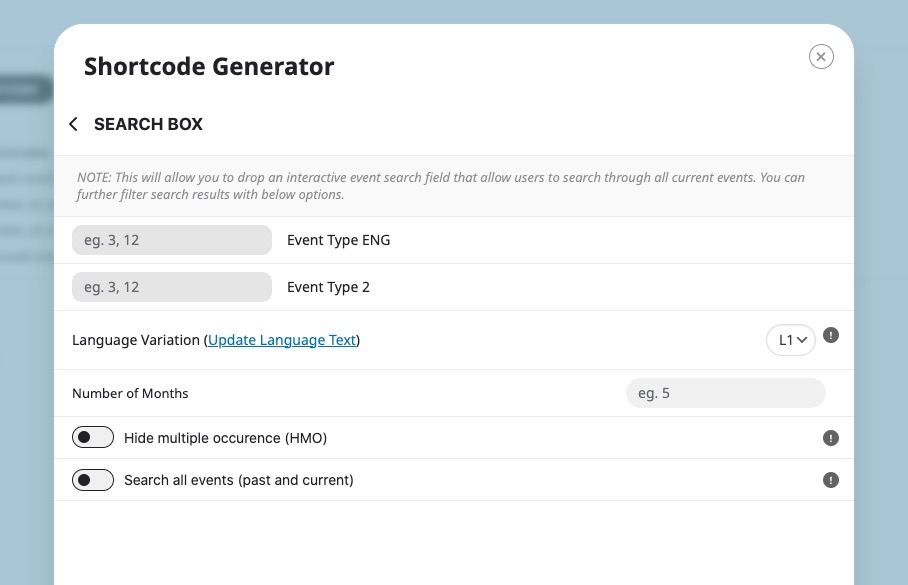
Could you take a look at this shortcode?
Hello,
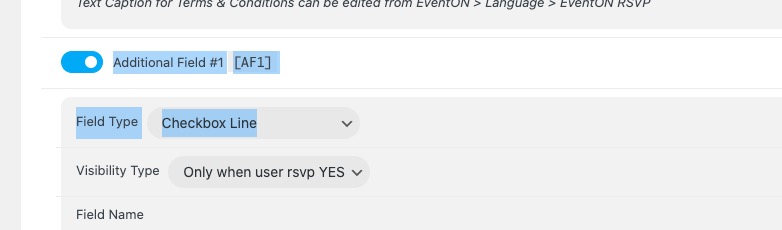
Please use “Field Type: Checkbox Line”:
Make sure to make the fields required by enabling “Required Field”.
I went to EventON > Scripts > disabled Write dynamic styles to header. Seems to be the correct color now. Please check and let me know.
Where does your customer take the data from? Unfortunately, with customizations like yours we cannot help much because we don’t know how it works.
It seems your website have javascript errors caused by other plugins/theme. You can find and resolve them by following this guide. Once these javascript errors are fixed, eventon scripts will be able to run properly and will resolve your issue.
Hello,
Where do you want to add them? It seems that you can simply use Custom Meta fields:
https://docs.myeventon.com/documentations/setup-use-custom-meta-fields-events/
Make sure to enable them from EventON > Action User > Form Fields.
The easiest way of hiding it is to use CSS:
https://docs.myeventon.com/documentations/change-css-calendar/
Please use this code to make the font-size bigger:
.ajde_evcal_calendar.sev.cev.bub.color .evcal_cblock .evo_end {font-size: 30px; margin-top: 0;}
perfekt. Thx. a lot for your quick reaction.
see video- your shortcode is not correct for each calendar