tried to edit the event but your website froze up in the backened. I cannot even access wp-admin now.
Archives: Replies
Replies for tickets on suppota
Reply to: tickets(360468)
resolved I resaved myeventon>>>>settings>>>>>evetn card
We are glad your issue is resolved, if you have any further questions or concerns please create a new ticket.
If you have a moment, we would greatly appreciate if you could kindly leave us a review at Codecanyon. By going to your account > Downloads. We are very grateful for your kind review!
Reply to: tickets(359385)
Hello Ashan Perera,
I am a developer and have reviewed the situation. There is no issue with our custom code; we are merely updating the event ID in the database to move one event to another. This does not involve changing names or other aspects.
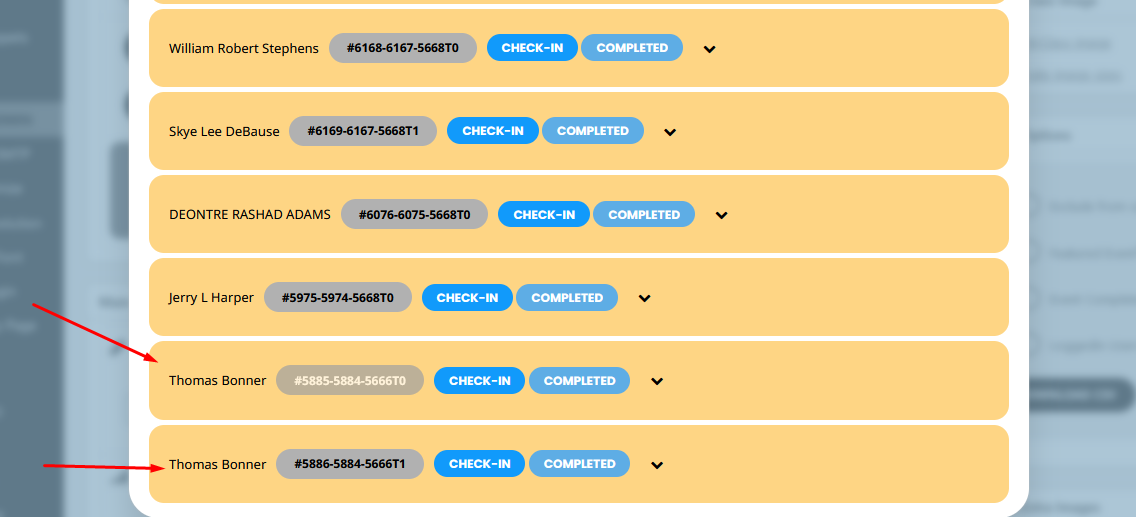
Here is the issue we are encountering: When clicking on “View Attendees” from the backend Edit Event page, the Eventon plugin displays the customer’s name in the popup, as shown in the attached screenshot. However, when we download the CSV, it correctly shows the attendee names. I have attached both screenshots for reference.
I have found the eventon_attendee_name hook in your plugin and tried using it, but it does not seem to work. Our primary goal is to display the attendee name rather than the customer name who purchased the ticket.
For example, Thomas Bonner purchased two tickets with the following IDs:
- #5885-5884-5666T0
- #5886-5884-5666T0
The order IDs are 5885 and 5886, with 5885 for Thomas Bonner and 5886 for Abigail Megan Bonner. Both tickets share the same parent order ID (5884).
We would like the attendee names to be displayed in the “View Attendees” section in the same way they are shown in the downloaded CSV.
Please guide us about any hook or way to change customer name with Attendee name. The attendee name is in the get_post_meta($id, ‘_ticket_holder_data’, true); Please add me in reply as CC (shahid.dynamicsolutions@gmal.com).
Thanks,
Shahid
Reply to: tickets(359674)
The ticket is not pulling through on any of the test events you have setup.
http://www.swellbeing.com.au/events/eventon-test/
Reply to: tickets(360282)
it is possible however I need to understand why you are using both event type one and two
to me it looks like all the event types need to be in simply event type 1 –
see video
so, what are you trying to achieve
Reply to: tickets(360414)
Glad you like the site! Also, it looks like the calendar is good. Thanks so much?
Reply to: tickets(360468)
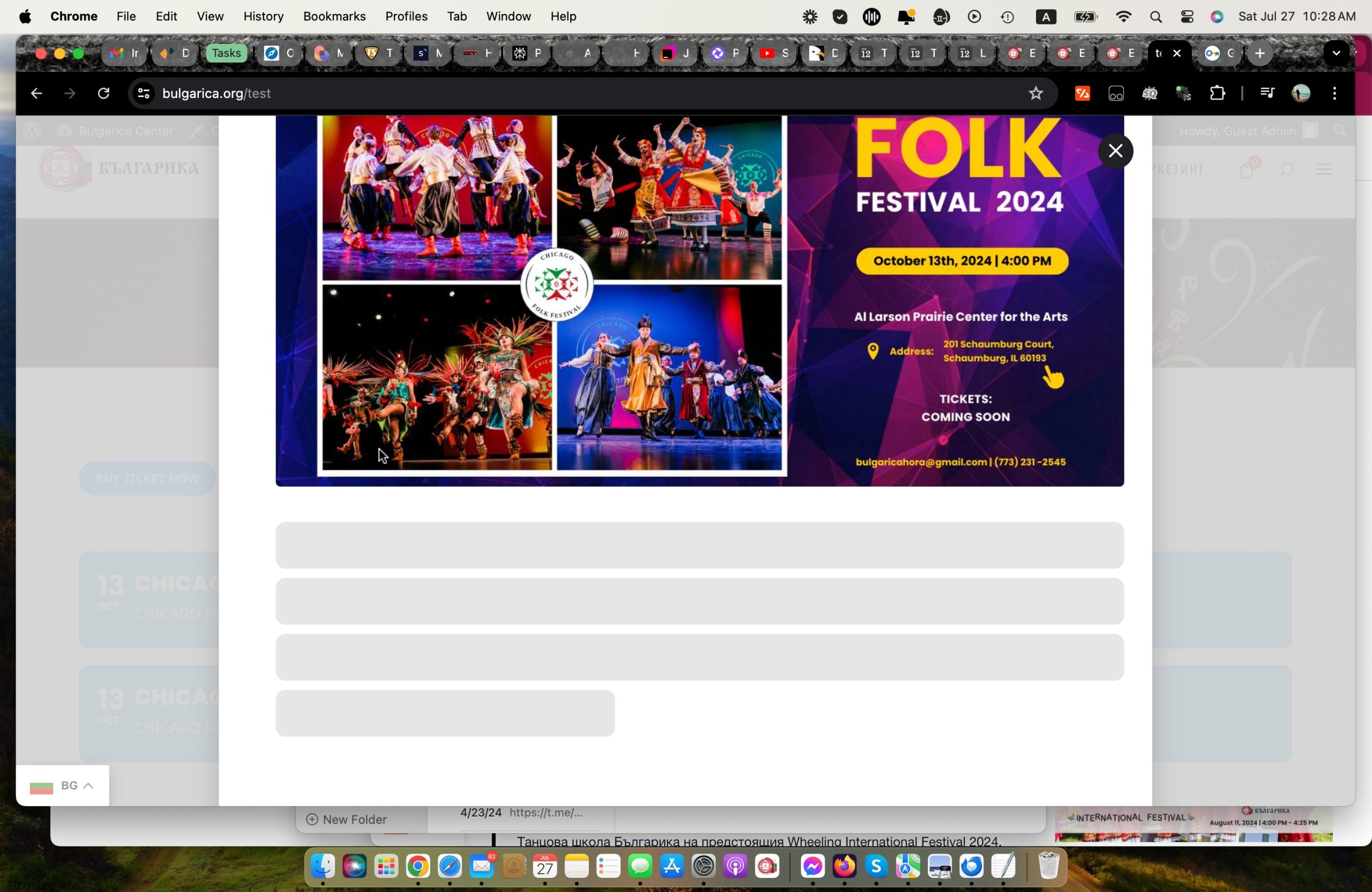
Also another issue is the problem with loading the seating chart: https://bulgarica.org/test
Click on Buy Ticket.
It opens a lightbox but the chart and details are not populating.
Reply to: tickets(360282)
Perfect, thank you! Its working now for my second calendar.
However, for the first calendar, I’m trying to put only event id #38 and #39 which means keeping all the black icon events and removing the red icons. I’m not able to remove the red icons events in the first calendar. Is it that normal?
Reply to: tickets(360468)
Actually please try this page: https://bulgarica.org/events/chicago-folk-festival-2024/.
The lightbox is not opening. I guess it has to do something with woocomerce as before adding the product it worked fine.
Reply to: tickets(360466)
The mentioned similar problem has been resolved, just fyi.