Hello,
Please try implementing this code change in your website.
code:
https://dev2.myeventon.com/codeshare/7QEBJf3jeRpA
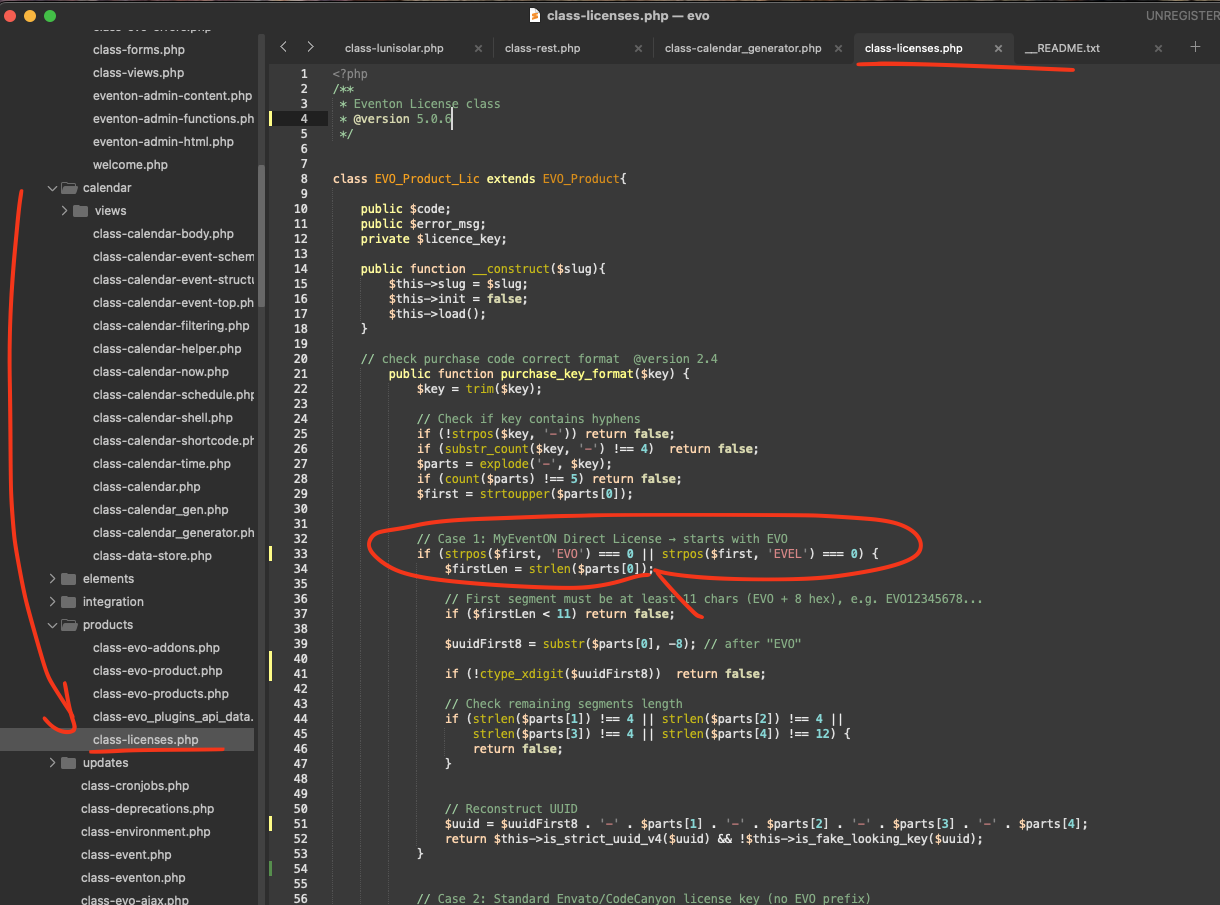
Replies for tickets on suppota
Hello,
Please try implementing this code change in your website.
code:
https://dev2.myeventon.com/codeshare/7QEBJf3jeRpA
Hello,
On the plugins manager there is no other available update to do, I updated to the latest version it was showing me there.
There are no issues on this screenshot, the only issue after the update is that the gps section now is boxed and doesn’t seem very nice, especially on mobile
Thank you so much. This has been a great help! I am learning all the time. I hope the debugging to see the PHP errors won’t be necessary.
You’re awesome, thanks for the help!
Hi Artem,
Thank you – I’m happy to test using EventON’s built-in autocomplete setting.
That said, I just wanted to share an observation which might help narrow this down:
The issue does not affect all orders. We have many orders (also paid via Stripe and processed via the same autocomplete plugin) that generate tickets correctly, including recent ones.
So far, the only consistent pattern I can see is that the affected orders seem to involve variable ticket products, whereas other orders appear to work as expected (although I haven’t yet reviewed all variable ticket sales to confirm whether they are all affected – I can do that if helpful).
Because of that, I am not fully convinced the issue is related to order completion timing alone. I would therefore really appreciate it if you could escalate this to your developers while I run tests with the new settings.
Many thanks – much appreciated.
Ashan,
The same on dev2. Cannot find ”Moonrise” and ”Moonset” on dev2 with the latest update as well.
Could you try manually clearing your browser cache?
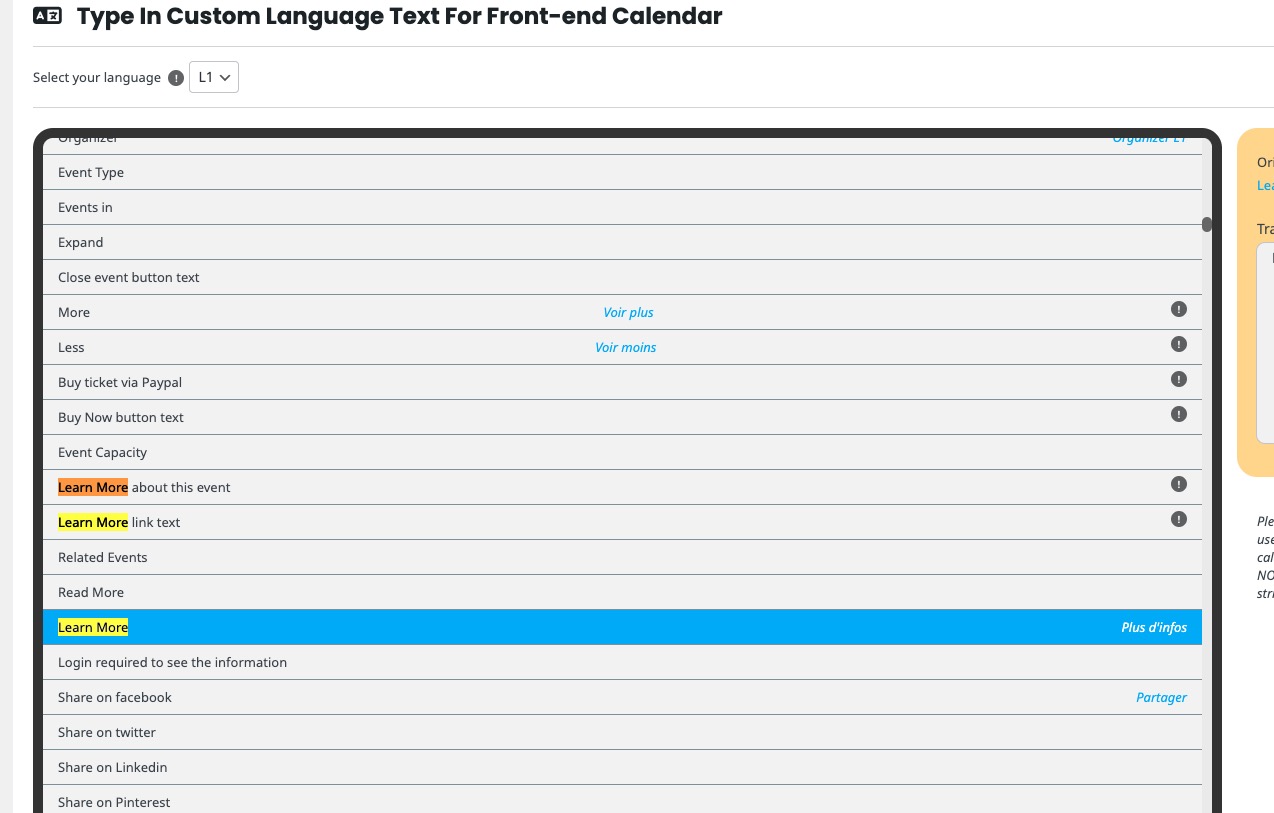
Learn More:
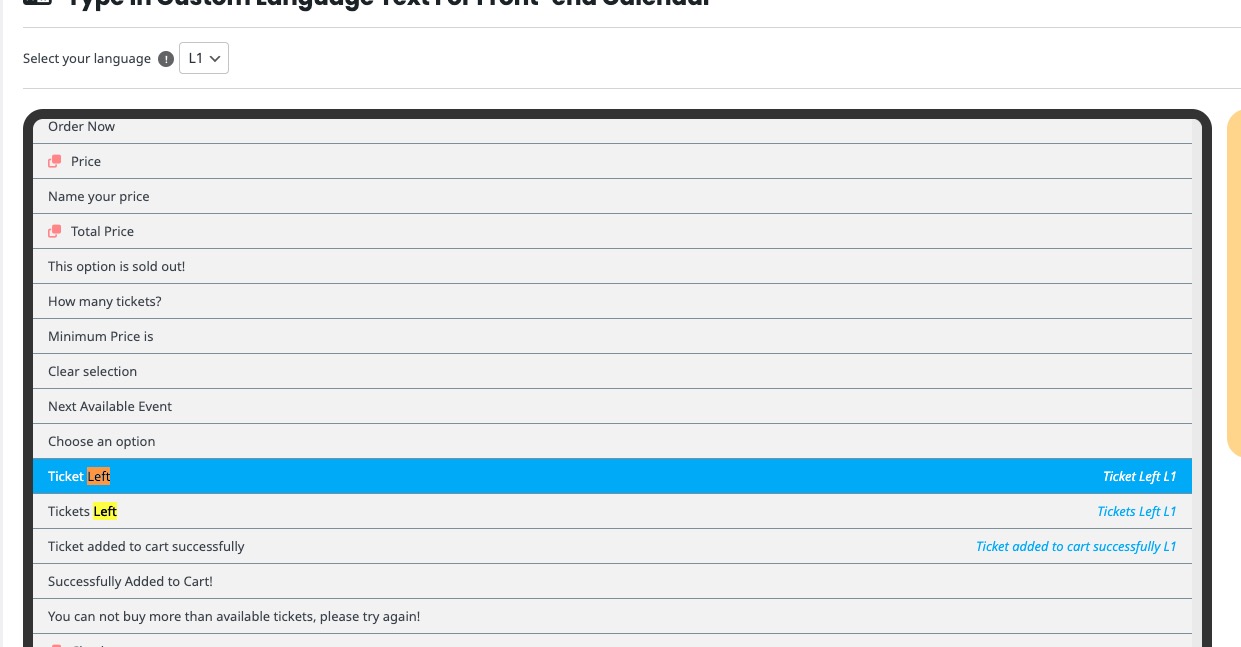
Tickets Left:
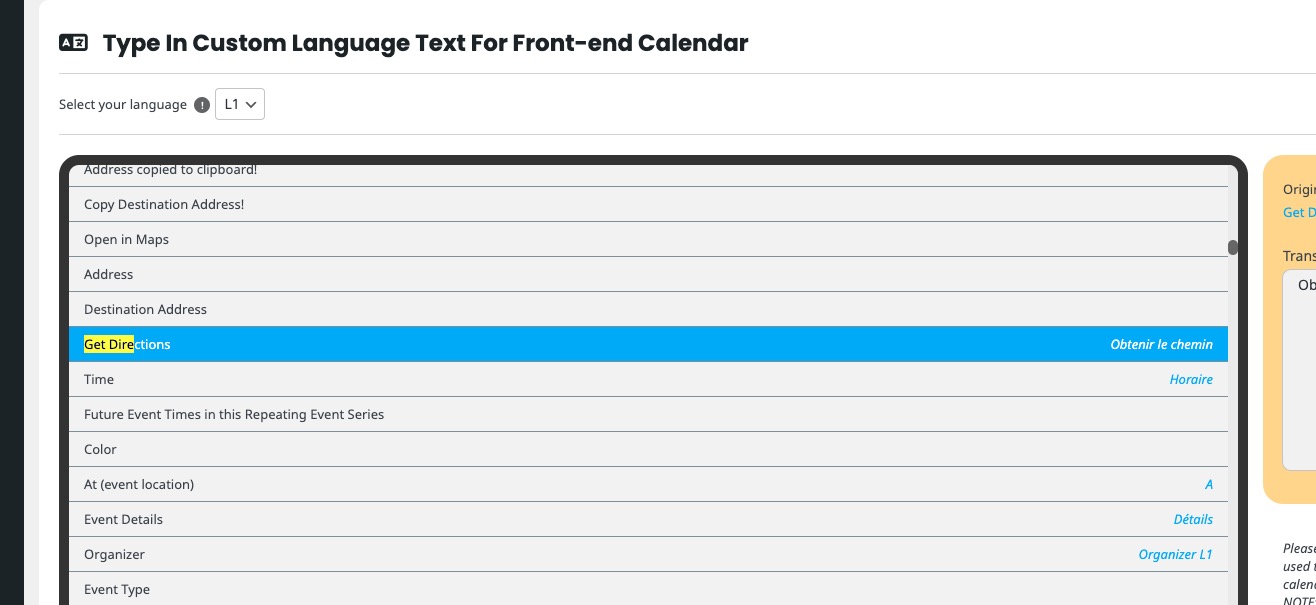
Get directions:
Could you check and let me know?
Hello,
Did you create filters first before adding them to calendars:
https://docs.myeventon.com/documentations/how-to-use-event-types-to-do-more/
Please note that by default there are no price or date filters. You need to create them manually by using Event Type (1, 2, …) and then add it by going to EventON > Sorting and Filtering.
Take a look at the guide above for more info.
The only similar thing among orders that I see is that they were paid using Stripe.
Could you try switching to our own built-in autocomplete functionality to see if the issue will be gone?