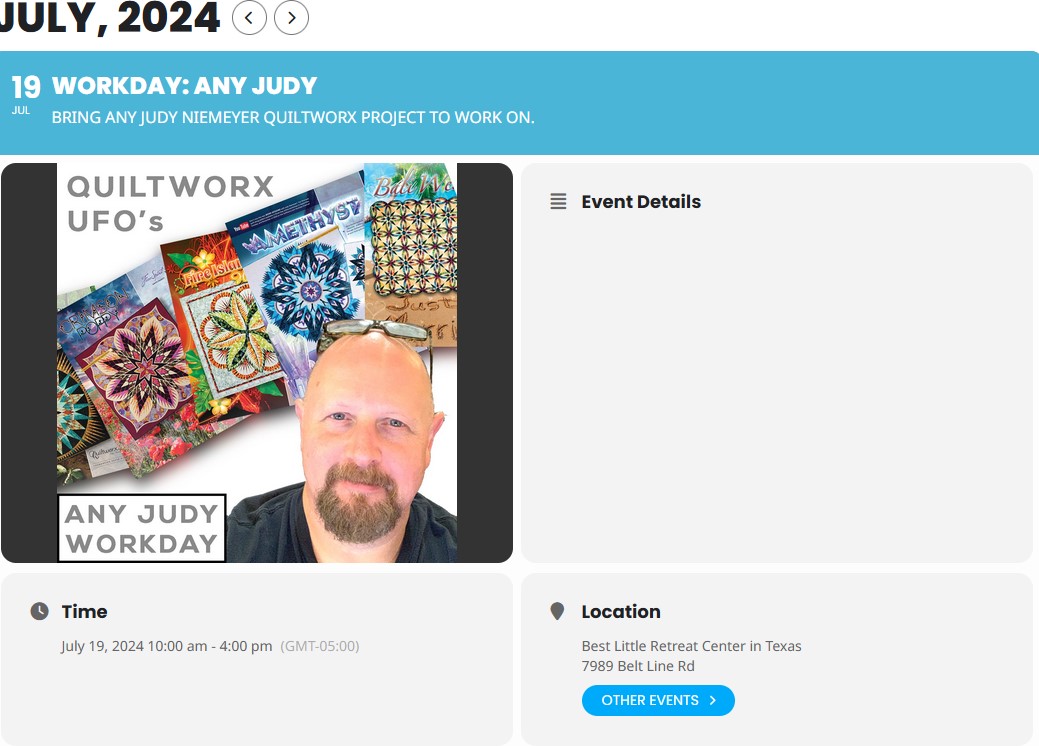
It’s the Event Details box that I cannot figure out to enter text into.
Replies for tickets on suppota
It’s the Event Details box that I cannot figure out to enter text into.
Hello,
Thank you for the video. The reason you still saw events there was because I had reverted the site to a previous backup after the failed attempt to update the plugin.
I was able to perform an update via method 2.1 and it did not delete our events data (very exciting), HOWEVER, the page was still not populating the events.
I tried to make a video example but it was not letting me attach it here, would you be able to schedule a video call with me so I can show you in further detail the issue please?
My time zone is PST but can take a call anytime as it is very urgent for our team to update the plugin and resolve the outdated code severity.
Thank you,
Further explaining – I see the details as far as the elements that I chose from the Event Card designer. Except where is the option to have text information about the event to be able to type a description of the event in the event card view? Also – I am not seeing an image in the Event Top, although that is part of the Event Top design. I’m figuring some things out, but still have not found these two solutions yet.
Please add this CSS code to EventON > Styles (If you don’t see any change, EventON > Scripts & Styling > turn off Write dynamic styles to header > save settings > turn on Write dynamic styles to header):
@media (max-width: 568px) { .evosv_grid .row { flex-direction: column; margin-left: 0; } .evosv_grid .row .evosv_items { padding-left: 0 } }
Hello,
Please go to EventON > EventCard > open Designer and save > now save EventON Settings.
Do you have access to the FTP login info? Could you send it to us?
Thanks – but it turns out that it is not currently possible to add custom order meta as part of the “Create an order” Automator action.
So I’ll have to write some code to do this instead.
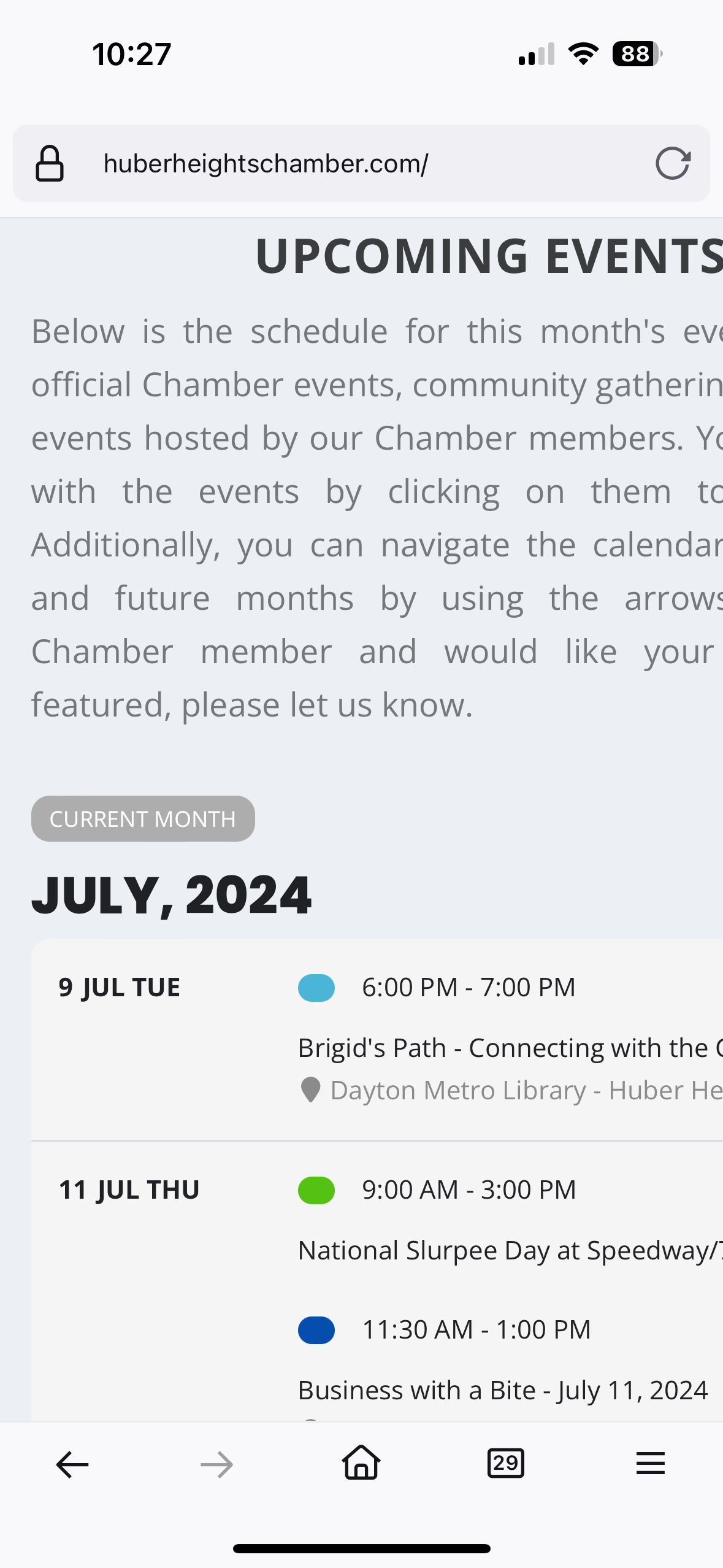
Just tried Firefox mobile browser too. Doing same thing on there.
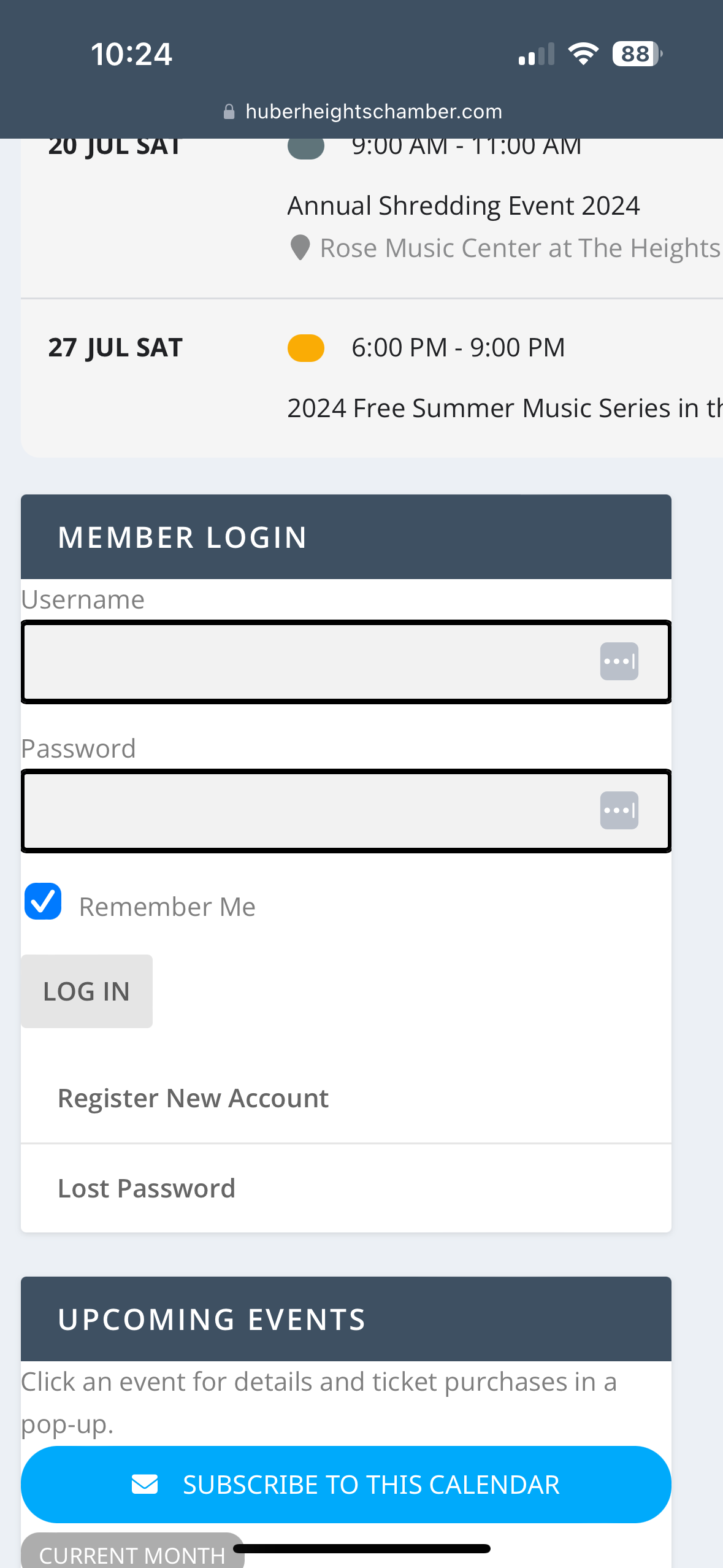
Another view showing other widgets are staying in frame
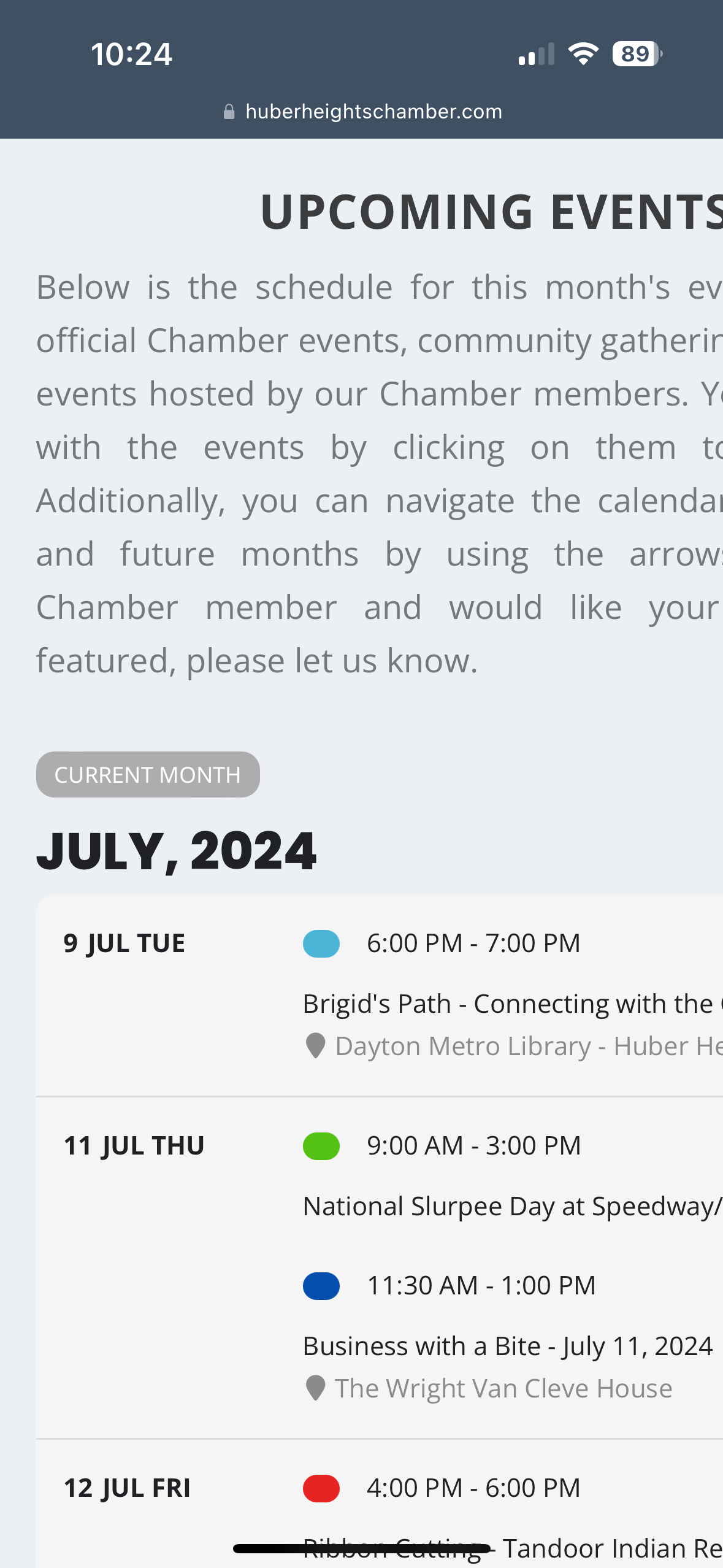
iPhone 14 Pro iOS safari browser at the moment. I can try others.