Hello,
Thank you for your great suggestion, at the moment it is not supported. However please create a new ticket and select Feature Request as category so others can vote on your idea and get it moved into development faster.
Replies for tickets on suppota
Hello,
Thank you for your great suggestion, at the moment it is not supported. However please create a new ticket and select Feature Request as category so others can vote on your idea and get it moved into development faster.
Thank you for your messages, I am going to assign this ticket to Ashan and he will be able to take it from here and find you a solution. Please allow some time for him to get back to you, we greatly appreciate your patience and thank you for being a eventon customer!
Perfect! If you have any further questions or concerns please create a new ticket.
Seems like you want to be combative here. Show me the contract I agreed to and signed when I purchased the add on last year, that states my credit card would be charged again, unless I canceled and that you had and have a legal right to switch on auto renew without my knowledge or consent.
So you can either refund me the money you stole from me, or I will file a chargeback on the basis of fraud.
Are you serious? Why did you not read what I said.
I never enabled auto renew. It was clearly something you guys did. So why would I need to cancel a product that should have ended after the year?
I did not authorize the charge.
I added the code and tried it, cleared cache and tried again. The code in the styles CSS made no difference.
As for the Write dynamic styles to header option, I found that option to be OFF to begin with. You advised to turn it off, save, then back on. I cleared cache again, refreshed, and having this option set to ON seemed to fix the issue.
I also went back and removed the CSS code to see if that was helping it as well, but it does appear that REMOVING the CSS code you provided and simply having that option above set to ON is the fix. No additional code was needed.
Thank you for your help.
LOL. Okay – figured out how to use shortcodes on the page. I think I might be all set now, but will update if not.
The only thing I still can’t figure out (but might before you respond) is that I can’t get images to load within Event Top no matter how many times I edit the layout. And I can’t find where to change the calendar layout.
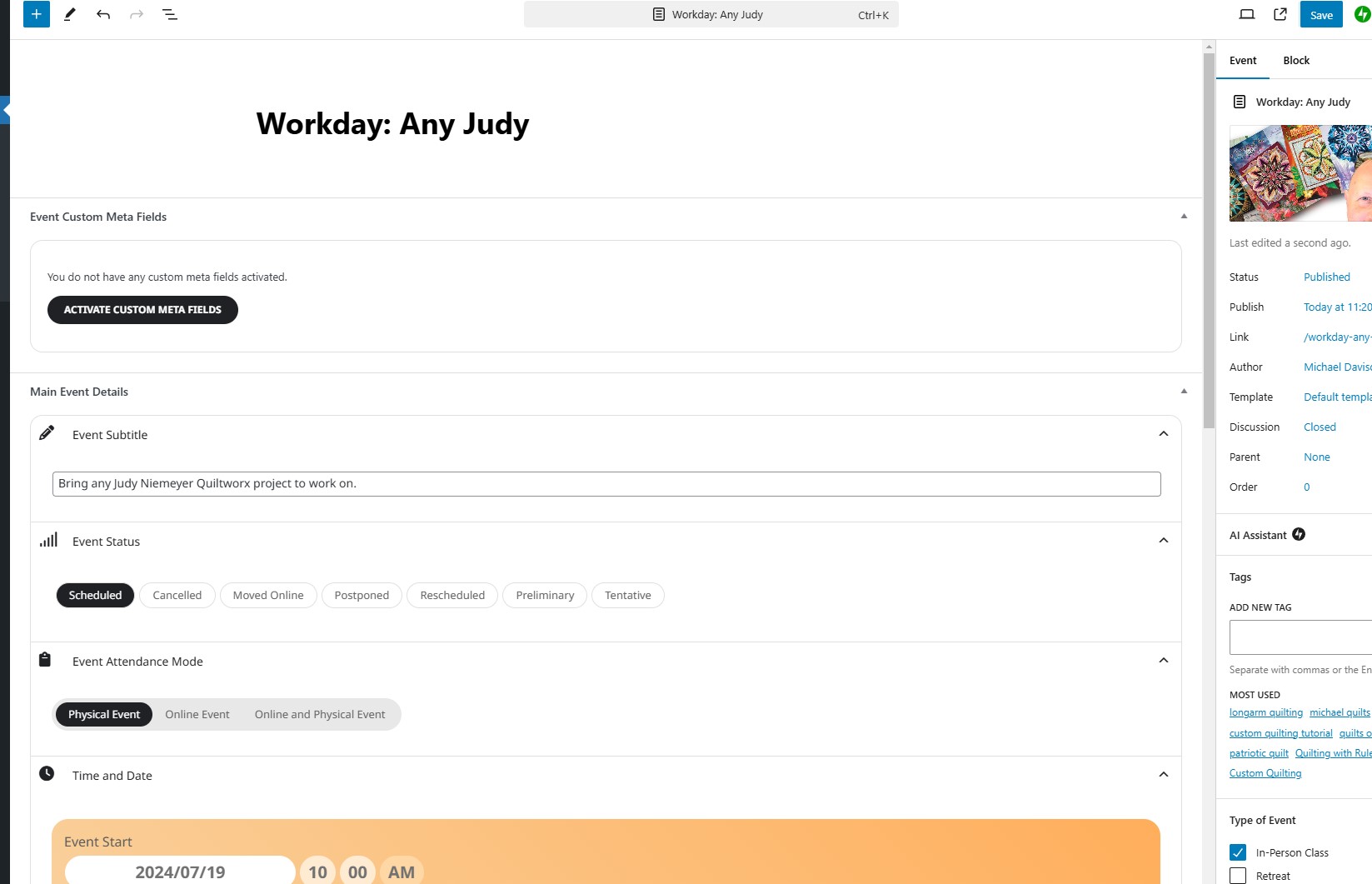
Oh – nevermind. I wasn’t smart enough to figure out that huge box at the very beginning was not just for the TITLE…LOL. Thanks!
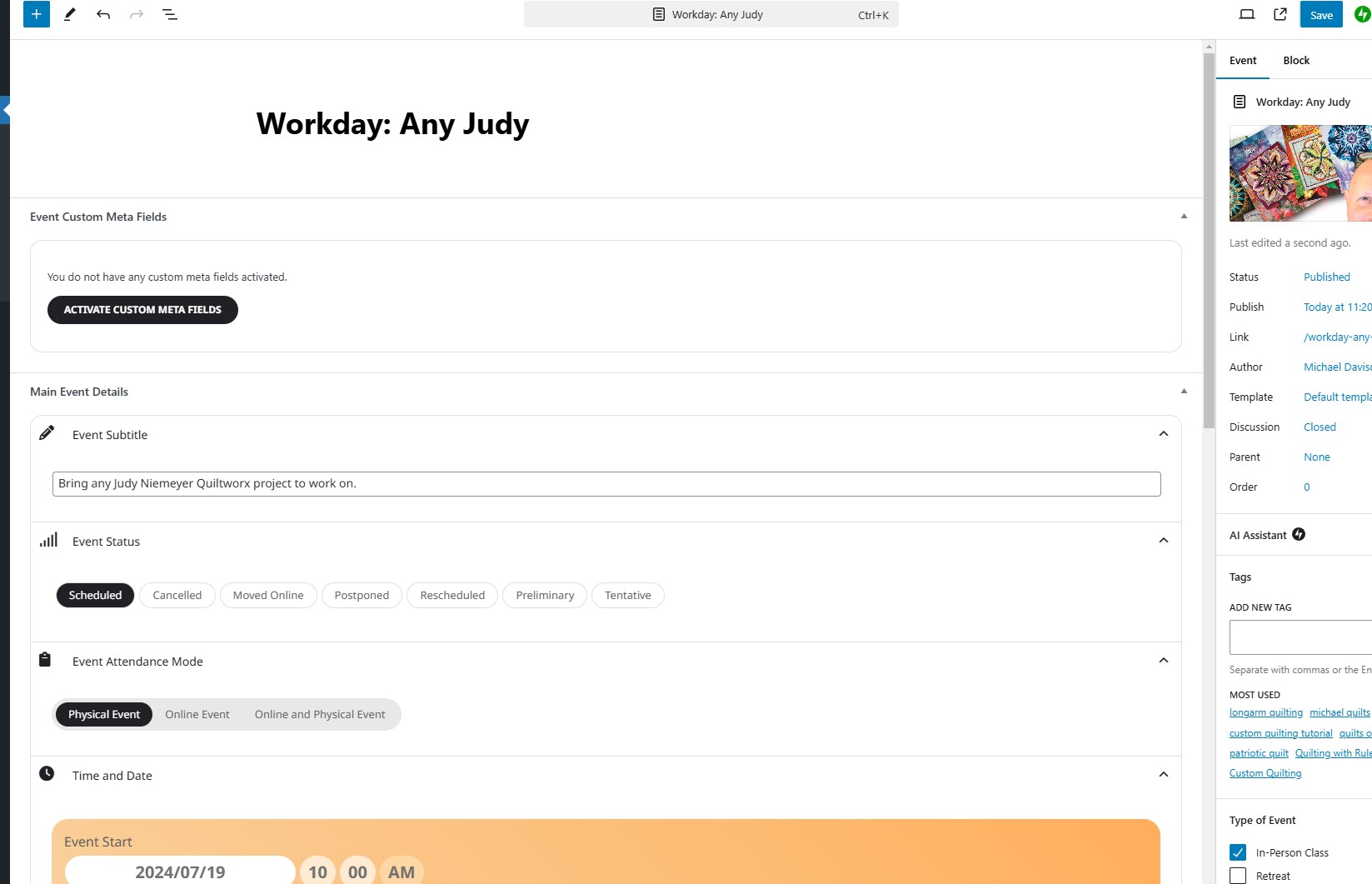
I can’t find a text input box for details