It appears to be a theme issue. I updated to the newest theme version and still no go. Are there any suggestions for this?
Alternatively, is there an easy way to rollback Eventon to previous version?
Replies for tickets on suppota
It appears to be a theme issue. I updated to the newest theme version and still no go. Are there any suggestions for this?
Alternatively, is there an easy way to rollback Eventon to previous version?
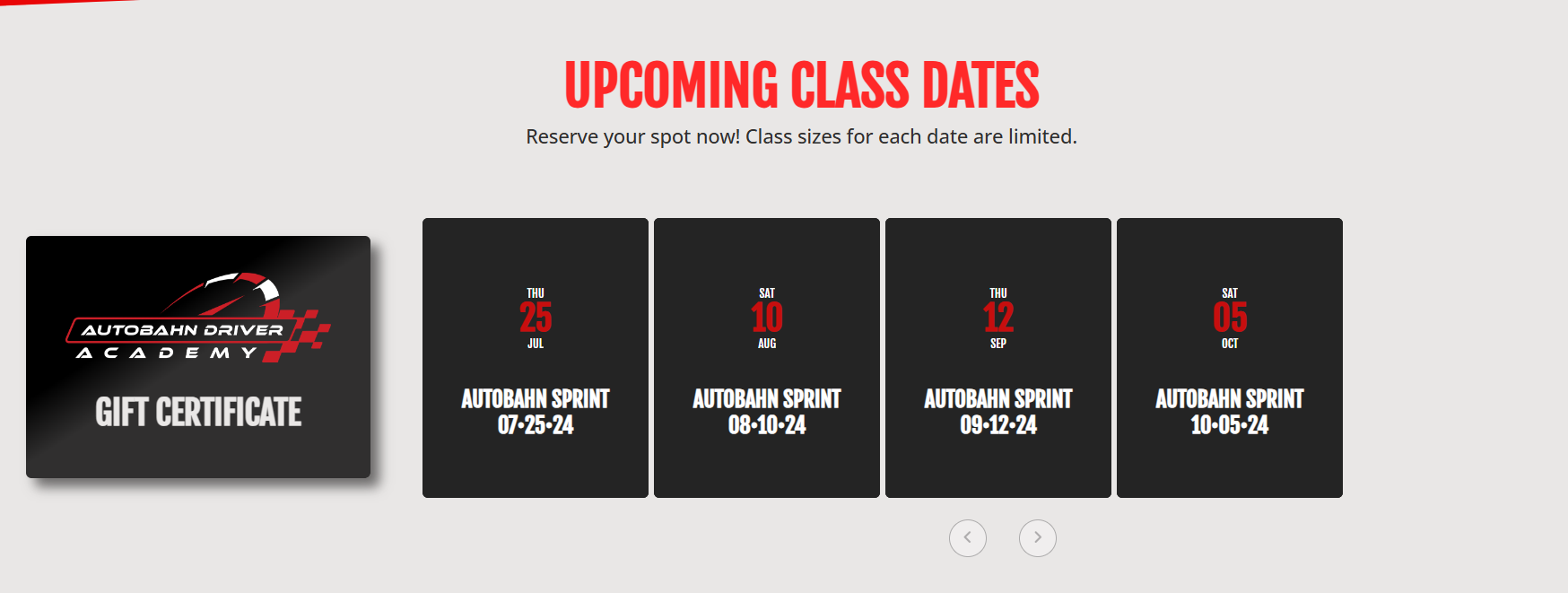
and before you ask, I reverse tested it and removed the code, saved and refreshed and the page displays properly, so it is for sure because of the schedule view code.
i use the Divi theme, Extra sub theme to be exact. To modify this code on the front page where it is displayed at, you can go straight to this page once logged in:
https://huberheightschamber.com/wp-admin/post.php?post=31362&action=edit
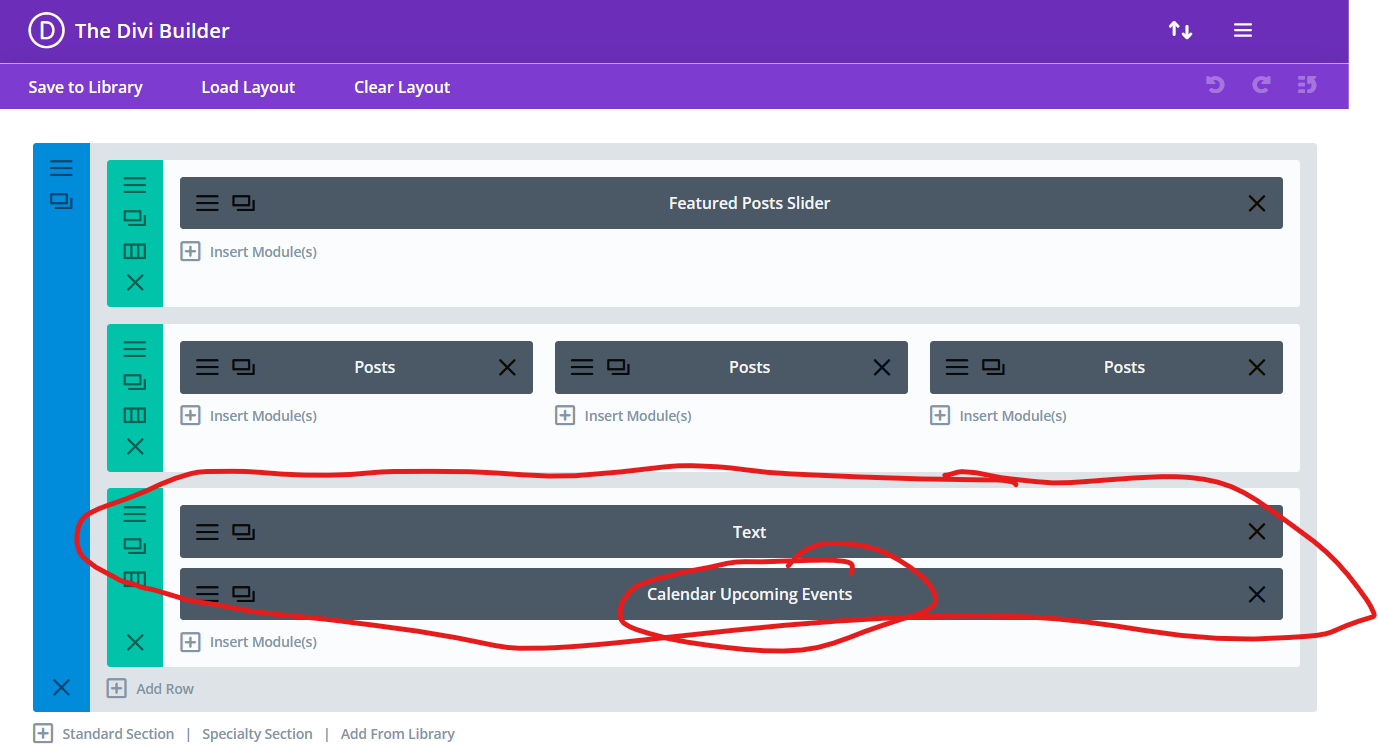
It is under the “upcoming events” section of the Divi Builder as shown on the page in the link above.
i also tried messing around with max width for that element but that did not fix the issue as it needs to.
it works and looks fine on the desktop or laptop browser. only affects mobile pages.
Thank you for the info! Ashan will check this ASAP.
Ashan,
Please take a look at
https://dev.robindesbois.ca/wp-admin/post.php?post=34918&action=edit
Login info
user: support
jGSNN1IoR6SDod)htCKJ1qRJ
On customer’s website (EventON + Woo + default theme) it still creates Non-Ticket Orders when you create variations with:
https://docs.myeventon.com/documentations/set-variable-prices-tickets/
On both sites it takes 2+ seconds to load/switch: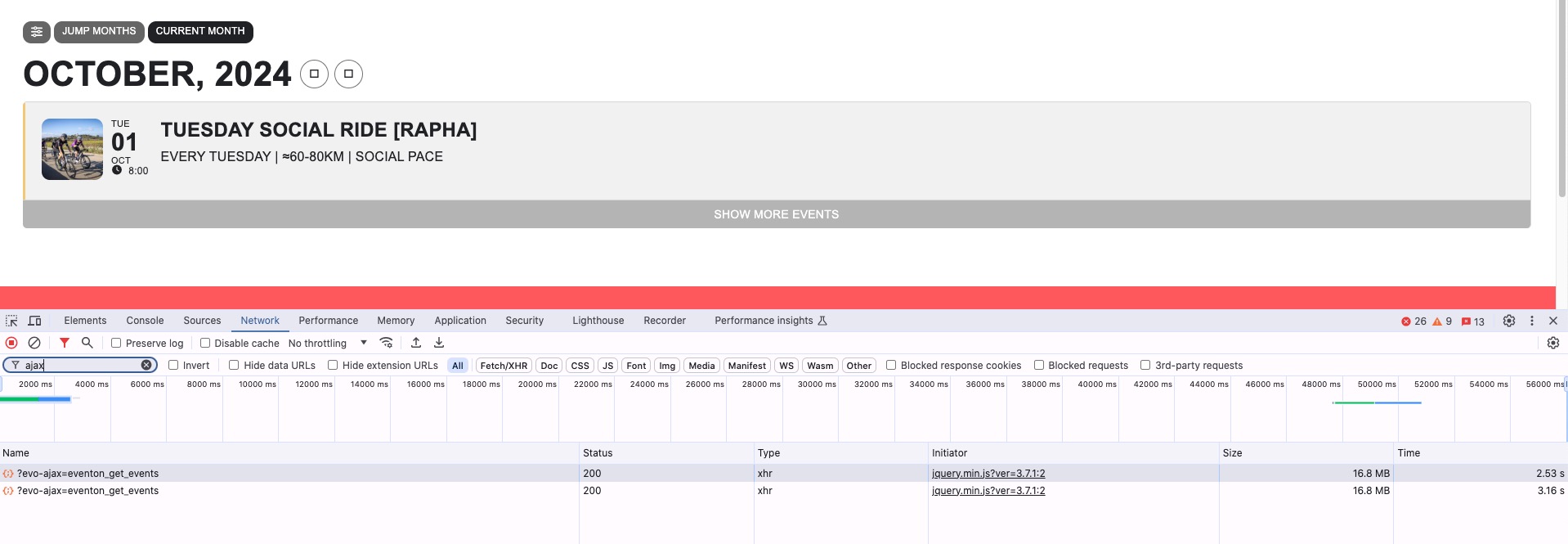
But without Load More functionality it doesn’t load the calendar:
https://tim.mallorca-cycling.eu/test/
Ashan will check this.
Do you want to load all events at once for each month or you can limit them with the load more parameter?
Please follow
https://docs.myeventon.com/documentations/how-to-debug-for-php-code-errors/
This will remove all notification from the front-end and start writing them to the debug.log file.
Did upgrading increase the performance?
Please try going to EventON > EventCard > enable Open all eventCards by default (Except tile layout).
Please take a look at this or similar plugin:
https://pixelgrade.com/docs/advanced-customizations/fonto-premium-fonts/