Thank you for your messages, I am going to assign this ticket to Ashan and he will be able to take it from here and find you a solution. Please allow some time for him to get back to you, we greatly appreciate your patience and thank you for being a eventon customer!
Archives: Replies
Replies for tickets on suppota
Reply to: tickets(359175)
hi again!
So i followed the link and followed the steps but i still have a doubt, once i created my shortcode for my L2,
where do i use that shortcode for it to change the calendar language only on the German site?
[add_eventon wpml_l1=’en’ wpml_l2=’de’]
Reply to: tickets(358414)
Hi Ashan,
we have cloned the website to a testing environment (same hosting service as chainsandcoffee.com) for you to test further.
URL testing environment: http://tim.mallorca-cycling.eu/wp-admin/ You will need additional htaccess, which you find below:
User: MCycling
Pass: 2Krd5653Xm44ldZC
WordPress login credentials are the same as for chainsandcoffee.com.
Please let me know, if this works for you and if you can log in?
Reply to: tickets(359086)
Hello,
After multiple investigations, the issue indeed comes from your plugin. When we disable the “Disable Moment script,” the anchor no longer manifests. However, the calendar display also stops working.
Could you please take the necessary steps to fix this? Or at least, could you indicate how to avoid this issue?
Thank you in advance.
Reply to: tickets(359435)
Thank you very much for the review- yeah the negative reviews disappoint us . I work here for free as I love helping people- I am a customer of eventon (with a lot of spare time) and about 7 years ago I was helping on the forum as a customer and then Ashan asked if I wanted to join the team for money- but I don’t need that- My business earns enough and here I get to figure out problems and help people which I enjoy.
Reply to: tickets(358737)
I just did some tests and I confirmed the issue on your website but not on ours. Could you update WooCommerce so I can continue?
Reply to: tickets(359310)
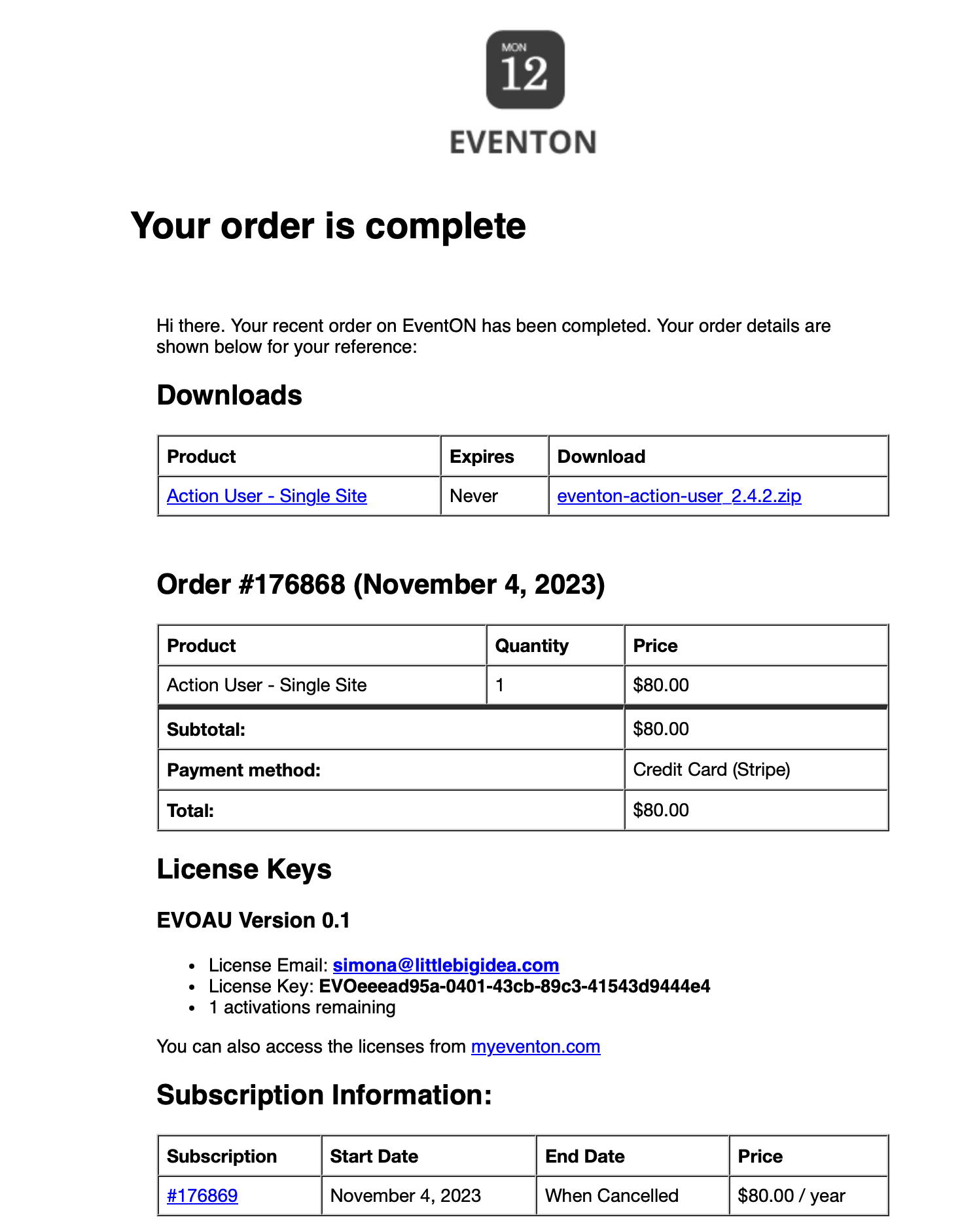
Please find the order attached with all info
Reply to: tickets(357525)
Could you update EventON and RSVP add-on?
To update eventon to latest version: If you are unable to do autoupdate, you can go to codecanyon your account > download and get the latest eventon version as zip file. Then you can go to your website > make sure “Delete eventon settings & data when EventON is uninstalled” is Deslected from eventon settings, delete old eventon, install new one and activate. This link will further explain the process it. Also you can follow us on twitter to get real-time announcements on updates!
To update eventon addons: You can download latest eventon addons from myeventon > my account. Then you can go to your website, deactivate old addon and install new one and activate then delete the old addon. This link will further explain the process. Also you can follow us on twitter to get real-time announcements on updates!
Reply to: tickets(359491)
Hello,
Seems to be working:
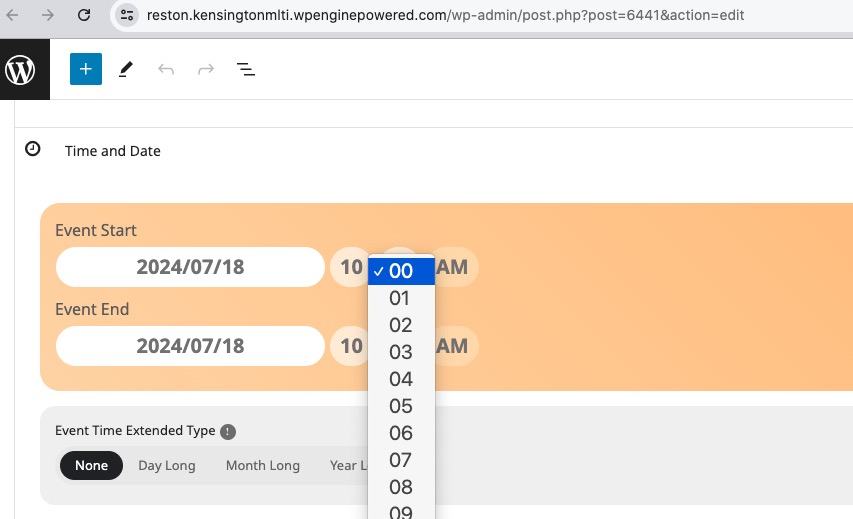
Could you check?
Reply to: tickets(359085)
Can you upgrade PHP to 8+?