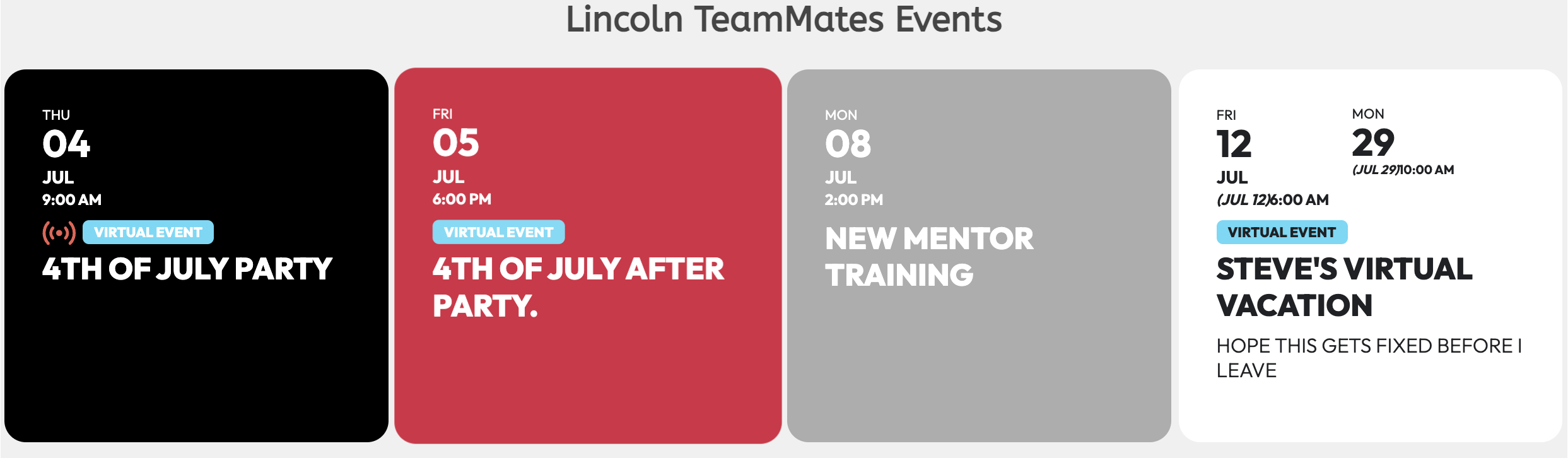
Changes only the arrow button, not the red background
Archives: Replies
Replies for tickets on suppota
Reply to: tickets(358247)
I tried to add the line in custom css of plugin and In custom css section of template but doesn’t change (I dell cache too). are you sure It’s correct the code?
Reply to: tickets(358761)
Thanks so much. I don’t know how this could have been turned off, but I’m glad we have it back ON. Thanks
Reply to: tickets(358757)
Thanks for the assist, I really appreciate it!
Reply to: tickets(351103)
There’s no mention of the eventon slider in that css shortcode. Should there be?
Reply to: tickets(358401)
these links have been generated by your plug-in, every time I create a course date for our training courses. a link is generated for each date with your plug-in, isn’t it?
Is there a way to see the history of all the urls generated by your plug-in for each date?
Reply to: tickets(358691)
Ashan,
Please take a look at the error in the original message from the customer.
Reply to: tickets(358691)
The login info didn’t work. Could you check?
I am also going to assign this ticket to Ashan and he will be able to take it from here and find you a solution. Please allow some time for him to get back to you, we greatly appreciate your patience and thank you for being a eventon customer! Also please disable any IP blocking on your site if there are any.
Reply to: tickets(358737)
There are new versions of EventON, Tickets and QR Code are available. Could you update them?
To update eventon to latest version: If you are unable to do autoupdate, you can go to codecanyon your account > download and get the latest eventon version as zip file. Then you can go to your website > make sure “Delete eventon settings & data when EventON is uninstalled” is Deslected from eventon settings, delete old eventon, install new one and activate. This link will further explain the process it. Also you can follow us on twitter to get real-time announcements on updates!
To update eventon addons: You can download latest eventon addons from myeventon > my account. Then you can go to your website, deactivate old addon and install new one and activate then delete the old addon. This link will further explain the process. Also you can follow us on twitter to get real-time announcements on updates!
Reply to: tickets(358655)
You have 4 calendars loading at the same time with quite a lot of events in each of them.
Try enabling Load More by adding
show_limit=”yes” show_limit_ajax=”yes” event_count=”7″