Is there any way of getting event tickets for course dates with URLs from you?
Because I’ve already blocked these links on the robot.txt, but it doesn’t change anything, the links are still indexed, and it’s very problematic for my seo, and I don’t think it’s normal for a plugin as widely used as yours to have this major problem for seo …
Is there more information available about the structure of this array? And on repeating events, is the data stored on the original event? Because then it probably won’t work, because the starting date of the original won’t be in the date range the scripts searches events on.
Adjusted the day and included time – all good now.
Yet, curious why things are taking forever to load on this page? https://chasingchildhooddoc.com/screenings/past-screenings/ – Possibly it’s the number of events trying to display, so is there a way to have pagination or lazy loading?
I edited the events page so that each shortcode is in their own text box
and then proceeded to add some custom css to the advanced css section of the sliders text box- BUT it also effects the full cal- I don’t know why as its in the sliders css box so it should only effect that text box
the css is
.eventon_events_list .eventon_list_event .evcal_desc .evcal_desc_info, .eventon_events_list .eventon_list_event .evoet_cx .level_3, .evo_pop_body .evcal_desc .evcal_desc_info, .evo_pop_body .evoet_cx .level_3 {
font-size: 12px;
line-height: 120%;
padding-bottom: 2px;
display: flex;
margin-bottom: 5px;
justify-content: center;
}
I don’t know how to get that css to work ONLY in that text box I am not an elementor guy- I use themeco pro – that requires me to add $el before the custom css to make the css only work in its own text field but I could not find if thats is required in elementor went through the help files but could not find anything
The event categories sorting in frontend and backend can be easily solved using the following plugin:
https://wordpress.org/plugins/taxonomy-terms-order/
Instead is not possible to force the user to select only one event category and not more than one.
Hello,
I am sorry, the access information you have provided did not work for us. Please check them and post the correct login information as a private message, thank you!
Could you try “Array Event Post Meta Data”:
https://docs.myeventon.com/documentations/event-post-meta-variables/
Ashan,
The same on dev2:
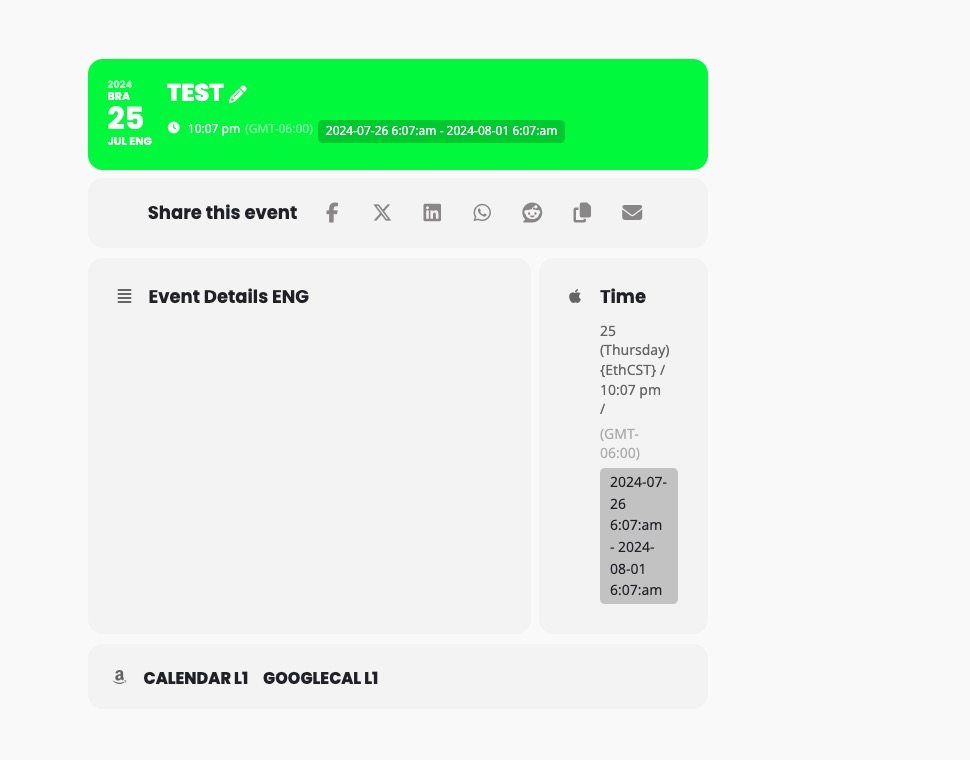
https://dev2.myeventon.com/events/test-181/
Hello,
Thank you for your messages, I am going to assign this ticket to Ashan and he will be able to take it from here and find you a solution. Please allow some time for him to get back to you, we greatly appreciate your patience and thank you for being a eventon customer! Also please disable any IP blocking on your site if there are any.