Still the same:

Could you please try the instructions mentioned in this documentation to make sure your issue is indeed coming from eventon.
We need to figure out is it the theme or any of your third-party plugins.
Replies for tickets on suppota
Still the same:
Could you please try the instructions mentioned in this documentation to make sure your issue is indeed coming from eventon.
We need to figure out is it the theme or any of your third-party plugins.
I have some CSS customisations on the event list page, e.g. the country flags.
Those are fine. So no need to remove them.
Please enable WP_DEBUG and then update EventON, so we can check the error.
Hello,
The order cannot be changed, I am afraid.
…to select only one category and not more than one as is possible now?
Is it possible to achieve something similar for event categories too?
For example is it possible to add a row number of the event categories so that they are sorted by that instead of alphabetically?
Thank you for your great suggestion, at the moment it is not supported. However please create a new ticket and select Feature Request as category so others can vote on your idea and get it moved into development faster.
Hello,
Please go to EventON > EventCard > open Designer > make sure that fields are added correctly > save > now save EventON Settings. Please make sure to save it no matter what, even if the fields are correct.
Hello,
I think that there is not enough events to show, so that’s why it bounces:
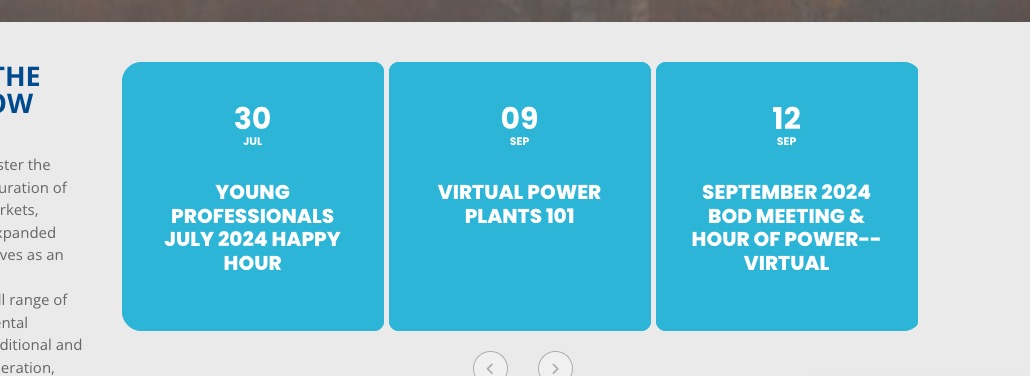
Try enabling loop by adding slide_loop=”yes” to the shortcode.
Also events go from July to September, so the order is correct.
Hello,
I added Tags to EventTop, so it works now:
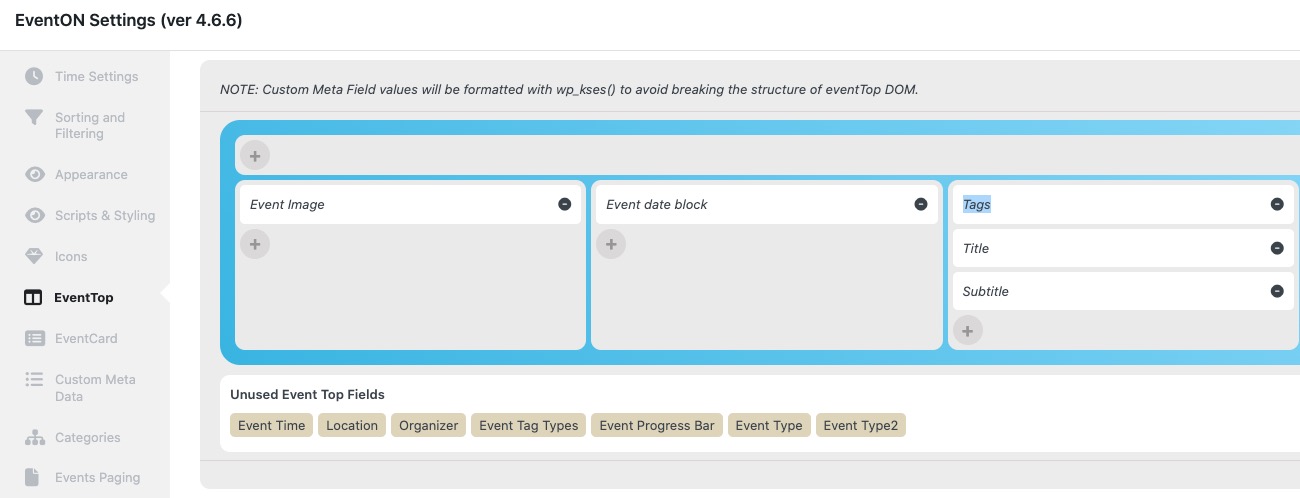
Please check and let me know.
Date format is incorrect as well as Time fields are empty. Please fix the file to import the data correctly.
Seems to be working on the paid site:

Lite also works:
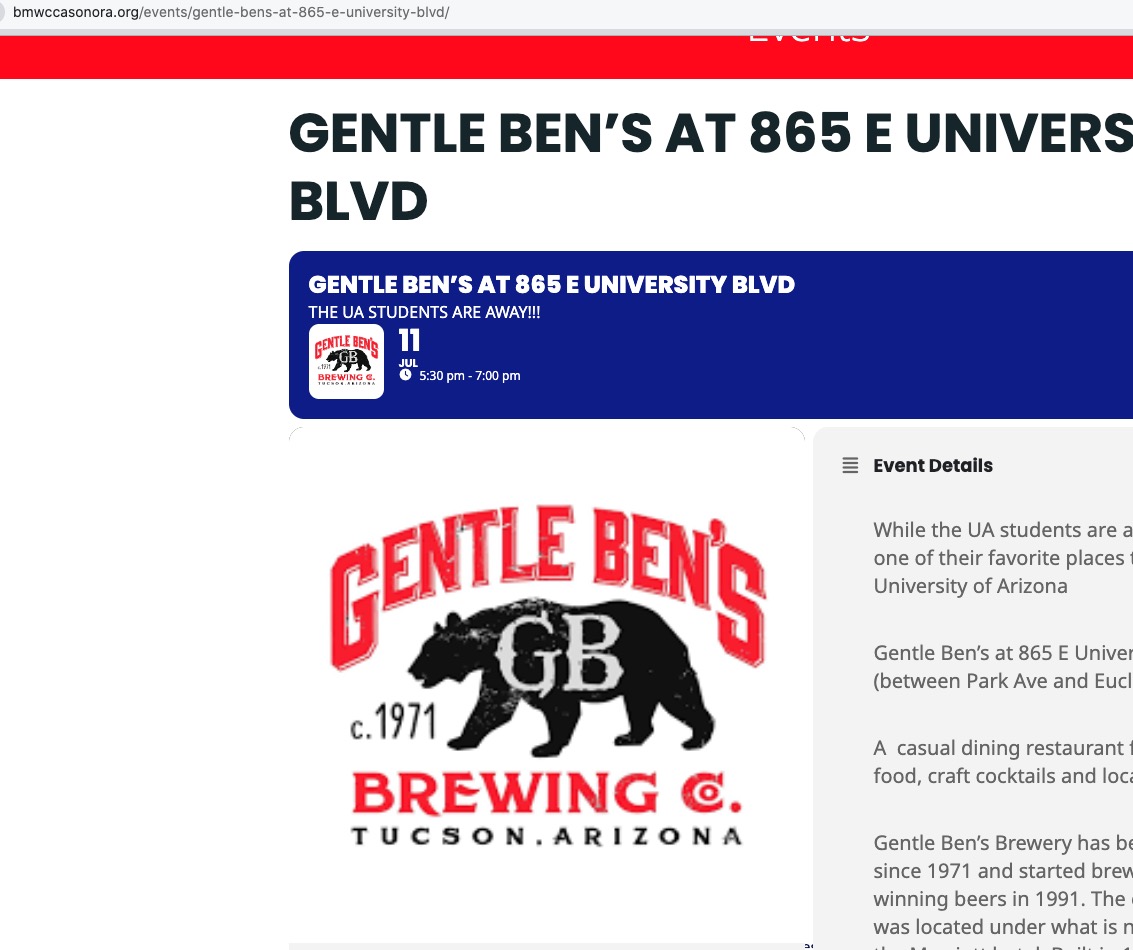
Could you try waiting for longer? It seems that it needs more time to load.
Perfect! If you have any further questions or concerns please create a new ticket.
Please take a look at
https://docs.myeventon.com/documentations/why-my-site-and-eventon-page-loading-slow/
Also go to EventON > Advanced > try a different Select event calendar WP Query method.