Hi,
I have disabled plugins and cleared the cache several times on this site https://g2solution.co.uk/shropshire/submit-an-event/
The only time I am able to select the categories is when i disable action user plus, which means i cant monitise the event submission
Man thanks
Hi,
I have disabled plugins and cleared the cache several times on this site https://g2solution.co.uk/shropshire/submit-an-event/
The only time I am able to select the categories is when i disable action user plus, which means i cant monitise the event submission
Man thanks
Hi,
With version 0.7, it does let me save HTML content in the reminder email fields now. However, when I am testing the reminder emails with one email that doesn’t use HTML and one that does, only the email without HTML is being sent. Thank you for your help!
Well, I assume it is working on your test site.
This is not about your programming. This is about your documentation how to make it work.
This is about how to do the settings in google. I am convinced the solution is located there. This is the only I need. And this is lasting for months now
Ashan,
When they select IP-Address restriction, they can generate Lat/Long values, but their map doesn’t work:
And when they select Website restriction, they cannot generate Lat/Long values, but the map works (unless it doesn’t have Lat/Long values):
https://helpdeskx.s3.amazonaws.com/wp-content/uploads/2024/05/20130211/Screenshot-2024-05-20-at-22.01.25.jpg
So not sure how to help help.
Could you check?
Ok perfect! Sorry for not understanding this. It does work correctly on our test site, so it’s very hard to recreate the issue.
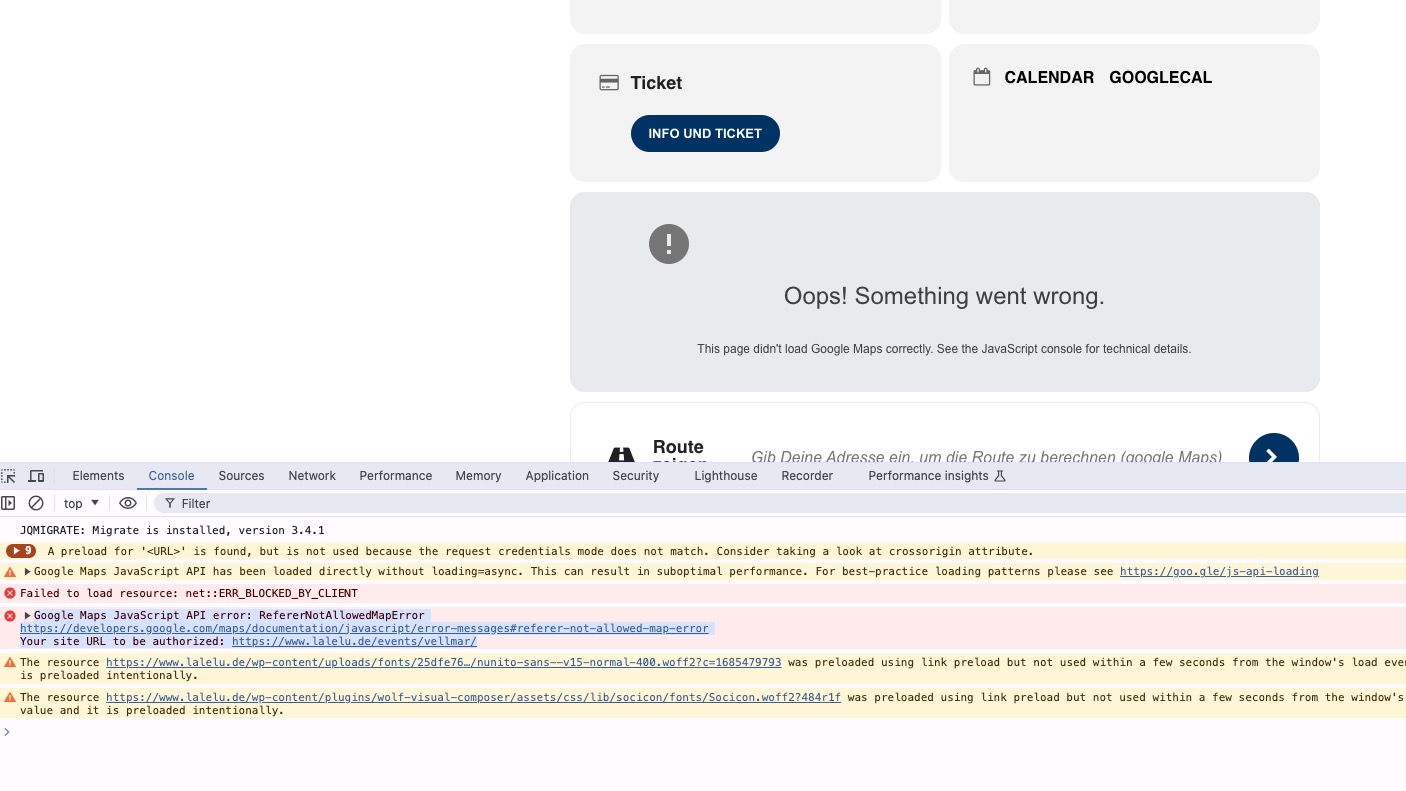
I can see the error in console:
I am going to email Ashan directly about this issue. However, not sure how this can fixed as two options are basically overriding each other.
We are glad your issue is resolved, if you have any further questions or concerns please create a new ticket.
If you have a moment, we would greatly appreciate if you could kindly leave us a review at Codecanyon. By going to your account > Downloads. We are very grateful for your kind review!
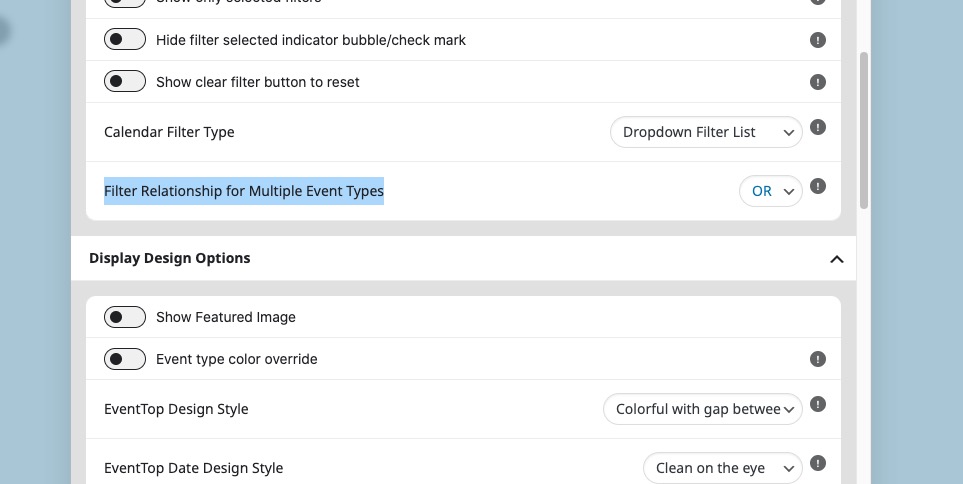
If you select “Filter Relationship for Multiple Event Types: OR”, then it should work:
The shortcode [add_eventon filter_relationship=”OR”].
Hello,
Please send us wp-admin access to your site as a private message for us to further assist your situation.
Hello,
Please go to EventON > EventCard > open Designer and save > now save EventON Settings.