Hi, I just realised something… I’ve noticed that when I publish an all day event, it shows up on the calendar one day before. For example, I just added an all day event for Friday, but it was showing on the calendar from Thursday. Would that also be because of the one hour difference that you mentioned?
I’ve changed that event but another example that you can see is the event: SA’Oaxaca International Strings Festival from June 30 to July 13. It appears on the calendar from June 29.
check now I think its smaller
its not as instant as the slider on top but its faster than when we started its a 1 2 load
I see you have rocket activated again
ok, iunderstand. i do later.
But is possible to bulk create tickets for event?
from csv, api?
Guys? Still alive? No idea what you would do with the second API key you requested? Any idea how to answer how to set boundaries in google?
Hi Dave. Hope all is well. I got some more replies on the plesk forum.
https://talk.plesk.com/threads/how-to-increase-the-php-memory.374743/
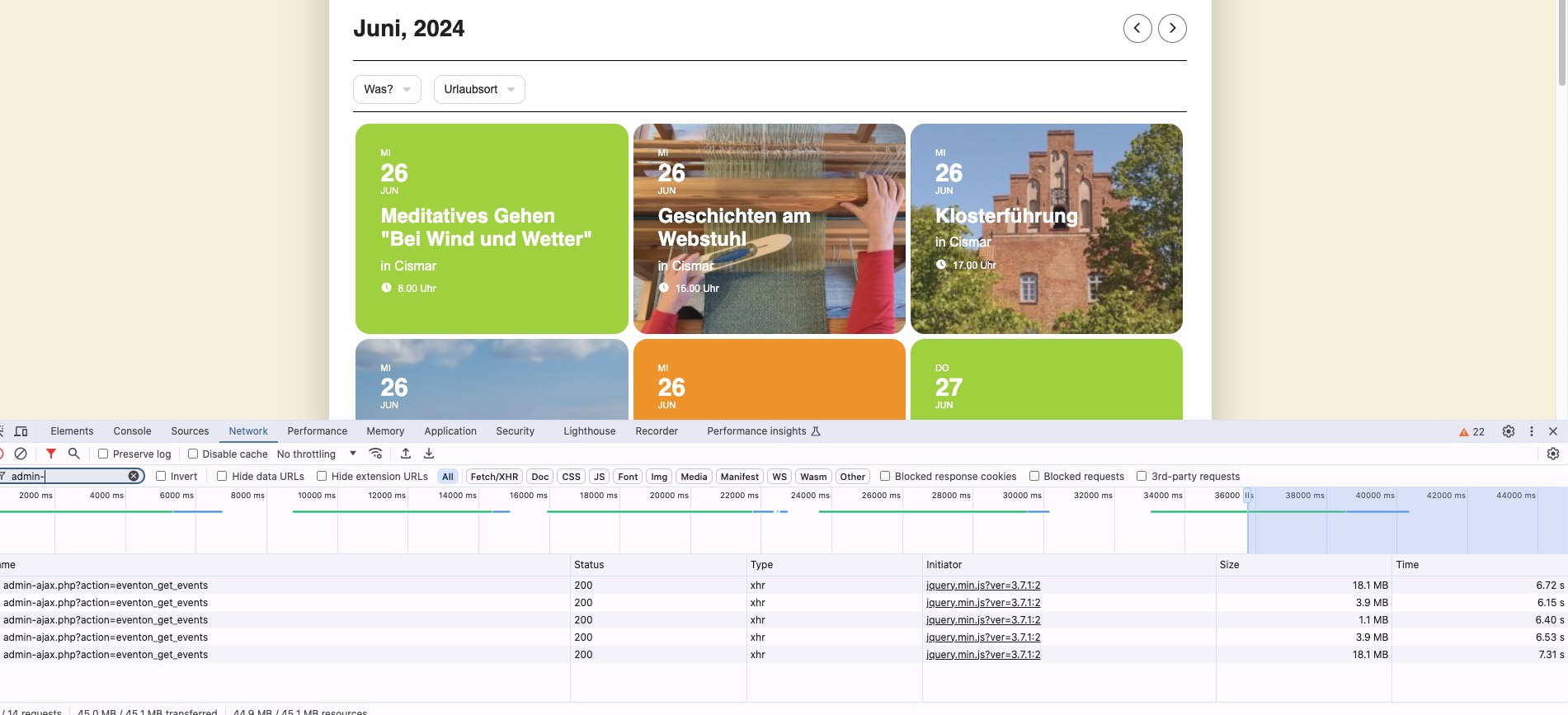
They don’t appear to think increasing the PHP memory is going to make the site faster and suggested the usual things. I did try the new Plesk performer booster extension which didn’t seem to help much either. It just changed the events page back to the old version and made it slower!
Right now when I go back and forth it shows 6+ seconds: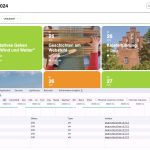
Could you also try enabling Load More by adding these to your shortcode:
show_limit=”yes” show_limit_ajax=”yes” event_count=”5″
[26-Jun-2024 14:42:30 UTC] PHP Fatal error: Array and string offset access syntax with curly braces is no longer supported in /homepages/4/d531465147/htdocs/wp-content/plugins/LayerSlider/helpers/phpQuery.php on line 2161
Also this error is referring to plugins/LayerSlider.
This ticket is private.
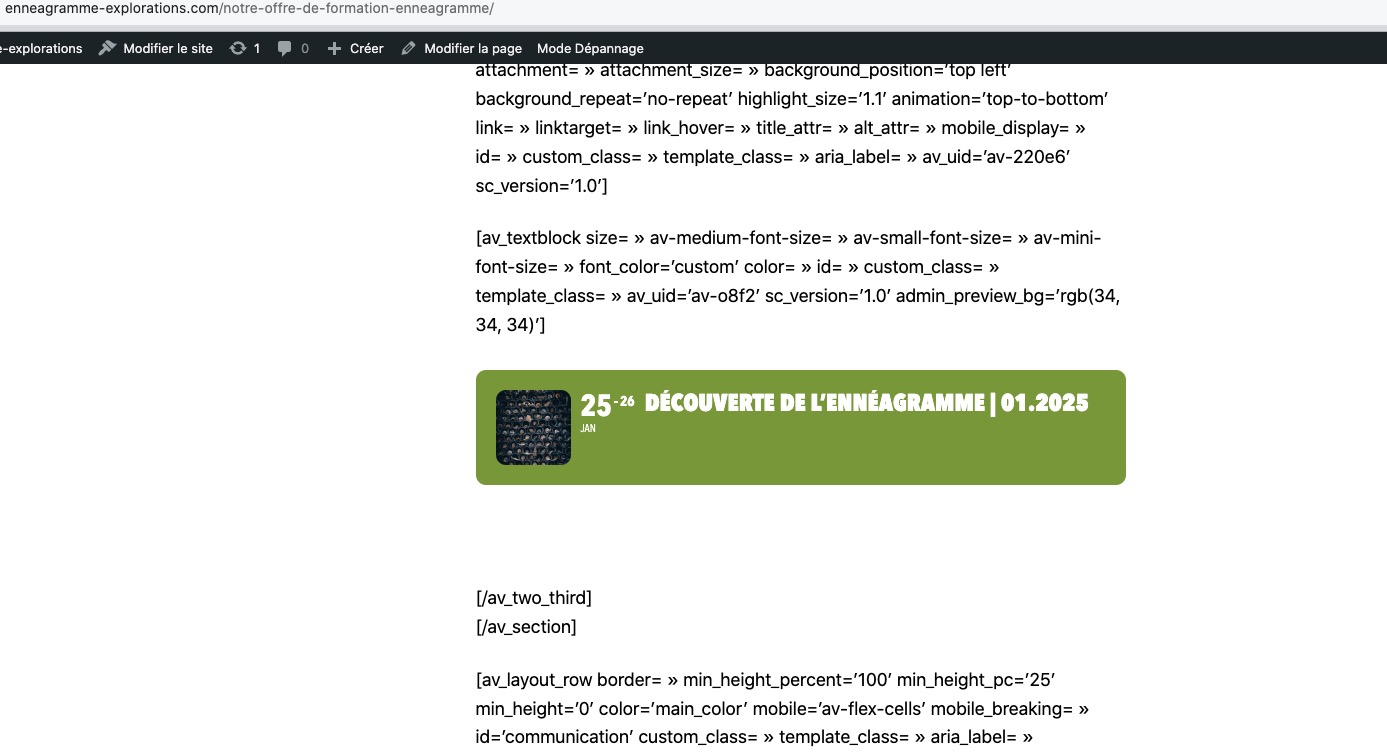
When I check the page in Troubleshooting Mode, it works correctly:
https://enneagramme-explorations.com/wp-admin/site-health.php?tab=troubleshoot
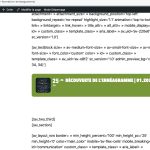
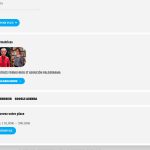 I think that the issue can be related to your theme or a third-party plugin.
Could you please try the instructions mentioned in this documentation to make sure?
Hello,
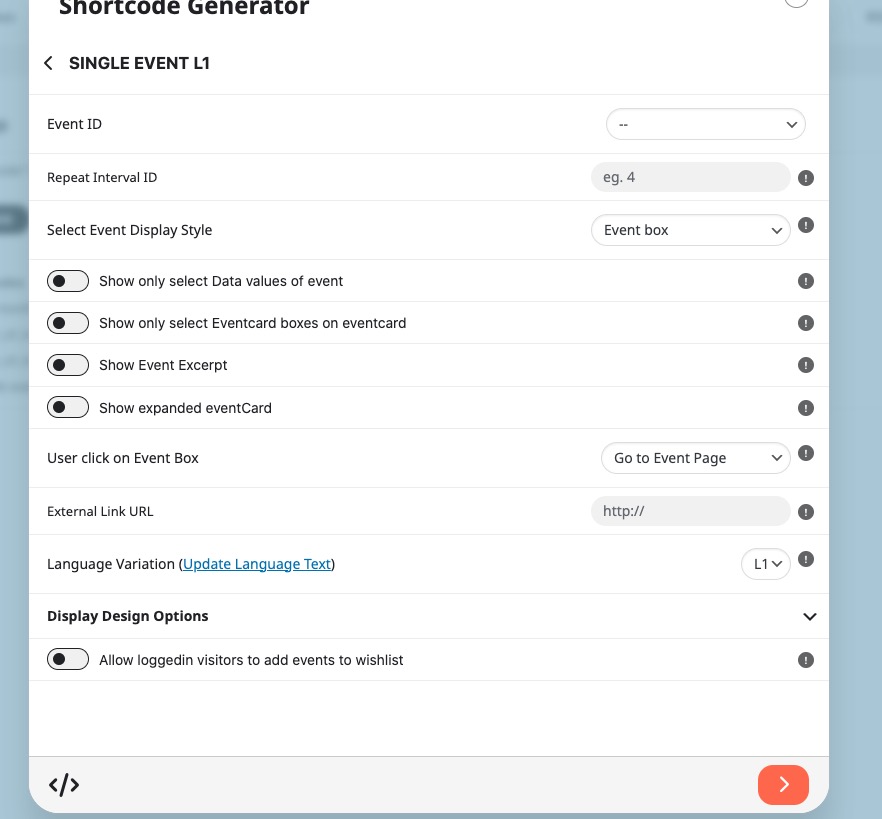
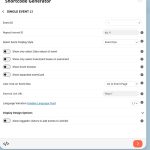
EventON doesn’t have the pop functionality you are referring to, but you can find the plugin that allows you to show any content inside of the window and then use Single Event shortcode to show only one event:
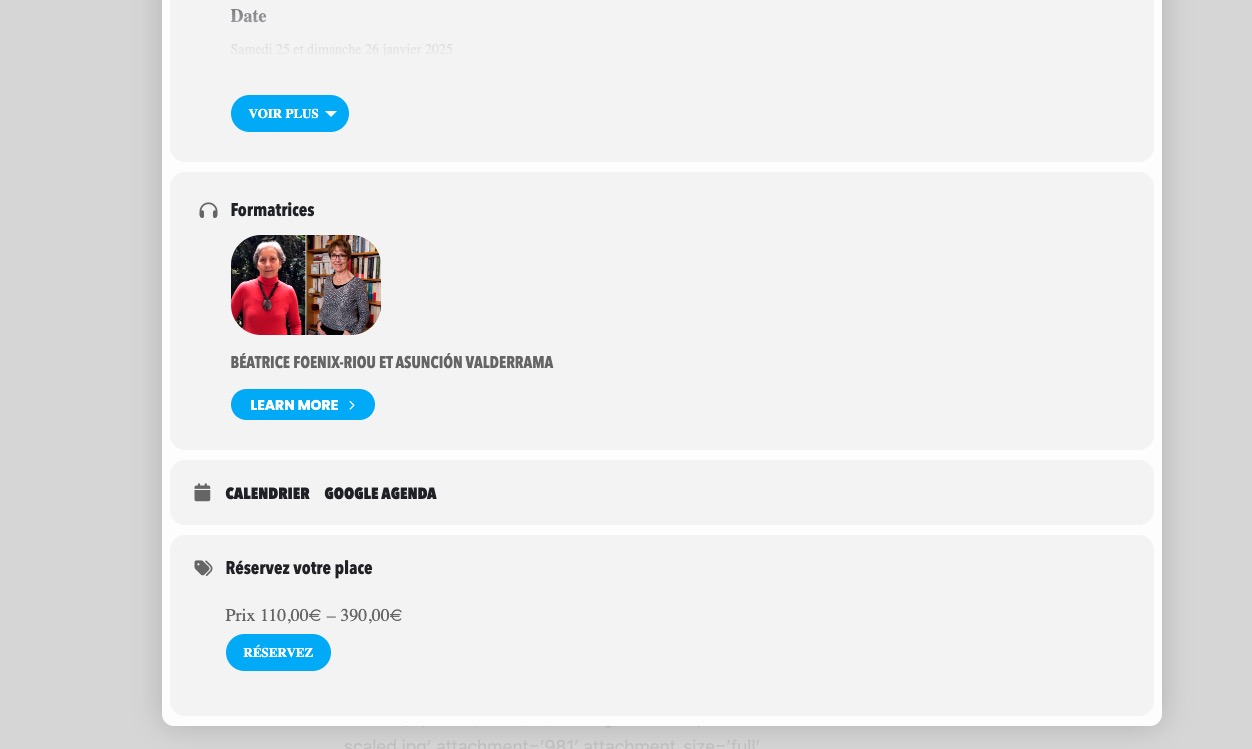
Ah sorry, I didn’t understand you correctly at first. There is no way of showing Event Types on Event Card. But you can either use Custom Meta https://docs.myeventon.com/documentations/setup-use-custom-meta-fields-events/ and add the info manually or show them on EventTop from EventON > EventTop.