We are glad your issue is resolved, if you have any further questions or concerns please create a new ticket.
If you have a moment, we would greatly appreciate if you could kindly leave us a review at Codecanyon. By going to your account > Downloads. We are very grateful for your kind review!
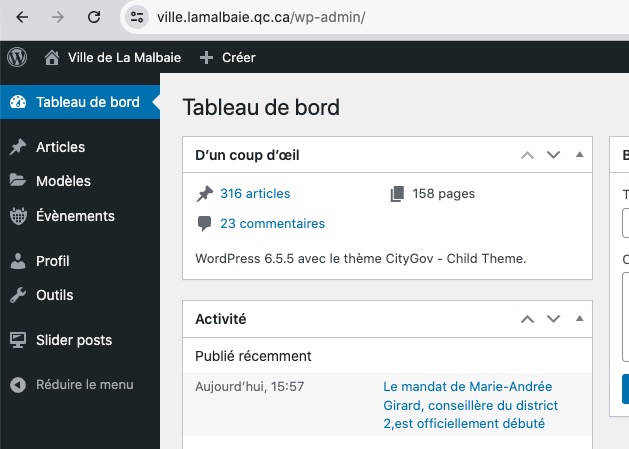
I have limited access with the provided login info:
I need to check EventON Settings and Pages.
Hello,
Like this?
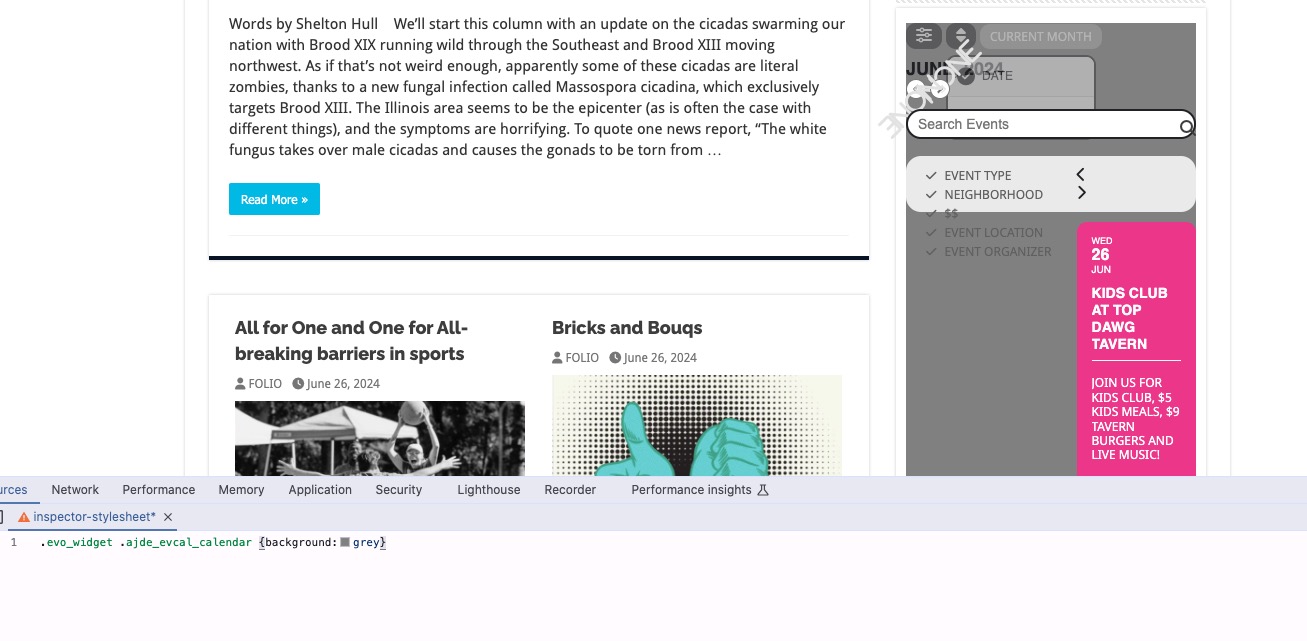
Please add this CSS code to EventON > Styles (If you don’t see any change, EventON > Scripts & Styling > turn off Write dynamic styles to header > save settings > turn on Write dynamic styles to header):
.evo_widget .ajde_evcal_calendar {background:grey}
We are glad your issue is resolved, if you have any further questions or concerns please create a new ticket. If you have a moment, we would greatly appreciate if you could kindly leave us a review at Codecanyon. By going to your account > Downloads. We are very grateful for your kind review!
Hi! It works now. Thank you for your solution!
https://www.ville.lamalbaie.qc.ca/gestion
User : Eventon
Pwd : gZxgD%kggp5*LlO9i4B30OuL
site: https://utrechtsevespers.nl/wp-admin/
user: vespersadmin
password: dYwbah-3hoqjo-guxvox
It now works! Thank you so much!
Could you try downloading the .csv file now?
Hi Sara,
Please send us wp-admin access to your site as a private message for us to further assist your situation.