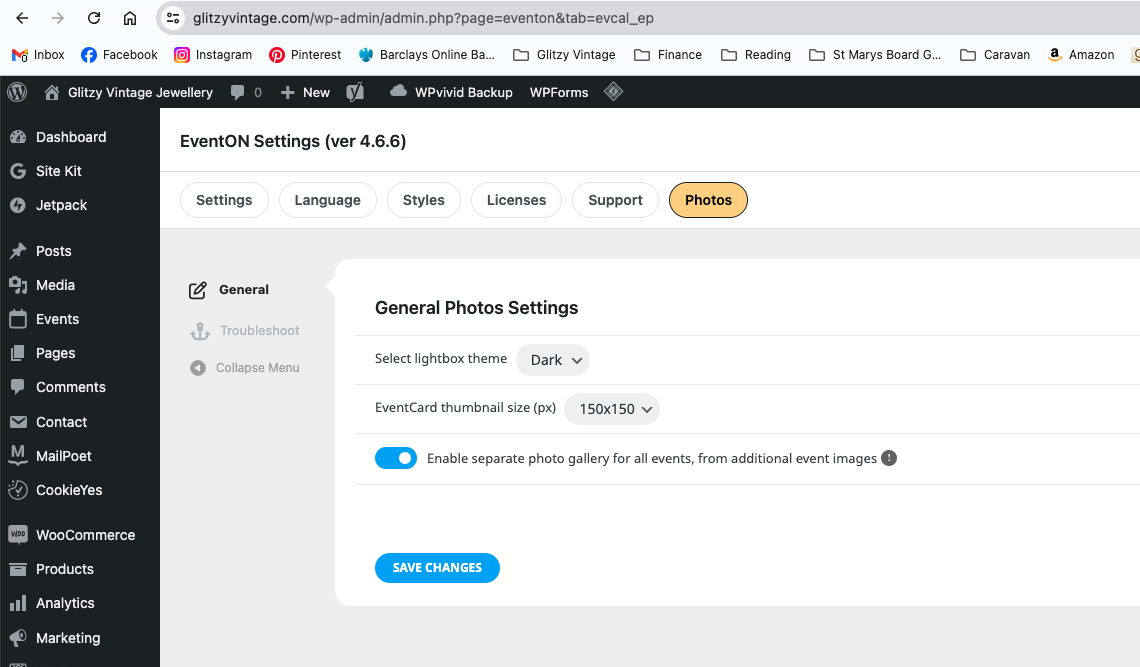
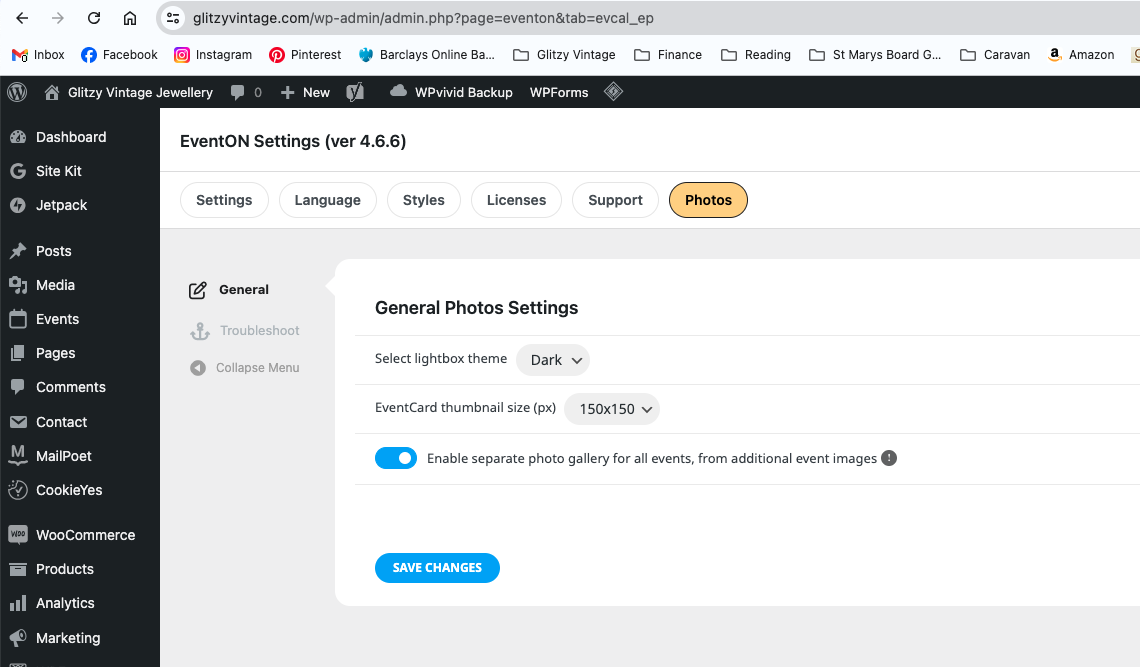
Sorry all plugins are upto date and still not working
https://www.awesomescreenshot.com/video/28965846?key=700cf3ede17c8e202867cd6e32a1fdc6
We wouls still like a refund for tickets, the site is not stable and we need 100% working, we are already 2/3 months since we purchased the plugin, much appreciate please, many thanks
Sorry all plugins are upto date and still not working
https://www.awesomescreenshot.com/video/28965846?key=700cf3ede17c8e202867cd6e32a1fdc6
I tried. still same message when trying to generate long/lat: “API keys with referrer restrictions cannot be used with this API.” Map display on the website works. According to best practice the API key has to be restricted in order to prevent misuse. As said: I followed the recommendation in the article you referred to.
While long/lat creating is working with the settings from the second screenshot, but map display on the webpage is broken with this.
So again: How to put the settings in google to get the key with the right restriction to support all your features at once? Hell, how often do I have to ask this?
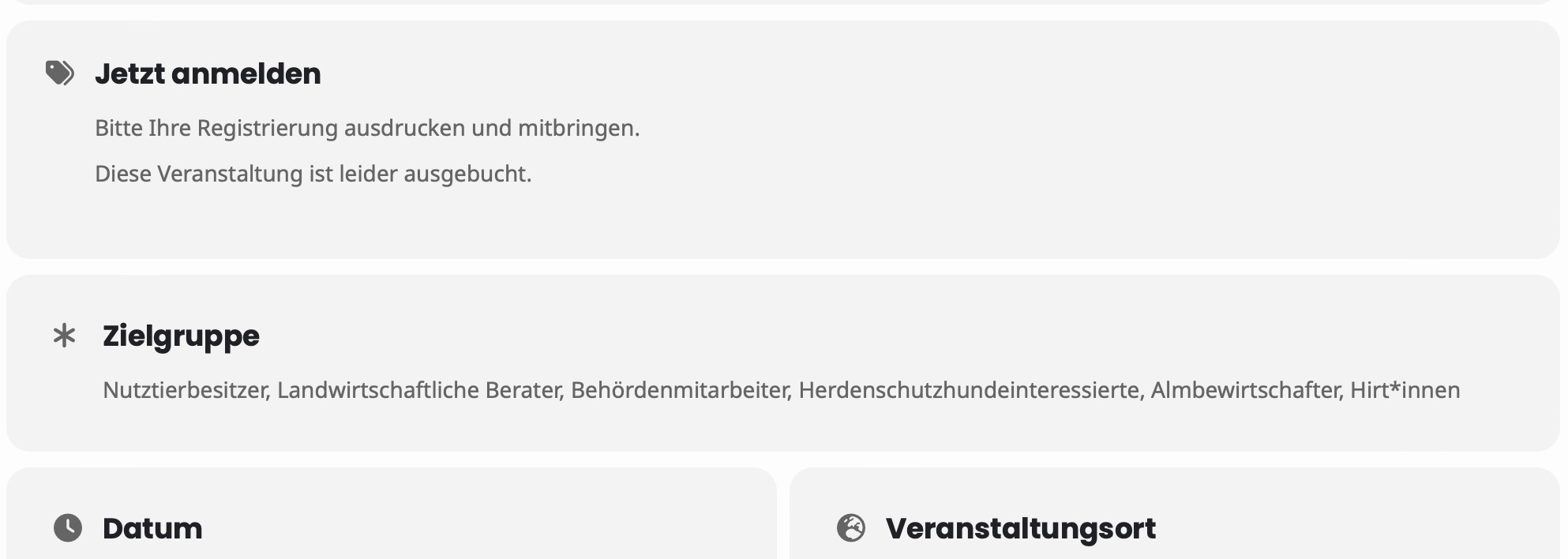
I now deactivated all plugins except the eventon ones and it still shows me that the event is booked out.
Hi,
as you have admin rights and I am not sure what to do, could you try to find the error or plugin incompatibility.. That would be a great help.
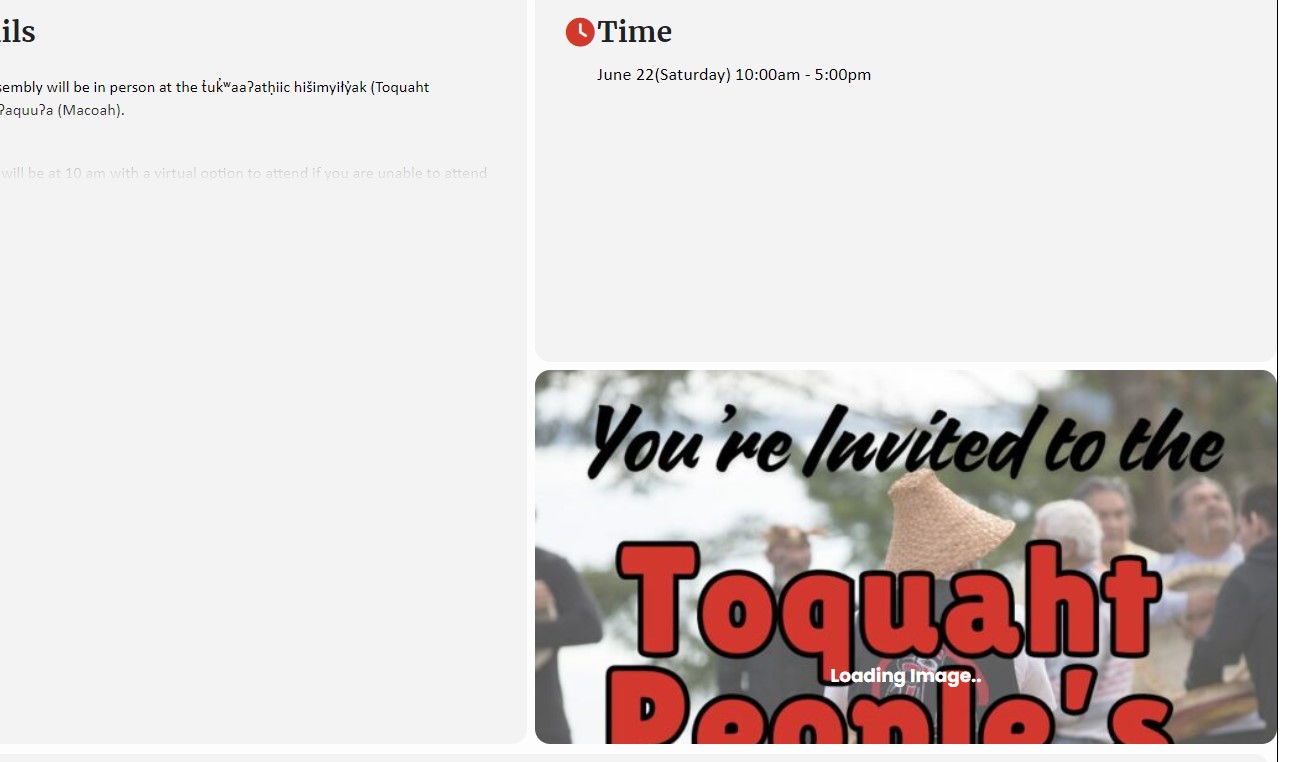
Padding – where or how do I decrease the padding in the boxes? Ie in the the Time box, Event Details
I added the code you said and doesn’t look like anything changed. How do I decrease the the spacing in the boxes?
Hi Artem.
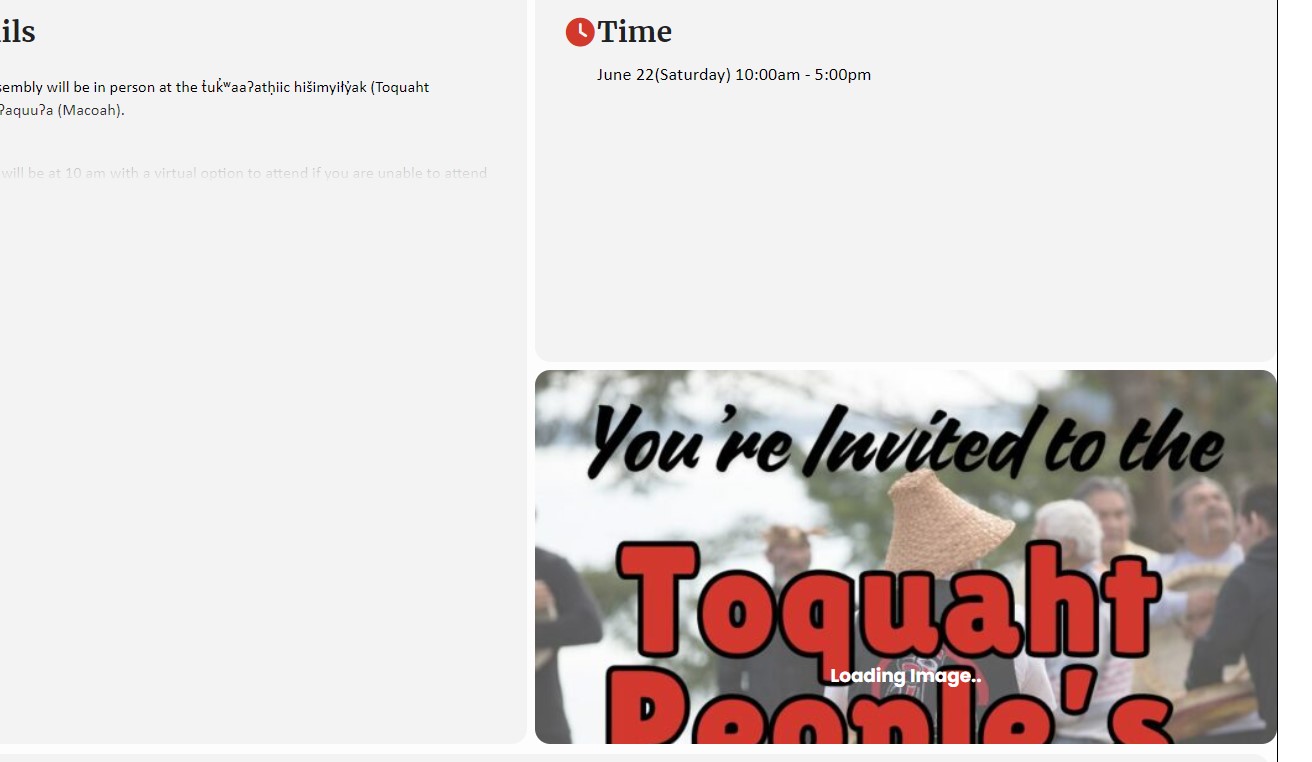
I have played with the different setting for the featured image.
I like the ‘Crop Image to Fit Box’
However, see attached – it does not fit? Is there a certain size the image size needs to be that I don’t?
or – What am I doing wrong?
Thank you Artem.
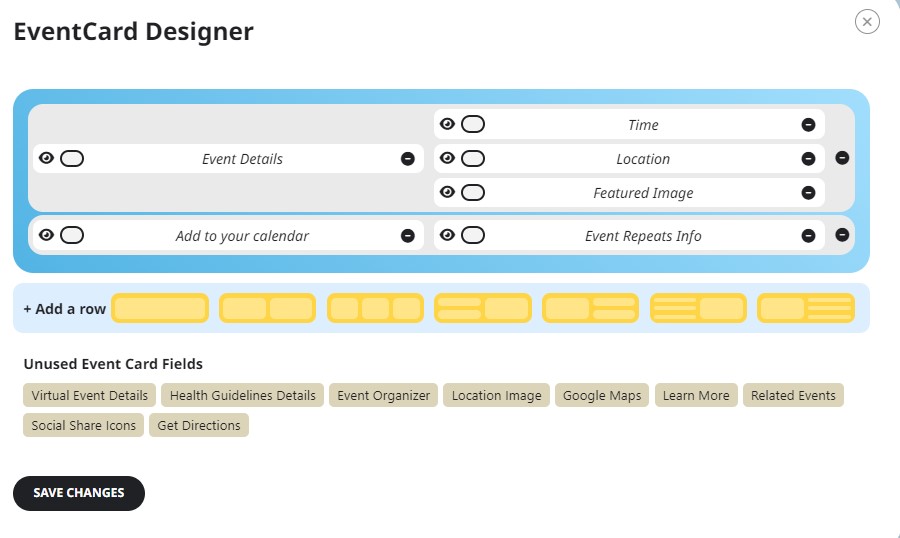
I do have location field added to the EventCard activated.
See attached.