the memory size error begins to appear…
Could you enable WP_DEBUG, so we can check how much memory it tries to allocate?
https://docs.myeventon.com/documentations/how-to-debug-for-php-code-errors/
Replies for tickets on suppota
the memory size error begins to appear…
Could you enable WP_DEBUG, so we can check how much memory it tries to allocate?
https://docs.myeventon.com/documentations/how-to-debug-for-php-code-errors/
Please send us wp-admin access to your site as a private message for us to further assist your situation.
…he wants to edit his RSVP…
How the client does this? Could you tell us the full process so we can re-create the issue?
Hello,
The guide is exactly what you need! Please also take a look at this suggestion:
PROTIP: If the /events page does not work due to theme/plugin conflicts, create a new page, call it “Events Directory” Insert eventon shortcode and use that as your main events page which will have a URL ending like /events-directory. This would be a perfect solution if you have conflicts with /events slug.
JSON event data link:
https://dev2.myeventon.com/wp-json/eventon/events
Hello,
Please take a look at this add-on:
https://www.myeventon.com/addons/event-api/
Try on https://dev.myeventon.com/wp-admin/
The event you sent us doesn’t have any assigned locations. Could you go to Edit Event > Location and Venue > select a location?
https://helpdeskx.s3.amazonaws.com/wp-content/uploads/2024/06/25091008/Eventcard-designer-location.jpg
Also if you want to show the map itself, please add Google Maps.
Hello,
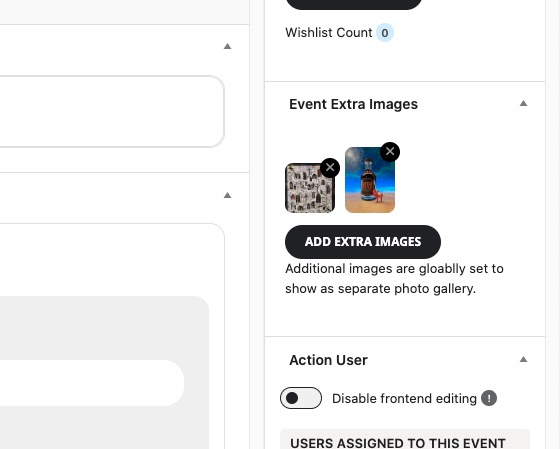
Please make sure to add additional images from Edit Event:
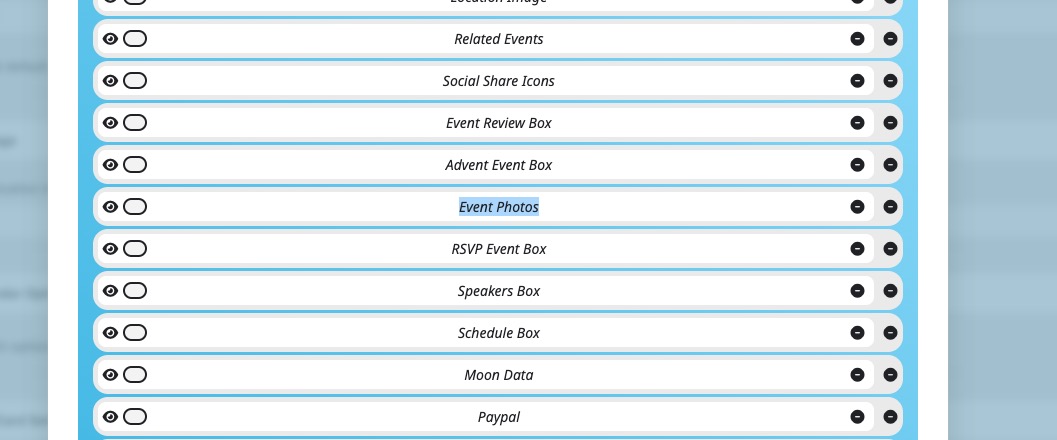
Also go to EventON > Event Card > make sure that Event Photos has been added:
Please send us wp-admin access to your site as a private message for us to further assist your situation.
Hello,
Please follow the instructions in this documentation to activate debug in your site to see any PHP errors recorded that can provide insight on to whats going on. Please reply with a link to debug.log file. If you are not able to do this please send us FTP access to your site so we can do this for you.
It seems that “WooPayments” plugin causes this. Please try disabling it.
Hello,
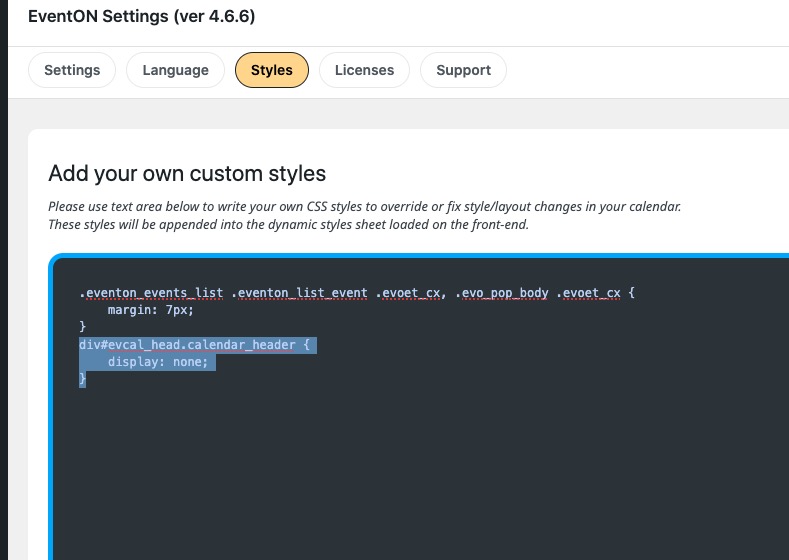
Please remove this code to fix the issue: