to get the events to open you’ll need to myeventon>>>settings>>>>event card
at the top open the event card designer- (which is a pop up) then simply save it and close the pop up and then scroll to the bottom of the page and save the event card page
Replies for tickets on suppota
to get the events to open you’ll need to myeventon>>>settings>>>>event card
at the top open the event card designer- (which is a pop up) then simply save it and close the pop up and then scroll to the bottom of the page and save the event card page
Please send us wp-admin access to your site as a private message for us to further assist your situation.
I think this css
.evoFC_nextto.evoFC .evofc_day.has_events span {
padding: 0px;
}
or this instead
.evoFC_nextto.evoFC .evofc_day.has_events span {
padding: 0px !important;
}
or rather there might be css
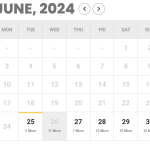
you mean these date boxes? there is css for that I can workout but you also have to remember on mobile people are using their finger to tap them- they can’t be too small
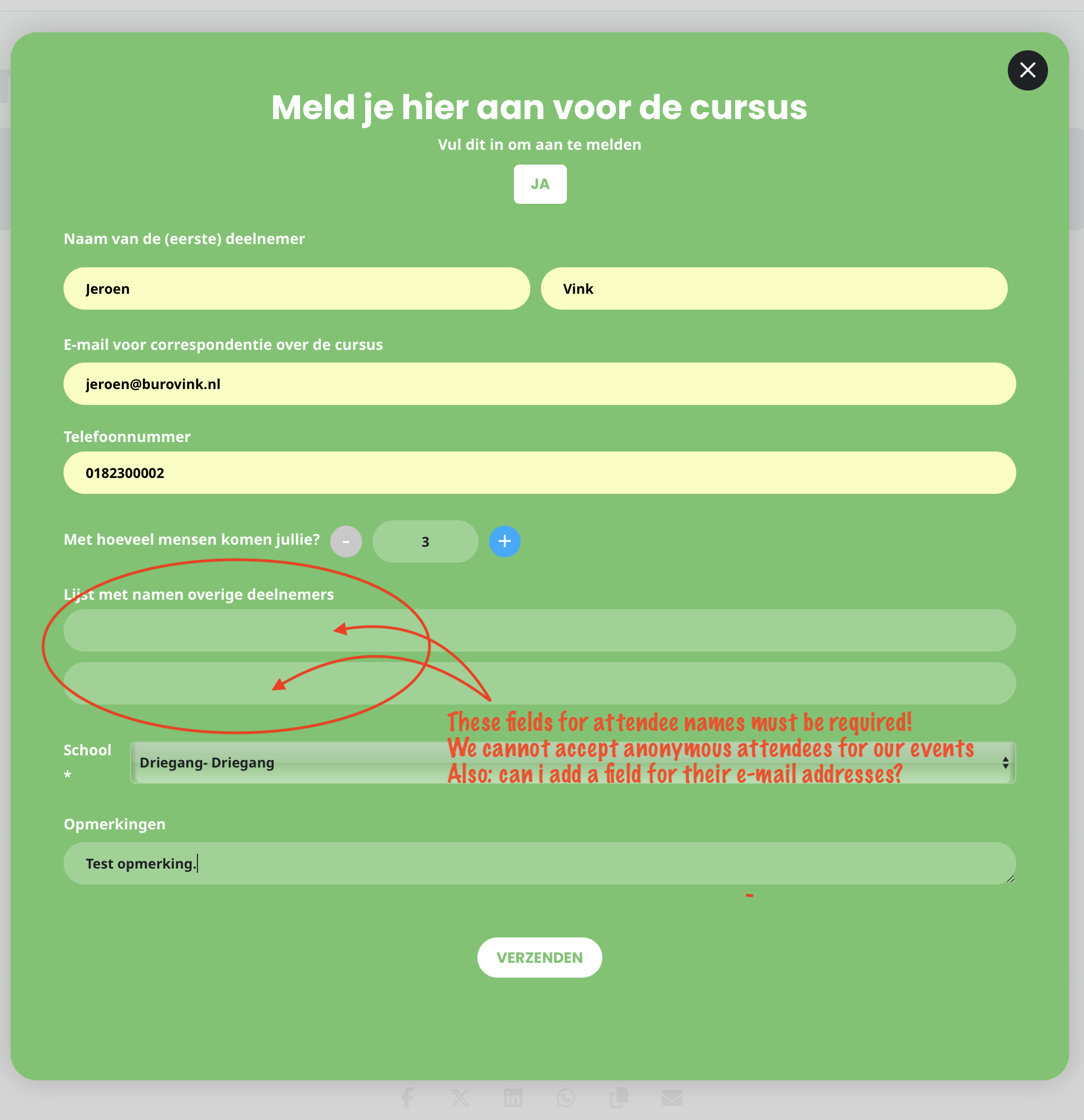
See the image of the form to explain the problem. Thanks in advance for your solution!
Hallo Ashan,
Exactly the page I sent you the link is a copy of the original and as you describe I always test on this page.
I checked the code line but the version is not the same as per your screenshot, can I add the line? or better send me the line you added as text and not image.
Anyway I could save this work if you post in the next days an Upadate.
Thanks
Guido
I have received feedback from my client now.
Still problems with unsubscribing one of the ‘other attendees’. My client subscribed and added 7 other attandees. When he wants to edit his RSVP, he cannot delete an attendee. Message is still: ” exceeding the max amount of attendees”.
Please help.
Thanks. Purchased and installed!
Hi Adam,
You are welcome! If you have any further questions or concerns please feel free to create a new ticket.