Hello Artem, seems that the issue was resolved. The event submission is now loading and working correctly. Thank you so much for your help!
Archives: Replies
Replies for tickets on suppota
Reply to: tickets(357795)
Hi Andrea,
Please send us wp-admin access to your site as a private message for us to further assist your situation.
Reply to: tickets(356442)
Ok.
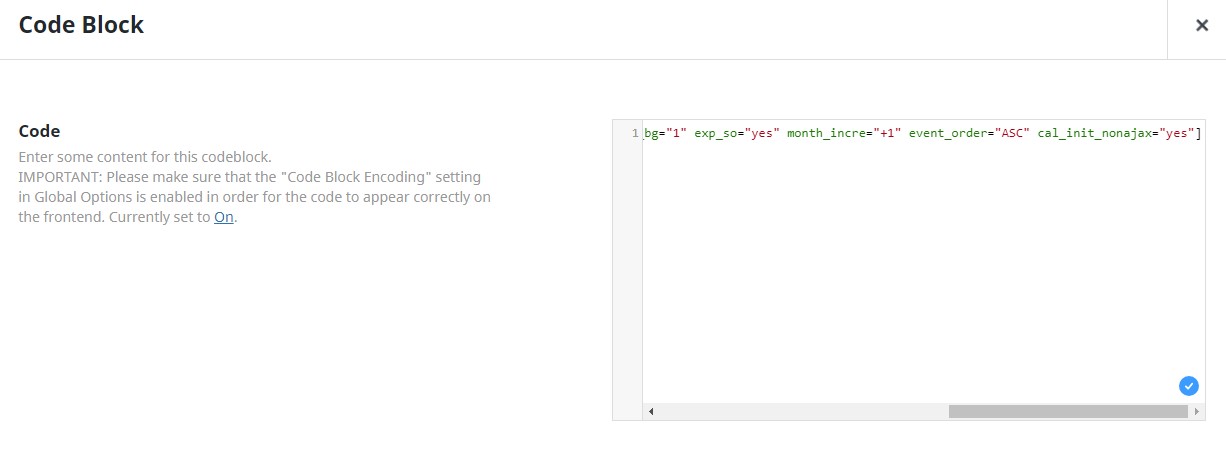
In the shortcode we have:
[add_eventon_list tiles=”yes” number_of_months=”4″ hide_empty_months=”yes” tile_count=”3″ tile_bg=”1″ exp_so=”yes” month_incre=”+1″ event_order=”ASC” cal_init_nonajax=”yes”]
If we change to +3 months in the advanced settings, the memory size error begins to appear
Reply to: tickets(357717)
We are glad your issue is resolved, if you have any further questions or concerns please create a new ticket. If you have a moment, we would greatly appreciate if you could kindly leave us a review at Codecanyon. By going to your account > Downloads. We are very grateful for your kind review!
Reply to: tickets(357569)
EventON uses it’s own template for /events.
Could you try this instruction and instead of EventON’s use your own page for events:
PROTIP: If the /events page does not work due to theme/plugin conflicts, create a new page, call it “Events Directory” Insert eventon shortcode and use that as your main events page which will have a URL ending like /events-directory. This would be a perfect solution if you have conflicts with /events slug.
Also take a look at this guide:
https://yoast.com/help/custom-open-graph-tags/
It seems that with Yoast or similar plugin you can set a special tag for the image.
Reply to: tickets(357795)
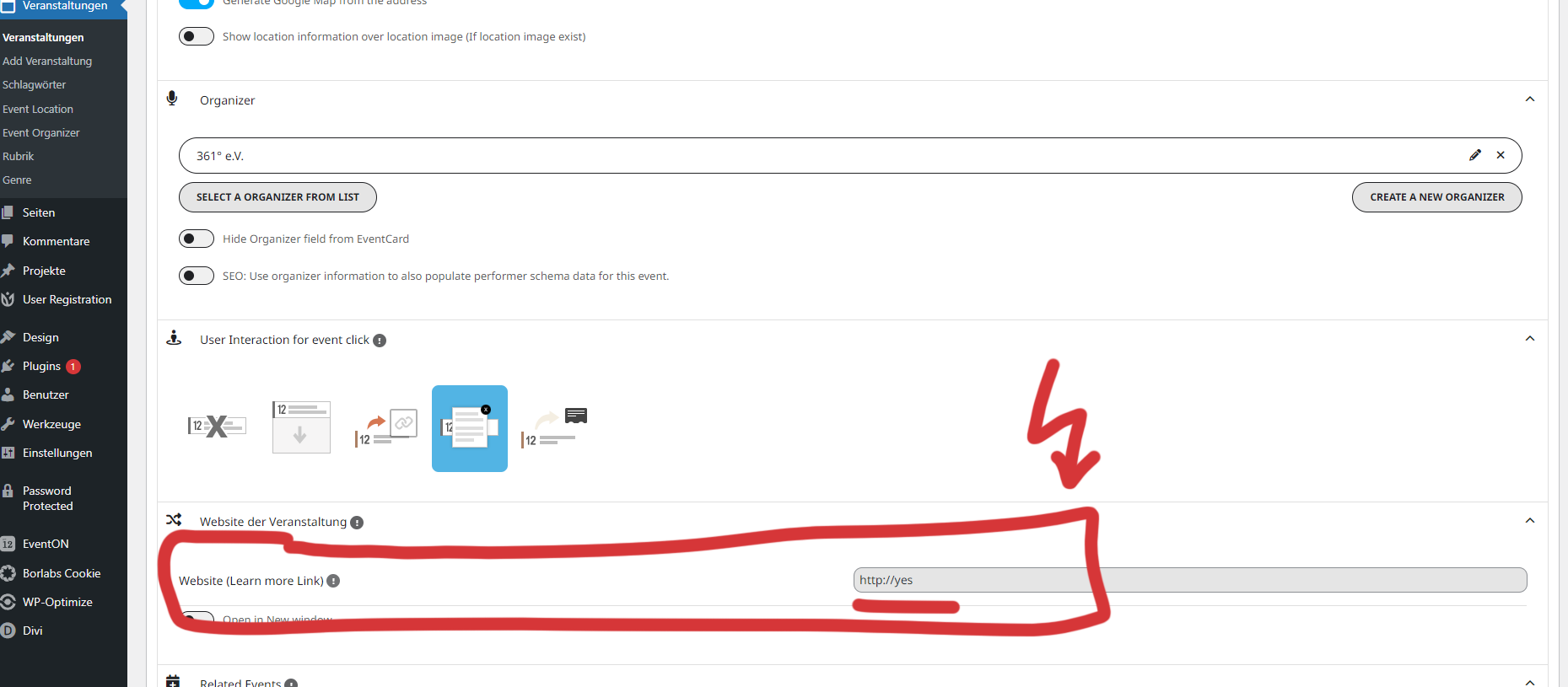
Here is an example in the pic.
Reply to: tickets(356749)
I have limited access to your website: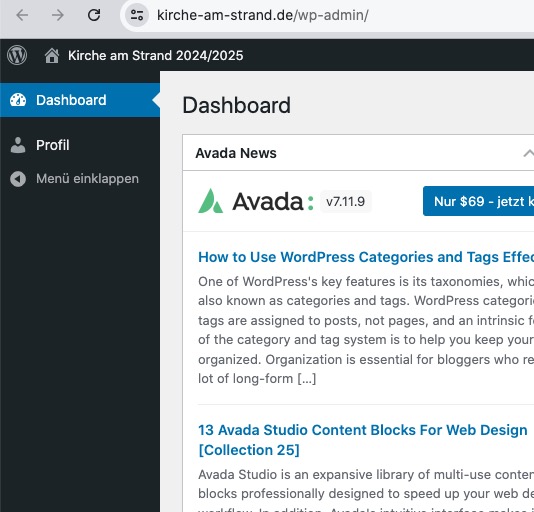
Could you give us more access so I can check Tools > Site Health?
Reply to: tickets(357717)
thank you very much – thats it!
Reply to: tickets(357012)
Could you also try changing max_input_vars to 9000?
Reply to: tickets(357782)
Hello,
Seems to be working in Troubleshooting Mode:
https://training.lifestockprotect.info/wp-admin/site-health.php?tab=troubleshoot
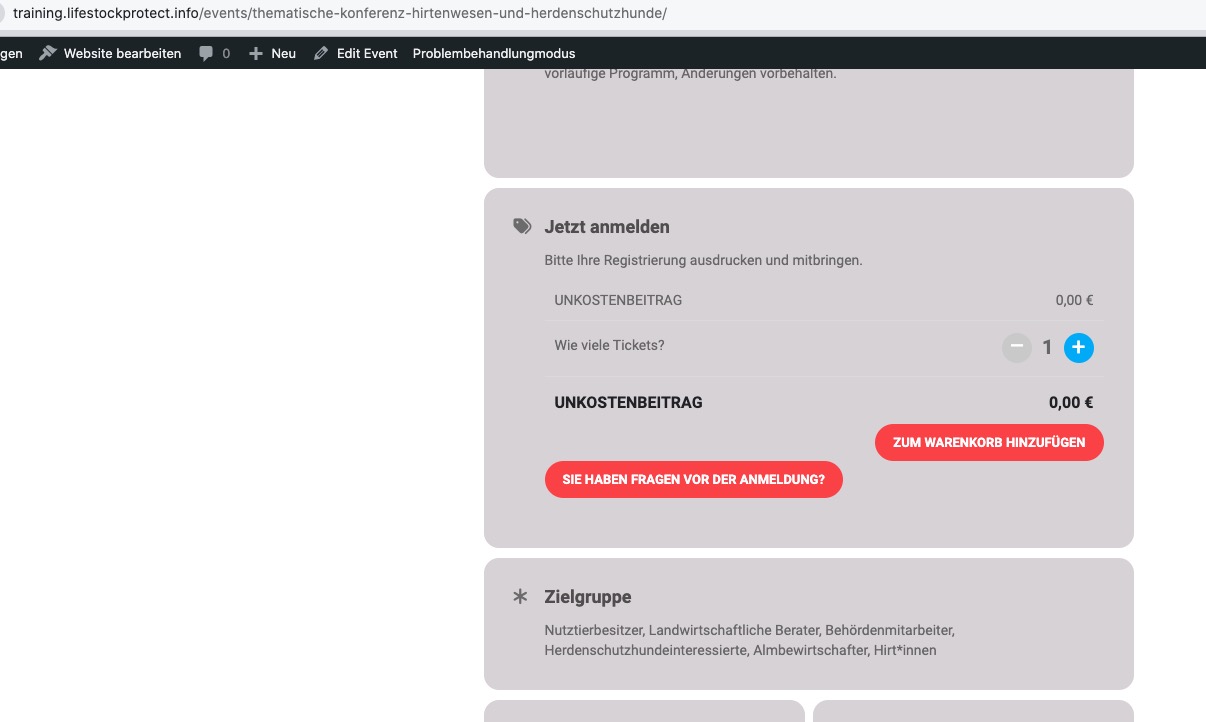
Could you please try the instructions mentioned in this documentation?