Hi,
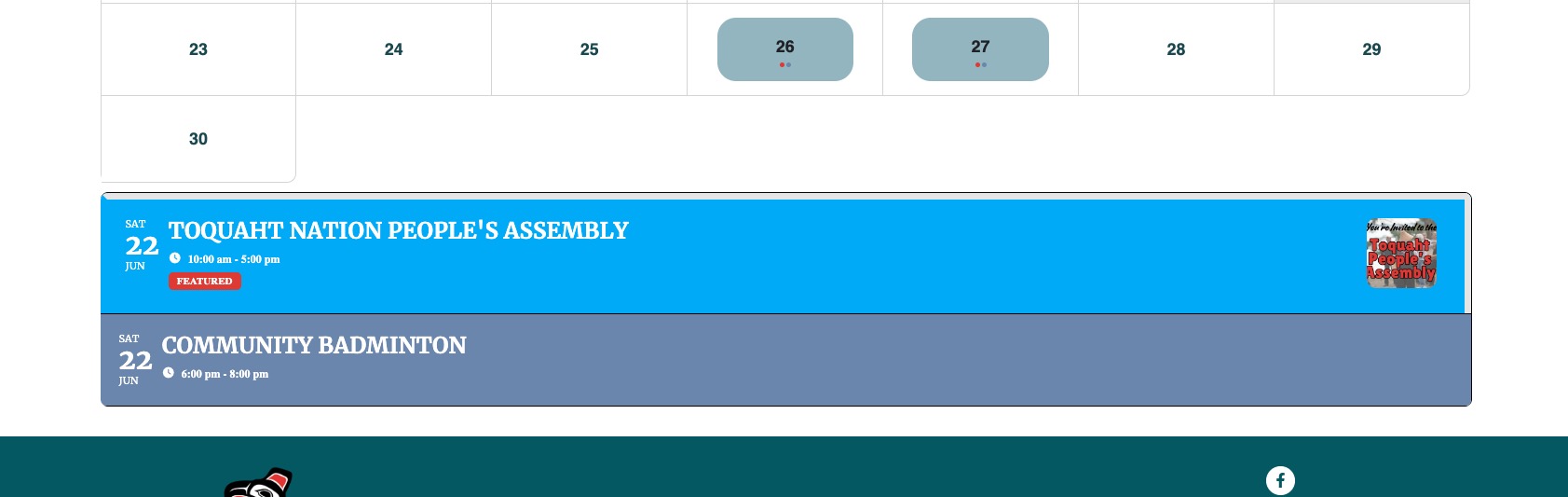
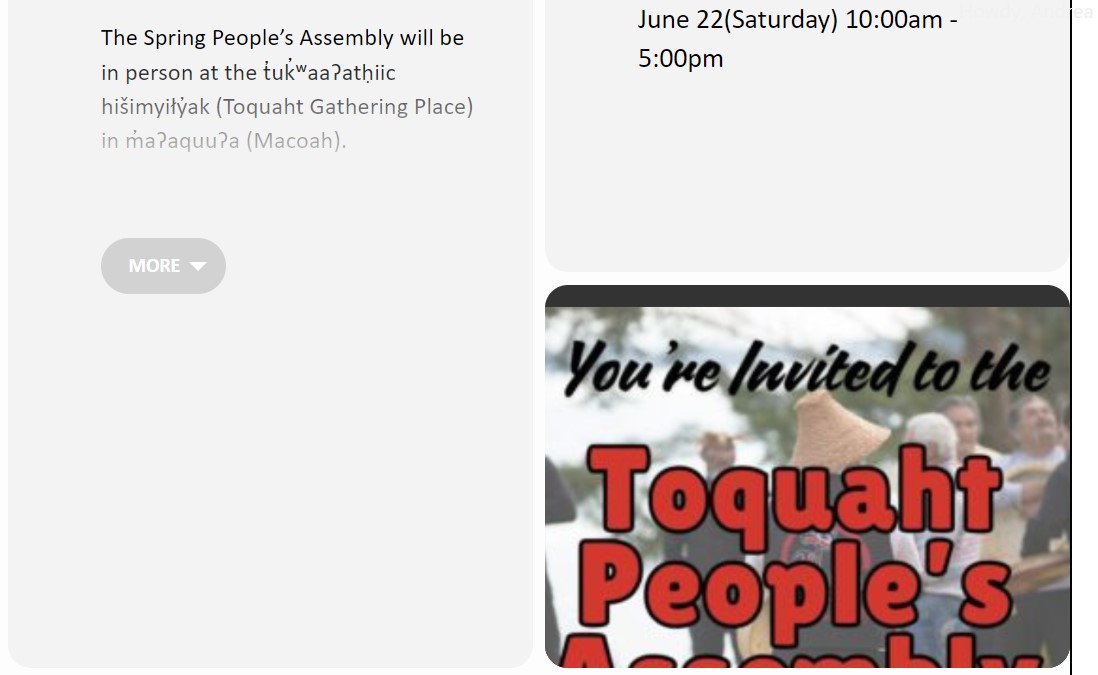
That sort of works, is there any way to decrease the padding, and have the featured image fit in the box?
I opened the Eventcard Designer and changed the settings on the Featured Image here, but the image still does not fit properly.
Padding – where or how do I decrease the padding in the boxes? Ie in the the Time box, Event Details
The live site isn’t updated yet, we are testing the updates on the sandbox domain before updating the live site. But we can’t update it yet because of the slowdown. It’s a 1:1 copy from the live site.
Hello Artem,
The plugin is up-to-date now.
Yes, from the event card > Change my RSVP
I will ask my client if the update did the trick. I’ll be back soon here.
Jeroen
Hello,
Thank you again for your reply and service. When i read this i think it is exactly what we need to give clients the options to buy several types of tickets.
i personally think it would be a great solution that you also have a kind of subscription where ALL the add onns are included, bcause then a client knows in advance, whether add ons are used or not, what is the total price …
anyway, one more question…
if we use this add onn https://www.myeventon.com/addons/event-api/ ,
– can we then put some events on another site but not only the eventon part, but included the woo commerce part? the developer a work with had doubts about that, but i want to check it before i buy the add onn.
the idea i have is to have one “main” ticketing-site and integrate the specific parts on other sites we have with info about those specific events.
we are an event agency, 1 company, but we have several brands like party-sites, etc.
And i want on each of our “sub-sites” have a page with the event info of that “category”
Regards
Bart
Hello,
1. When you add /events page, Facebook takes the title from this line:
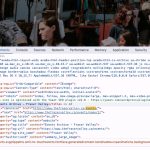
Or from og:title, which is the same in your case.
2. Could you send us a screenshot of the image?
Hello,
Please follow this guide to set Reminders correctly:
https://docs.myeventon.com/documentations/how-to-setup-reminders-for-tickets/
Hello,
Could you elaborate? When you import events, it changes “User Interaction for event click” in each event or only the ones that were imported or updated?
Hello,
You need Variations add-on for this:
https://www.myeventon.com/addons/ticket-variations-options/
You can create different variation for each event + extra price options.
Try on https://dev.myeventon.com/wp-admin/
But I need to access your live website to do the test. Is it possible to send us the login info?
Or you can try yourself.