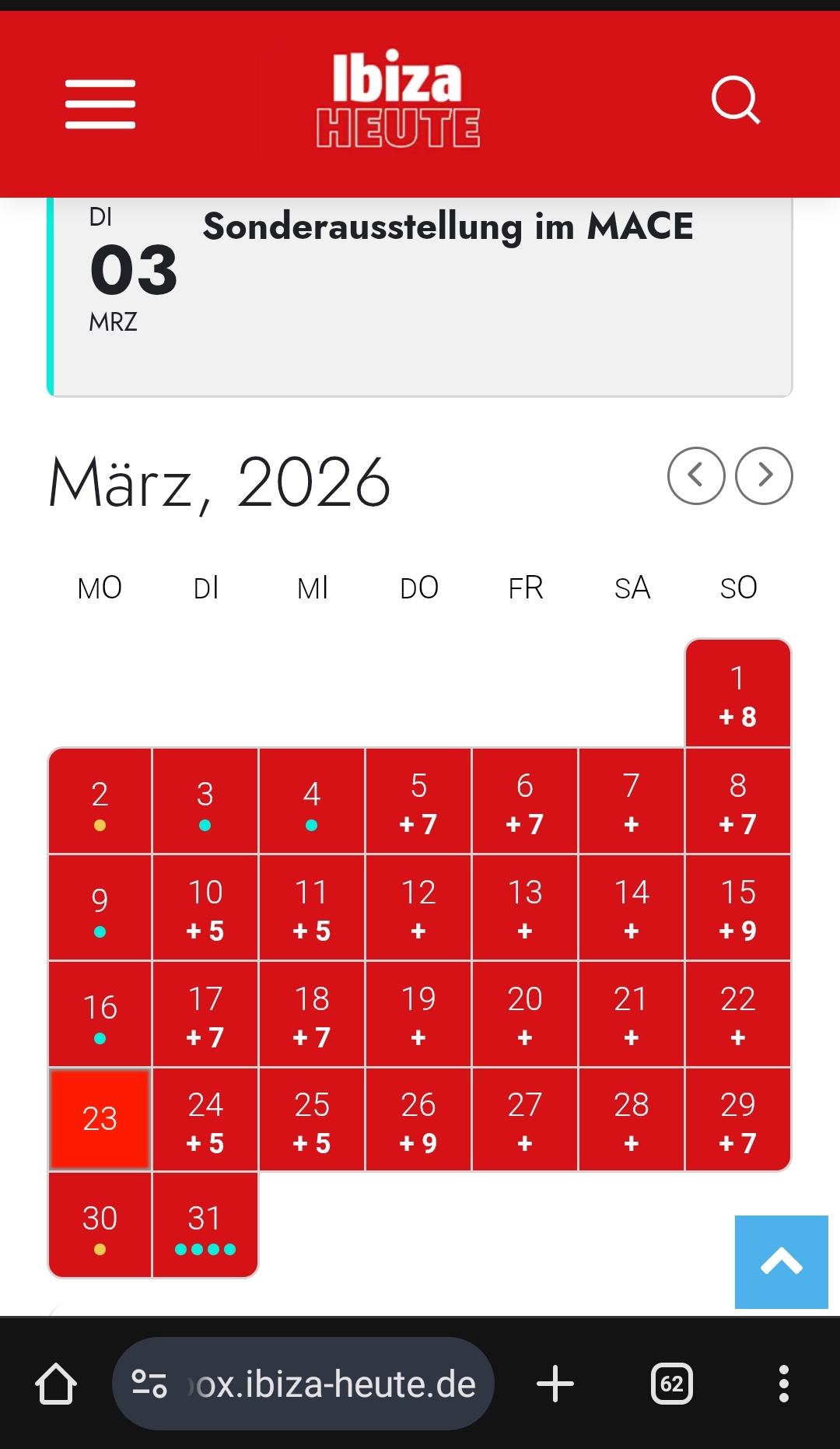
I cannot re-create the issue, I am afraid:
I am going to escalate this ticket to development to help in here. Please allow us some time to address this, and we truly appreciate your patience. Thank you for being a valued EventON customer!
Additionally, if your site has any IP blocking or security restrictions in place, kindly disable them temporarily to facilitate our support process.
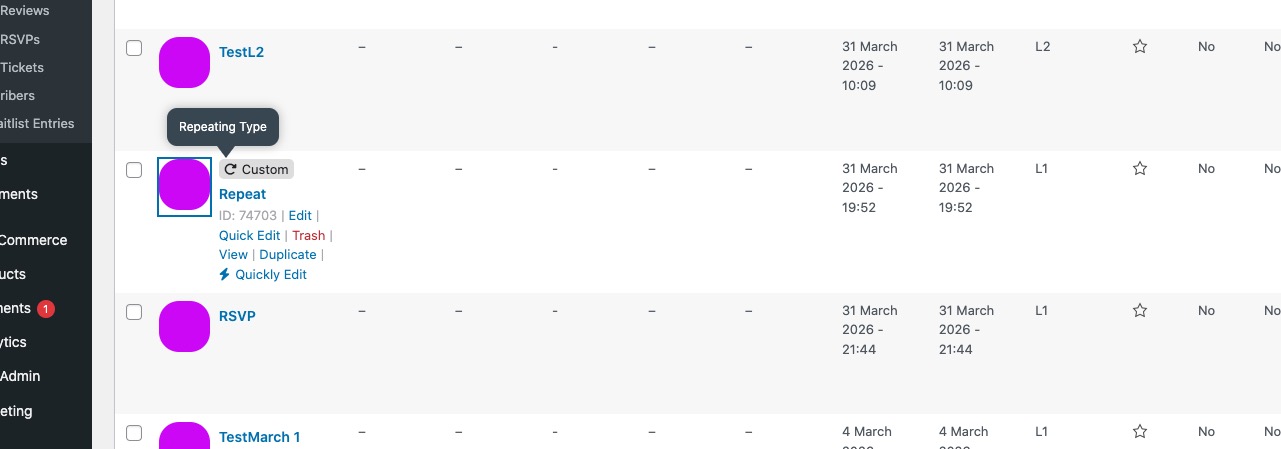
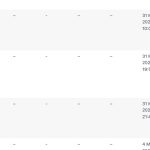
1. hide_mult_occur=”yes” only works for repeating events. I did check wp-admin > Events and cannot find any repeating events:
https://rv4.97a.myftpupload.com/wp-admin/edit.php?post_type=ajde_events
2. Not possible, I am afraid.
3. Please go to EventON > Language > find ”No events” and change it’s text.
One moe questions: If there are only one to three…
Thank you for your great suggestion, at the moment it is not supported. However please create a new ticket and select Feature Request as category so others can vote on your idea and get it moved into development faster.
Hello,
Could you send us a screenshot of the issue?
Also try adding cal_init_nonajax=”yes” to the shortcode to load it statically initially.
Please also follow the instructions in this documentation to activate debug in your site to see any PHP errors recorded that can provide insight on to whats going on. Please reply with a link to debug.log file. If you are not able to do this please send us FTP access to your site so we can do this for you.
I added cal_init_nonajax=”yes” to the shortcode to load the calendar without Ajax.
Could you check if the issue is gone on your side?
It seems that your website measures page’s height and then applies the scroll functioanlity, but since EventON loads all calendars dynamically, for your website all calendars are empty.
You don’t need to login as them to make a purchase.
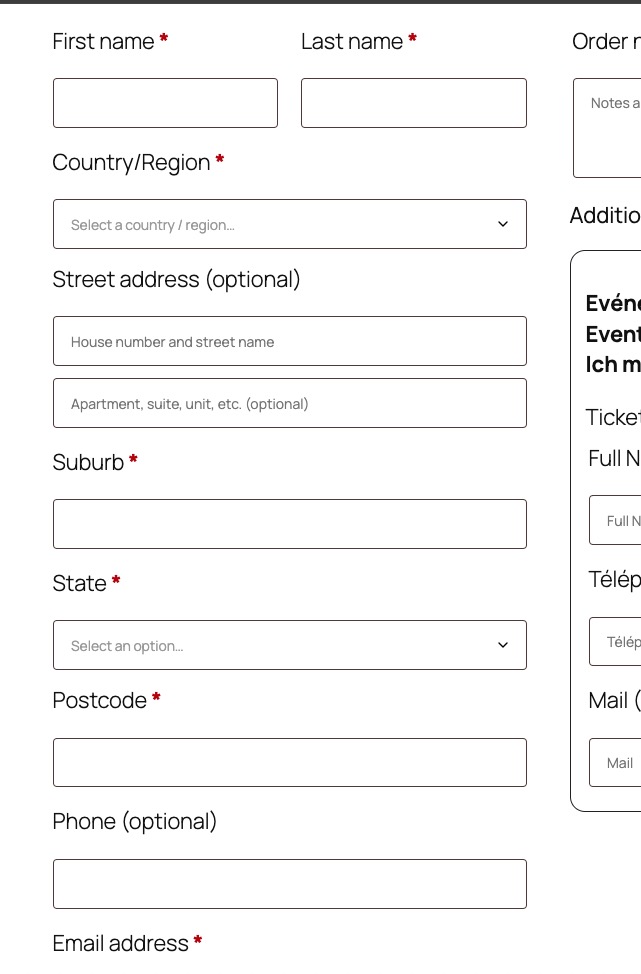
Their name (or anything just to fill the fields), address (again, you can just put anything there) and email should be enough to make a purchase to their login name:
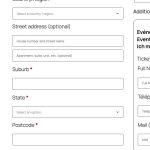
In order to make a new order to them manually, you still need the same info, no?
Could you check and let me know?
Ashan,
The same on dev2:
https://dev2.myeventon.com/wp-admin/admin.php?path=languages%2Fplugins%2Fevotx-en_US.po&bundle=eventon-tickets%2Feventon-tickets.php&domain=evotx&page=loco-plugin&action=file-edit
I cannot find these strings as well:
”Show ticket purchase only for logged in users”
”Auto re-stock tickets when orders are refunded or cancelled”
”Hide chance of getting a ticket info”
Hello,
Thank you for your messages!
I am going to escalate this ticket to development to help in here. Please allow us some time to address this, and we truly appreciate your patience. Thank you for being a valued EventON customer!
if there is a recommended method to fully localize these add-ons (including admin interface), similar to how the main EventON plugin works?
You are translating the plugin correctly. We just need to add the remaining strings. Our devs will contact you ASAP.
We are glad your issue is resolved, if you have any further questions or concerns please create a new ticket.
If you have a moment, we would greatly appreciate if you could kindly leave us a review at EventON WordPress Page OR EventON > My Account > Downloads. Your review helps us a lot in continuing EventON improvements!
It worked now!!! Thank you
After it auto scrolls you one time it won’t do it again. To make it do it again you need to refresh the page and start scrolling again.