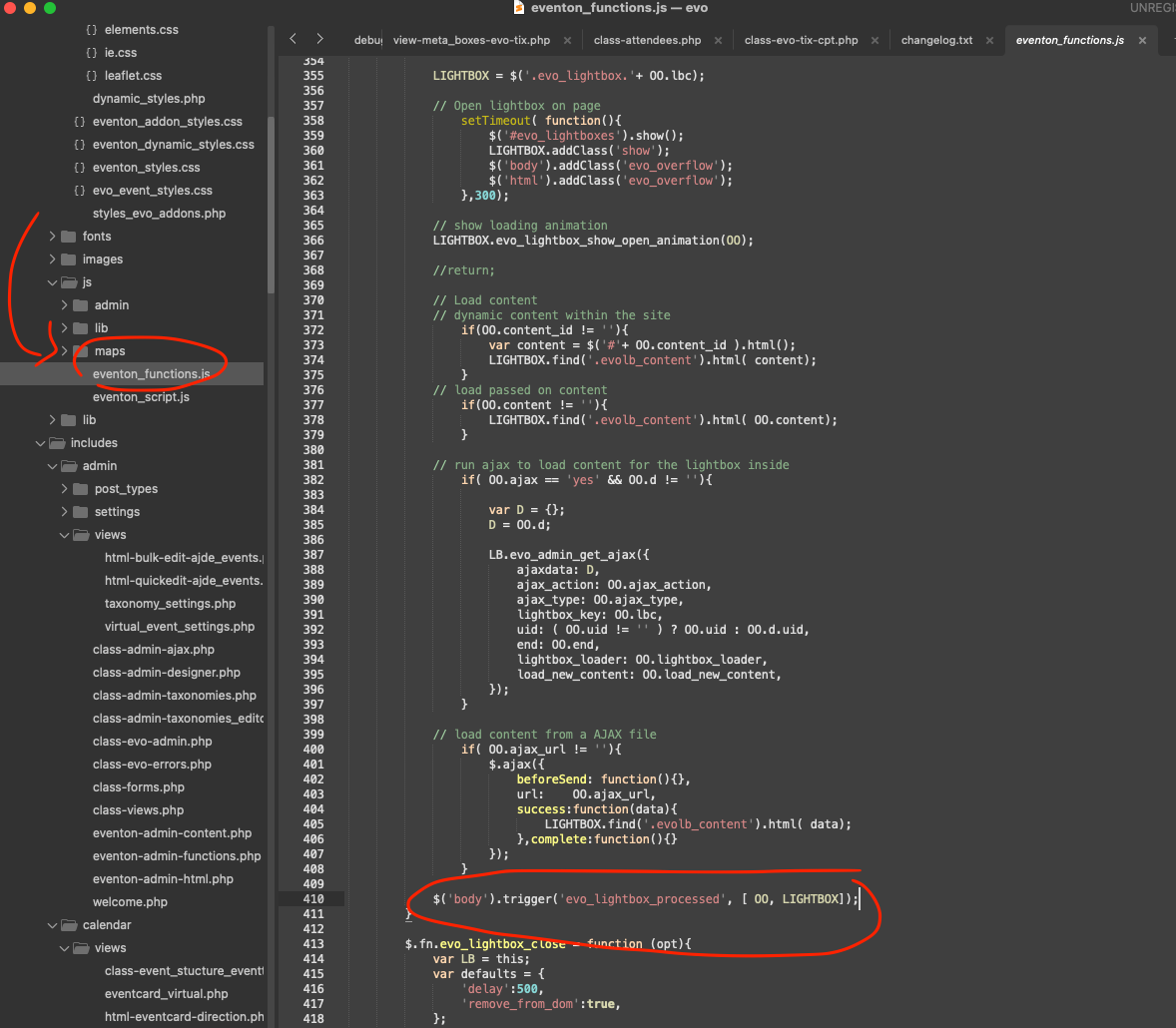
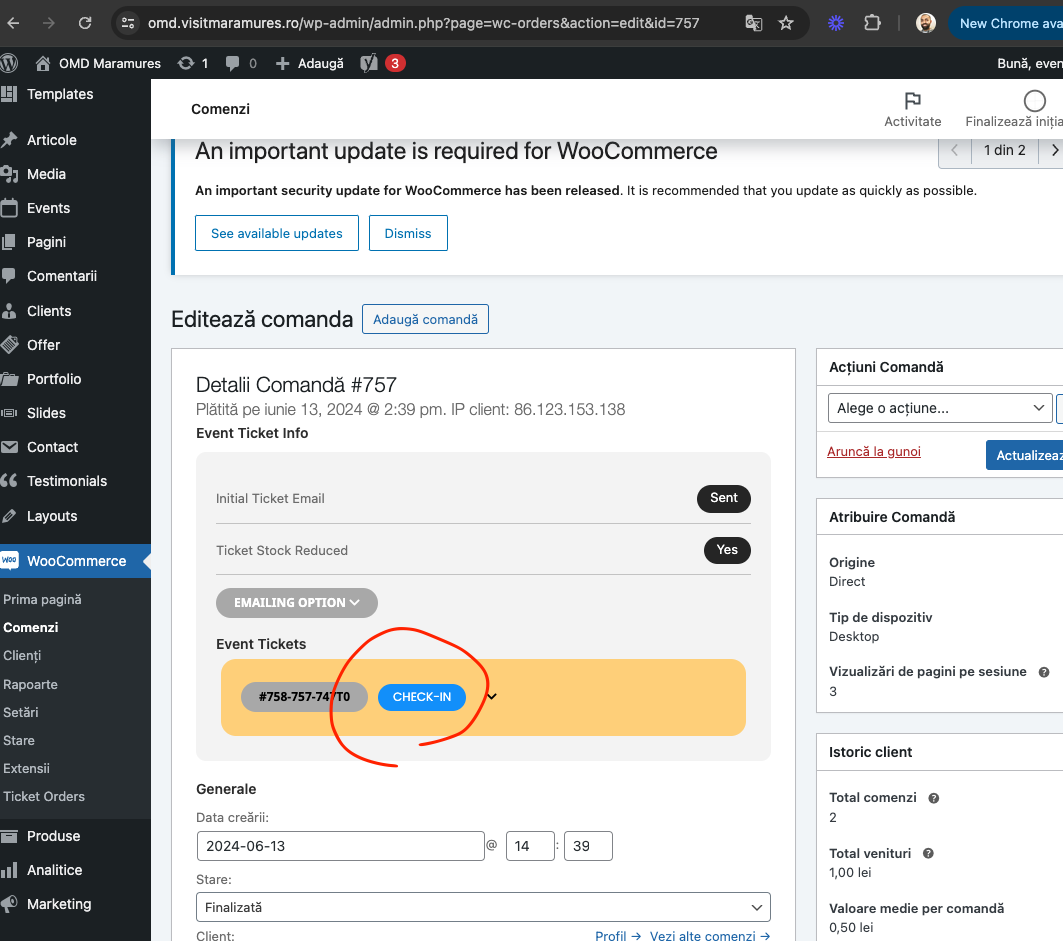
You know what. I bet that script is run on page load. So when that script is loaded to page via lightbox at a later time than page load, it no longer runs. I am not sure what this script is, but you can use the eventON ‘s built in javascript trigger points to re-run that code after lightbox content is loaded.
Here I will point to where the lightbox complete trigger is.
Sorry for the delay in getting back the latest version of tickets addon 2.3.1 should resolve this.
We are going to be releasing another update to tickets addon today. Perhaps you can try that and see if it makes any difference with your payment case. But I doubt it will because payment is handled all by woocommerce.
The above images I shared are for that same event.
https://www.world-film-festival.com/wp-admin/post.php?post=41164&action=edit&lang=fr
Perhaps you can re-send the ticket confirmation emails to those clients who didn’t get the qr code.
I see you placed few test orders here https://www.world-film-festival.com/wp-admin/post.php?post=42187&action=edit&lang=fr did you get a email with QR code?
Okay, I was able to fix the styling a little bit. But now, the day is missing when opening the modal. Is there a way to add the day of the week?
Example:
Sa, 10:00 – 10:15
Hi,
sorry for late answer. Was very busy in the last weeks. But things are starting to get dicey as our event approaches.
I activated a two factor grace period for the account, so you should be now able to login with the previous provided credentials.
You can see the old event list here: https://cosday.org/cosday2023/programmplan/
This is the new one for this year: https://cosday.org/?page_id=8875&fb-edit=1 (not live).
In our system we see an account for “charles.landy@worldly.io” But not for the other. and that email only have fullCal. If you already have slider addon it is possible you bought it from a different account associated with a different email. No way for us to know which email you used to buy the slider addon.
You always have the option of re-purchasing the slider addon with correct email account, if you want to 🙂
Please check now should be good.
Hi Artem,
I have amended the user access for the account to Administrator, so you should be able to see the plugins and have full access now. Feel free to amend/adjust whatever you need to, as it is just a staging site. But if you can document whatever is done/changed so I’m able to rectify the issue on our live one afterwards, I’d be most grateful.
I did check the Members plugin and went through all the permissions related to WooCommerce and EventOn and they’re all granted as far as I can tell. You are welcome to check them yourself if you wish. The specific role I’m having the issue with (where it did work before the EventOn updates) is the ‘Commercial Training’ role. So it must be something that’s changed since the updates around roles/capabilities.
Thanks
James
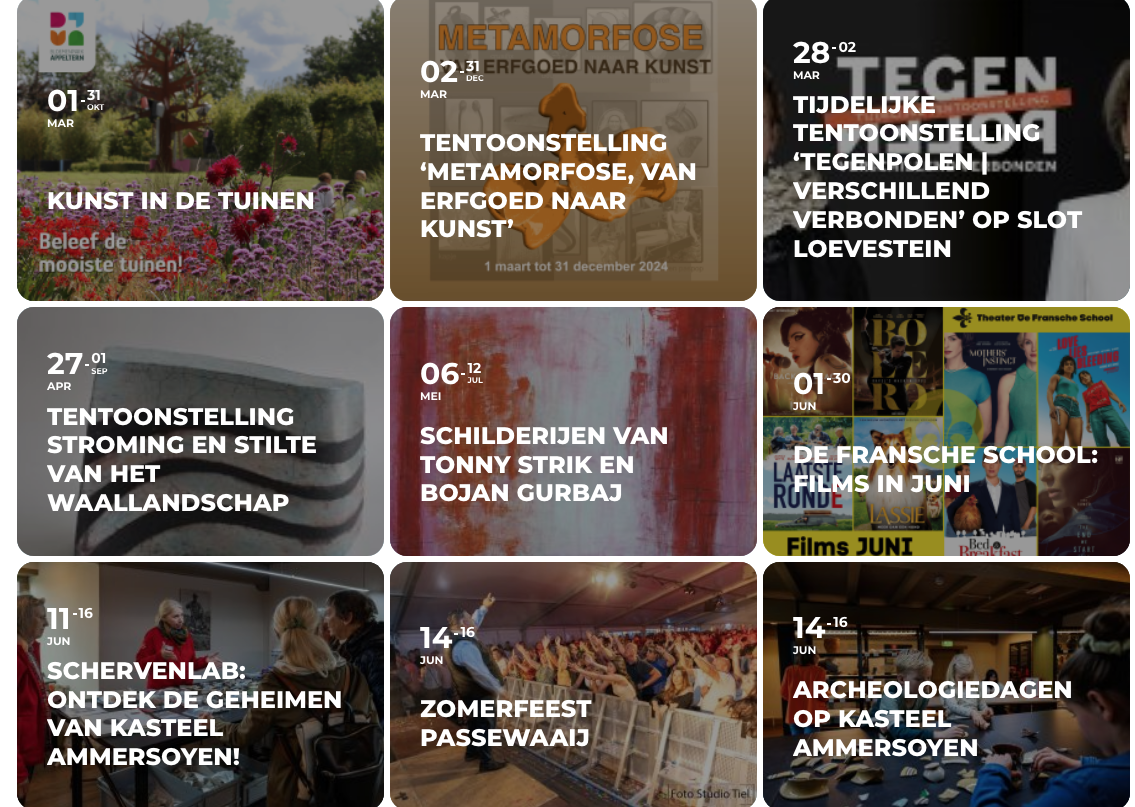
Hi Artem,
Thank you for your assistance. The images are showing up! Is there a way to get them in a tile layout as well? The images are now showing up below one another, as a row. But I would much prefer them to be placed into tiles as is shown on the added image.
Note: The added image is from the original website for which I’m using EventOnAPI to communicate the information to my current webaddres. I’m hoping to make my calendar look similar to the original.
I tried the shortcode tiles=yes, as was advised from the webpage https://docs.myeventon.com/documentations/shortcode-guide/ However it is not having the desired effect. Or is this not possible to use this particular shortcode because it is not part of the “Supported Additional Paramaters”? If so, is there a way to make the shortcode for tiles part of the “Supported Additional Paramater”?
Thanks again for your help. It is much appreciated!
Kind regards,
Tessa