Seems to be working on my side: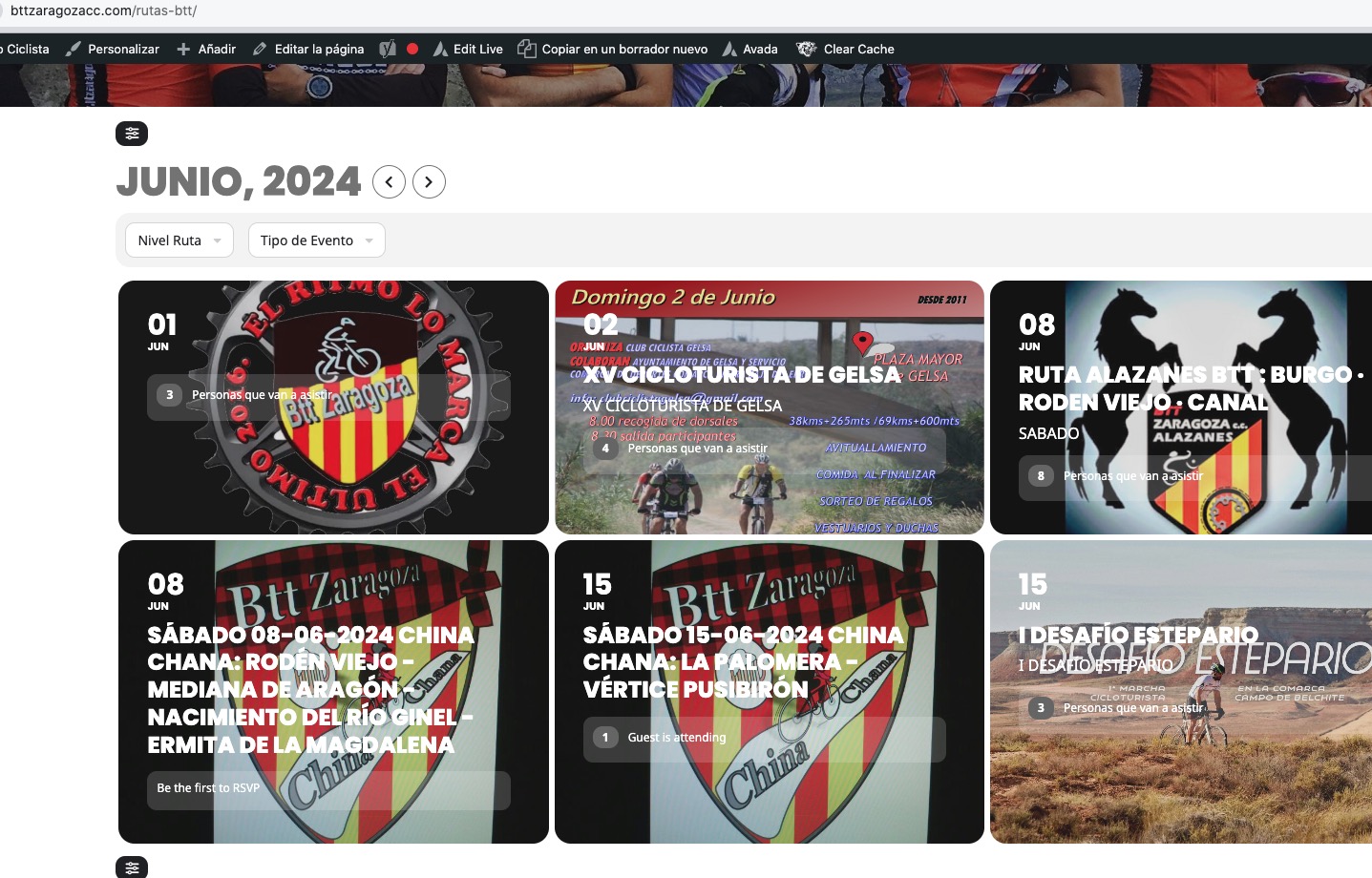
Could you try adding cal_init_nonajax=”yes” to the shortcode to initially load it without Ajax?
Replies for tickets on suppota
Seems to be working on my side:
Could you try adding cal_init_nonajax=”yes” to the shortcode to initially load it without Ajax?
Hello,
I cannot take a look at Plugins page as well as found the members plugins:
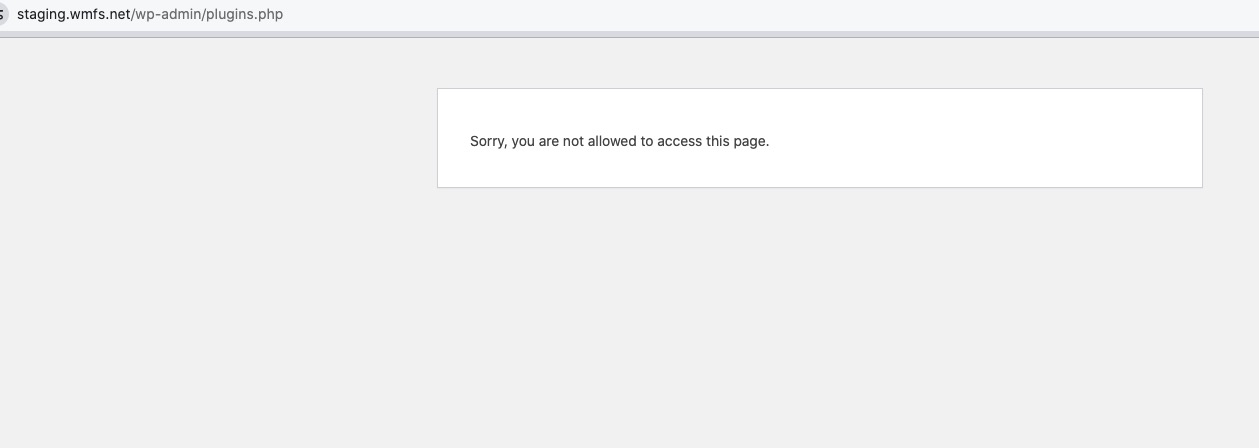
Could you give us full access to the staging site?
Also could you go to the members plugin and try checking maybe there is a new capability available to allow this: https://helpdeskx.s3.amazonaws.com/wp-content/uploads/2024/06/13024152/Ticket-error.png
Ashan,
Please take a look at
They want to update Event Slider add-on which should be purchased under amy@higg.com.
Thank you for your messages, I am going to assign this ticket to Ashan and he will be able to take it from here and find you a solution. Please allow some time for him to get back to you, we greatly appreciate your patience and thank you for being a eventon customer!
Please take a look at “Supported Additional Parameters”:
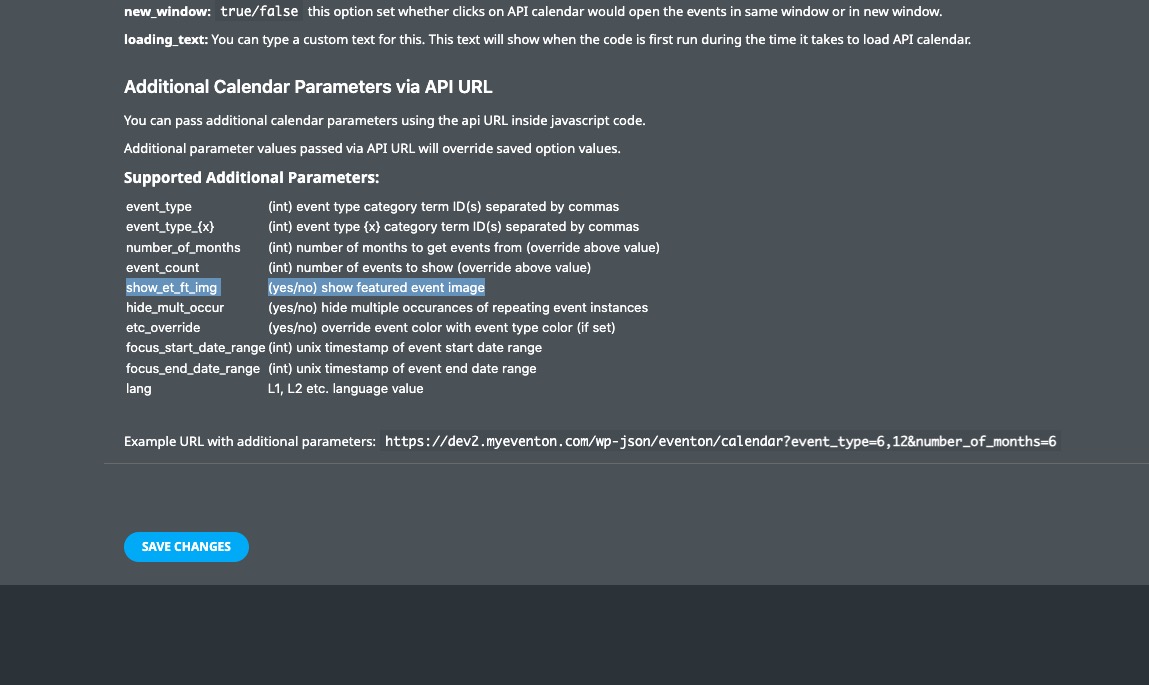
Only show_et_ft_img is available:
show_et_ft_img (yes/no) show featured event image
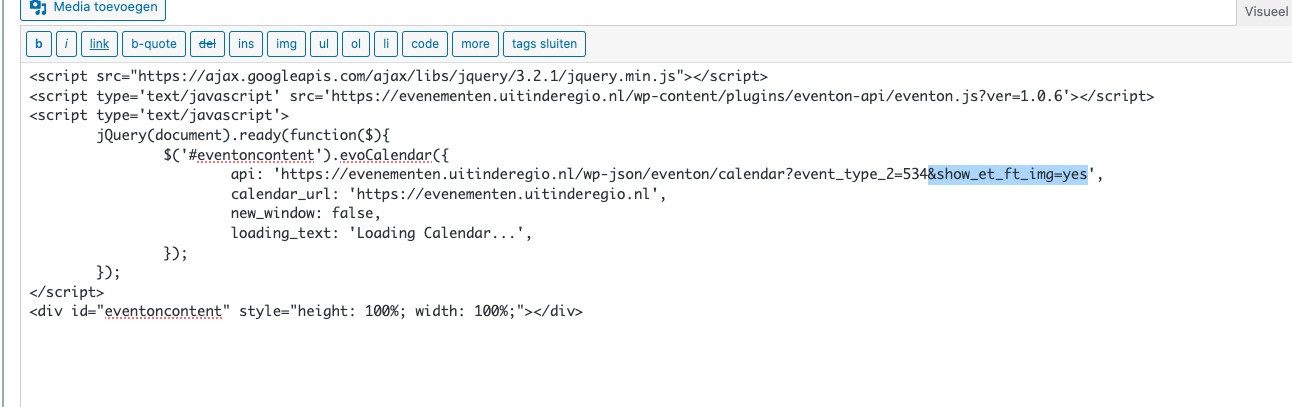
So you can change your code to to show the featured image:
Hello,
Works for me on Firefox:
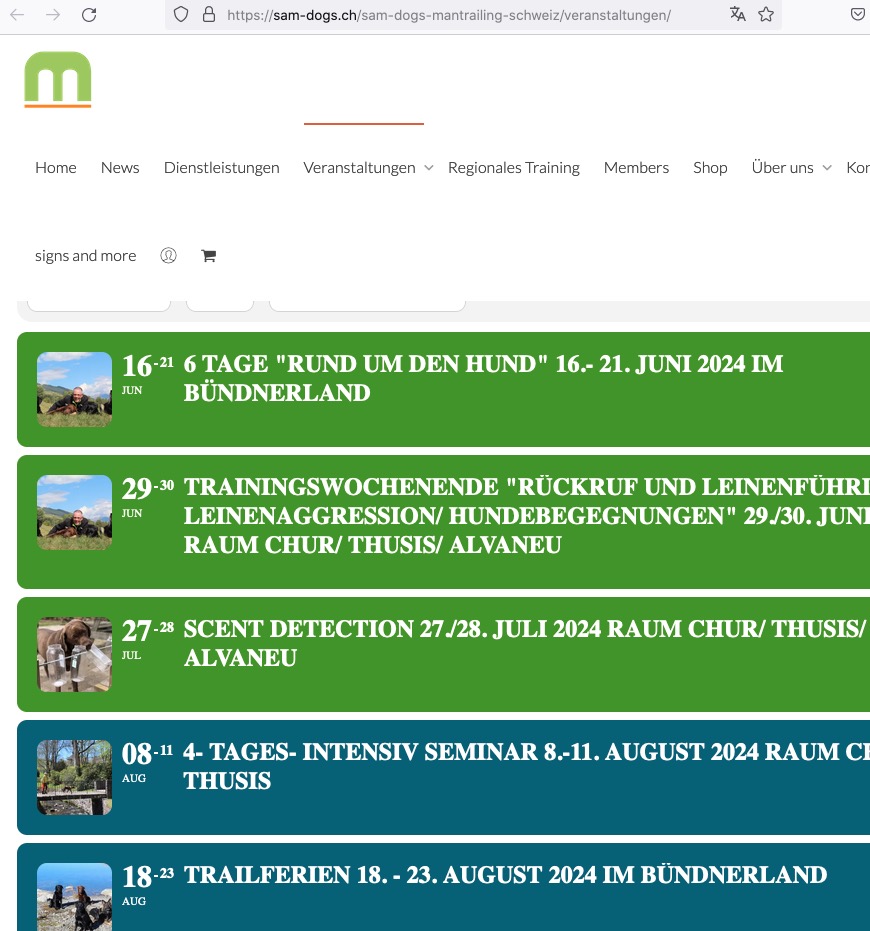 Please send us wp-admin access to your site as a private message for us to further assist your situation.
Hello,
You can change the product title format with this setting from EventON > Tickets:
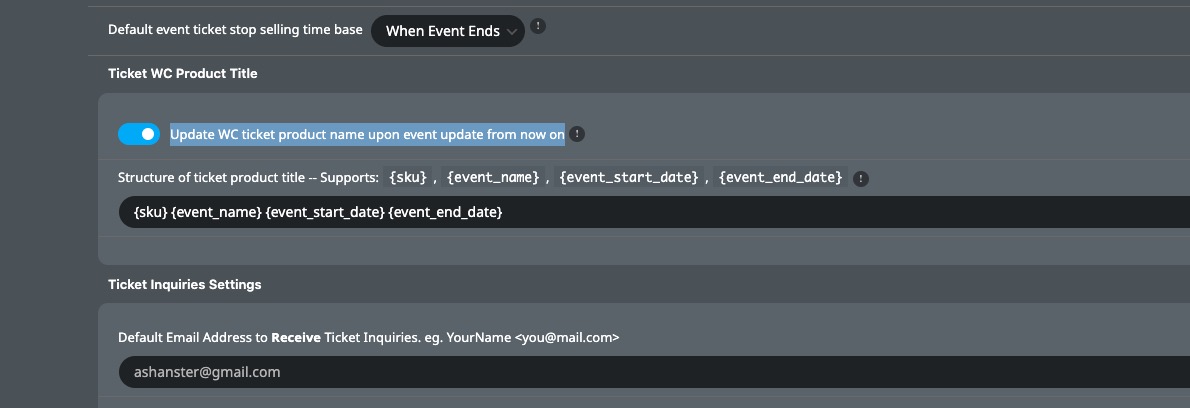
I just tried changing Product Title on our test server without issues. You can copy events, but then go to Edit Product and change it’s name to anything you like, just make sure that it’s unique.
This way is’t better to use Event Type:
https://docs.myeventon.com/documentations/confused-event-type-categories/
Simply disable Language corresponding events, then assign L1, L2 and so on Event Types to each event, so customers can filter using the filter bar.
Thats too bad, do you have an idea for a workaround? I would like to show all languages on a global calendar and then have country/language specific calendars in the specific language

Thanks. This way I can hide the “All day” text. But how can I eliminate the starting and ending time with the dates? We just need the dates without the time.