Hi Peter,
We are glad your issue is resolved, if you have any further questions or concerns please feel free to create a new ticket.
Replies for tickets on suppota
Hi Peter,
We are glad your issue is resolved, if you have any further questions or concerns please feel free to create a new ticket.
Hello,
I tried using this part in the shortcode, but nothing changed. How else could it be solved?
Thank you Artem. OK.
Best regards.
You can close the ticket
Ashan,
On dev2 it doesn’t show additional names when I change “How Many People in Your Party?“:
https://dev2.myeventon.com/events/rsvp-43/
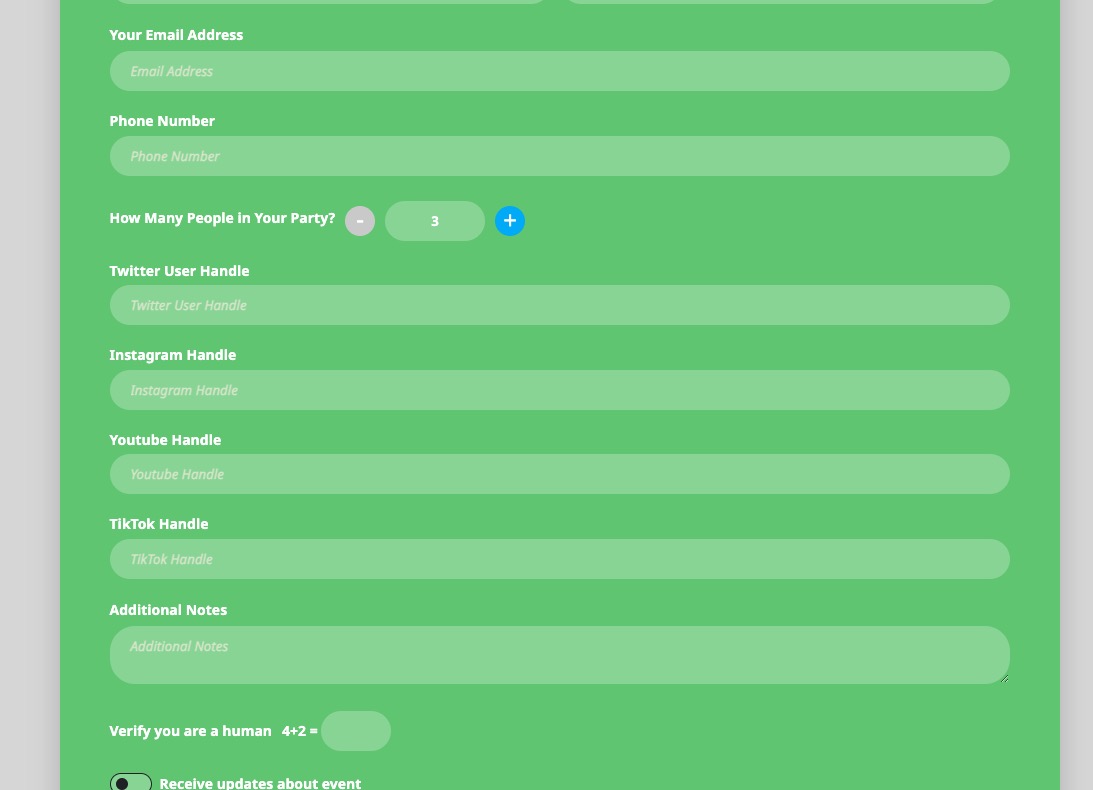
Could you check?
Hello,
Thank you for your messages, I am going to assign this ticket to Ashan and he will be able to take it from here and find you a solution. Please allow some time for him to get back to you, we greatly appreciate your patience and thank you for being a eventon customer! Also please disable any IP blocking on your site if there are any.
Please try purchasing a ticket on our test server:
https://dev2.myeventon.com/events/test-173/
Seems to be working correctly:
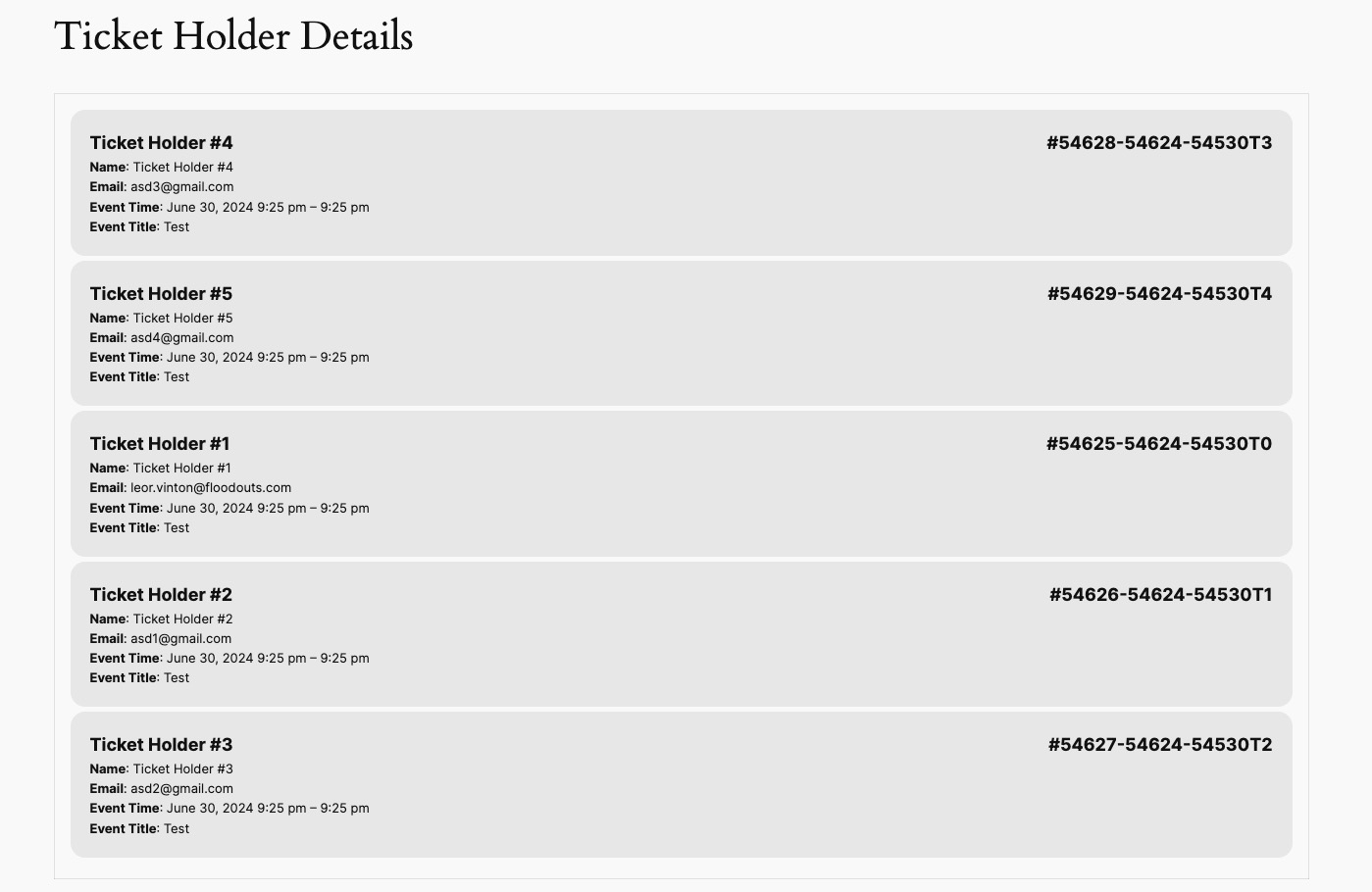
It seems that the issue is because Checkout is constructed of Divi’s blocks:
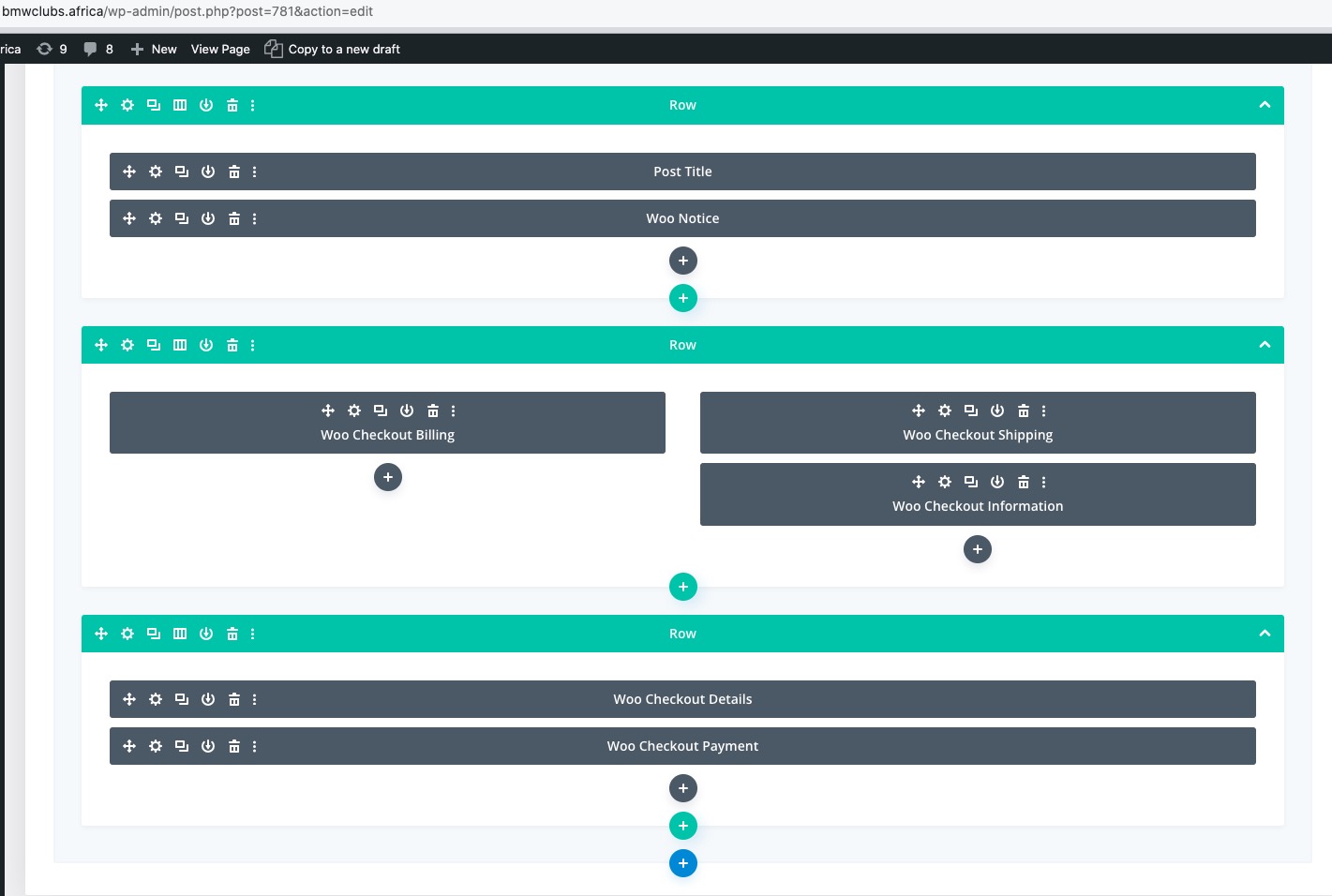
Could you try using the regular page with the default shortcode [woocommerce_checkout]:
https://woocommerce.com/document/woocommerce-shortcodes/#woocommerce-shortcodes
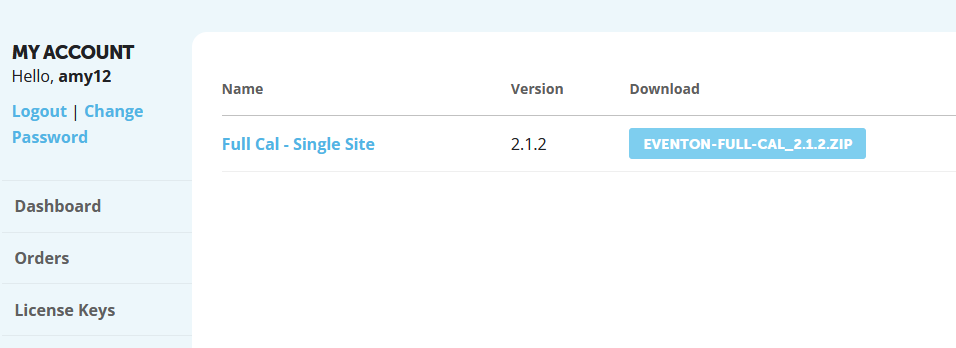
Hi Artem –
My problem is that I do not see the downloadable update for Event Slider in the My Account page on myeventon.com. (See attached screenshot.) I also don’t know how to check to see if my subscription for Event Slider is current because I cannot find that addon on the site. Can you help me find it please?
Thanks,
Charles
Hello,
1. Please try the add-on on
https://dev.myeventon.com/wp-admin/
a. You can create a block for each duration and set a unique price for it:
https://docs.myeventon.com/documentations/general-user-guide/
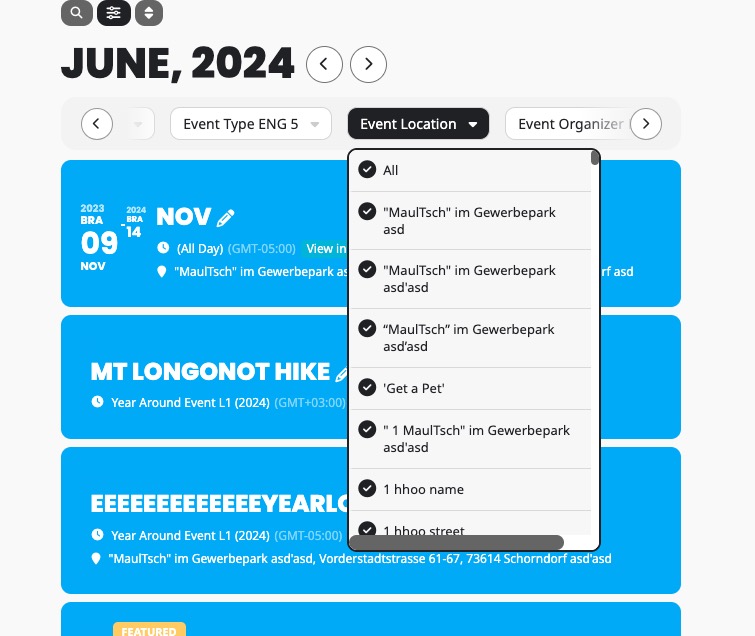
b. Events can be filtered by Event Location:
c. Events can be filtered by Event Oganizer: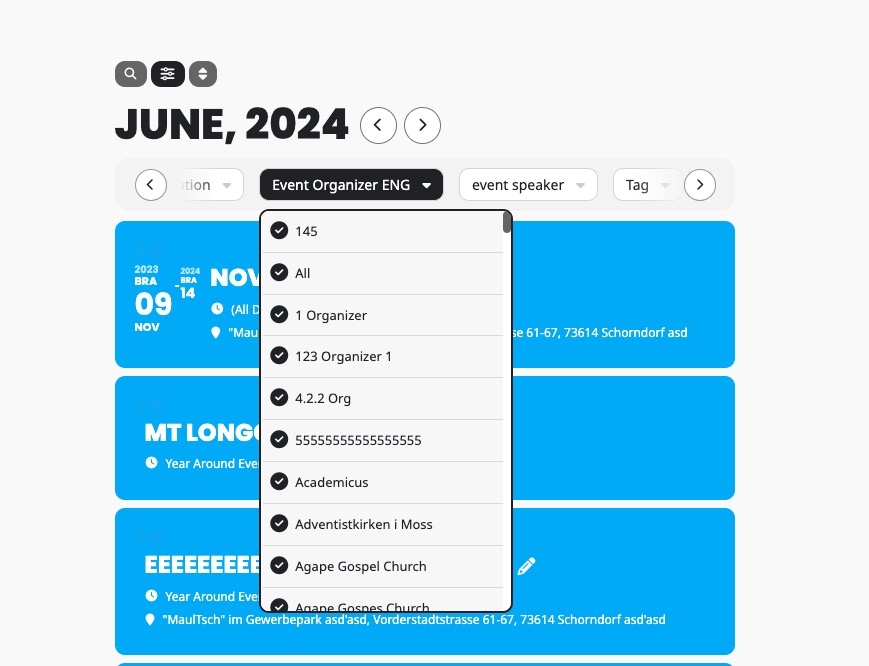
Hello,
Are you referring to adding events using Action User’s Submission Form or from the back-end?
Hello Lindsey,
Please take a look at this guide on how to add a checkbox field:
https://docs.myeventon.com/documentations/add-additional-fields-actionuser-event-submission-form/