Is your Checkout page made out of Gutenberg blocks or uses the default WooCommerce shortcode [woocommerce_checkout]:
https://fasteninfos.de/wp-admin/post.php?post=10818&action=elementor
Replies for tickets on suppota
Is your Checkout page made out of Gutenberg blocks or uses the default WooCommerce shortcode [woocommerce_checkout]:
https://fasteninfos.de/wp-admin/post.php?post=10818&action=elementor
Hello,
Which file are you referring to? EventON > Download all eventON events. > CSV FORMAT or Edit Event > Tickets > Download (CSV)?
Ashan,
The same on dev2:
https://dev2.myeventon.com/test-583/
Thank you for your messages, I am going to assign this ticket to Ashan and he will be able to take it from here and find you a solution. Please allow some time for him to get back to you, we greatly appreciate your patience and thank you for being a eventon customer! Also please disable any IP blocking on your site if there are any.
Hello,
Could you elaborate? It’s not possible to add tickets from Event Card when Action User add-on is enabled?
Are you sure that you are using the latest versions of Action User and Tickets add-ons?
Our records show on Nov 7th 2023, the billing agreements from Paypal cancelled. Once cancelled you can not download the addons any more.
What was done from your end on Nov 7th?
Any Updates I already updated QR Code add-on to 2.0.3. But still my checkin system is not working I can’t check in customers.
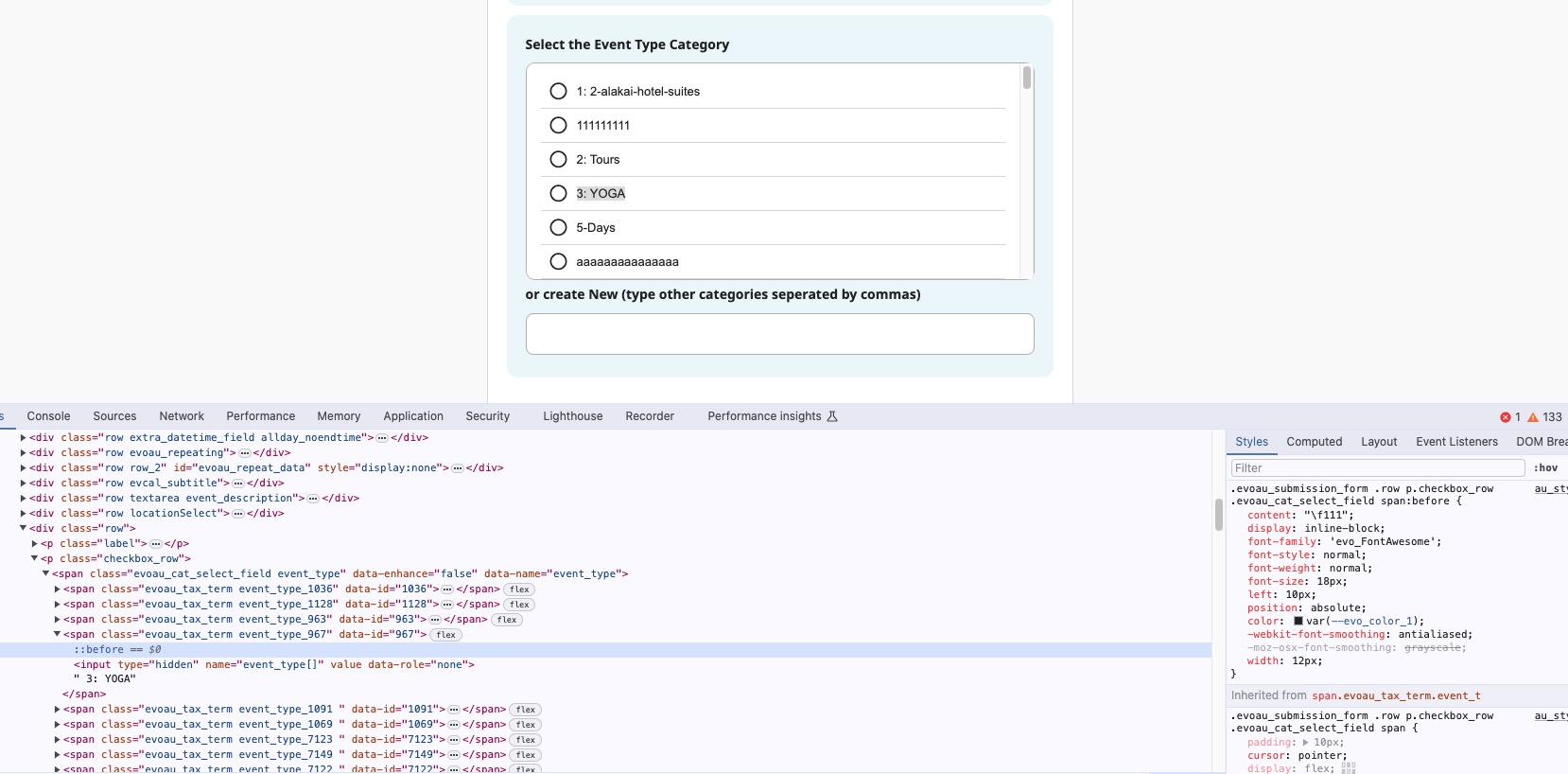
Hi thank you i have updated, but still unable to select on the https://guide2.co.uk/warwickshire/submit-an-event/ other sites are the same. test site also with same issue https://g2solution.co.uk/shropshire/submit-an-event/, many thanks
Hi Antony,
Please go to EventON > EventCard > try a different Feature image display style.
Let us know if this works for you.
Hi there
I have reverted eventon wp-query method to load all events and added to the shortcode to load the calendar without ajax
test now https://fundacioncajasol.com/ now it is fast loading however the month switching is still a little slow
an alternative to showing one month at a time is to show all months that have events using the events list shortcode
this page will show the next 12 months which seem to load faster, however theres no need to switch months
the other benefit to this approachis its better on mobile- theres no need to scroll back up to the top to switch- you simply keep scrolling to view more months
https://fundacioncajasol.com/daves-eventon-testing/