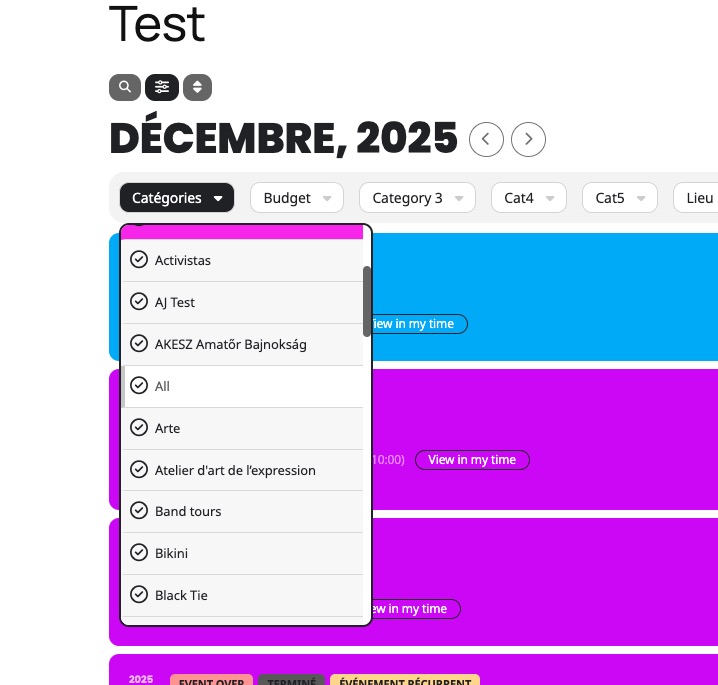
Yes, but that will not serve the purpose I need to maintain the booth shapes. if I change the section type to assined seating, I will not be able to keep the same map!
how can I show booth not available while keeping the same section type Single Space Booth??
Hello,
Yes, I have done it that way – updated 3/5 of the plugins with a new version available and then it was possible to auto-update EventOn itself.
The site is still not loading properly anywhere EventOn loads on a page so I have had to leave it deactivated or it breaks particularly the homepage.
Do you still need FTP access? Not sure how I add that securely here as there does not seem to be a way to add further secure detailed except to make the ticket private.
There seem to be no PHP errors around this now everything including site, plugins and theme are all updated, but the site still breaks when EventOn is activated.
Thanks, Leo
I included a screenshot of our event-top settings. I inspected the CSS to make sure I didn’t have anything removing the time.
It looks like eventon css has a display:none on the end time.
How can we get the homepage event preview start & end time to appear like it does on our schedule page?
Hello,
I created a staging site.
https://bettfedernfabrik.at/stage2212/wp-login.php
User: millionhopeCK
PW: gnFrtAKr2*6g@h1n
Thank you.
Can you try development@brandrs.nl or teodor@brandrs.nl
Ashan,
The same on dev2.
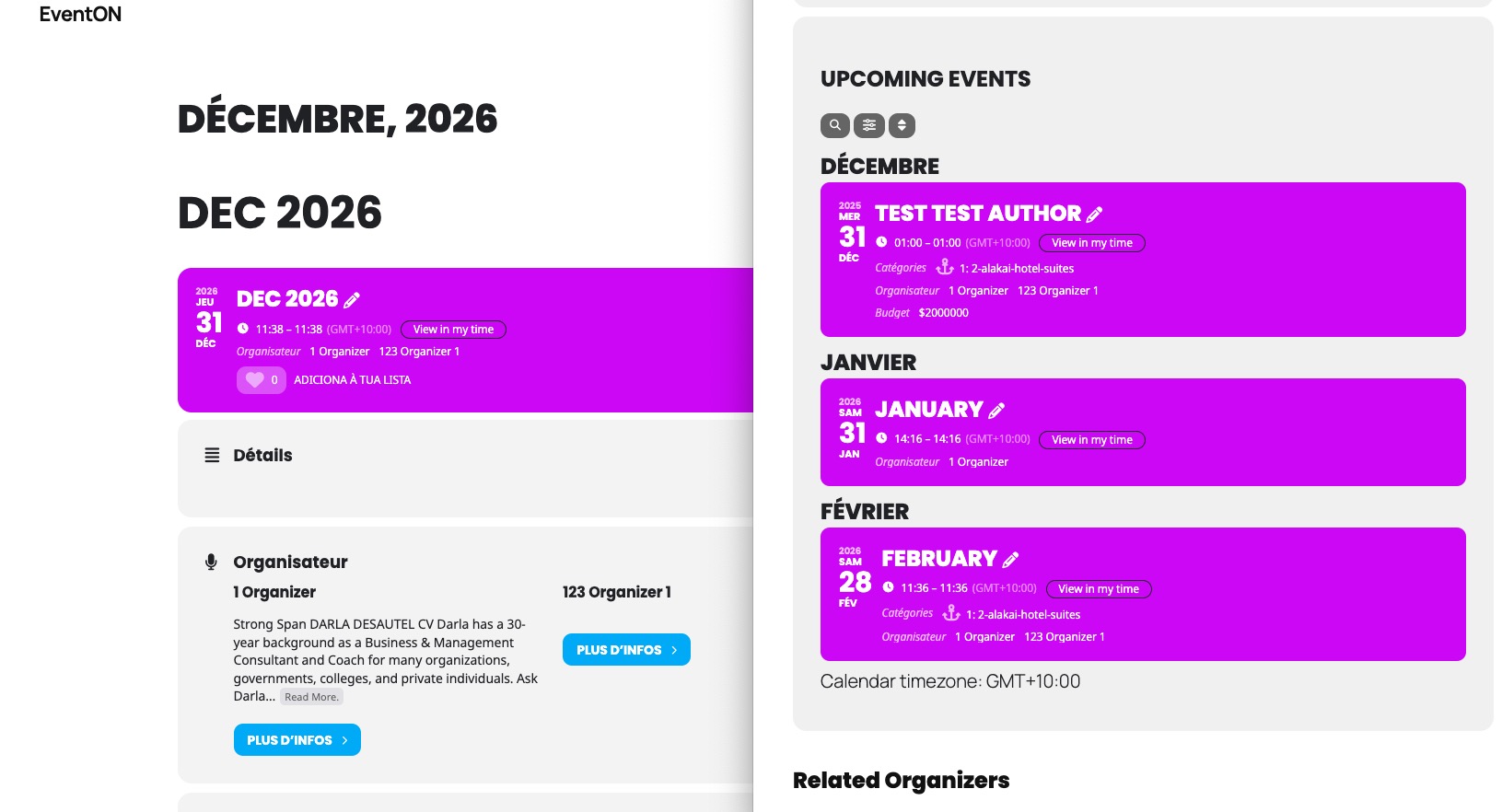
This event isn’t visible among events assigned to ”1 Organizer”:
https://dev2.myeventon.com/events/dec-2026/
https://dev2.myeventon.com/event-organizer/1-organizer/
Thank you for your messages!
I am going to escalate this ticket to development to help in here. Please allow us some time to address this, and we truly appreciate your patience. Thank you for being a valued EventON customer!
Additionally, if your site has any IP blocking or security restrictions in place, kindly disable them temporarily to facilitate our support process.
Can we check wp-admin? I want to try different event_counts on a test page with the shortcode provided to see why it behaves this way.
Ashan,
Reply to: 401190
The same on dev2:
https://dev2.myeventon.com/test-120/
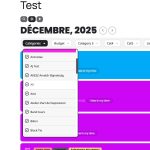
Thank you for letting us know! We are going to check this.