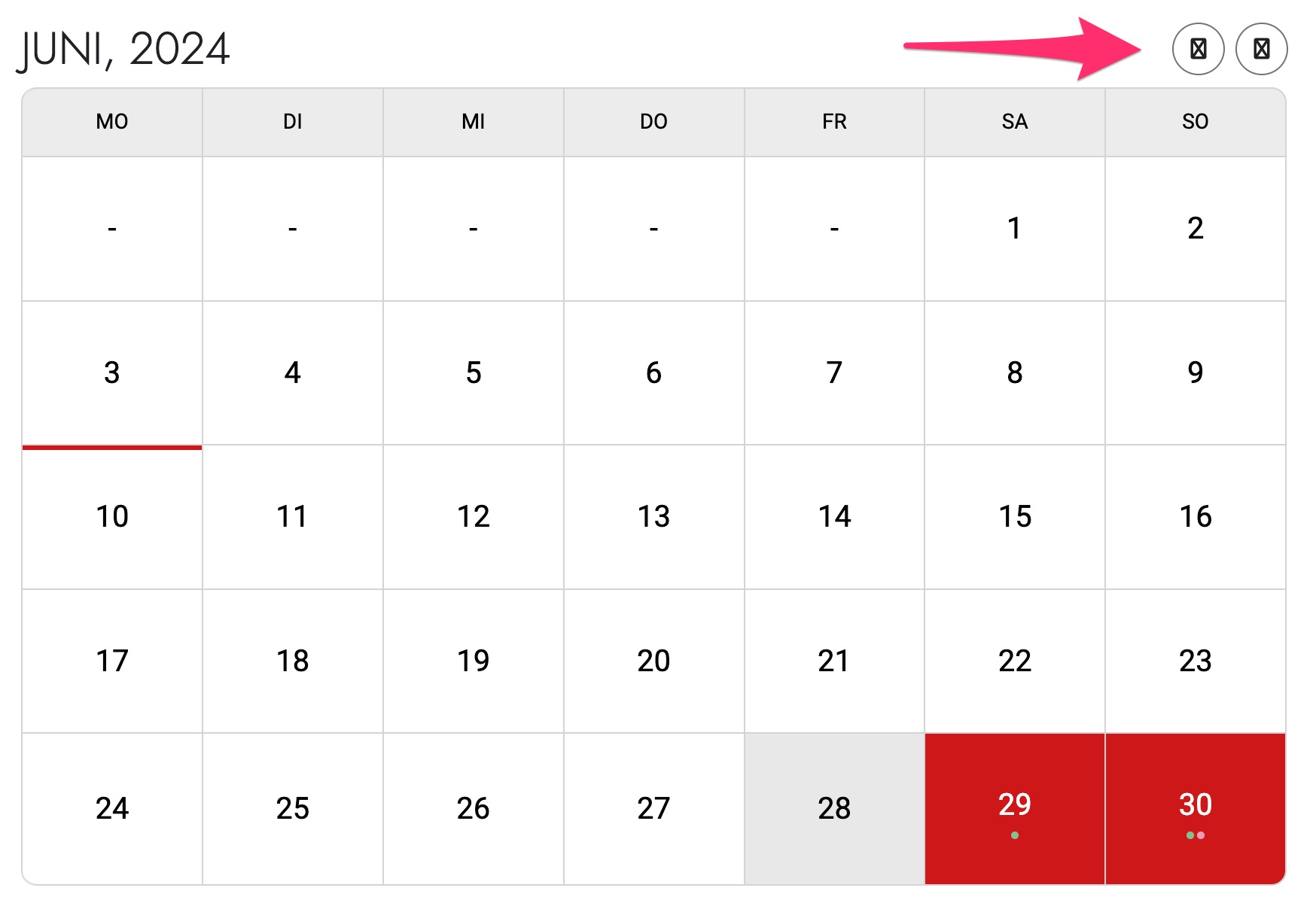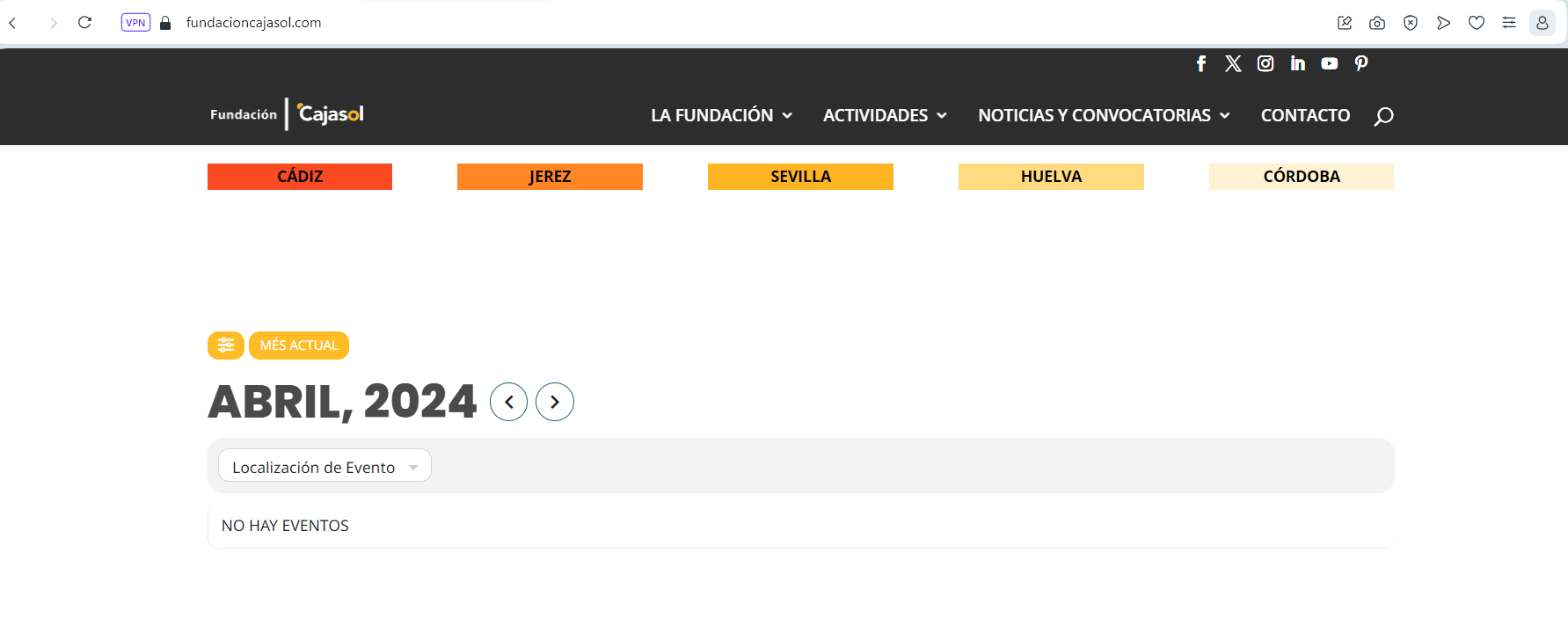
The change seems to have optimized the loading time to a reasonable value. But why have the events from April backwards disappeared? The configuration that tells us it has changed is to load events created only from 12 months ago, but there are events created for April, March, February, etc. of 2024 created in that range as you can see in the events section and these are not loading in the plugin (photo attached).
I was trying to view the pages from the dashboard, opening each page and then preview changes -> responsive mode -> mobile portrait. How are you seeing them?
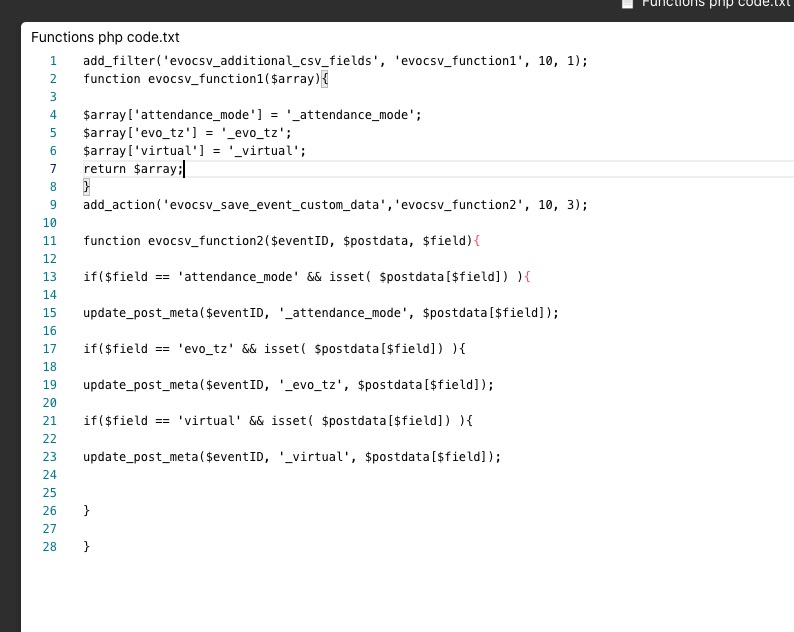
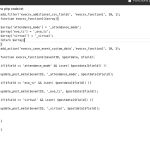
Please remove return $array; on line 5 and 7, then change the second function. Should look like this:
In the .csv file change headers to attendance_mode, evo_tz, virtual.
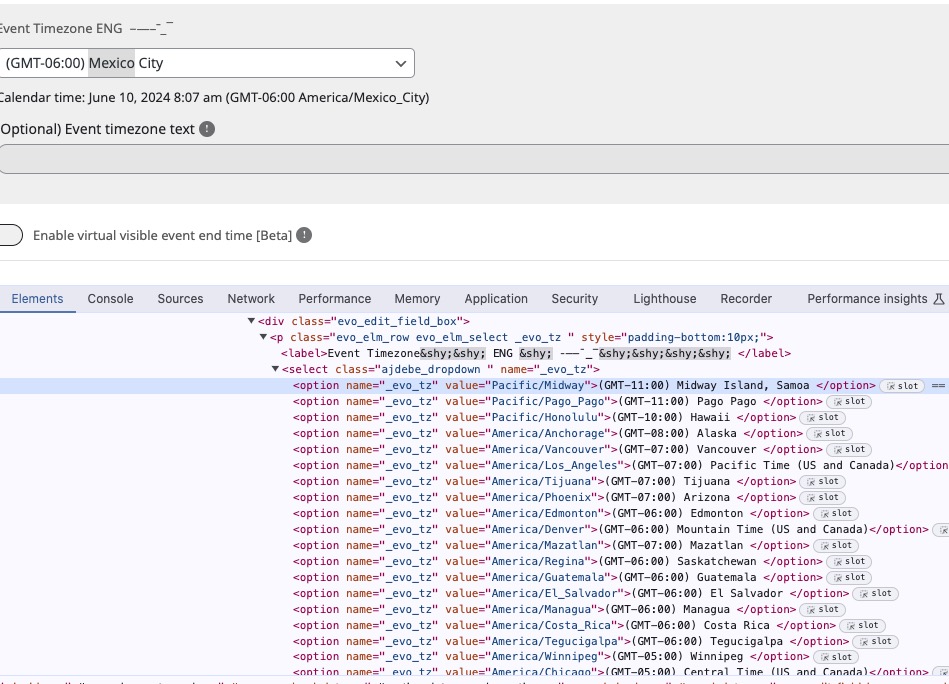
3. You can find values in Edit Event using Right Click > Inspect Element:
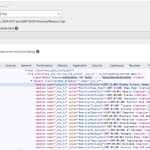
5. 1 is “Slide Down Event Card”, 2 is “External Link” and so on.
Ashan,
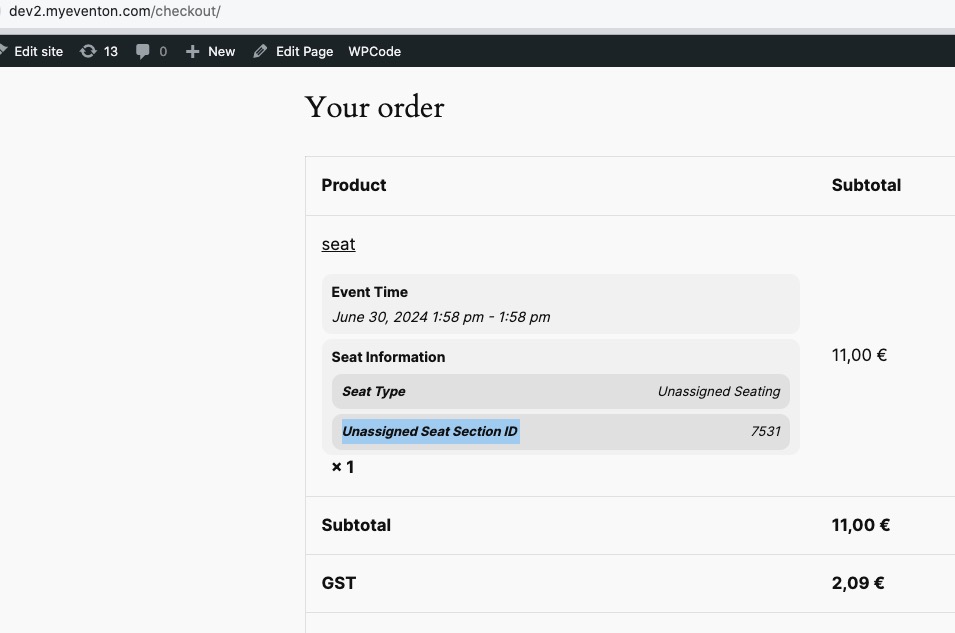
The same on dev2:
https://dev2.myeventon.com/events/seat-5/
Hello,
Thank you for your messages, I am going to assign this ticket to Ashan and he will be able to take it from here and find you a solution. Please allow some time for him to get back to you, we greatly appreciate your patience and thank you for being a eventon customer! Also please disable any IP blocking on your site if there are any.
Event Lists: Ext with Tile Design enabled:
https://totnmallorca.com/test/
…but with the months as a slider filter at the top rather than showing all of the months…
Could you send us a screenshot of this? Where did you see this?
Hello,
Please go to EventON > EventCard > try a different Feature image display style.
strange, that did not work…
Hello,
Please follow this guide:
https://docs.myeventon.com/documentations/increasing-wordpress-memory-limit/
From the error it tries to allocate ~540MB of memory.