Hello,
Thank you for your messages, I am going to assign this ticket to Ashan and he will be able to take it from here and find you a solution. Please allow some time for him to get back to you, we greatly appreciate your patience and thank you for being a eventon customer!
Hello,
We unable to refund from here. Please contact CodeCanyon.
in myeventon>>>>settings>>>>event card
open up the card builder pop up and simply click “save” then close down the pop up builder and save the event card page should get your events working if that fails
Please send us wp-admin access to your site as a private message for us to further assist your situation.
your plugins are out of date
please update eventon to 4.6.5
To update eventon to latest version: If you are unable to do autoupdate, you can go to codecanyon your account > download and get the latest eventon version as zip file. Then you can go to your website > make sure “Delete eventon settings & data when EventON is uninstalled” is Deslected from eventon settings, delete old eventon, install new one and activate. This link will further explain the process it. Also you can follow us on twitter to get real-time announcements on updates!
and daily view to 2.1.9
To update eventon addons: You can download latest eventon addons from myeventon > my account. Then you can go to your website, deactivate old addon and install new one and activate then delete the old addon. This link will further explain the process. Also you can follow us on twitter to get real-time announcements on updates!
you are using a very very old version of eventon
see video
as you can see in the video I activated the do not delete toggle and so you’ll want to
1: create a backup if possible as its a dramatic update
2:deactivate eventon and delete it
3: upload the latest version and activate it
It’s working fine with me. Can you try refreshing it. I checked with another device as well. Can please try to log in again.
in myeventon>>>>settings>>>>time settings
the last toggle is : Hide blinking “Live Now” icon from event top for current events
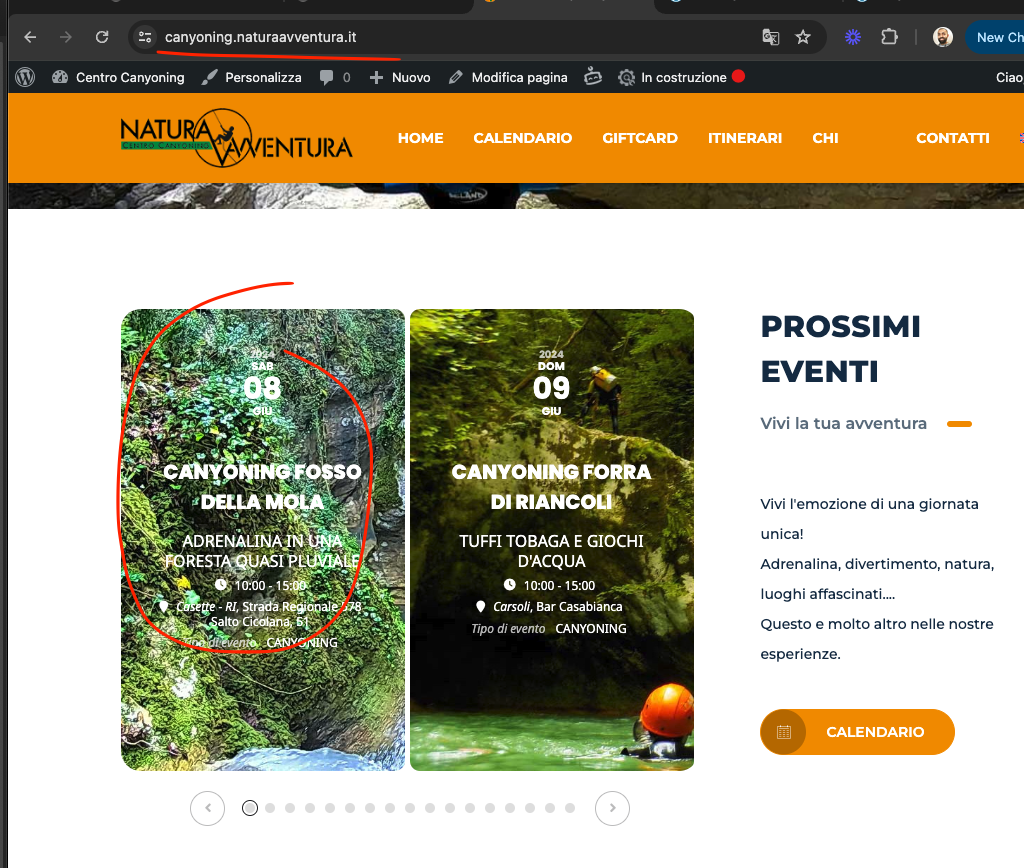
Ok Mauro, as a temporary measure I changed slider_loop=’yes’ and that seems to resolve the issue. We will work on finding a proper solution for the next update to slider addon 🙂
Mauro my apologies, we have been slammed with development work to add compatibility for Woocommerce HPOS system in the past few weeks. Looking at your issue now.
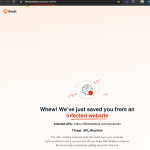
Hmm interesting now your website is being flagged for me as infected.