Hello, thank you for your help. I implemented the code you gave me. It still shows only the month of June. I would like to show the whole list of the calendar. Would be glad if you could help. Best regards, Josephine
Archives: Replies
Replies for tickets on suppota
Reply to: tickets(355717)
Hello,
Please follow the below tutorial to improve your calendar performance.
https://docs.myeventon.com/documentations/why-my-site-and-eventon-page-loading-slow/
Let us know if this helps
Reply to: tickets(355697)
Hello,
I went to EventON > EventCard > opened Designer and saved. Event Details are visible now. Please check and let me know.
Reply to: tickets(355667)
Hello,
This is well noted.
We will keep you updated on the progress
Reply to: tickets(355697)
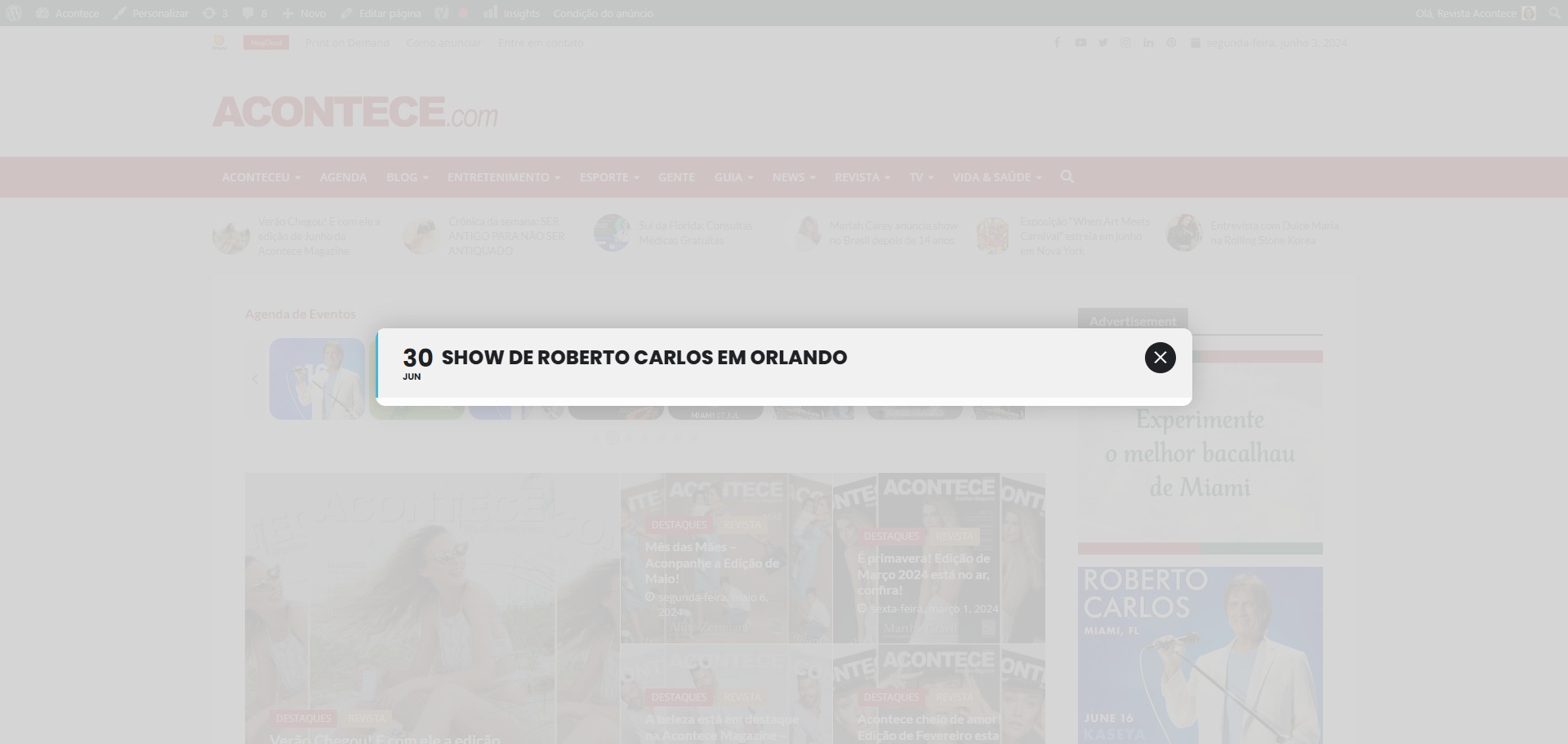
It that option selected it only shows the title of the event.
Reply to: tickets(355667)
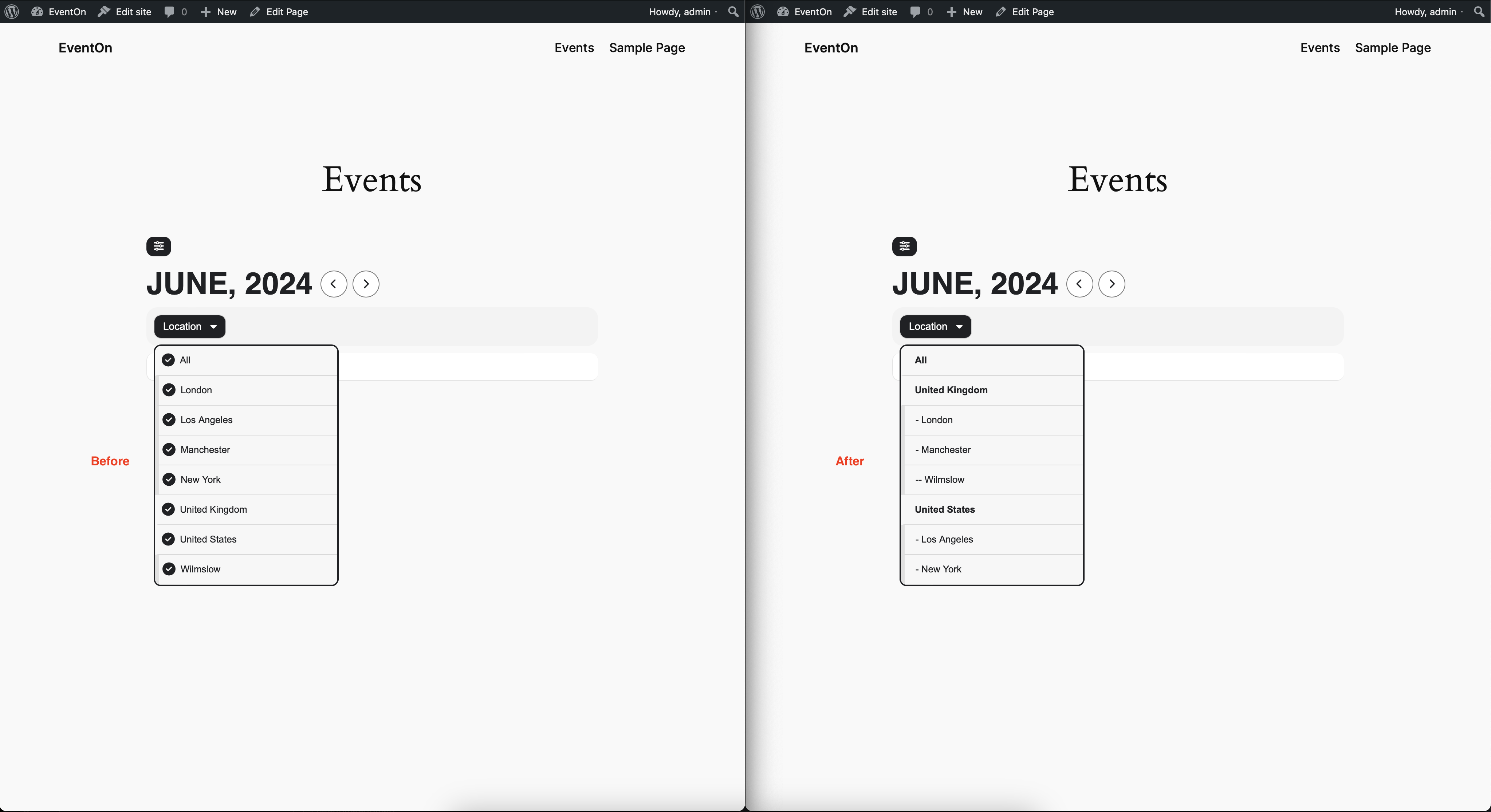
Hey Kenneth,
I have posted this here: https://helpdesk.ashanjay.com/ticket/add-a-hook-to-filter-taxonomy-terms/ as per your request, can you please elevate this and help me have this included in the next update ?
It’s a simple copy/paste of 3 lines of code, I’ve added the new hook in such a way to be sure it doesn’t affect anything else.
Also I’m attaching a picture with the issue I’ve solved using this new hook that I’m requesting.
Thank you!
Reply to: tickets(355697)
Please try Feature image display style: Fit entire image, resized box height.
Reply to: tickets(355697)
Please go to EventON > EventCard > try a different Feature image display style.
Reply to: tickets(353440)
We are glad your issue is resolved, if you have any further questions or concerns please create a new ticket.
Reply to: tickets(351647)
It seems that the previous code is still in use. Could you make sure that the last line of code is added?