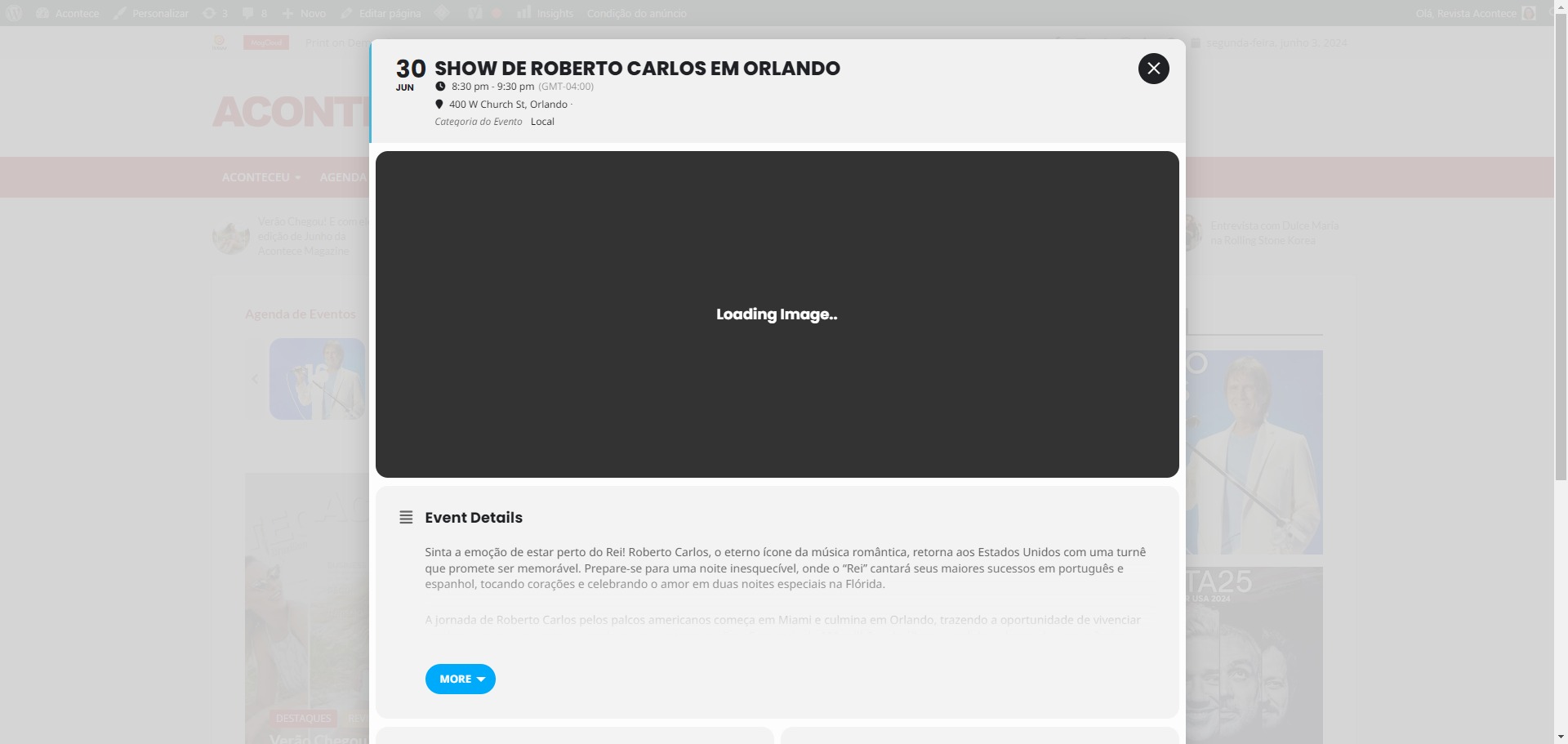
here´s a printscreen
Replies for tickets on suppota
here´s a printscreen
Thank you for your messages, I am going to assign this ticket to Ashan and he will be able to take it from here and find you a solution. Please allow some time for him to get back to you, we greatly appreciate your patience and thank you for being a eventon customer! Also please disable any IP blocking on your site if there are any.
Ashan,
https://dev2.myeventon.com/events/book-10/
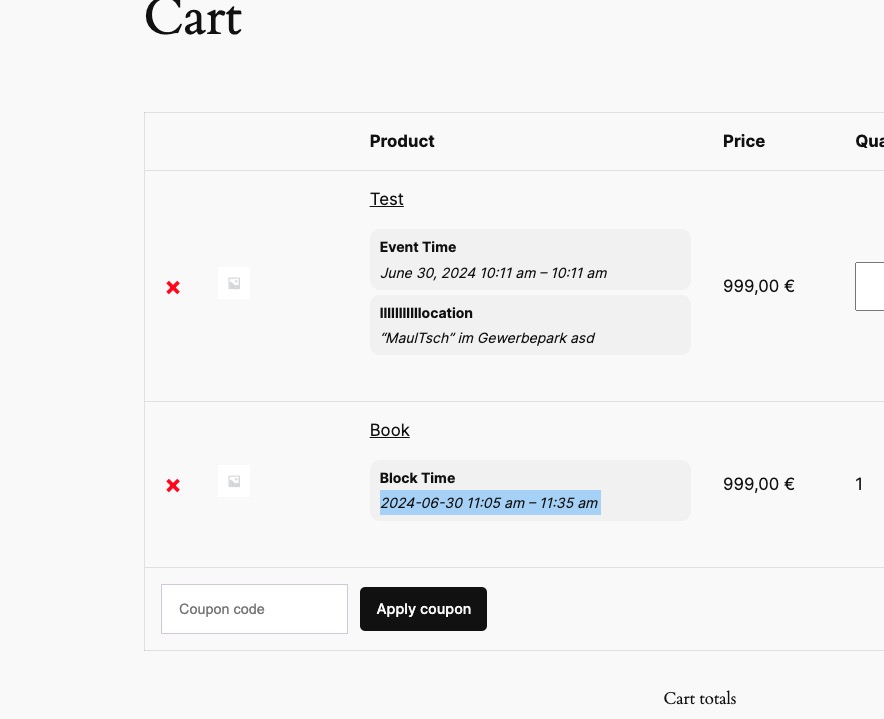
Regular tickets use server’s time format, while booking blocks don’t:
Ashan,
This error appears:
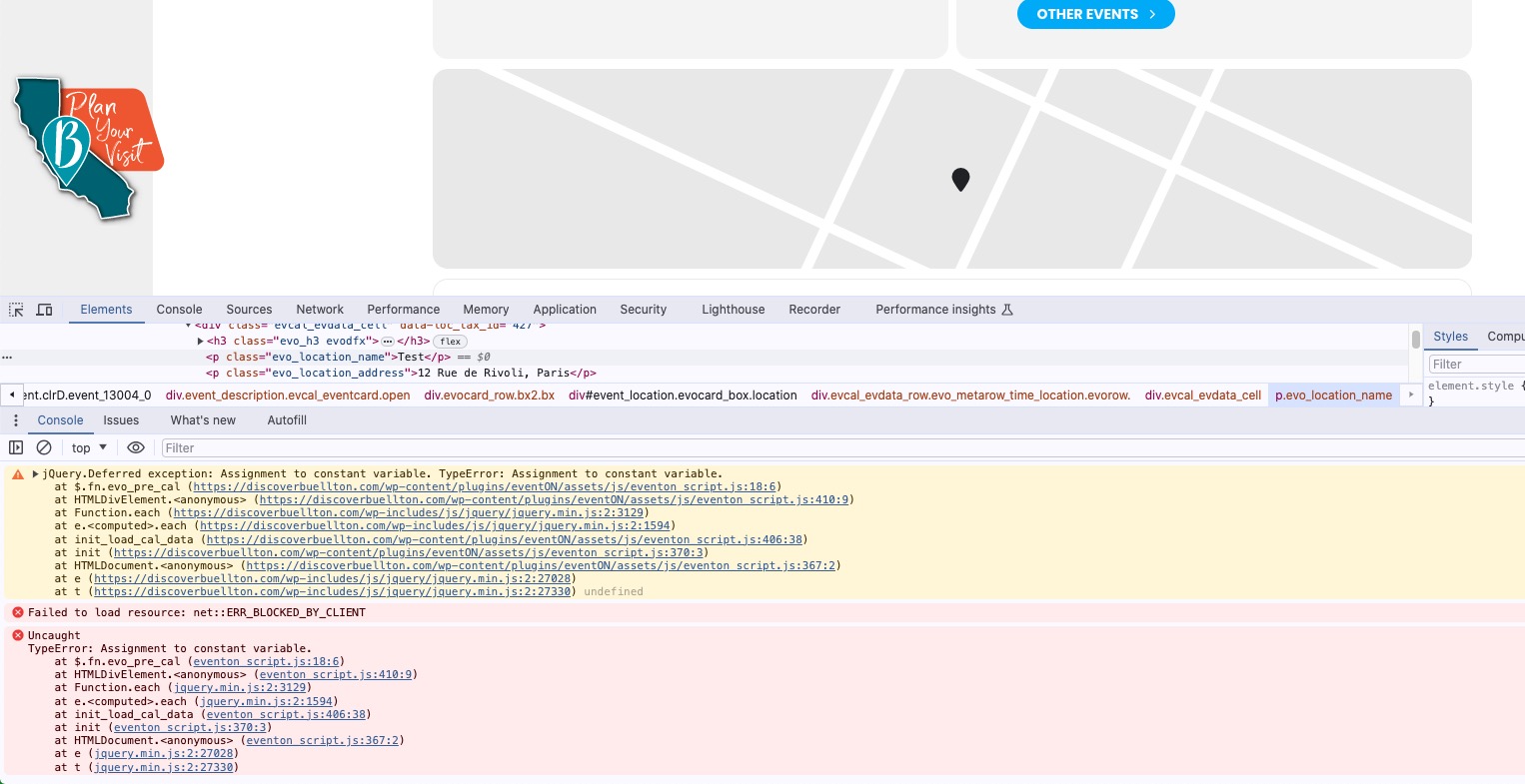
Customer enabled “Disable Google Maps API: Google maps javascript file only (If the API js file is already loaded with another gmaps program)”, but the same error when I disabled it.
I also tried the default location “12 Rue de Rivoli, Paris”, but still the same error.
Thank you for your messages, I am going to assign this ticket to Ashan and he will be able to take it from here and find you a solution. Please allow some time for him to get back to you, we greatly appreciate your patience and thank you for being a eventon customer! Also please disable any IP blocking on your site if there are any.
Ashan,
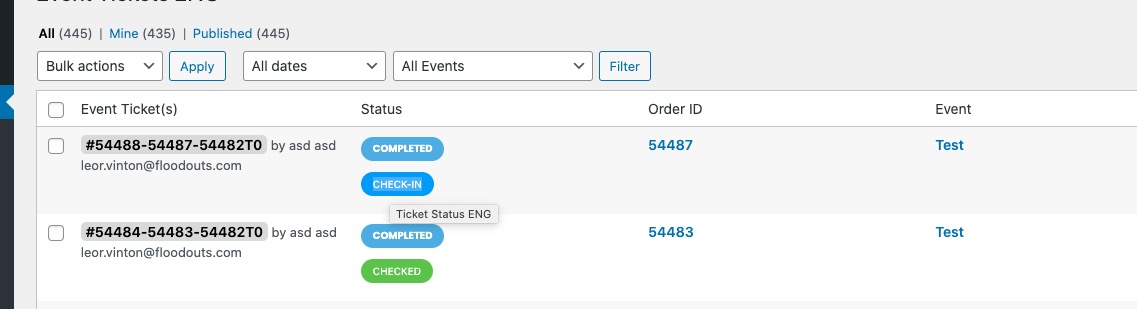
Check-in doesn’t work:
https://dev2.myeventon.com/wp-admin/edit.php?post_type=evo-tix
Ok, looks good now. Thank you!
Could you go to Edit Event Ticket and only then Check-In: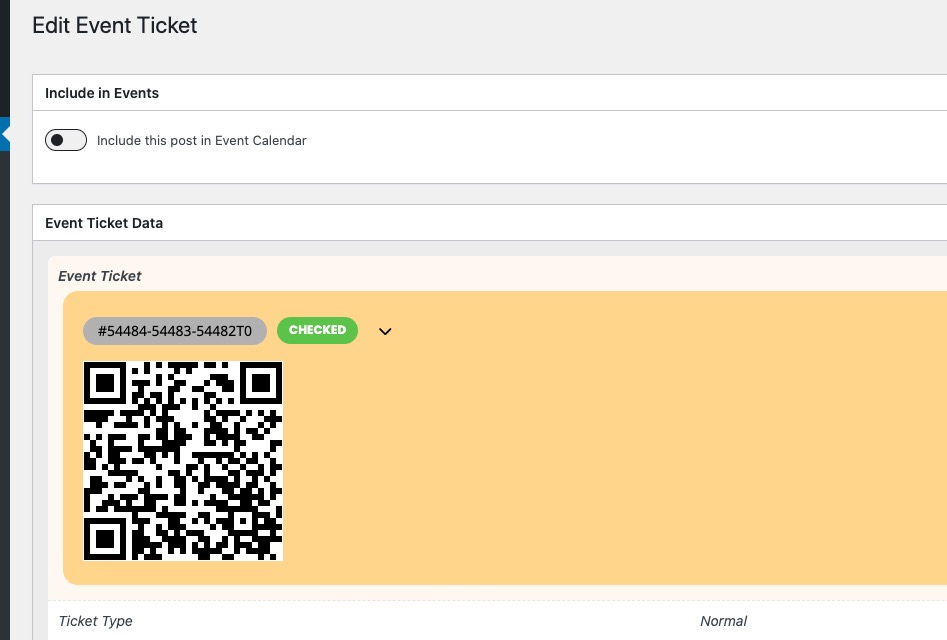
We are going to fix the issue with wp-admin > All Event Tickets > Check-In.
Hi there lets answer these questions
1: YOu can’t unless you had some admin css tweaker than allowed you to hide them from the backend admin menu
see video below for all answers
something like this https://wordpress.org/plugins/admin-css-mu/ should allow you to hide things in the wp-admin probably useful for other plugins you have for example you can increase the size of text on certain plugins for those who have bad eye site etc
theres also a number of plugins that allow controlled access which is more than simply css hiding where the website owner is not an admin they are another user role which have access only to certain things. the developer is the admin but the owner is some other user role. those plugins tend to control the entire plugin and not pieces of each plugin (all of the plugin hidden or none of it hidden) so you could hide eventon settings but not individual pieces of eventon where as the css hidding allows you to fine tune what is hidden and what isn’t within an individual plugin
yes thats controlled inmyeventon>>>>settings>>>>event top
I have done it for you