see video below
Archives: Replies
Replies for tickets on suppota
Reply to: tickets(355646)
see video below
I have not done it as I don’t wish to change someones website- but you can set it to stop selling at the end of the event
Reply to: tickets(355642)
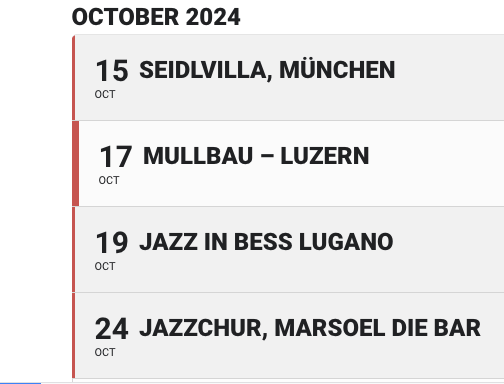
Here is another picture, with the border in red
Many thanks for your help
Best regards Roger
Reply to: tickets(355628)
Thank you very much! Appreciate your help.
Reply to: tickets(355637)
Sorry – having now installed the Pro version I’ve solved several of these 🙂
I have solved 2, 3 and 4 above but would still appreciate answers to 1 and 5 (I appreciate you’re not working today – just thought this would save you answering questions I’ve already found answers to!)
However I have found a couple more questions – sorry!
6. How can I make the Find out more/booking link look like a button (like the ‘Learn More’ about the organiser and ‘Other Events’ buttons)?
7. I have set custom text to appear when there are no events in a given month, but how can I make this appear in sentence case (i.e. not all capitals)?
8. How can I get all the body text within an event card show the same size? Event Description is currently really small.
Thank you!
Reply to: tickets(354886)
thank you that worked, will it be in next update?
Reply to: tickets(352653)
hi from my account i have downloaded version 1.2 which is what i have already installed where may i get the new version please
Reply to: tickets(355411)
That did the trick for showing the events again. Now I can’t see the popups for the shortcode generator, popup for new locations, popup of the list of locations, etc What could there be going on?
Cheers
Marco
Reply to: tickets(355489)
You have eventon, Simple calendar and the events calendar running which is bound to cause an issue- there are possibilities that slugs and css are using same ID’s
I added an event to eventon and it seems to be loading https://www.fortpointarts.org/events-calendar/
see video
Reply to: tickets(355628)
the issue is caused by the total cache minify of JS and css
see video below
so you’ll have to add that calendar page to the field explained in the video above – I am no expert in total cache so you’ll have to see their documentation on how to add a page to that (be that the URL or path or whatever)